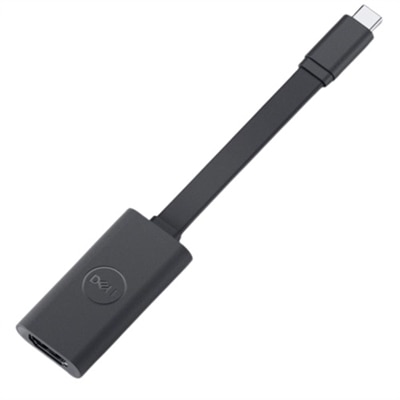
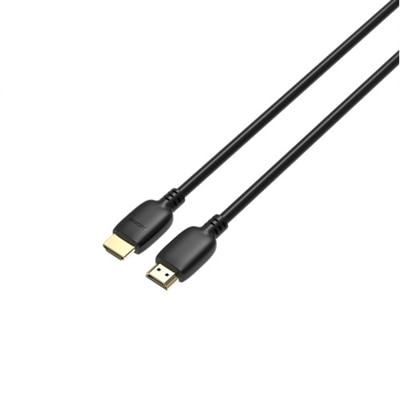
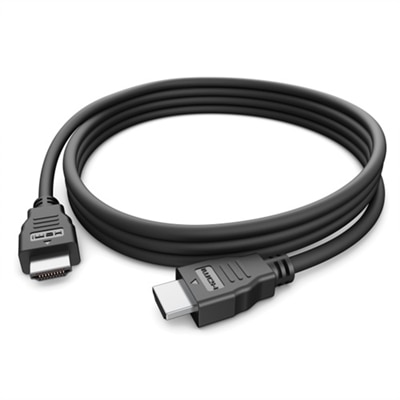
4K Cables
Elevate your entertainment and productivity setups with our premium selection of 4K cables. Designed to deliver stunning visual clarity and superior audio performance, these cables are essential for connecting your devices to 4K monitors, TVs, gaming consoles, and more. Whether you're a gamer seeking the ultimate immersive experience, a professional needing crisp display quality, or a movie enthusiast wanting to enjoy films in breathtaking detail, our range of 4K cables ensures that you get the most out of your high-definition equipment. Explore our collection to find the perfect cable that meets your needs and enhances your viewing experience.
This product is not available
Check out the following recommendations.
Related Products

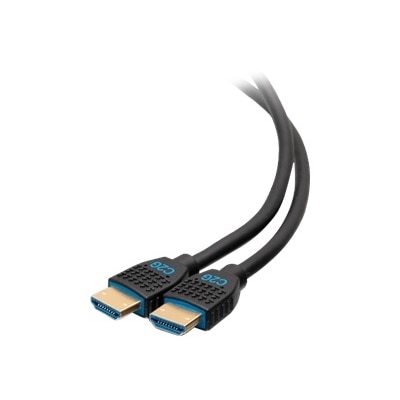

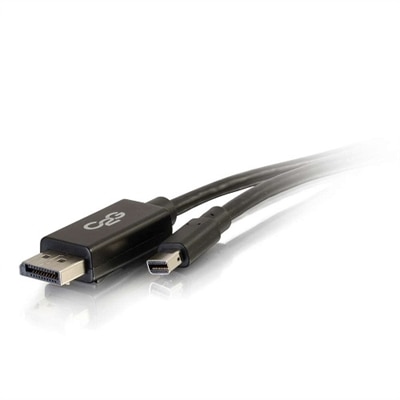
4K Cables
4K cables are designed to carry high-resolution video and audio between compatible devices, helping create a clean connection for a television, monitor, laptop, desktop, streaming device, game console, or home theater component. The term “4K cable” most often refers to a High-Speed HDMI cable capable of handling up to 18Gbps of bandwidth. This level of performance supports 3840 × 2160 resolution at up to 60Hz, along with common HDR formats such as HDR10 and multichannel audio through Audio Return Channel (ARC). For many living rooms, bedrooms, offices, and entertainment spaces, that combination is enough for smooth 4K movies, streaming programs, photo viewing, presentations, and everyday computer use. A cable can make a noticeable difference in convenience even when it does not change the image quality by itself. A properly matched connection helps a 4K display receive the signal it was designed to show, while a suitable length keeps a setup neat without leaving a long loop of excess cable behind the furniture. Consider the devices at both ends before choosing one: an HDMI connection from a laptop or desktop to a monitor may call for a shorter cable, while a display mounted across the room may require additional reach. Check the ports on each device, since HDMI connectors can look similar while the supported features vary by model. It is also useful to confirm whether the display and source device support HDR, ARC, or other features you plan to use. A cable cannot add a feature that the connected equipment does not support, but it should be able to carry the signal without limiting the capabilities of compatible components.
For high-frame-rate gaming and other demanding applications, look for an Ultra High-Speed HDMI cable rated for up to 48Gbps. This specification is intended for 4K resolution at up to 120Hz and can support advanced features such as variable refresh rate (VRR), enhanced Audio Return Channel (eARC), and other HDMI 2.1 capabilities when the connected equipment supports them. The higher refresh rate can make quick movement appear more fluid, which is especially useful for fast-paced games, sports, and action scenes. VRR can help coordinate the display’s refresh rate with the source, reducing distracting tearing or uneven motion in supported setups. eARC provides a higher-bandwidth path for sending advanced audio formats from a compatible television to a soundbar or receiver. For a straightforward 4K movie setup, a tested 18Gbps cable may be sufficient; for a newer gaming display, next-generation console, or PC with a high-refresh-rate 4K monitor, a certified 48Gbps cable offers more headroom. Certification markings and clear bandwidth information are valuable because cable appearance alone does not indicate performance. Braided coverings, reinforced connectors, and flexible jackets may improve handling and durability, but the most important considerations remain the required bandwidth, connector type, length, and compatibility with the connected equipment. A short cable is often preferable when the devices sit side by side, while longer runs may benefit from careful routing and a construction designed to maintain signal integrity. Avoid sharply folding any cable, pulling it by the connector, or pinching it beneath heavy furniture. For a gaming desk, connecting a desktop or laptop to a 4K monitor with the right cable can help keep the workspace ready for both work and entertainment. In a family room, the same attention to cable selection can make it easier to move between streaming, gaming, and television viewing without repeatedly rearranging the setup. Shoppers comparing high-refresh-rate options can also explore 4K 120Hz HDMI Cables for connections built around compatible 4K 120Hz equipment.
Installation plans deserve a little extra attention, particularly when a cable will run behind a wall, through a media cabinet, or along a longer path around a room. In-wall-rated cables may carry CL2 or CL3 safety markings, indicating that their jacket materials are intended for specified building-installation conditions. Local electrical codes and building requirements can differ, so verify the applicable rules and follow the guidance of a qualified installer before routing anything inside a wall. For an exposed connection, a standard flexible cable is often simpler to position and replace. Measure the route from port to port rather than estimating from the room’s diagonal, and allow enough length for gentle bends, ventilation, and occasional access to the device. Cable management clips, sleeves, and channels can reduce clutter around a monitor or entertainment console, especially as the weather warms and indoor spaces transition between work, gaming, and movie nights, or during the cooler months when more time is spent indoors. A 4K cable can also be a practical gift for someone assembling a new office, refreshing a gaming corner, or connecting a laptop to a larger monitor for school or creative projects. Before giving one, check the recipient’s equipment and the distance between the ports; a thoughtful match is more useful than a cable chosen only for its appearance. Whether the goal is a tidy desk, a living-room viewing setup, or a high-performance gaming station, choosing the required HDMI specification and an appropriate length helps create a dependable connection that stays useful as compatible displays and devices evolve.
FAQs:
When selecting a 4K HDMI cable, check for 'Premium High Speed' or 'Ultra High Speed' certification labels. For most streaming and movie watching, a Premium High Speed cable (supporting 18 Gbps and 4K at 60Hz) is sufficient. For gaming on next-gen consoles or PCs, look for an Ultra High Speed 2.1 HDMI cable, which supports 48 Gbps bandwidth, 4K at 120Hz, and features like variable refresh rate and enhanced audio return channel.
While some standard HDMI cables may work with a 4K TV, they might not support the full range of 4K features, such as higher refresh rates or HDR. For optimal performance and to ensure compatibility with all 4K content, it's best to use a cable specifically rated as 'Premium High Speed' or higher.
Anyone with a 4K TV, monitor, or projector will benefit from using 4K cables, especially if they stream high-definition content, play video games, or use devices that support HDR and advanced audio. Gamers, movie enthusiasts, and professionals working with detailed visuals will notice the biggest improvements in clarity and responsiveness.
Yes, 4K HDMI cables are backward compatible, meaning they can be used with older HDMI devices. They will automatically adjust to the maximum supported resolution and features of the connected hardware, making them a versatile choice for mixed setups.
Yes, HDMI 2.0 cables (Premium High Speed) support 4K at 60Hz and basic HDR, while HDMI 2.1 (Ultra High Speed) cables support 4K at 120Hz, higher bandwidth (48 Gbps), and additional features like dynamic HDR, eARC, and variable refresh rate. For gaming or demanding home theater setups, HDMI 2.1 cables offer greater future-proofing and performance.