$10.99
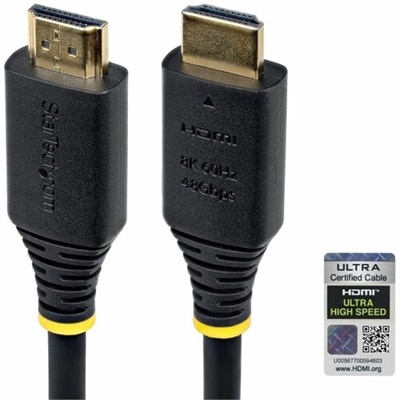
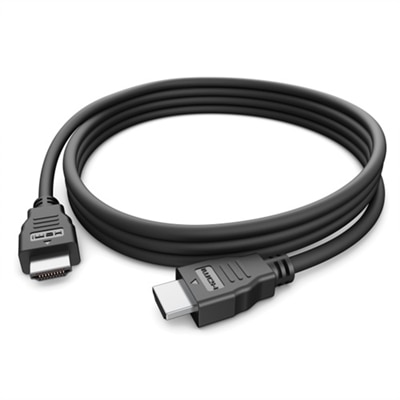
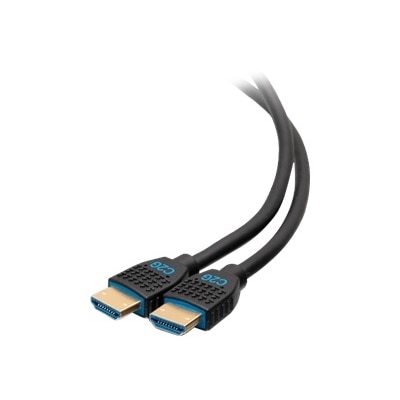
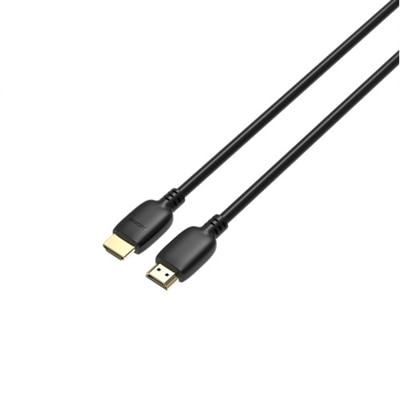
A high-speed HDMI 2.1 cable supporting 4K at 120Hz for superior video and audio clarity.
Experience seamless connectivity and exceptional visual clarity with 4k 120hz HDMI cables, designed to support high-resolution displays and smooth refresh rates for your entertainment and gaming needs. Whether you're setting up a home theater, enhancing your gaming setup, or connecting multiple devices, these cables provide the reliable performance necessary for crystal-clear images and fluid motion. Explore a range of 4k 120hz HDMI cables to find the ideal solution for delivering outstanding audio and video quality across your devices.
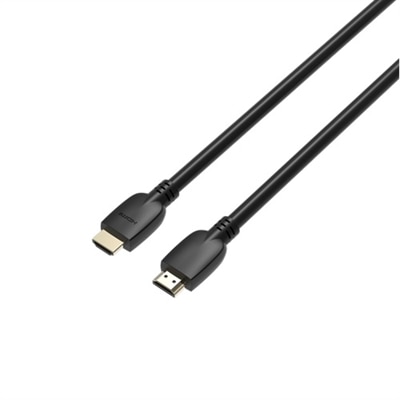
A high-speed HDMI 2.1 cable supporting 4K at 120Hz for superior video and audio clarity.
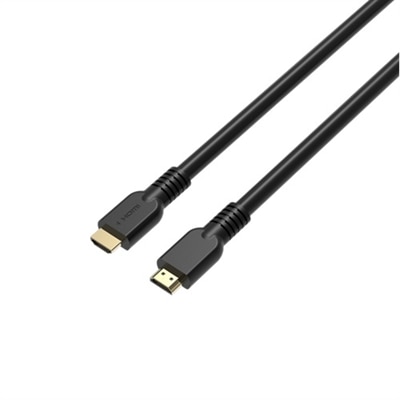
A high-speed HDMI 2.1 cable supporting 4K at 120Hz for superior video and audio clarity.
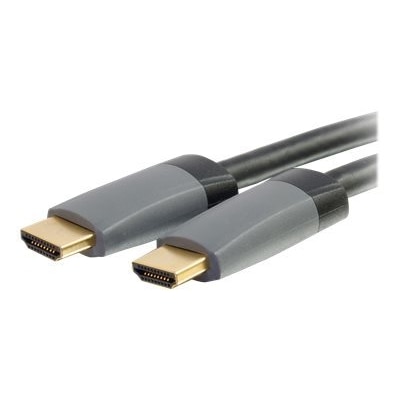
An ultra high speed HDMI 2.1 cable in black with gold-plated connectors, HDR10+ and Dolby Vision support.
A high-speed 15 ft HDMI 2.1 cable supporting 4K at 120Hz for superior video and audio clarity.
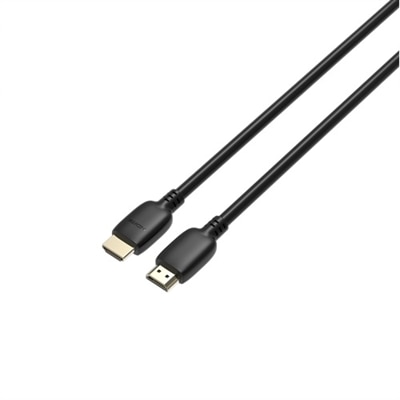
A high-speed HDMI 2.1 cable supporting 4K at 120Hz for superior video and audio clarity.
A high-speed HDMI 2.1 cable supporting 4K at 120Hz for superior video and audio clarity.
A 12ft black HDMI cable with Ethernet, ideal for in-wall high-speed multimedia connections.
4K 120Hz HDMI cables are designed for setups that need to move a large amount of video and audio data between compatible devices. A 4K display has four times the resolution of 1080p, and a 120Hz refresh rate can show twice as many frames per second as a 60Hz connection, making bandwidth an important consideration. For reliable 4K at 120Hz, look for a cable built to support the HDMI 2.1 specification and up to 48Gbps of bandwidth. The official Ultra High Speed HDMI Certification label on the packaging is a useful way to confirm that a cable has passed testing for the performance associated with this class of connection. Certification can be especially valuable when a cable will carry high-frame-rate gaming, detailed PC graphics or other demanding video signals, since a cable that appears similar on the outside may not offer the same capacity. These cables are commonly used between a compatible 4K television or monitor and a current-generation gaming console, gaming desktop, laptop with the appropriate output, streaming device or other high-performance source. They can also connect a display to a soundbar or audio receiver when the equipment supports eARC, allowing compatible high-bitrate surround formats to travel through the setup. A cable cannot add features that a source or display does not support, so check the specifications for every device in the signal path. The television or monitor, graphics hardware, console, sound system and cable all need to work together for the intended resolution, refresh rate and audio capabilities. HDMI connections are backward compatible in many everyday situations, which means a newer cable can often be used with older equipment, although the final performance will be limited by the oldest or least capable component. If a setup only requires Full HD at standard refresh rates, 1080p HDMI Cables may be a more appropriate category to explore.
When choosing among 4K 120Hz HDMI cables, start with the distance between the devices and select a length that reaches comfortably without leaving a large coil behind the display. A short cable can help keep a desk or entertainment console tidy, while a longer cable may be useful when a computer sits across a room from a wall-mounted display or when components are arranged inside a media cabinet. Avoid choosing an unnecessarily long cable simply to have extra slack, because excess length can make cable management more difficult and place additional weight or strain on connectors. Measure the route around furniture, along a wall or through a cable-management channel, and leave enough room to move equipment for cleaning or maintenance. The shape of the connectors and the flexibility of the jacket matter as well. A cable with a flexible outer covering can be easier to guide behind a monitor, while reinforced connector housings may be helpful in a frequently adjusted gaming area. Make sure the ports are easy to access and that the cable will not be sharply bent immediately behind a television or desktop. For gaming, specifications such as Variable Refresh Rate, or VRR, and Auto Low Latency Mode, or ALLM, can help a compatible display and source coordinate refresh timing and game-focused settings. VRR is intended to reduce visible tearing or stuttering when frame rates change, while ALLM can allow a display to switch automatically into a lower-latency mode. These functions depend on the connected devices and their settings, not just the cable, but a properly rated 48Gbps connection helps preserve the bandwidth needed for demanding signals. For home theater use, eARC support can be important when a compatible television sends high-quality audio to a soundbar or receiver. Check whether the devices use eARC and whether the desired audio formats are supported before making a selection. When a cable includes the Ultra High Speed HDMI label, look for certification details or a verification code where provided, and purchase from a dependable retailer to reduce the chance of receiving a cable with unclear specifications.
A 4K 120Hz HDMI cable can be a practical addition for anyone building a responsive gaming setup, improving a home theater connection or upgrading the space around a high-resolution monitor. It may suit a player who wants smoother motion in fast racing games, sports titles and action scenes, especially when the console or PC and display are both capable of 120Hz output. It can also be useful for someone connecting a laptop or desktop to a large display for creative work, presentations or entertainment, provided the computer has the necessary HDMI output and graphics support. As a gift, this type of cable is most useful when the recipient is already assembling or refreshing a compatible setup; a new console, monitor, television or soundbar can create an immediate need for a cable that matches its capabilities. A thoughtful choice starts with the recipient’s equipment, the required length and the available ports rather than appearance alone. Before connecting everything, turn off devices if recommended by their manufacturers, route the cable without pinching it, and select the highest supported resolution and refresh rate in the display or system settings. If 120Hz is not available after connection, check the display input settings, console or computer output settings, graphics driver, and whether the selected HDMI port supports the desired feature. Some displays offer their most advanced performance through only one or two designated ports. A clear picture at 4K does not by itself confirm that the connection is operating at 120Hz, so use the device’s information panel or settings screen to verify the active signal. During the warmer and cooler parts of the year alike, a well-planned cable can keep a living room entertainment area, home office or gaming desk looking orderly, with fewer loose wires gathered around the display. Choosing the right length, full-bandwidth capability and certified construction helps create a dependable connection for high-resolution video, smooth motion and compatible audio without adding unnecessary complexity to the setup.
Add the products you would like to compare, and quickly determine which is best for your needs.