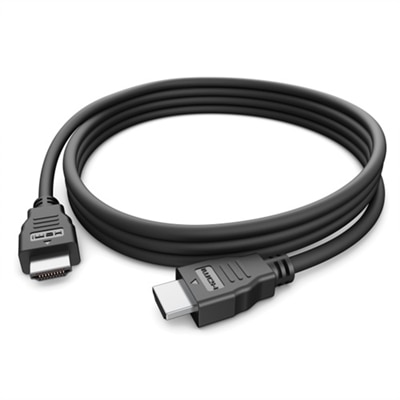
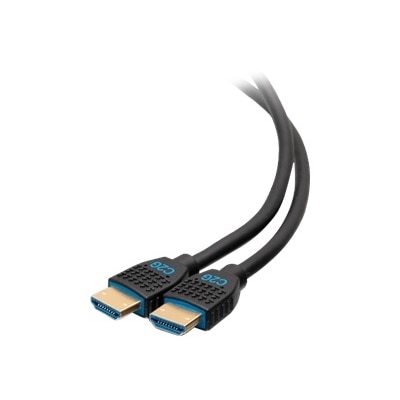
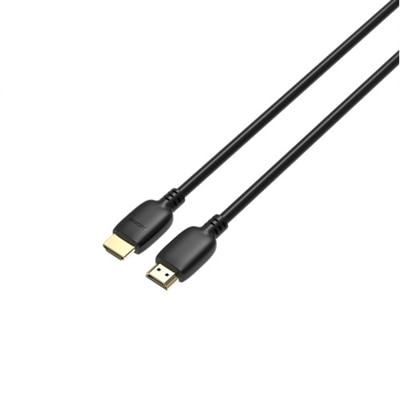
1080p HDMI Cables
Experience seamless connectivity and crisp visuals with 1080p HDMI cables, designed to support your entertainment, work, or gaming setup. Whether you’re connecting a monitor, TV, or console, these cables provide the reliable link you need for high-definition performance. Browse a wide selection of 1080p HDMI cables to find the perfect fit for your devices and enjoy smooth, uninterrupted transmission for all your favorite content.
This product is not available
Check out the following recommendations.




1080p HDMI Cables
1080p HDMI cables provide a simple, dependable way to connect compatible electronics and send Full HD video and digital audio through one cable. A 1080p signal has a resolution of 1,920 by 1,080 pixels, making it well suited to everyday viewing on televisions, computer monitors, projectors, and other displays. These cables are commonly used to connect a laptop to a monitor, a game console to a television, a streaming device to a display, or a Blu-ray player to a home theater setup. Once connected, the cable carries the picture and sound together, helping reduce the clutter that comes with separate audio and video connections. A standard High Speed HDMI cable can handle 1080p video with ease and may also support features such as 3D video, Ethernet functionality, and higher resolutions in compatible configurations. The cable itself does not improve the resolution of a source device or display, so the final image depends on the capabilities of every component in the chain. Even so, choosing a properly rated cable helps create a stable connection for watching movies, joining video calls, displaying presentations, browsing the web on a larger screen, or enjoying games with clear detail and responsive sound. For many home offices, bedrooms, dorm rooms, and family entertainment areas, 1080p HDMI cables offer a practical connection for familiar equipment without unnecessary complexity.
Length is one of the most important considerations when choosing an HDMI cable. Measure the distance between the source device and the display, then allow enough extra length for gentle bends and convenient placement. A short cable can keep a compact desk tidy when a laptop sits beside a monitor, while a longer option can reach across an entertainment console or around the back of a television. Avoid stretching a cable tightly between ports, pressing it sharply against a wall, or leaving excess length twisted into a tight coil, since these habits can place stress on the connectors and make future adjustments more difficult. A 6ft HDMI Cables page can be a useful place to look when a setup needs a little more reach than a typical short connection. Check the ports on both devices before purchasing, because HDMI comes in different connector sizes and some computers or compact electronics use another type of video port with an adapter. Standard HDMI connectors are widely used on televisions, monitors, consoles, and media equipment, while smaller devices may require a compatible adapter or a cable with the appropriate connector on one end. It is also wise to confirm whether the display supports the desired refresh rate, audio format, or other feature. For ordinary 1080p viewing, a cable labeled High Speed with bandwidth of at least 10.2 Gbps is generally appropriate. Premium High Speed cables, rated for up to 18 Gbps, can provide additional headroom for systems that may also use 4K video at higher refresh rates or other demanding signals. Certification markings and clear specifications are more useful than simply choosing the thickest or most expensive-looking cable, and gold-colored connectors are not required for a reliable picture.
1080p HDMI cables can fit into many practical routines, from a quiet evening of streaming during the cooler months to a shared workspace where one monitor serves both a computer and another source device. A student might use one to connect a laptop to a larger screen for reviewing slides, editing documents, or watching instructional content, while a remote worker may keep a cable nearby for presentations and video meetings. Families can use them to connect a console to a television in a common room, and someone setting up a guest room can make it easier to use a personal computer or media player with the available display. They can also be a thoughtful, useful gift for a new homeowner, college student, frequent traveler, or anyone reorganizing a home office, since a spare cable often becomes valuable when a display is moved or a new device is added. Before connecting, turn off equipment if the manufacturer recommends doing so, line up each connector carefully, and avoid forcing the plug into the port. After connecting both ends, select the correct HDMI input on the display and confirm that the source device is set to output 1080p when automatic detection does not work. If the picture flickers, disappears, or shows no sound, test the input selection, reseat the connectors, check the display settings, and inspect the cable for bends or visible damage. Keeping an extra cable labeled by length can also make future rearrangements easier. With the right length, connector type, and speed rating, 1080p HDMI cables offer an uncomplicated connection for sharp Full HD images and synchronized digital audio across everyday computer, monitor, television, and gaming setups.
FAQs:
A 1080p HDMI cable is compatible with a wide range of devices, including laptops, desktops, monitors, HDTVs, gaming consoles, Blu-ray players, projectors, and streaming media devices. As long as your device has a standard HDMI port, you can use a high-speed HDMI cable to transmit full HD video and audio seamlessly.
High-speed HDMI cables designed for 1080p can often support higher resolutions such as 4K at lower frame rates. However, for optimal performance with 4K or 8K content, especially at higher refresh rates, a Premium High-Speed or Ultra High Speed HDMI cable is recommended. These cables are backward compatible and will work with 1080p devices as well.
When choosing a 1080p HDMI cable, look for features such as gold-plated connectors for corrosion resistance, braided nylon jackets for added durability, and official certification to ensure reliable performance. These features help maintain a strong signal and extend the lifespan of your cable, especially with frequent use.
Yes, a 1080p HDMI cable is ideal for gaming setups that use monitors or TVs with 1080p resolution. It provides fast, stable transmission for both video and audio, ensuring smooth gameplay and immersive sound. If you plan to upgrade to a higher resolution display in the future, consider a cable with higher specifications for added flexibility.
You do not need a special HDMI cable for Dell laptops or desktops. A standard high-speed HDMI cable is fully compatible with Dell devices equipped with HDMI ports, delivering reliable performance for connecting to monitors, projectors, or HDTVs.