$12.99
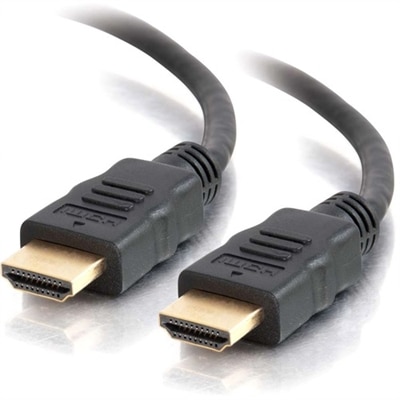
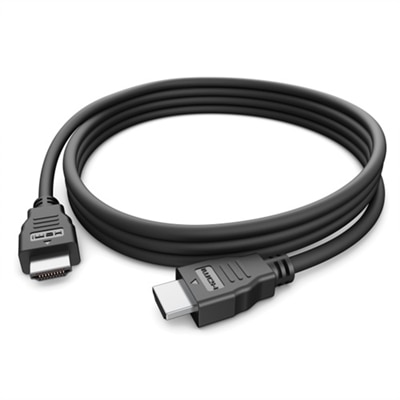
A black HDMI 2.0 cable offering up to 5K resolution at 60Hz with plug & play functionality.
HDMI to HDMI cables are essential components for connecting a wide range of digital devices, ensuring high-quality audio and video transmission. Whether you're setting up a home theater system, enhancing your gaming experience, or connecting your laptop to an external monitor, these versatile cables provide a reliable link between your devices. At Dell, we offer a variety of HDMI to HDMI cables designed to meet your connectivity needs with ease and efficiency. Explore our selection to find the perfect cable that fits your setup and enjoy seamless digital performance.
A black HDMI 2.0 cable offering up to 5K resolution at 60Hz with plug & play functionality.
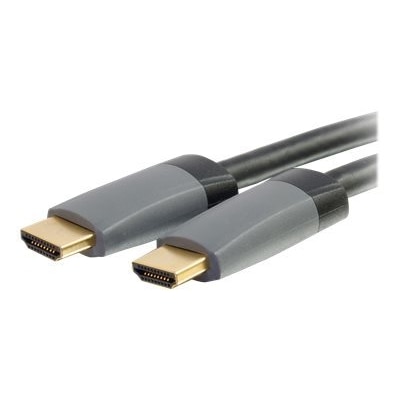
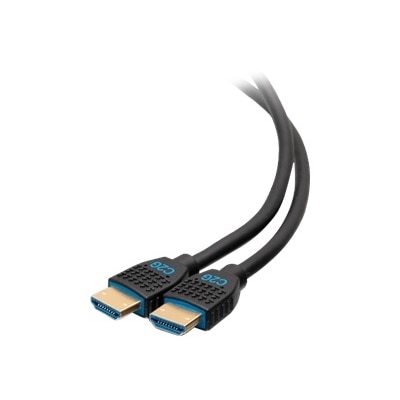
A high-speed HDMI cable with Ethernet, gold-plated connectors, 4K 60Hz support, and immersive audio features.
A 12ft black HDMI cable with Ethernet, ideal for in-wall high-speed multimedia connections.
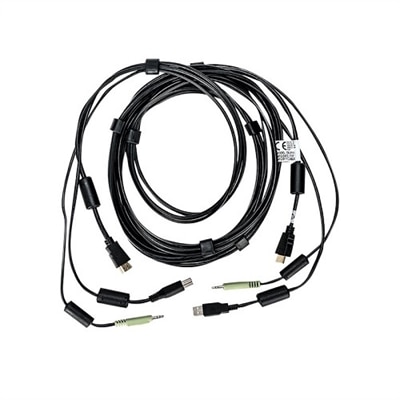
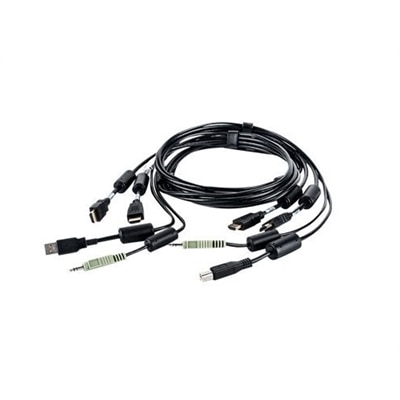
An all-in-one 10 ft KVM cable offering superb 4K UHD video quality and simplified cable management.
An all-in-one 6 ft. KVM cable offering superb 4K UHD video quality and simplified cable management.
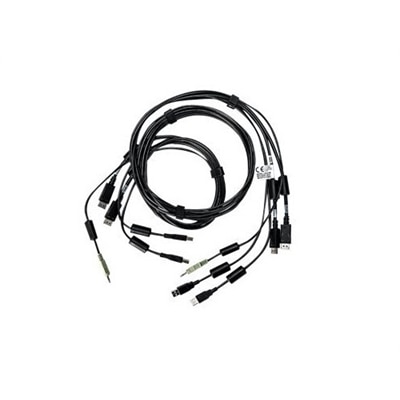
A 6 ft. all-in-one KVM cable offering dual HDMI and audio connections for seamless 4K UHD applications.
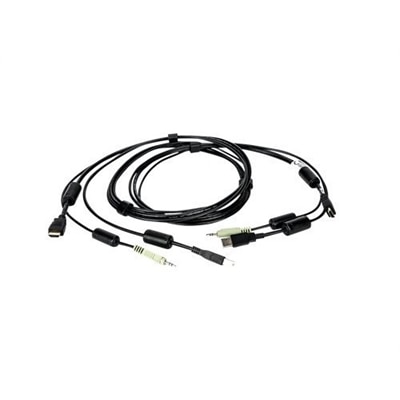
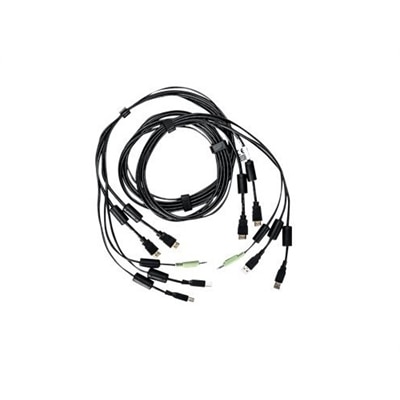
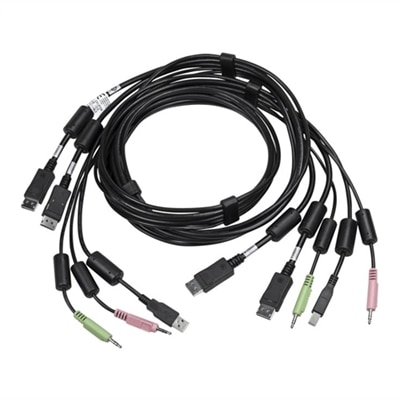
An all-in-one KVM cable offering superb 4K UHD video quality and error-free transmission.
An all-in-one KVM cable offering superb 4K UHD video quality and error-free transmission for high-resolution applications.
HDMI-to-HDMI cables provide a simple, reliable way to connect compatible electronics for digital video and audio through one cord. A typical setup may run from a computer, gaming console, streaming device, Blu-ray player, or other media source to a television, desktop monitor, projector, or home entertainment display. Because the connection carries uncompressed digital signals, a single cable can transmit sharp video and multichannel sound without the separate audio and video leads that older setups often required. Standard full-size HDMI cables generally use Type-A connectors on both ends, making them suitable for many televisions, monitors, consoles, computers, and receivers. Smaller electronics, including some cameras and tablets, may use Mini HDMI or Micro HDMI ports instead, so checking the connector shape before ordering helps avoid an adapter mismatch. HDMI cables are available in a range of lengths, from short cords that keep a compact desk tidy to longer options for a display mounted across a room. The best length is usually the shortest one that comfortably reaches between devices without pulling on the ports or leaving a large coil behind the equipment. A little extra room can make rearranging a workspace easier, especially when a monitor arm, media cabinet, or wall-mounted screen changes the path of the cable. During the cooler months, when more evenings are spent watching movies, playing games, or catching up on streamed programming indoors, a dependable HDMI connection can make a room feel more organized and ready for entertainment. It can also be a practical gift for someone setting up a new desk, refreshing a family room, or connecting a display in a bedroom or study.
When choosing an HDMI-to-HDMI cable, match its capabilities to the display and source rather than selecting based on appearance alone. Resolution is one consideration, but refresh rate, color depth, HDR support, and audio features can also affect the required bandwidth. A cable marketed for standard or high-speed HDMI may be well suited to many 1080p setups and everyday 4K viewing, while an Ultra High Speed option is designed for newer equipment that needs greater bandwidth for 4K at high refresh rates or 8K video. HDMI 2.0 connections can support up to 4K resolution at 60Hz with bandwidth up to 18Gbps, while HDMI 2.1 connections can support up to 8K resolution and higher refresh rates, with bandwidth up to 48Gbps, when the connected devices and settings support those features. The cable alone does not upgrade a display or source to a higher resolution; every part of the signal path must support the desired format. A computer, monitor, and graphics hardware, for example, all need to be capable of the selected resolution and refresh rate. For a display that is limited to 1080p, browsing 1080p HDMI Cables can help narrow the choice to options suited to that resolution. Gamers may want to look closely at refresh rate and features such as variable refresh rate, which can help compatible systems deliver smoother motion. People connecting a soundbar or audio receiver should check for Audio Return Channel or enhanced Audio Return Channel support on the display and audio equipment, as well as the cable requirements stated by the manufacturers. Reading the specifications on both connected devices is more useful than assuming that a newer-looking cable will solve every compatibility issue.
Small installation details often make the biggest difference once the cable arrives. Before connecting anything, identify the HDMI input on the display and the HDMI output on the source device; some equipment includes multiple ports with different capabilities. A port labeled for ARC or eARC may have a specific role in sending audio back to compatible audio equipment, while another port may be the better choice for a high-refresh-rate computer or console. Push each connector in gently until it is fully seated, and avoid sharply bending the cable near either plug. If a cable runs behind a desk or entertainment stand, leave enough slack to move the display or clean around it without putting strain on the ports. For longer runs, quality construction and appropriate certification become more important, particularly when transmitting high-resolution video or high refresh rates. If the screen remains blank, the image flickers, or sound does not play, check the selected input, reseat both ends, and confirm that the source output settings match what the display supports. Testing the setup with another input or device can help identify whether the issue is the cable, a port, or a device setting. HDMI cables are useful for home offices, classrooms, gaming spaces, guest rooms, and family entertainment areas because they reduce clutter while keeping the connection straightforward. A spare can also be helpful when moving equipment between rooms or preparing a temporary presentation space. By considering connector type, cable length, supported bandwidth, resolution, refresh rate, and audio features together, shoppers can choose an HDMI-to-HDMI cable that fits the equipment they already own and leaves sensible room for the way they plan to use it.
An HDMI to HDMI cable can be used to connect a wide variety of devices such as laptops, desktops, monitors, TVs, gaming consoles, Blu-ray players, streaming devices, and soundbars. It is ideal for transmitting high-definition audio and video signals between compatible devices, making it a versatile choice for both home entertainment and office setups.
When choosing an HDMI cable, consider features like bandwidth rating (such as 18Gbps or 48Gbps for 4K and 8K content), support for advanced features like HDR and eARC, durable construction with reinforced shielding, and gold-plated connectors for better signal stability. These features help ensure optimal performance and longevity for your setup.
Yes, standard HDMI cables are typically designed for lower resolutions like 1080p, while high-speed HDMI cables can handle higher resolutions, faster refresh rates, and advanced features such as 4K, 8K, HDR, and enhanced audio return channel (eARC). Choosing the right type ensures you get the best performance from your devices.
Absolutely. HDMI to HDMI cables are designed to carry both high-definition video and multi-channel audio signals simultaneously, eliminating the need for separate audio cables. This makes them a convenient and clutter-free solution for connecting your devices.
An HDMI to HDMI cable can be a thoughtful gift for students, gamers, professionals working from home, or anyone upgrading their entertainment system. It’s a practical accessory for anyone who connects devices like laptops, monitors, TVs, or gaming consoles, making it useful for a wide range of everyday scenarios.
Add the products you would like to compare, and quickly determine which is best for your needs.