$1049.99
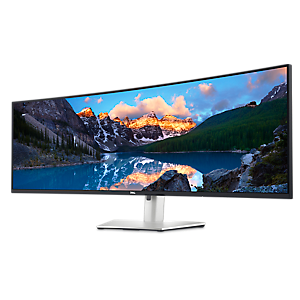
A 34-inch curved monitor with 3440 x 1440 resolution and 120Hz refresh rate for enhanced comfort.
Ultrawide Displays for Productivity and Multitasking offer an expansive viewing experience designed to help streamline your workflow and enhance efficiency. With ample screen real estate, these monitors make it easy to manage multiple applications side by side, reducing the need to switch between windows. Whether you're working on complex projects, editing media, or simply looking to boost your multitasking capabilities, ultrawide displays provide the flexibility and space needed to stay organized and focused throughout the day. Explore a range of options tailored to support productivity in any workspace.
A 34-inch curved monitor with 3440 x 1440 resolution and 120Hz refresh rate for enhanced comfort.
An immersive 49-inch dual QHD monitor with IPS Black panel and eco-friendly, arsenic-free glass.
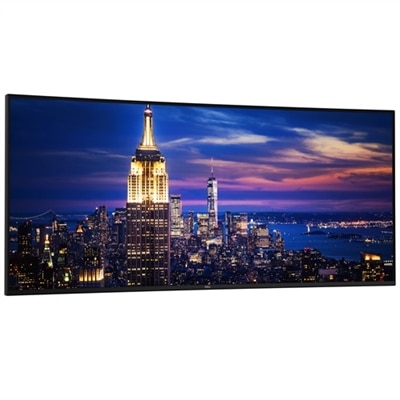
A 42.5'' 4K monitor with multi-PC connectivity and four unique FHD partitions for enhanced productivity.
A 37.5-inch WQHD+ curved monitor with IPS Black panel and 21:9 aspect ratio for immersive viewing.
An ultrawide QD-OLED gaming monitor with 240Hz refresh rate, AlienFX lighting, and anti-reflective display.
A 34-inch WQHD curved monitor with USB-C, 120Hz refresh rate, and dual 5W speakers for immersive entertainment.
An ultrawide curved monitor offering vivid colors, smooth visuals, and a 21:9 aspect ratio.
An ultrawide 6K platinum silver monitor offering superior clarity, multitasking features, and advanced eye comfort technology.
An ultrawide 6K platinum silver monitor offering superior clarity, multitasking features, and advanced eye comfort technology.
An immersive 34.1-inch ultrawide curved monitor with WQHD resolution and USB-C power delivery up to 90W.
A black 34-inch curved WQHD IPS monitor with built-in webcam, speakers, microphone, and eye comfort technology.
A black 34-inch curved WQHD IPS monitor with built-in webcam and advanced eye comfort technology.
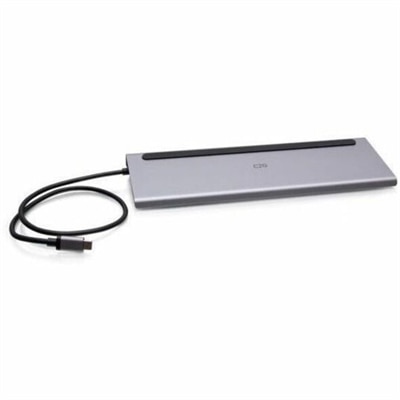
A black docking station offering triple display support, 100W power delivery, Ethernet, USB, SD reader, and audio.
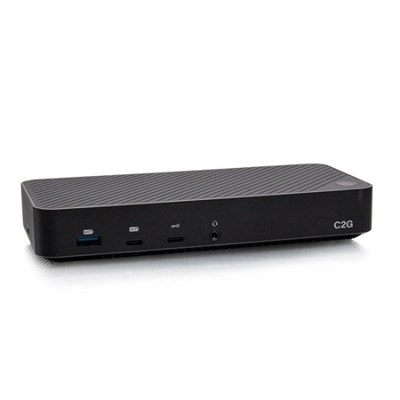
A versatile black docking station enabling triple 4K displays, fast charging, and connectivity for Windows, Mac, and Chrome OS.
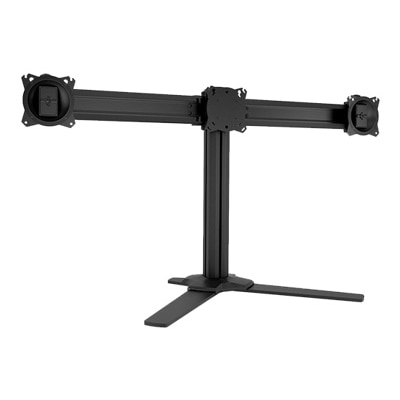
A sleek black desk stand offering adjustable height and orientation for up to three 27-inch monitors.
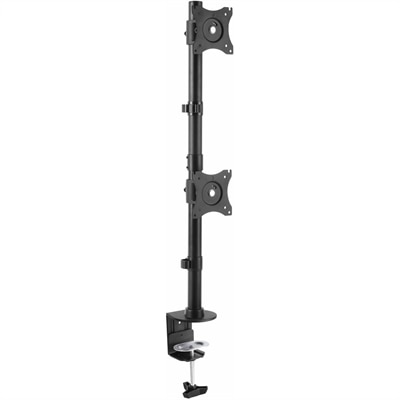
A sturdy black steel dual monitor arm that vertically stacks two VESA monitors with adjustable tilt and swivel.
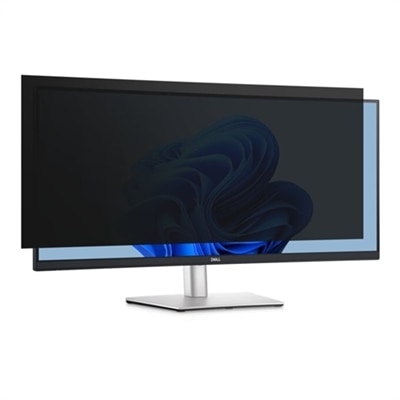
A privacy screen with reversible matte-to-glossy finish, reducing glare, blue light, and visual breaches.
A lightweight black hub enabling a USB-C device to connect to two HDMI displays at 4K 60Hz.
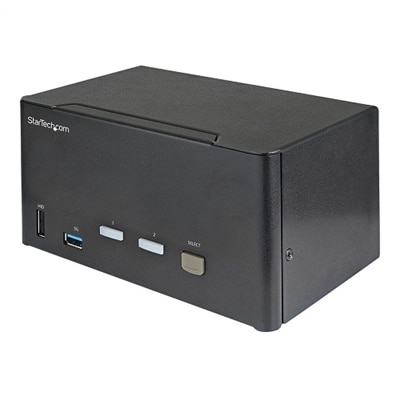
A black desktop KVM switch enabling triple 4K 60Hz monitor control, USB 3.0 hub, and audio support.
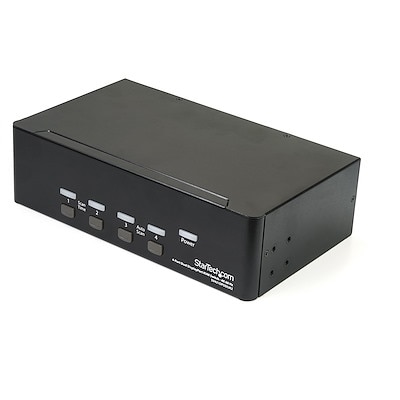
A black dual DisplayPort KVM switch supporting 4K 60Hz, audio, and USB peripheral sharing for four computers.
A heavy-duty black gas spring monitor arm offering unmatched stability, all-metal durability, and flexible adjustability.
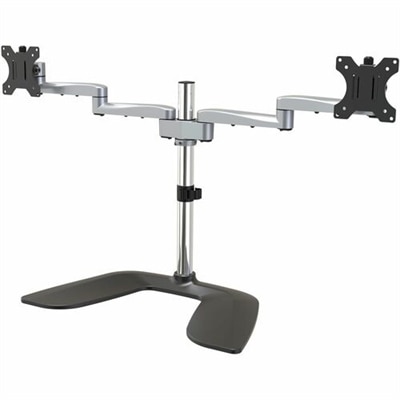
A freestanding ergonomic dual monitor stand in black and silver with adjustable articulating arms and cable management.
A heavy-duty white gas spring monitor arm offering all-metal durability, flexible adjustment, and sleek, modern design.
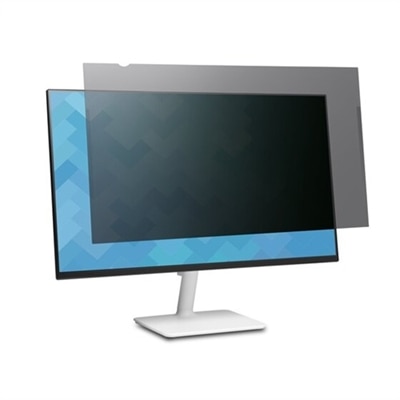
An edge-to-edge privacy screen filter with blue light reduction, anti-reflective coating, and reversible matte/glossy sides.
Ultrawide displays have transformed the way people approach productivity and multitasking, blending innovative technology with practical workspace solutions. For professionals who routinely juggle multiple applications—think coders comparing lines of code, designers managing palettes and toolbars, or analysts poring over sprawling spreadsheets—the expansive real estate of an ultrawide monitor can feel like a breath of fresh air. These displays often feature a 21:9 or even 32:9 aspect ratio, letting users arrange documents, browsers, and communication tools side by side without the visual interruption of bezels. Rather than toggling between windows, you can keep everything visible at once, which is especially useful during busy spring months when project deadlines converge and efficiency is key. The gentle curve found on many models, such as those with an 1800R curvature, wraps the workspace around your field of view, reducing neck strain and creating an immersive environment where every detail is easy to see. This ergonomic advantage is appreciated during long work sessions, whether you’re editing video timelines, tracking inventory, or simply keeping an eye on email while drafting reports.
As you consider which ultrawide display fits your workflow, it’s worth thinking about the features that can further elevate your setup. For instance, many modern monitors include docking features for connecting multiple devices and maximizing workspace, which is invaluable if you regularly switch between a laptop and desktop or need to charge accessories without cluttering your desk with extra cables. Built-in KVM switches and USB-C power delivery are particularly helpful, letting you control two computers with a single set of peripherals and keep your devices powered through one streamlined connection. Size is another important factor: a 34-inch ultrawide often strikes the right balance for most users, offering ample screen space without overwhelming a standard desk, while larger 49-inch panels cater to those managing complex data sets or multitasking at a high level. If you’re shopping for a gift, ultrawide monitors make a thoughtful upgrade for anyone working from home, setting up a home office, or pursuing creative hobbies such as photo editing or music production. They’re equally appreciated by students embarking on research projects or remote learning, where the ability to reference multiple sources at once can make all the difference.
Whether you’re outfitting your own workspace or helping someone else achieve their productivity goals, ultrawide displays offer a tidy, efficient alternative to traditional multi-monitor arrangements. With fewer cables and a single, seamless screen, desktop clutter is minimized and focus is easier to maintain. Many users find that pairing ultrawide monitors with screen management software—such as window snapping tools—further unlocks the potential of the extra screen area, making multitasking not just possible, but enjoyable. As the days grow longer and workloads shift with the season, investing in an ultrawide display can help you stay organized, comfortable, and ready to tackle whatever comes next. For those interested in exploring how these displays can also enhance entertainment and streaming experiences, you can learn more by visiting Ultrawide Monitors for Gaming and Streaming.
Ultrawide displays provide a broader workspace, allowing you to view multiple windows side by side without the need for dual monitors. This seamless screen space enhances multitasking, streamlines workflow, and reduces the need to switch between applications, helping you stay focused and efficient.
An ultrawide monitor offers a wider aspect ratio, making it easy to organize several applications or documents simultaneously. This layout is ideal for comparing data, editing content, or managing complex projects, as it minimizes window overlap and maximizes your viewing area.
Yes, most ultrawide displays are designed to work seamlessly with both Windows and Mac operating systems. They typically connect via HDMI, DisplayPort, or USB-C, ensuring broad compatibility with a wide range of laptops and desktops.
Key features to consider include high resolution for crisp visuals, adjustable stands for ergonomic comfort, multiple connectivity options, and built-in multitasking software. Some models also offer features like picture-by-picture or split-screen modes to further enhance workflow.
Absolutely. By replacing a dual-monitor setup with a single ultrawide display, you can minimize cables and free up desk space. This streamlined setup creates a cleaner, more organized workspace, contributing to a more efficient and comfortable work environment.
Add the products you would like to compare, and quickly determine which is best for your needs.