$3749.99
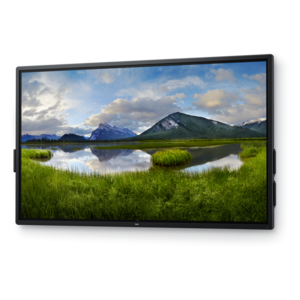
A 4K touchscreen monitor featuring 20-point InGlass Touch, palm rejection, and up to 90W USB-C power.
Wide-screen monitors for work offer an impressive visual experience that can help enhance productivity and streamline multitasking in any professional environment. With expansive displays, these monitors provide ample space for organizing multiple windows, detailed spreadsheets, and creative projects side by side. Whether outfitting a home office or upgrading a corporate workspace, wide-screen monitors for work deliver the versatility and clarity needed to tackle demanding tasks with confidence. Explore options designed to support your workflow and create an efficient, comfortable setup tailored to your needs.
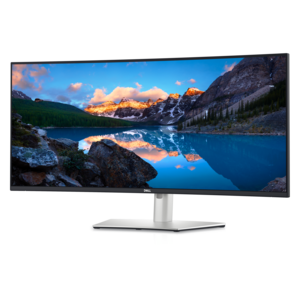
A 4K touchscreen monitor featuring 20-point InGlass Touch, palm rejection, and up to 90W USB-C power.
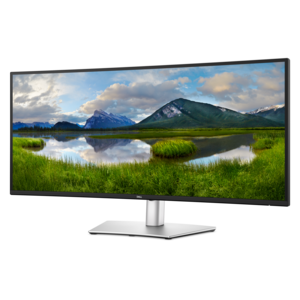
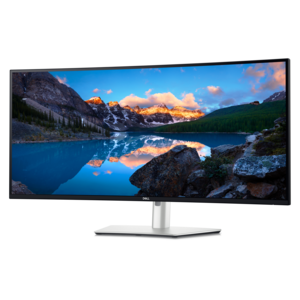
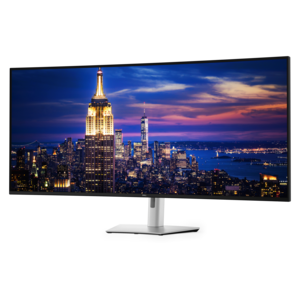
An ultrawide curved WQHD+ monitor with IPS Black technology, expansive color coverage, and integrated USB-C hub.
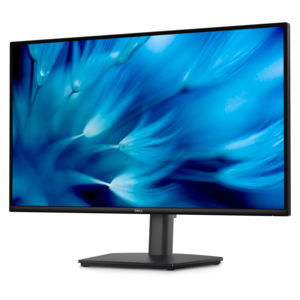
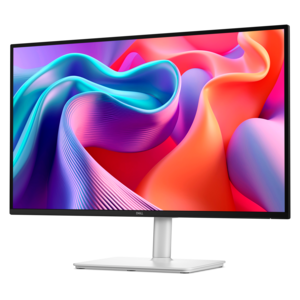
A height-adjustable QHD monitor certified by TÜV Rheinland for 3-star eye comfort and productive work.
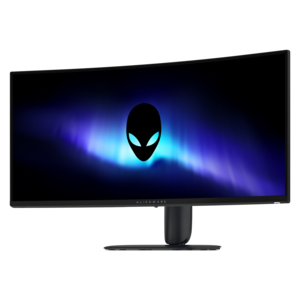
A curved ultrawide WQHD gaming monitor delivering vivid color and an exceptionally smooth 240Hz refresh rate.
A smooth 100Hz monitor with TÜV Rheinland 3-star eye comfort certification for everyday productivity.
A crisp FHD monitor with smooth 144Hz visuals, built-in speakers, and TÜV 4-star eye comfort certification.
Wide screen monitors for work provide room to keep documents, applications, and reference material visible together, creating a workspace that follows the rhythm of a busy day. A spreadsheet can sit beside an invoice, a project timeline can remain open next to a team conversation, and a draft presentation can share the screen with research notes. The benefit is not simply a larger picture; it is having fewer overlapping windows to move out of the way. Standard widescreen monitors typically use a 16:9 aspect ratio, while ultrawide monitors commonly use 21:9 and super ultrawide monitors often use 32:9. Those proportions describe the relationship between screen width and height, making them useful distinctions when comparing displays with similar diagonal measurements. A 21:9 screen offers extra horizontal space for side-by-side applications, while a 32:9 display can approach the working layout of two 16:9 screens without a bezel dividing the middle. For analysts working across columns of figures, developers comparing code with a running application, and editors arranging long video timelines, that uninterrupted width can be especially practical. A single expansive display may also reduce the number of stands and display cables on a desk, although its footprint still deserves attention. The diagonal measurement alone does not show how much space the monitor occupies: overall width, stand depth, and clearance beneath shelves all affect the fit. A deep desk allows more flexibility in viewing distance, while a shallow surface may leave a very wide screen uncomfortably close. Flat displays suit familiar document layouts and straight-on viewing; curved displays bring the outer portions of a broad screen closer to a centrally seated viewer. Neither shape is universally better, and the right fit depends on screen size, seating position, and the kind of work on display. For workspaces centered on generous screen dimensions, Extra Large Monitors offer another way to explore displays with room for detailed projects and multiple open applications.
Resolution determines how much detail a wide screen monitor can show, while pixel density influences how crisp that detail looks at a given size and viewing distance. More inches do not automatically mean sharper text or more usable workspace. A 3440 x 1440 ultrawide display combines additional horizontal pixels with the same vertical pixel count as a 2560 x 1440 widescreen display, making it useful for spreading applications across the desktop without adding vertical rows at the same scaling setting. A 5120 x 1440 super ultrawide display provides the same total pixel dimensions as two 2560 x 1440 displays placed side by side. Higher-resolution formats such as 5120 x 2160 add vertical detail as well as width, which can help with long documents, dense interfaces, and detailed media. Actual working space also depends on operating system scaling: larger text and controls improve readability but leave room for less content. For everyday office tasks, clear lettering, consistent brightness, and comfortable sizing often matter more than an impressive diagonal measurement. Panel characteristics affect the experience, too. IPS panels generally offer broad viewing angles, useful when a colleague leans over to review a layout, while VA panels often provide stronger native contrast for distinguishing dark tones. Performance varies by display, so panel type is only part of the picture. Color-sensitive photography, illustration, and video work call for attention to color gamut coverage, accuracy, and calibration support rather than screen width alone. Matte or anti-glare surfaces can soften distracting reflections, but positioning the screen away from a bright window remains important. Higher refresh rates can make scrolling through lengthy reports and moving windows look smoother, though ordinary document work does not require gaming-focused specifications. During virtual meetings, an ultrawide desktop also changes screen sharing: sharing an individual application rather than the entire display can make text easier for colleagues to read on smaller screens. Window arrangement tools help turn a broad desktop into predictable zones for writing, reference material, and communication.
Connections and physical construction shape how naturally a wide screen monitor fits into a home office, shared workspace, or professional studio. HDMI and DisplayPort are common video connections, but the computer, cable, and monitor must all support the intended resolution and refresh rate. A USB-C connection can carry video, USB data, and laptop charging through one cable when the devices and cable support those functions. Not every USB-C port accepts video or supplies power, and charging output needs to match the laptop’s requirements for reliable use during demanding work. A built-in USB hub can put keyboard, mouse, and other accessory connections within easier reach. For someone who alternates between a work laptop and a desktop computer, a built-in KVM switch can allow one keyboard and mouse to control either connected system; supported connections and switching behavior vary. Picture-by-picture functionality, when included, can place inputs from two computers on separate areas of the same screen. These features can make a broad display feel like a well-organized workstation rather than just a larger viewing surface. Physical comfort depends on adjustability as much as technology. Height, tilt, and swivel adjustments help position the screen for a relaxed posture, with the main work area directly ahead and frequently used windows away from the far edges. A compatible monitor arm can free desk space, provided its mounting pattern, weight capacity, and screen-size limits suit the display. Housing materials commonly include molded plastics, while stands may incorporate metal supports; stable construction and secure adjustment mechanisms matter more for everyday durability than a particular finish. Screen coatings need gentle care. A clean microfiber cloth removes light dust, and any cleaning solution should follow the manufacturer’s instructions rather than being sprayed directly onto the panel. Clear ventilation openings, supported cables, and careful handling help protect the monitor through daily use and occasional desk rearrangements. For remote professionals, researchers, accountants, and creative workers alike, the most useful wide screen monitor brings readable detail, appropriate connections, and a comfortable physical fit to the tasks that fill the day.
Wide screen monitors provide a larger, uninterrupted workspace that makes multitasking easier and more efficient. With more horizontal space, you can view multiple documents, applications, or browser windows side by side, streamlining workflows and reducing the need to switch between tabs. This setup can enhance productivity, minimize distractions, and create a more comfortable viewing experience throughout the workday.
Professionals working in fields such as graphic design, video editing, finance, software development, and project management often see the greatest benefits from wide screen monitors. Students, remote workers, and anyone who spends significant time at their computer can also appreciate the enhanced visibility and organization these monitors offer, making daily tasks more manageable and enjoyable.
Wide screen monitors make it easy to share content during meetings or collaborative sessions by allowing multiple windows, documents, or applications to be displayed simultaneously. This is particularly useful for virtual meetings, brainstorming sessions, or when comparing data sets, as everyone involved can see more information at once, improving communication and decision-making.
Absolutely. Wide screen monitors are versatile enough to fit seamlessly into both professional office setups and home workspaces. Their sleek designs and flexible features, such as adjustable stands and multiple connectivity options, make them a practical choice for any setting where productivity and comfort are priorities.
Yes, wide screen monitors are ideal for entertainment purposes as well. Their expansive displays offer an immersive viewing experience for streaming movies, gaming, or video chatting with friends and family. The same features that make them great for work—such as high resolution and vivid color—also enhance your downtime activities.
Add the products you would like to compare, and quickly determine which is best for your needs.