$199.99
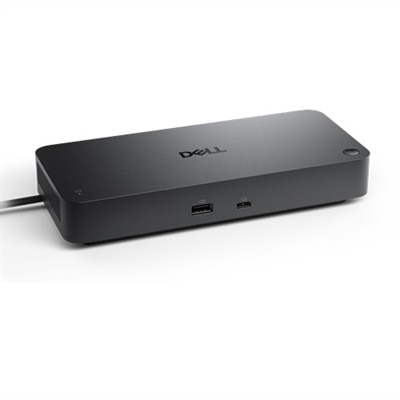
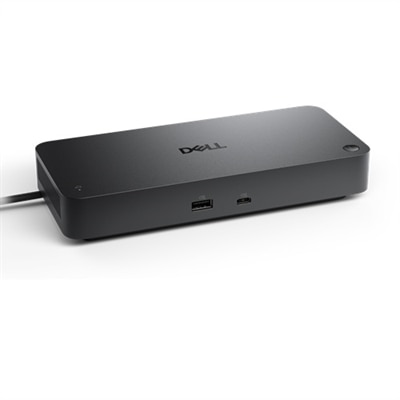
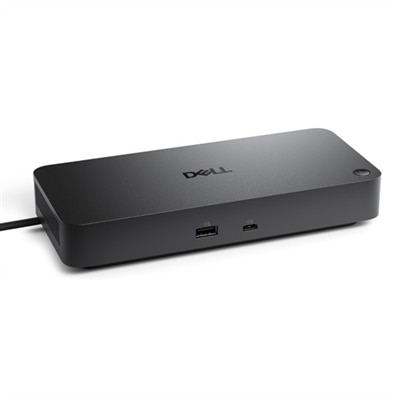
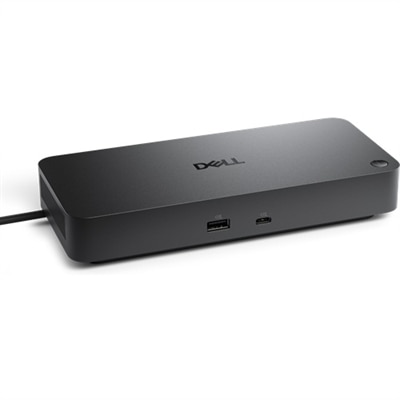
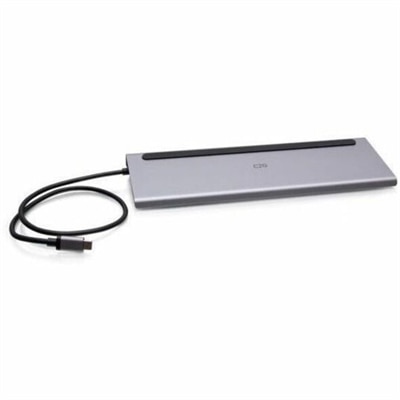
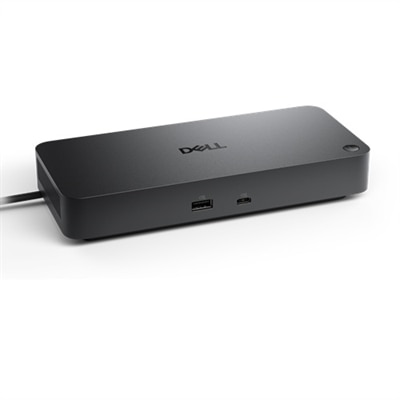
A versatile pro dock providing up to 100W power delivery and extensive connectivity options.
USB-C Docking Stations for Laptops provide a streamlined solution for expanding connectivity and enhancing productivity in any workspace. With a single USB-C connection, these docking stations make it easy to connect multiple devices, organize your desktop, and keep your laptop charged. Ideal for both home offices and professional environments, USB-C Docking Stations for Laptops help create an efficient and clutter-free setup, supporting a seamless transition between work, entertainment, and everything in between.
A versatile pro dock providing up to 100W power delivery and extensive connectivity options.
A versatile smart dock with up to 130W power delivery and remote management for multiple operating systems.
A powerful Thunderbolt 4 smart dock offering 130W power and remote management for multiple operating systems.
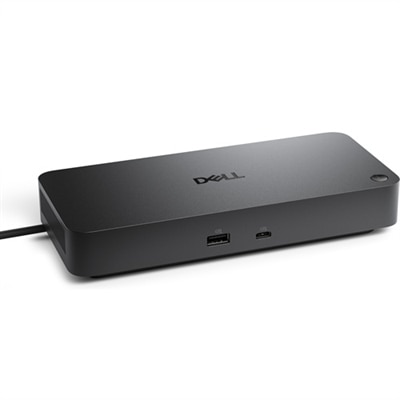
A versatile Thunderbolt 4 dock delivering up to 130W power with LED indicator, supporting multiple operating systems.
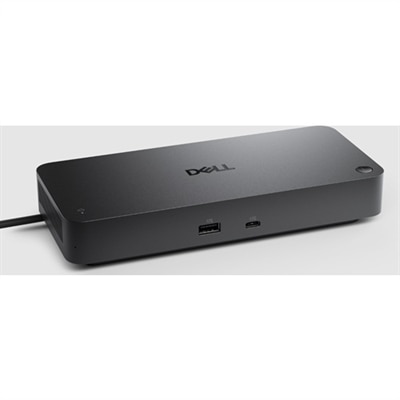
A versatile pro dock with 130W power delivery, LED indicator, and broad operating system compatibility.
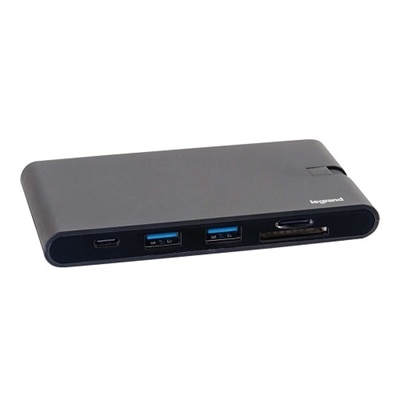
A compact 9-in-1 USB-C dock offering 4K HDMI, VGA, Ethernet, USB, SD card reader, and 100W power delivery.
A versatile Thunderbolt 5 smart dock delivering up to 300W power and advanced remote management capabilities.
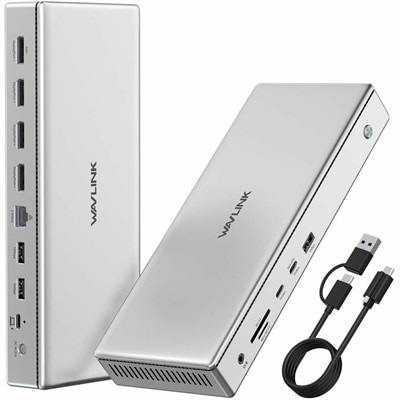
A black docking station offering triple display support, 100W power delivery, Ethernet, USB, SD reader, and audio.
A powerful Thunderbolt 5 dock delivering up to 300W power, with LED indicator and broad OS compatibility.
A versatile universal dock supporting quad 4K 120Hz displays and dual 8K 60Hz, compatible with Windows and Mac.
As workspaces evolve to accommodate both remote and in-office environments, the demand for versatile connectivity solutions grows stronger. USB-C docking stations for laptops have emerged as essential tools for professionals, students, and anyone who values an organized, efficient setup. These docking stations transform a single USB-C port into a powerful hub, enabling seamless connections to monitors, keyboards, mice, external drives, and other peripherals. Whether you’re setting up a home office by a sunlit window in late spring or optimizing a shared workspace, a docking station for laptop use can help reduce cable clutter and streamline daily routines. With power delivery capabilities typically ranging from 60W to 100W, these hubs can charge your laptop while supporting high-performance devices, ensuring you remain productive without interruption. The convenience of connecting multiple displays—often dual 4K monitors at 60Hz—means you can expand your digital workspace for multitasking, creative projects, or immersive video calls.
Selecting the right docking station involves a few key considerations. First, check compatibility with your laptop’s USB-C port, especially if you’re seeking a dell c port hub or a dell docking station for laptop models. Consider the number and type of ports offered, such as HDMI, DisplayPort, USB-A, Ethernet, and audio jacks, to match your needs for external devices. Power delivery is another crucial factor—if you rely on your dock to keep your laptop charged, ensure it delivers enough wattage for your specific device. For those who frequently transition between workspaces or classrooms, a compact, portable dock can make all the difference, slipping easily into a backpack or briefcase. Meanwhile, a stationary dock with robust display support and ample connectivity is ideal for a dedicated desk where multiple monitors and accessories are in constant use. These docking stations also make thoughtful gifts for recent graduates, remote workers, or anyone upgrading their technology setup for the season. Gifting a docking station is like giving the gift of efficiency and order—imagine someone unboxing it on a breezy May afternoon, instantly simplifying their tech life with a single connection.
Beyond personal use, USB-C docking stations are invaluable in collaborative environments, conference rooms, and shared hot desks. They allow users to quickly connect their laptops and access a full suite of peripherals, making transitions between users smooth and hassle-free. As the season shifts and people embrace new routines or embark on fresh projects, the flexibility offered by a well-chosen docking station supports productivity and comfort. For those looking to further enhance their workspace, consider pairing your dock with compatible monitors designed for seamless integration. For more information on displays that connect effortlessly to your dock, visit the USB C Docking Monitors page. With the right docking station, your laptop becomes the heart of a powerful, adaptable setup—ready for work, creativity, or connection, wherever the season takes you.
USB-C docking stations are compatible with most laptops and tablets that feature a USB-C port supporting data transfer and video output. Always check your device’s specifications to ensure compatibility.
Yes, many USB-C docking stations offer support for dual or even triple monitor setups, depending on the model and your laptop’s capabilities. Look for docking stations with multiple video output ports such as HDMI, DisplayPort, or VGA.
Common ports include HDMI, DisplayPort, USB-A, USB-C, Ethernet, audio jacks, and SD card readers. The exact configuration varies by model, so you can choose a docking station that fits your connectivity needs.
Many USB-C docking stations support power delivery, allowing you to charge your laptop while connected. Check the product specifications to confirm the wattage and compatibility with your laptop’s power requirements.
Most USB-C docking stations are designed to work with both Windows and Mac laptops, but certain features or ports may have limited functionality depending on the operating system. Refer to the docking station’s compatibility information for details.
Add the products you would like to compare, and quickly determine which is best for your needs.