$299.99
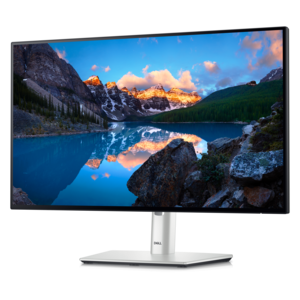
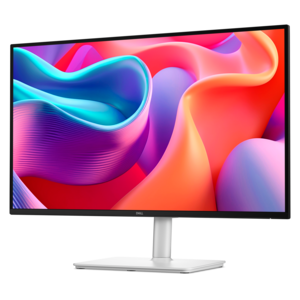
A Full HD USB-C hub monitor offering extensive connectivity, 100W power delivery, and TÜV-certified eye comfort.
USB-C docking monitors offer a streamlined solution for connecting your devices and maximizing productivity at home or in the office. With a single USB-C cable, these monitors simplify your workspace by reducing clutter and making it easier to connect laptops, peripherals, and accessories. Explore a range of USB-C docking monitors designed to enhance efficiency and support flexible work environments. Find the ideal display to suit your setup and enjoy seamless connectivity for all your daily tasks.
A Full HD USB-C hub monitor offering extensive connectivity, 100W power delivery, and TÜV-certified eye comfort.
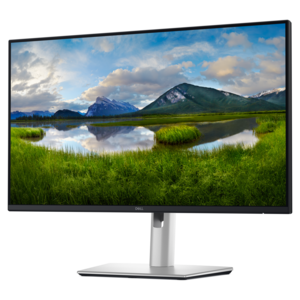
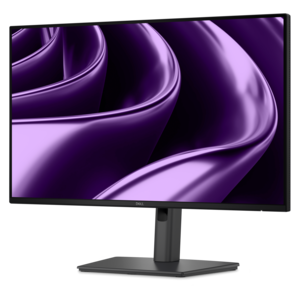
A TÜV-certified USB-C hub monitor offering 4-star eye comfort, enhanced productivity and extensive connectivity.
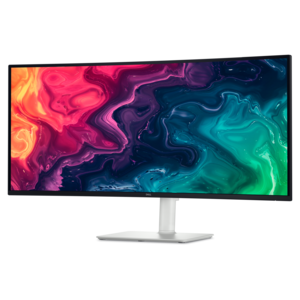
A curved WQHD USB-C monitor with up to 120Hz refresh rate and dual 5W speakers.
USB-C docking monitors bring the convenience of a desktop setup to laptops without requiring a separate dock, charger and collection of adapters on the desk. A single USB-C cable can carry the laptop’s display signal, transfer data, connect compatible accessories and deliver power back to the computer, helping create a cleaner workspace with fewer cables running across the surface. Many models include built-in USB-A ports for a keyboard, mouse, flash drive or other everyday accessory, along with an audio connection for headphones or speakers. Some also include additional USB-C ports, DisplayPort connections or a built-in camera, depending on the design. This combination makes a USB-C docking monitor a practical choice for a home office, shared workspace, classroom, reception area or compact desk where every inch matters. Instead of opening a laptop and reaching behind it to connect several peripherals, you can place the computer on a stand, connect one cable and keep frequently used accessories connected to the monitor. The result is a setup that feels more intentional at the start of the workday and is easier to clear away when the desk needs to serve another purpose. Before choosing a monitor, confirm that the laptop’s USB-C port supports video output and charging; not every USB-C port offers the same capabilities. It is also important to compare the monitor’s power delivery rating with the laptop’s requirements. A display that provides enough power for a lightweight notebook may not fully support a larger, performance-oriented laptop, so checking the computer’s included charger specifications can help avoid surprises. Thunderbolt-compatible computers and USB-C systems may support different features, making the laptop’s manual or technical specifications a useful reference.
Screen size and resolution have a noticeable effect on comfort, especially when a monitor becomes the primary display. A compact screen can suit a narrow desk or a space used for basic documents and communication, while a larger display gives spreadsheets, timelines and side-by-side windows more room to breathe. Full HD resolution can be a sensible fit for everyday tasks, whereas Quad HD or 4K resolution provides a sharper workspace for detailed documents, design projects, photography, video editing and high-resolution media. Text clarity, viewing angles and panel finish are worth considering alongside the resolution. A matte surface can help reduce distracting reflections near a window, while an adjustable stand can make it easier to set the top of the screen near eye level. Look for height, tilt, swivel and pivot adjustments if the monitor will be used for long sessions or shared by people of different heights. A USB-C docking monitor can also be a strong choice for people who regularly move between locations. Someone who works from a home office in the cooler months may appreciate returning to a ready-to-use desk after carrying a laptop from another room, while a student or mobile professional can disconnect one cable and take the computer along without unplugging every accessory individually. For a dual-screen workspace, check whether the monitor supports daisy chaining through a compatible DisplayPort or USB-C connection. This can allow a second monitor to receive its signal from the first, reducing the number of cables that must reach the laptop. Compatibility depends on the computer, monitor and connection standard, so reviewing the supported resolutions and refresh rates for each display is important. People who spend time with moving content, games or fast-scrolling pages may prefer a higher refresh rate, while those focused on writing, accounting or general productivity may place greater value on resolution, panel quality and ergonomic adjustment.
A USB-C docking monitor can make a thoughtful technology gift for someone setting up a first professional workspace, refreshing a study area or replacing a crowded arrangement of cables and adapters. It is especially useful for a recipient who works across multiple applications, keeps reference material open beside a primary task or wants a more comfortable alternative to relying on a laptop screen all day. For creative work, look for a display with strong color consistency, a wide color gamut and factory calibration information when available. For office productivity, features such as sharp text, flicker reduction, an adjustable stand and convenient front-facing ports can have more practical value than specialized specifications. For entertainment and gaming, consider refresh rate, response time, resolution and support for the computer’s graphics output. People who prefer a broad workspace for timelines, large spreadsheets or multiple browser windows may also want to explore Ultrawide USB C Monitors, which provide an extended horizontal layout from a single screen. Audio features, built-in speakers and a camera can further reduce the number of accessories needed, although the quality and placement of these components vary by model. It is helpful to think through the complete desk before choosing: count the accessories that need to remain connected, measure the available width and depth, check the laptop’s charging and video requirements, and consider whether a second display might be added later. During the cooler months, when work, study and creative projects often move indoors, a well-matched USB-C docking monitor can make a familiar desk feel more capable without making it feel more complicated. The best choice balances the computer’s compatibility, the user’s daily habits and the amount of screen space needed, turning one central display into a convenient hub for work, learning and everyday computing.
Add the products you would like to compare, and quickly determine which is best for your needs.