$479.99
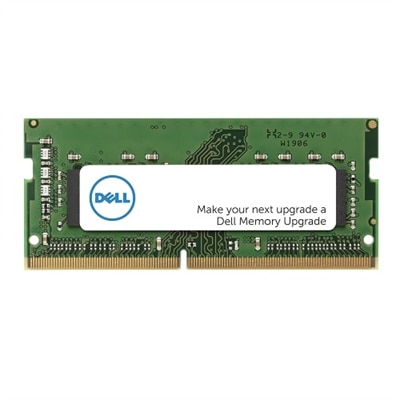
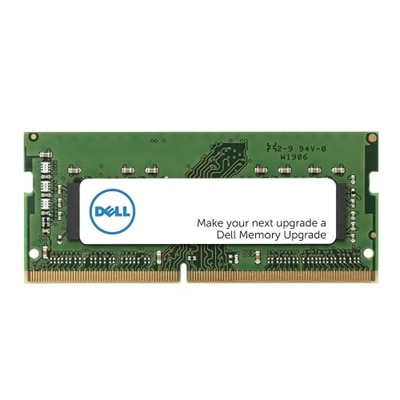
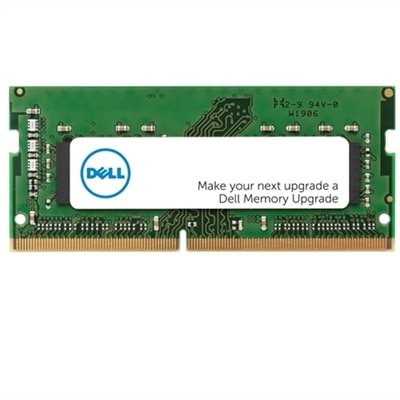
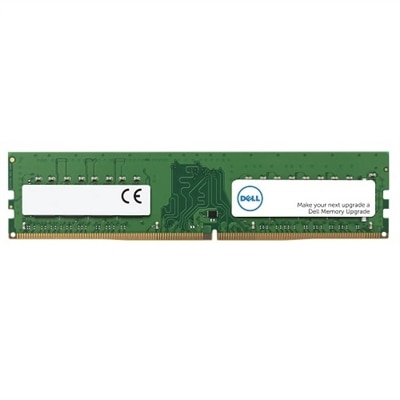
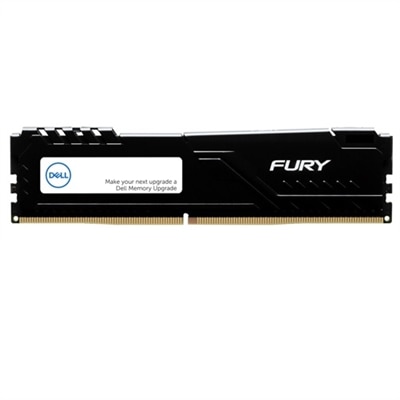
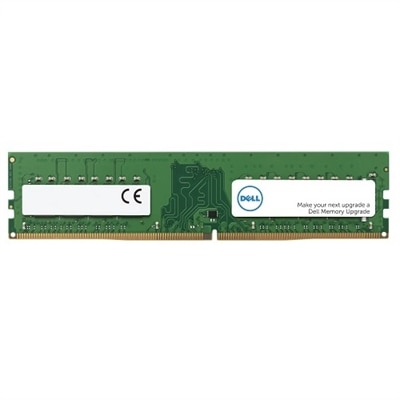
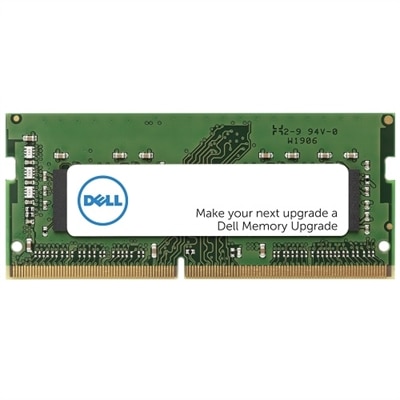
A 16 GB DDR4 SODIMM memory upgrade enhances performance with 3200 MT/s speed and dual rank design.
Elevate your gaming experience with high-performance laptop gaming RAM designed to keep up with the latest titles and demanding multitasking. Whether you’re looking to boost speed, enhance responsiveness, or support intense graphics, upgrading your laptop gaming RAM can make a noticeable difference. Explore a range of options that cater to both casual gamers and competitive enthusiasts, ensuring your laptop is ready for any challenge. Find the ideal laptop gaming RAM to unlock smoother gameplay and improved system efficiency.
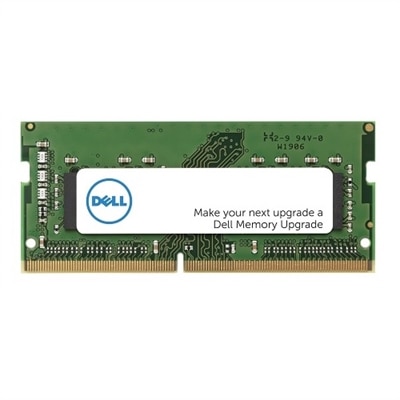
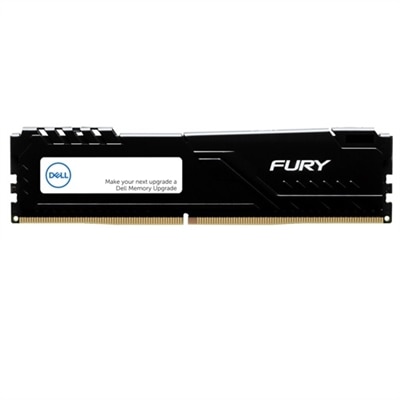
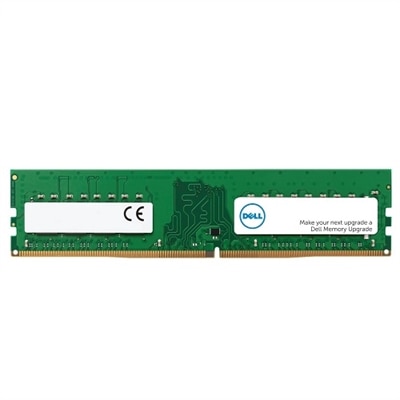
A 16 GB DDR4 SODIMM memory upgrade enhances performance with 3200 MT/s speed and dual rank design.
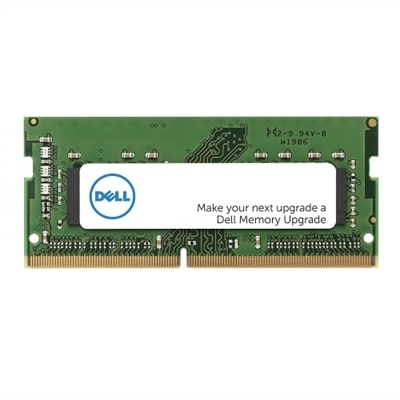
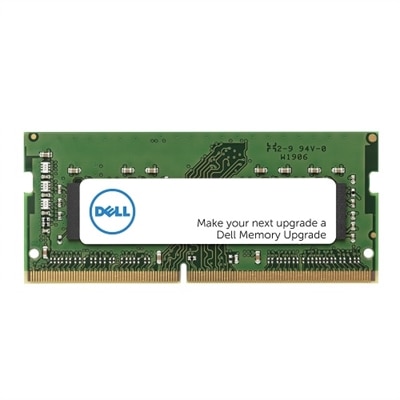
An 8 GB DDR4 SODIMM memory upgrade enhances performance with 3466 MT/s speed and Dell compatibility.
An 8GB DDR5 SODIMM memory upgrade enhancing computer performance with 4800 MT/s speed.
A 16 GB DDR5 UDIMM memory upgrade with 5600 MT/s speed for enhanced computer performance.
An 8 GB DDR5 UDIMM with 5600 MT/s speed, ensuring enhanced performance and compatibility for Dell systems.
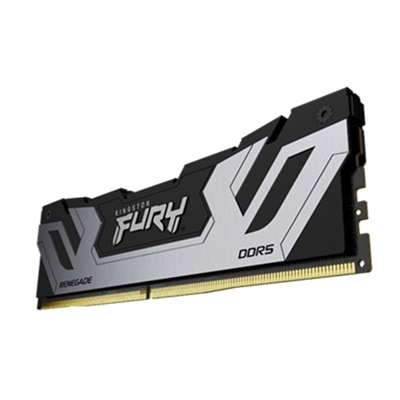
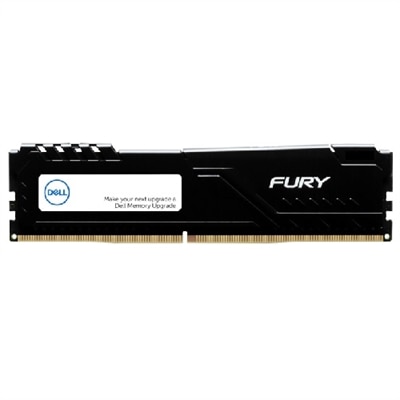
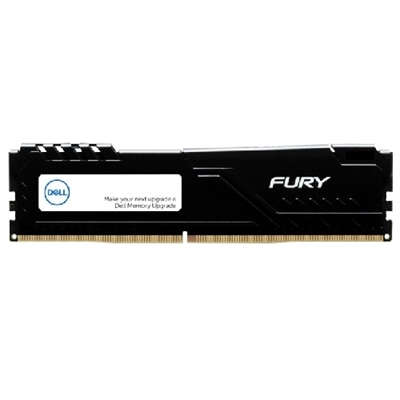
A high-speed 32GB DDR5 memory kit with XMP support, designed for reliable system performance.
A 32 GB dual rank DDR5 SODIMM memory upgrade with 5600 MT/s speed and ECC support.
A 32GB dual-rank DDR4 SODIMM memory upgrade enhances performance with 3200 MT/s speed and 1.2V efficiency.
A 16GB single rank DDR4 SODIMM memory upgrade with 3200 MT/s speed for enhanced computer performance.
A 32GB dual rank DDR4 UDIMM memory upgrade with 3200 MT/s speed for enhanced computer performance.
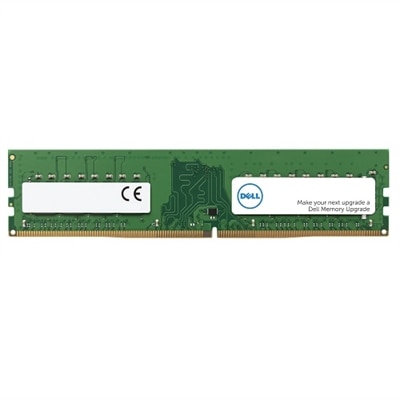
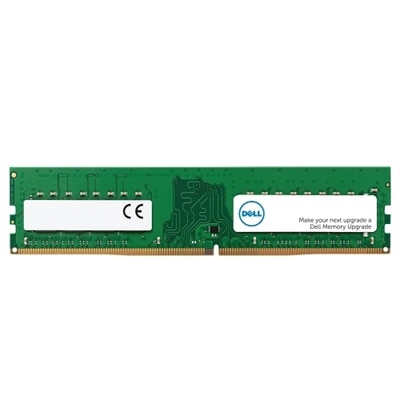
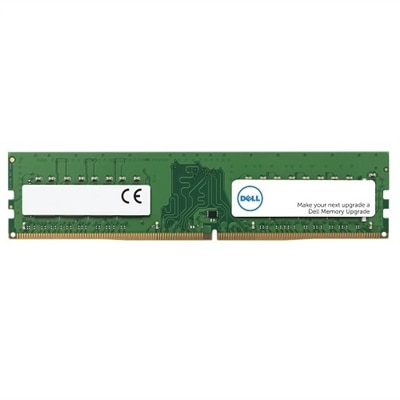
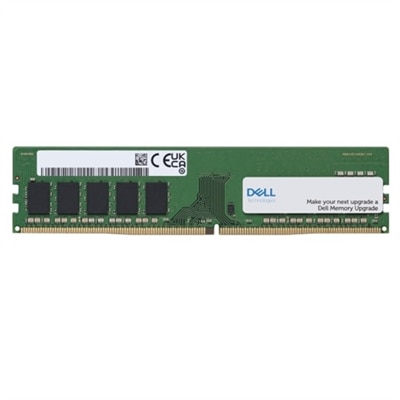
A 16GB DDR4 UDIMM memory upgrade with 3200 MT/s speed for enhanced computer performance.
A 16GB DDR4 UDIMM memory upgrade offering 3200 MT/s speed for enhanced computer performance.
A high-performance SODIMM DDR5 laptop memory module with 32GB capacity, 5600 MT/s speed, and 1.1V operation.
A 32GB DDR5 SODIMM memory upgrade enhances performance with 4800 MT/s speed for Dell systems.
A 16 GB DDR5 SODIMM memory upgrade with 5600 MT/s speed for enhanced computer performance.
A 16 GB DDR4 UDIMM memory upgrade with 3200 MT/s speed, featuring ECC for enhanced reliability.
A 16 GB DDR5 UDIMM with 5600 MT/s speed, ideal for enhancing gaming desktop performance.
A 32 GB dual rank DDR5 UDIMM with 5600 MT/s speed, designed for gaming desktops.
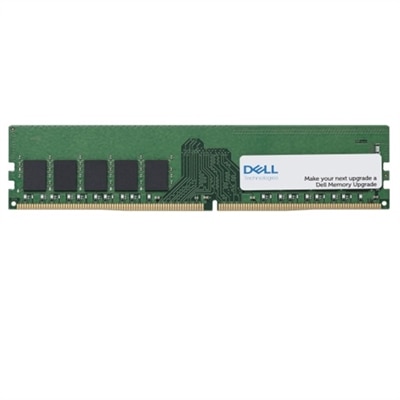
An 8GB DDR4 UDIMM memory upgrade with ECC for enhanced computer performance and reliability.
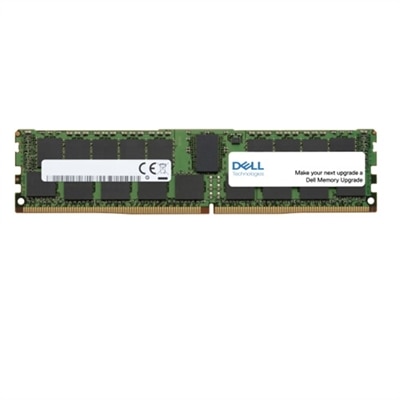
A 16 GB dual rank DDR4 UDIMM memory upgrade with ECC for enhanced computer performance and reliability.
An 8GB DDR4 UDIMM memory upgrade enhances performance with 3200 MT/s speed for Dell systems.
An 8 GB DDR4 SODIMM memory upgrade enhances performance with 3200 MT/s speed and Dell compatibility.
A 32 GB DDR5 UDIMM memory upgrade with 5200 MT/s speed, ideal for enhancing gaming desktops.
A 16 GB DDR5 UDIMM memory upgrade with 5200MT/s speed, designed for gaming desktops.
When considering an upgrade or a new purchase in the realm of laptop gaming RAM, it’s important to think about both your immediate needs and the kind of gaming experience you want to enjoy as technology continues to evolve. As the weather warms and schedules shift, many people find themselves with more free time to dive into immersive gaming worlds, stream content, or tackle creative projects. The right RAM configuration can make all the difference, whether you’re aiming for smooth frame rates in fast-paced shooters, seamless multitasking between your favorite open-world titles and background apps, or simply future-proofing your system for the next wave of blockbuster releases. For most, a 16GB RAM gaming laptop strikes a comfortable balance, offering enough memory to handle the demands of modern AAA games, support software updates, and keep multiple browser tabs or chat programs running without a hitch. Power users, streamers, and those who dabble in content creation or video editing may look to 32GB or more, ensuring ample headroom for resource-intensive applications and multitasking scenarios.
Laptop gaming RAM isn’t just a technical specification—it’s a key factor in unlocking a more responsive, enjoyable, and reliable computing experience. Whether you’re upgrading an existing system or selecting a new gaming laptop, it’s wise to pay close attention to compatibility, memory speed, and the type of RAM supported by your device. For example, checking the dell g7 15 specs or consulting your laptop’s manual can help you determine the best fit and avoid compatibility issues. Many gaming enthusiasts appreciate the flexibility of expandable RAM slots, which allow for future upgrades as gaming requirements increase. For students heading into a new academic year, professionals working remotely, or anyone who enjoys gaming as a way to unwind during the cooler months, gifting or investing in high-performance laptop RAM is a thoughtful way to support productivity and play. The tactile satisfaction of a lag-free gaming session, the thrill of exploring richly detailed environments, and the confidence that comes from knowing your system can keep up with your ambitions—all are made possible by the right memory setup.
If you’re exploring RAM options, you may want to consider memory type and speed, such as the benefits offered by DDR4 modules. These options are designed to deliver faster performance and greater efficiency for demanding gaming tasks. For more information about compatible and high-performance memory, you can visit our dedicated page for DDR4 Gaming RAM, where you’ll find detailed specifications and helpful resources. Ultimately, investing in quality laptop gaming RAM is about more than just numbers—it’s about enabling smoother gameplay, faster load times, and a more enjoyable digital experience, whether you’re gaming solo, connecting with friends online, or using your laptop as a powerful tool for creativity and productivity.
Upgrading RAM in a gaming laptop can significantly improve overall performance, reduce lag, and enable smoother multitasking. Enhanced memory allows games and demanding applications to run more efficiently, ensuring higher frame rates and faster load times, especially when playing modern titles or running multiple programs simultaneously.
Most Dell gaming laptops are designed with upgradability in mind. To confirm compatibility, check your laptop's user manual or visit the support section on Dell's website for your specific model. Look for details about the number of RAM slots, supported memory types, and maximum capacity.
Yes, upgrading to faster RAM can enhance your gaming experience by increasing data transfer speeds and reducing bottlenecks. This is especially noticeable in games that rely heavily on system memory, as well as when multitasking or streaming while gaming.
Installing new RAM in a laptop is generally straightforward for most users. Many laptops feature easy-access panels that allow you to replace or add memory modules with minimal tools. However, it's important to follow your device's instructions carefully and take appropriate precautions against static electricity.
For optimal gaming performance, choose RAM that matches your laptop's specifications and supports the latest standards, such as DDR4. Higher capacity and faster speeds can provide a noticeable boost, especially when paired with a compatible gaming laptop. For more information on compatible options, visit the DDR4 Gaming RAM page.
Add the products you would like to compare, and quickly determine which is best for your needs.