1. Capacity
2. Speed
3. Compatibility
4. Latency and Timings
Choosing the right RAM is essential for smooth and responsive gaming performance. Here are four key aspects to consider when selecting RAM for your gaming setup.
1. Capacity
2. Speed
3. Compatibility
4. Latency and Timings
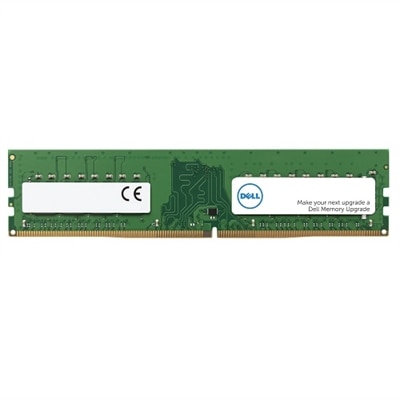
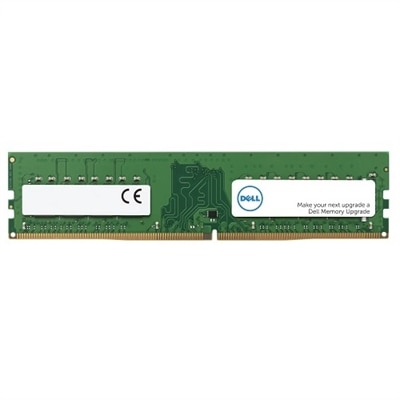
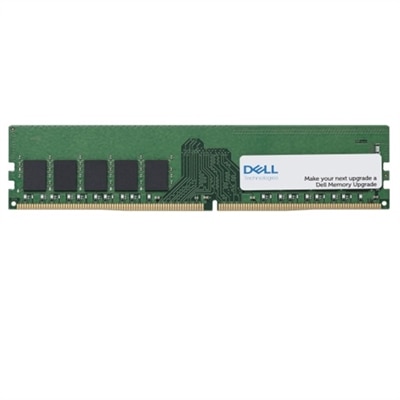
A 16 GB DDR5 UDIMM memory upgrade with 5600 MT/s speed for enhanced computer performance.
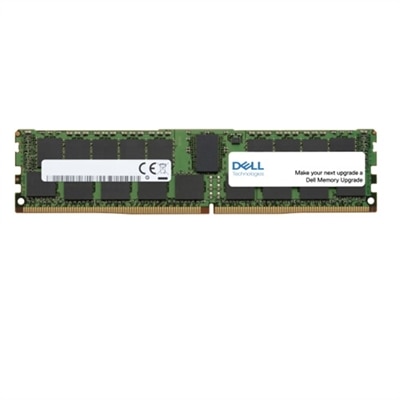
A 16 GB dual rank DDR4 UDIMM memory upgrade with ECC for enhanced computer performance and reliability.
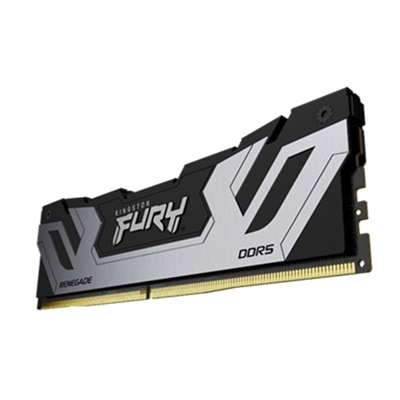
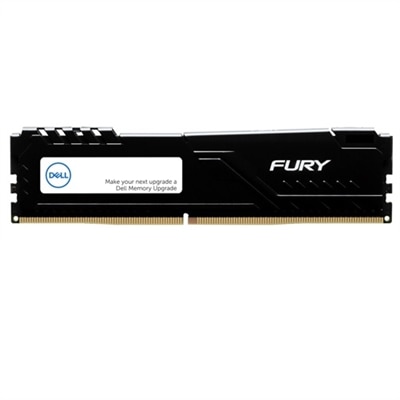
A high-speed 32GB DDR5 memory kit with XMP support, designed for reliable system performance.

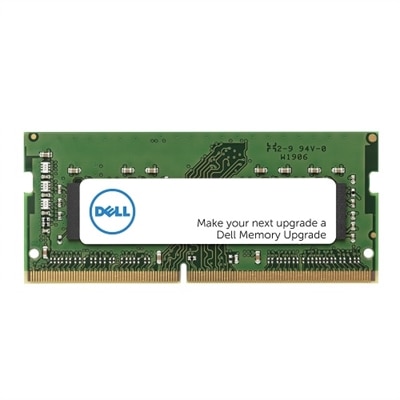
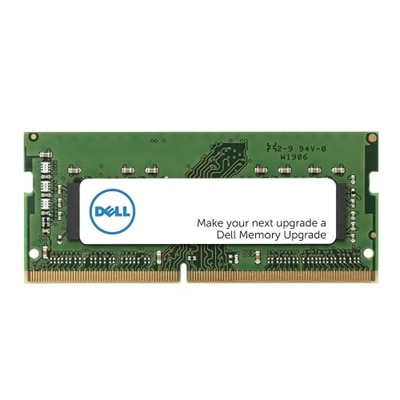
An 8 GB DDR4 SODIMM memory upgrade enhances performance with 3200 MT/s speed and Dell compatibility.
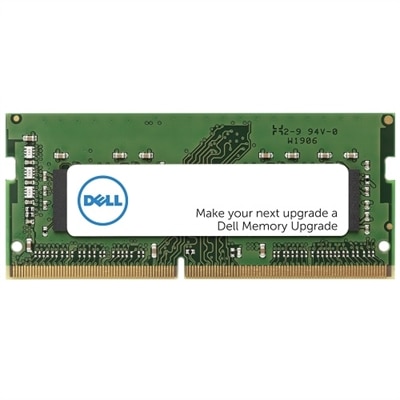
A 16 GB DDR4 SODIMM memory upgrade enhances performance with 3200 MT/s speed and dual rank design.
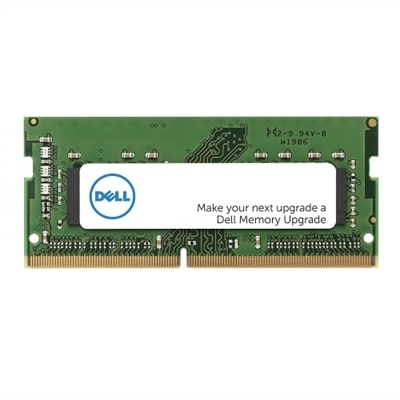
A 16GB single rank DDR4 SODIMM memory upgrade with 3200 MT/s speed for enhanced computer performance.
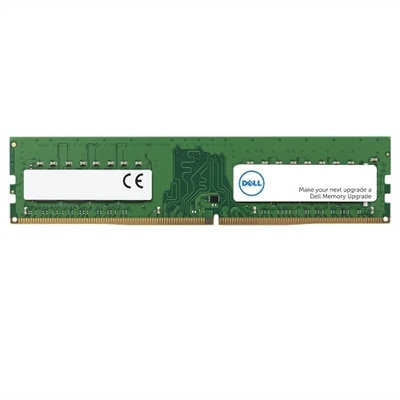
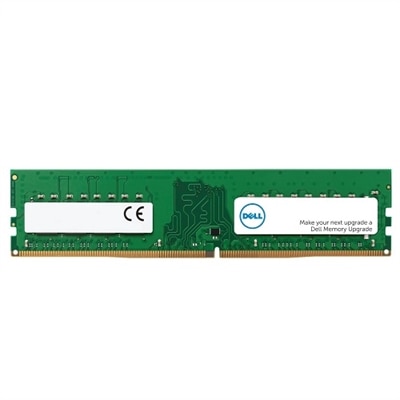
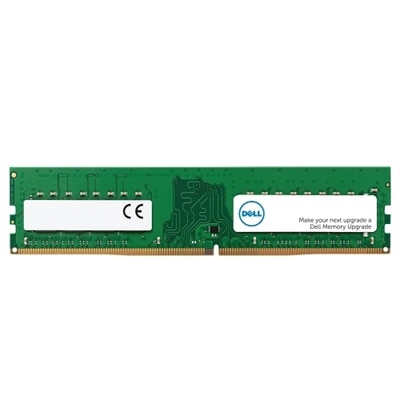
An 8GB DDR4 UDIMM RAM upgrade enhances computer performance with 3200 MT/s speed.

A high-performance DDR5 UDIMM desktop RAM offering 32GB capacity, 5600 MT/s speed, and 1.1V reliability.
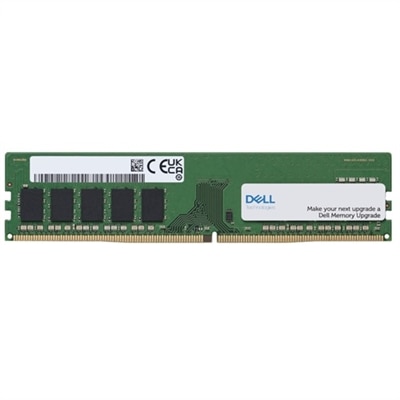
An 8 GB DDR4 UDIMM memory upgrade with ECC for enhanced computer performance and reliability.

A 4GB DDR4 UDIMM memory upgrade with 3200 MT/s speed, enhancing computer performance efficiently.
When choosing RAM for gaming, consider factors such as speed (measured in MHz), latency (lower is better), and compatibility with your motherboard. Look for RAM with heat spreaders for better cooling and opt for dual or quad-channel kits to maximize performance.
RAM speed can influence game load times and overall system responsiveness. Faster RAM allows data to be transferred more quickly between the memory and CPU, which can lead to smoother gameplay, especially in memory-intensive games.
Dual-channel RAM provides higher bandwidth compared to single-channel configurations, resulting in improved data transfer rates. This can enhance gaming performance by reducing bottlenecks and ensuring smoother multitasking.
RGB lighting is a purely aesthetic feature and does not impact the actual performance of your RAM. If you enjoy customizing the look of your PC, RGB-enabled RAM can add visual flair, but it is not necessary for optimal gaming performance.
Ensuring your chosen RAM is compatible with your motherboard is crucial. Check your motherboard's specifications for supported memory types, speeds, and maximum capacity to avoid issues during installation and to achieve the best possible gaming experience.

Add the products you would like to compare, and quickly determine which is best for your needs.


These cookies are essential for enabling user movement around our website and providing access to features such as your profile and purchases, log in credentials, and other areas of the website. These cookies are necessary to enable the basic features of this site to function, such as providing secure log-in, allowing images to load, or allowing you to select your cookie preferences. This category of cookies cannot be disabled.
Marketing cookies are used to understand user behavior across our websites. These cookies are also used to show ads that are more relevant to your interests. We may share this information with advertising platforms to help us display the most relevant messages to you. These cookies may also store information on user behavior obtained through their browsing habits, which allows us to develop a specific profile and display advertisements appropriate to your profile.
Cookies that are not categorized.
Statistical cookies help us to understand how visitors interact with our website by collecting and reporting information. Any information collected by means of this type of cookies is used to measure activity on any website, application or platform, for the purposes of introducing improvements in function of the analysis of the data regarding the service use made by users.