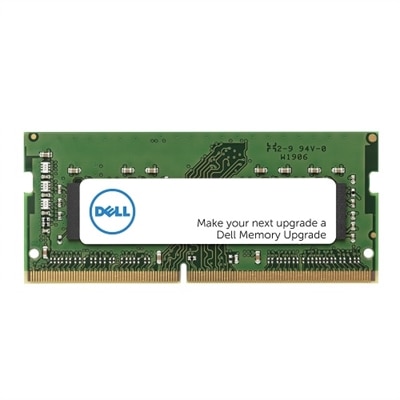
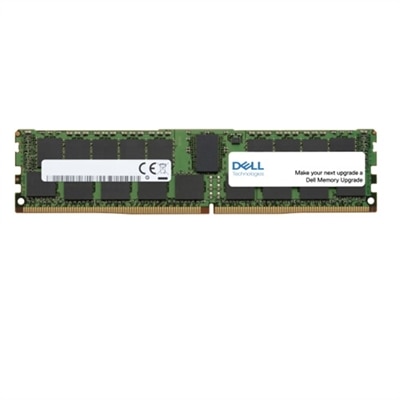
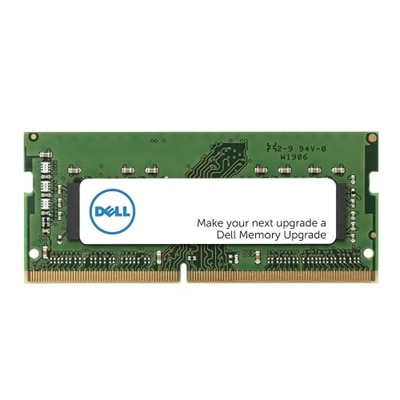
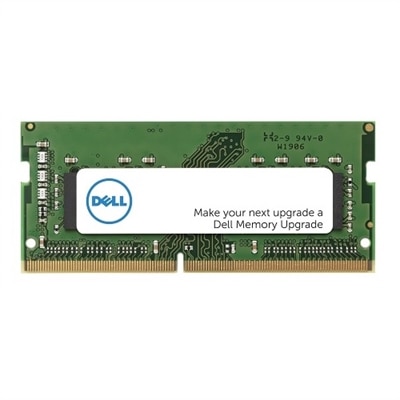
DDR4 Gaming RAM
Unlock your system’s potential with DDR4 gaming RAM, designed to support seamless gameplay and responsive multitasking. Whether you’re building a new rig or upgrading your current setup, DDR4 gaming RAM offers the speed and reliability needed for today’s most demanding titles. Explore a wide selection of options to find the perfect fit for your gaming experience and take your performance to the next level.
This product is not available
Check out the following recommendations.




DDR4 Gaming RAM
DDR4 gaming RAM remains a practical choice for many desktop gaming PCs, especially systems built around processors and motherboards that support the DDR4 standard. Memory affects how smoothly a computer handles games, background applications, browser tabs, voice chat, streaming tools and recording software at the same time. While RAM does not replace a capable graphics card or processor, having enough of it can help prevent stuttering caused by constant data swapping between memory and storage. For many current gaming setups, 16GB is a reasonable starting point when the computer is used mainly for gaming, while 32GB provides more breathing room for newer titles, open-world games, creative applications and multitasking. A 32GB kit made of two 16GB modules is a particularly balanced choice for someone building a new system or upgrading an older one, while a 16GB kit made of two 8GB modules can suit a more budget-conscious upgrade. When considering options in this category, begin with the motherboard’s supported memory type, maximum capacity and approved speeds. DDR4 modules are not interchangeable with DDR5 modules, and desktop DIMMs are different from the smaller SO-DIMM modules used in many laptops and compact computers. Checking the motherboard manual or compatibility list before purchasing can save considerable time and helps ensure that the selected memory fits both electrically and physically.
For gaming, matched two-module kits are generally preferable to a single module because they can operate in dual-channel mode, giving the processor access to more memory bandwidth. This can contribute to steadier performance and smoother frame delivery, particularly when a game is loading large environments or when other applications are active in the background. DDR4-3200 and DDR4-3600 are widely regarded as sensible performance ranges for many compatible systems, with CL16 and CL18 latency ratings commonly offering a good balance between speed, responsiveness and cost. Higher-rated memory can look appealing on a specification sheet, but the practical benefit depends on the processor’s memory controller, motherboard support and the game or application being used. Beyond roughly 3600MHz, improvements often become less noticeable for typical gaming, while system stability may require additional tuning. After installation, many motherboards initially run memory at a conservative default setting. Enabling the memory’s XMP profile in the BIOS can allow it to operate at its advertised speed and timings, provided the motherboard and processor support that profile. It is wise to confirm that the computer starts reliably afterward and to use a memory diagnostic tool if crashes, freezes or unexpected restarts appear. For a broader look at capacity, speed and compatibility considerations, visit Best RAM for Gaming.
Physical design matters as much as performance when planning an upgrade. Before choosing a kit, check how much clearance exists around the processor socket, especially if the computer uses a large air cooler. Low-profile heat spreaders can be a smart fit in compact cases or builds where the cooler extends over the memory slots. Decorative lighting can add color to a windowed case, while a plain heat spreader may be preferable for a restrained appearance or a system that sits beneath a desk. Neither lighting nor exterior styling changes the core memory capacity, speed or latency, so those features should follow the practical requirements of the build rather than replace them. It is also worth checking how many slots are available and whether future expansion is likely; filling two of four slots with a matched kit can leave room for a later upgrade, though mixing separate kits is not always guaranteed to run at the same rated settings. DDR4 gaming RAM can be a thoughtful gift for someone who enjoys building PCs, upgrading an aging desktop or preparing a computer for demanding games, but the recipient’s motherboard and current memory configuration should be known first. I have seen an otherwise promising upgrade delayed because the new modules were the wrong physical format, and another stalled by a cooler that left no clearance above the memory slots. A few minutes spent checking the system model, slot layout and supported specifications can make the installation feel as straightforward as adding the final pieces to a carefully planned build.
FAQs:
Upgrading to DDR4 gaming RAM can significantly enhance your system’s overall performance, providing faster data transfer rates, lower latency, and improved multitasking capabilities. This leads to smoother gameplay, quicker load times, and a more responsive computing experience, especially when running modern games or demanding applications.
You can check your motherboard’s specifications in the user manual or on the manufacturer’s website. Look for the supported memory type—if it lists DDR4, you’re good to go. It’s also important to verify the supported memory speeds and maximum capacity to ensure compatibility with your chosen RAM modules.
XMP, or Extreme Memory Profile, is a feature that allows users to easily enable higher memory speeds and optimal timings through their system BIOS. For gamers, this means unlocking the full performance potential of their DDR4 RAM with just a few clicks, resulting in improved frame rates and system responsiveness.
Heat spreaders help dissipate heat generated during intensive use, keeping the RAM modules cooler and more stable. While they don’t directly increase frame rates, they can prevent thermal throttling during extended gaming sessions, ensuring consistent performance and longevity of your components.
RGB lighting on DDR4 gaming RAM is primarily for aesthetics, allowing users to personalize their PC builds with vibrant, customizable colors. While it doesn’t impact performance, it can enhance the visual appeal of your setup, especially if you enjoy showcasing your system’s interior through a transparent case.