$29.99
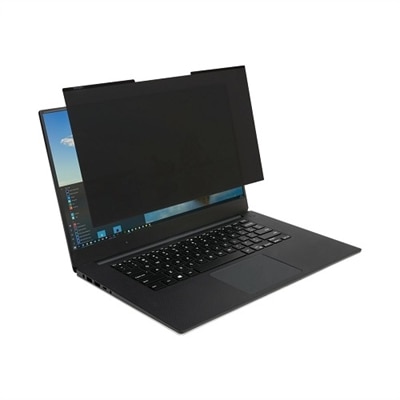
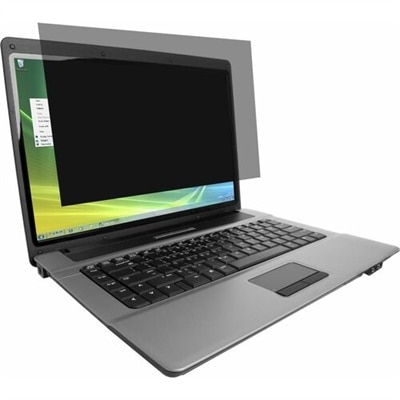
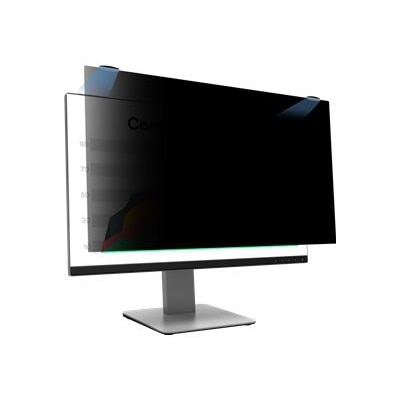
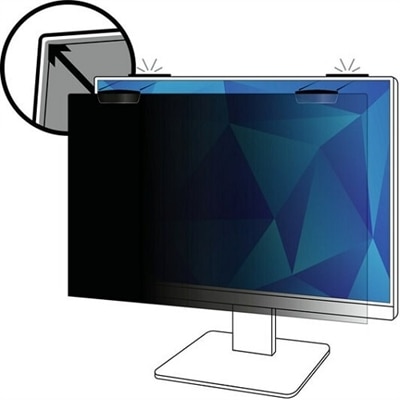
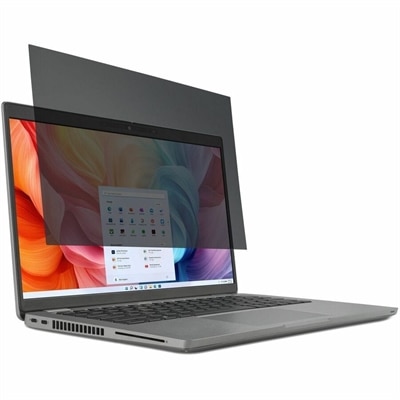
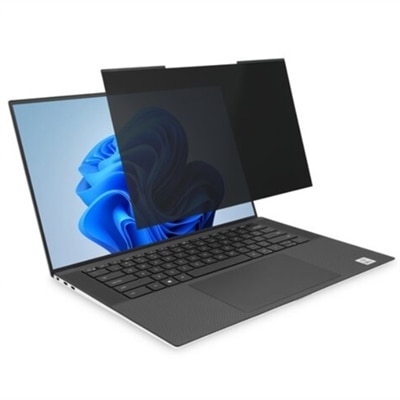
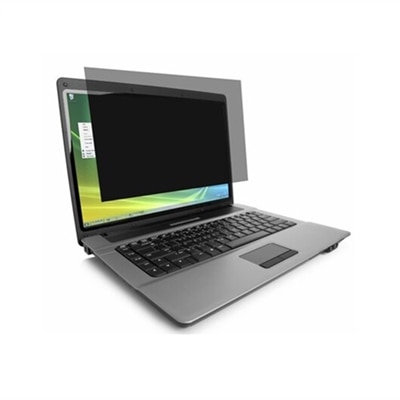
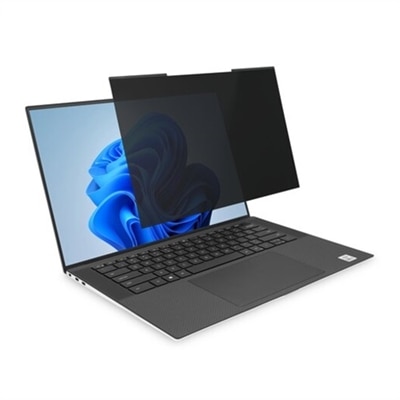
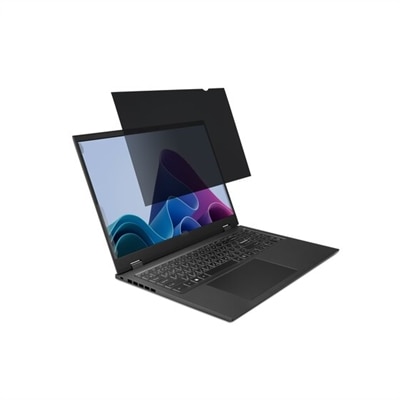
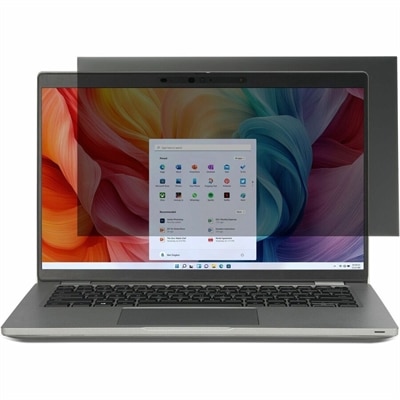
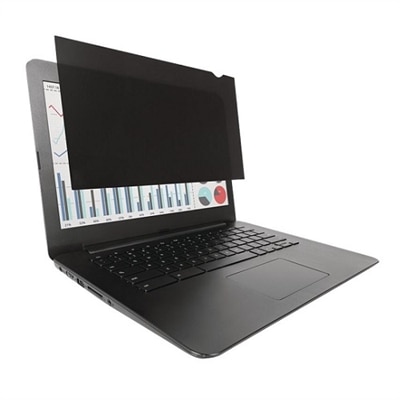
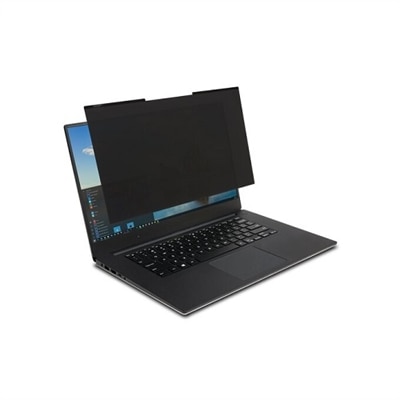
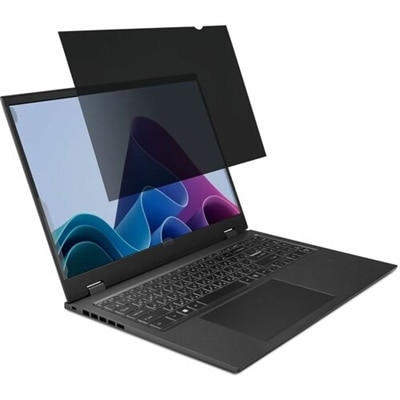
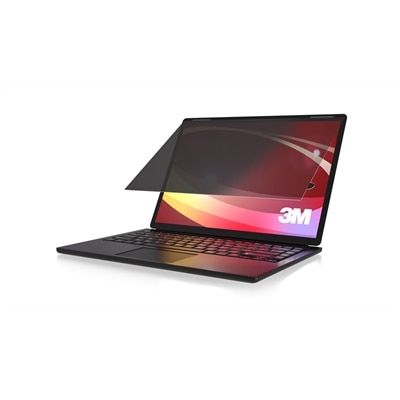
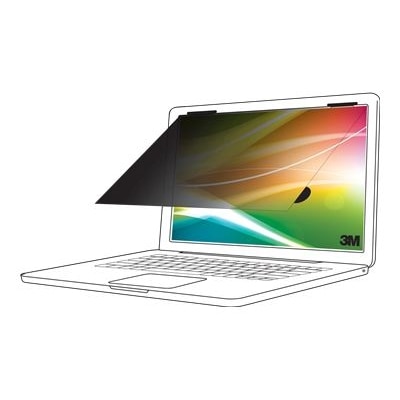
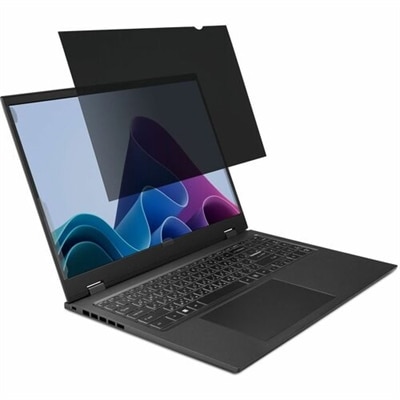
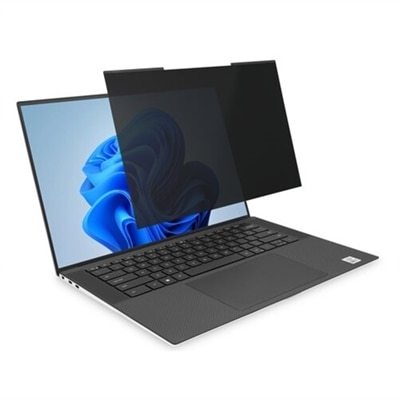
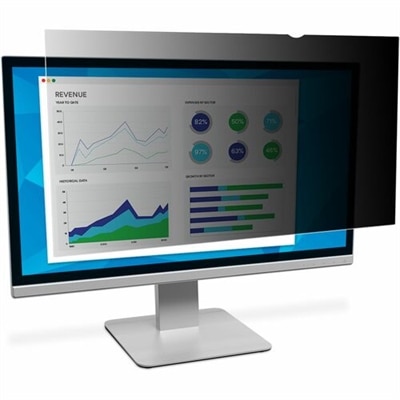
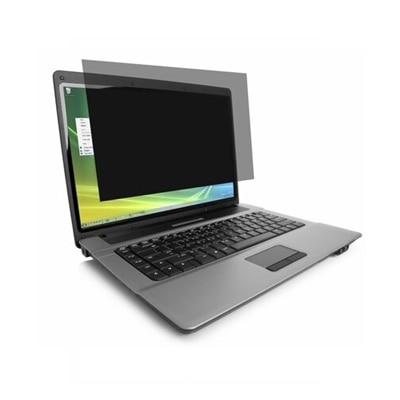
A reversible privacy screen with matte and glossy finishes, reducing glare, blue light, and visual breaches.
Privacy screens for MacBook Air help create a more secure and comfortable workspace, whether you're at home, in the office, or on the go. Designed to fit seamlessly with your device, these accessories can offer peace of mind when working in public spaces. Explore a variety of privacy screens for MacBook Air to find options that suit your needs and support a focused, confidential computing experience.
A reversible privacy screen with matte and glossy finishes, reducing glare, blue light, and visual breaches.
A black magnetic privacy screen for 14" laptops that reduces blue light and glare for eye comfort.
A magnetic privacy screen with blue light reduction and reversible matte/glossy sides for 13.3" laptops.
A privacy screen with a reversible matte-to-glossy finish, reducing glare and blue light exposure.
A black privacy screen for 13.3" laptops with reversible matte-to-glossy finish and blue light reduction.
A privacy screen with reversible matte-to-glossy finish, reducing glare and blue light for laptops.
A black matte-to-matte privacy filter that protects screens and ensures clarity while blocking visual hackers.
A black reversible matte privacy filter that shields your screen from glare, damage, and visual hackers.
A reversible privacy screen for 14" laptops that reduces glare and filters blue light by 30%.
A high-clarity privacy screen filter with nanolouver technology, blue light reduction, and anti-reflective coating.
A black magnetic privacy screen for 14" laptops with 16:10 aspect ratio and reversible matte-to-glossy finish.
A reversible privacy screen with anti-reflective coating, blue light reduction, and antimicrobial protection for laptops.
A magnetic privacy screen for 13.3" laptops, offering easy attachment and professional-grade visual security.
A removable privacy screen filter that reduces blue light and glare, featuring reversible matte-to-glossy surfaces.
A high-clarity privacy screen filter with blue light protection, anti-reflective coating, and advanced nanolouver technology.
A reversible privacy screen that limits viewing angles and reduces glare and blue light by 30%.
A privacy screen with reversible matte-to-glossy finish, reducing glare and blue light for eye comfort.
A magnetic privacy screen with blue light reduction and reversible matte/glossy sides for 12.5" laptops.
A reversible screen filter that reduces blue light, limits viewing angle, and preserves color accuracy for laptops.
A black privacy screen filter that blocks side views, reduces glare, and protects against fingerprints and blue light.
A black matte reversible privacy filter that protects onscreen data for 13.3-inch laptops with 16:10 displays.
A reversible privacy screen filter that reduces blue light, preserves color accuracy, and protects against scratches.
A reversible privacy screen filter that reduces blue light, preserves color accuracy, and protects against scratches.
As the seasons shift from the warmth of late summer into the crispness of fall, many people find themselves working and studying in a variety of settings—from bustling coffee shops to shared office spaces and open classrooms. In these environments, maintaining privacy on your MacBook Air becomes especially important. Privacy screens for MacBook Air are designed to safeguard sensitive information by restricting the viewing angle of your display, so only you can see what’s on your screen while those to the side are met with a darkened view. These screens are a practical solution for professionals handling confidential data, students working on assignments in public spaces, and frequent travelers who use their laptops on planes or in airports. The convenience of magnetic attachment means you can easily add or remove the screen as needed, without adhesives or residue, making it a seamless addition to your daily routine. Many privacy screens are engineered to be ultra-thin, allowing your MacBook Air to close fully and enter sleep mode without removing the filter, so your workflow remains uninterrupted.
When choosing the right privacy screen, it’s essential to consider the precise size and model of your MacBook Air. Because the fit must accommodate features like the camera notch and the slim bezels of modern laptops, selecting the correct version for your specific device—whether it’s a 13-inch, 13.6-inch, or 15-inch model—ensures optimal coverage and performance. Beyond privacy, these screens often include additional benefits such as anti-glare coatings to reduce reflections from ambient lighting and blue-light reduction to help minimize eye fatigue during long study sessions or workdays. The peace of mind that comes from knowing your information is protected can be invaluable, especially during busy seasons when you may be collaborating in shared spaces or working on the go. Privacy screens also make thoughtful gifts for students heading back to campus, professionals who travel frequently, or anyone who values digital privacy in their everyday life. For those interested in exploring more options and learning about other types of screen protection, visit the Best Screens For Laptops page for additional insights and recommendations.
The versatility of privacy screens extends beyond just security—they contribute to a more comfortable and focused working experience. During the cooler months, when indoor spaces become more crowded and communal, having a privacy filter can help reduce distractions and keep your workspace feeling personal, even in a shared environment. Whether you’re presenting sensitive slides in a meeting, reviewing financial data in a co-working lounge, or simply catching up on emails in a busy café, a well-fitted privacy screen offers both discretion and comfort. As you navigate the demands of late summer projects or prepare for the academic and professional challenges of fall, investing in a quality privacy screen for your MacBook Air can be a simple yet effective way to protect your information and enhance your productivity, wherever your work or studies may take you.
A privacy screen helps protect sensitive information by limiting the viewing angle of your MacBook Air display, making it difficult for others nearby to see your screen. It also reduces glare and can help minimize eye strain during extended use.
Privacy screens use micro-louver technology to narrow the field of vision, so only someone directly in front of the display can clearly see the content. Anyone viewing from an angle will see a darkened or obscured screen.
Yes, most privacy screens are designed to be thin and do not interfere with keyboard, trackpad, or external accessory use. They allow you to continue using all standard features and functions of your MacBook Air.
Many privacy screens are designed for easy installation and removal, often attaching via magnets or adhesive strips. This allows you to put them on or take them off as needed without leaving residue.
Privacy screens may slightly reduce brightness due to their filtering technology, but most high-quality options are engineered to maintain clear visuals and vibrant colors when viewed straight-on.
Add the products you would like to compare, and quickly determine which is best for your needs.