$53.99
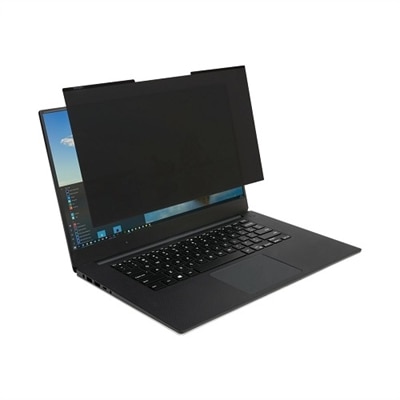
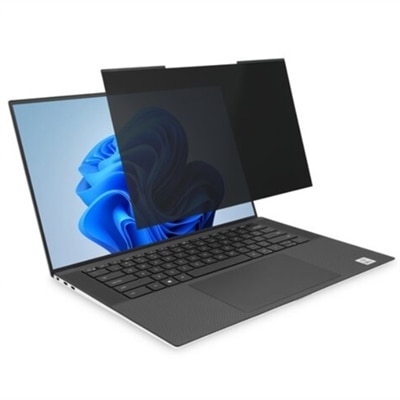
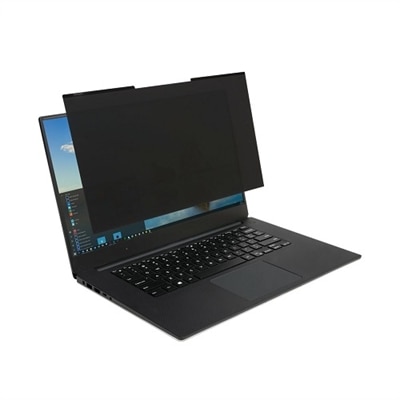
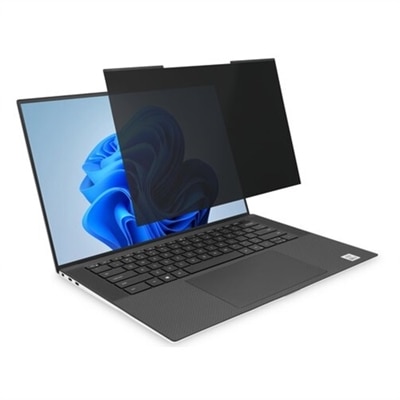
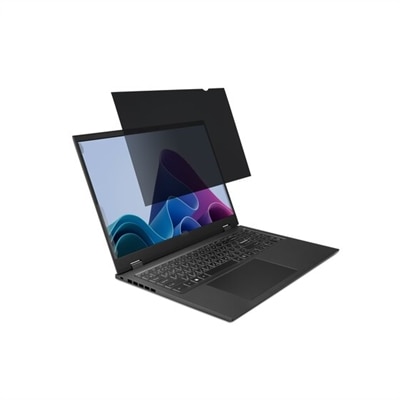
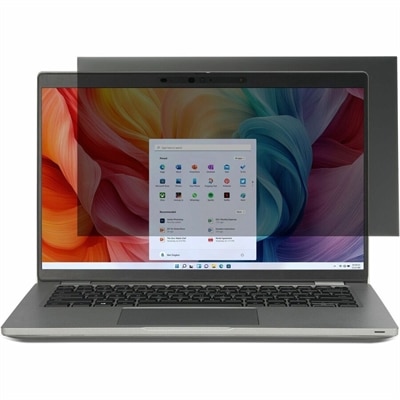
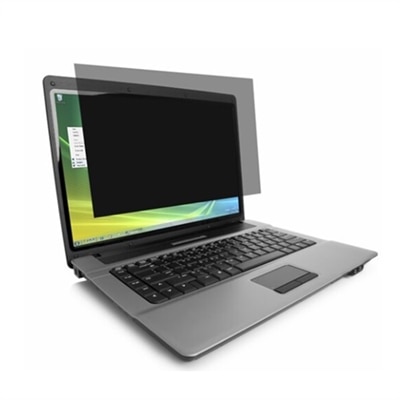
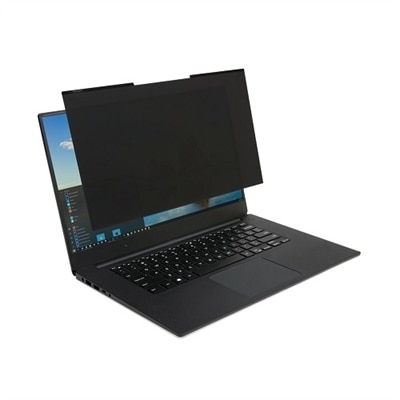
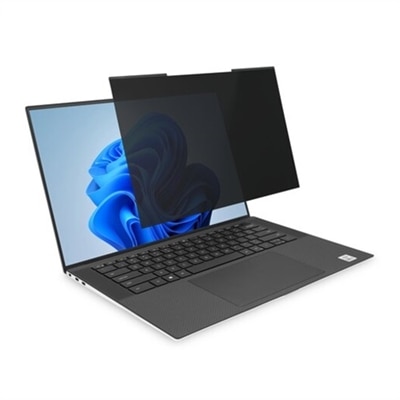
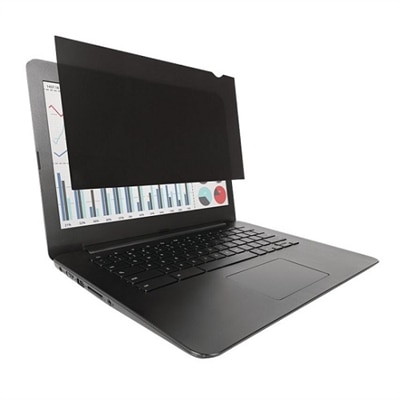
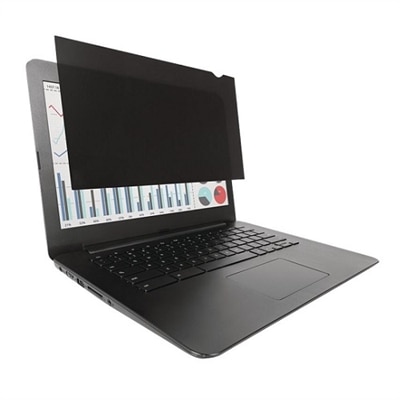
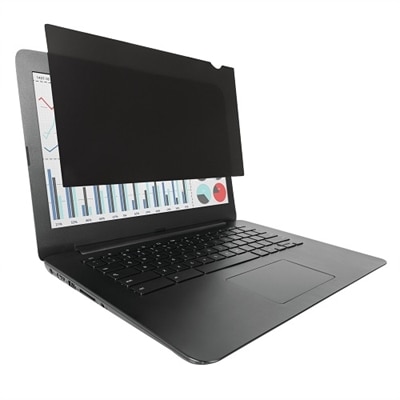
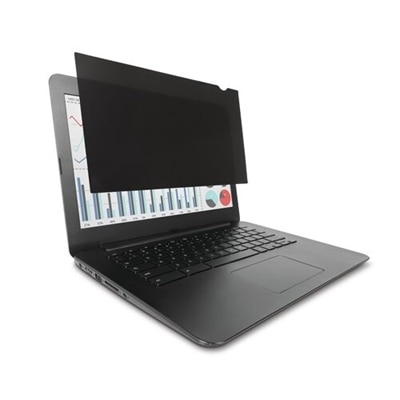
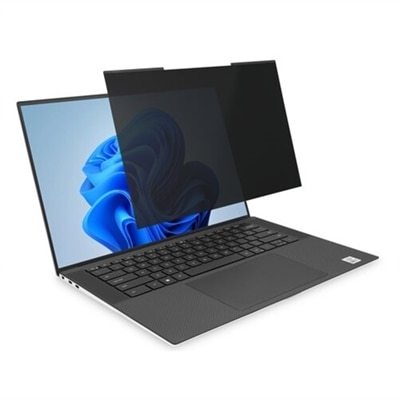
A magnetic privacy screen for 16:10 laptops, offering easy attachment and professional-grade visual security.
In today's digital age, safeguarding your personal and professional information is more important than ever. Laptop privacy screens are essential tools for anyone who values confidentiality and wants to protect sensitive data from prying eyes. Whether you're working in a bustling coffee shop, traveling on a plane, or simply sharing a workspace, these innovative screens help ensure that your information remains visible only to you. Designed to fit seamlessly with your device, laptop privacy screens offer peace of mind by reducing the risk of visual hacking while maintaining the clarity and functionality you need for everyday tasks.
A magnetic privacy screen for 16:10 laptops, offering easy attachment and professional-grade visual security.
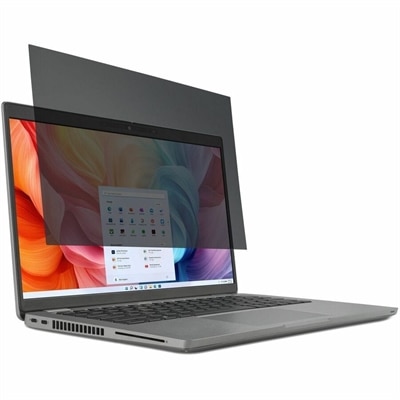
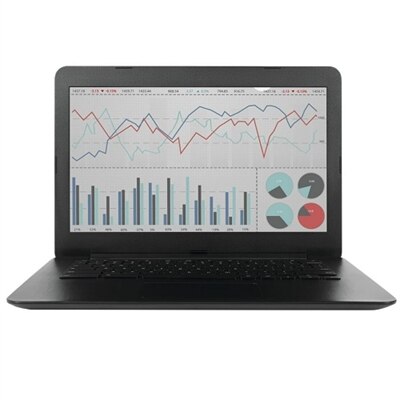
A reversible privacy screen for 14" laptops that reduces glare and filters blue light by 30%.
A black magnetic privacy screen for 14" laptops that reduces blue light and glare for eye comfort.
A high-clarity privacy screen filter with nanolouver technology, blue light reduction, and anti-reflective coating.
A reversible privacy screen with matte and glossy finishes, reducing glare, blue light, and visual breaches.
A black magnetic privacy screen for 14" laptops with 16:10 aspect ratio and reversible matte-to-glossy finish.
A magnetic privacy screen with blue light reduction and reversible matte/glossy sides for 13.3" laptops.
A reversible privacy screen that limits viewing angle and reduces blue light and glare.
A black magnetic privacy screen for 15.6" laptops with antimicrobial coating and blue light reduction.
A removable privacy screen filter that reduces blue light and glare, featuring reversible matte-to-glossy surfaces.
A high-clarity privacy screen filter with blue light protection, anti-reflective coating, and advanced nanolouver technology.
A thin privacy screen for 15.6" laptops that protects against prying eyes and screen damage.
A magnetic privacy screen with blue light reduction and reversible matte/glossy finish for 15.6" laptops.
A magnetic privacy screen for 13.3" laptops, offering easy attachment and professional-grade visual security.
A 17" privacy screen with reversible matte-to-glossy finish, blue light reduction, and anti-reflective coating.
A privacy screen with a reversible matte-to-glossy finish, reducing glare and blue light exposure.
A reversible privacy screen that limits viewing angles and reduces glare and blue light by 30%.
A privacy screen with reversible matte-to-glossy finish, reducing glare and blue light for laptops.
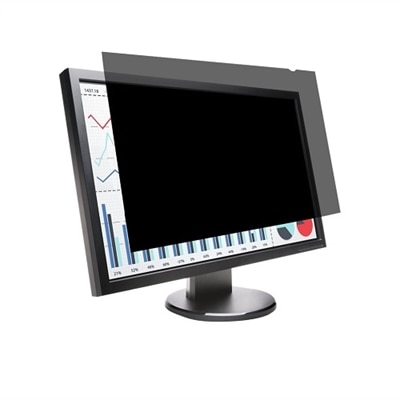
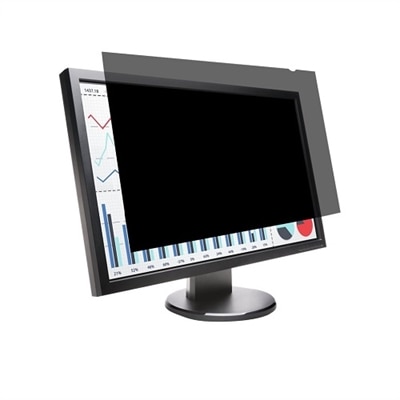
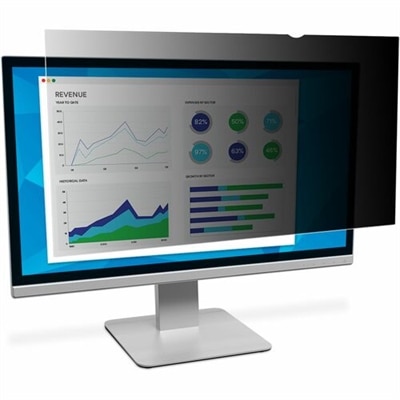
A black privacy screen for 27" monitors, reducing glare and blue light while protecting sensitive information.
A privacy screen with reversible matte-to-glossy finish, reducing glare and blue light for eye comfort.
A reversible privacy screen for 24" monitors with anti-reflective coating and blue light reduction.
A reversible privacy screen with anti-reflective coating and blue light reduction for 24" widescreen monitors.
A black privacy screen for 13.3" laptops with reversible matte-to-glossy finish and blue light reduction.
A reversible privacy screen with matte and glossy finishes, reducing glare and blue light by 30%.
A laptop privacy screen is a practical display accessory designed to help keep on-screen information visible to the person sitting directly in front of the laptop while making it difficult for people nearby to read from the side. This added privacy can be especially useful in shared offices, open-plan workspaces, libraries, classrooms, cafés, airports and other public settings where a shoulder surfer may be only a seat away. Privacy filters typically use microlouver technology, a layer of tiny vertical blinds that narrows the viewing angle and darkens the display when viewed from the side, often beginning at an angle of roughly 30 degrees. From a centered position, the screen remains clear enough for everyday work, video calls, research, writing and entertainment, while the view becomes dim or obscured as someone moves beside the laptop. This can help protect emails, financial information, customer records, project details, travel documents and personal messages without requiring a change to the laptop itself. Some filters also help reduce reflections from overhead lighting or windows, which can make a display more comfortable to use during long stretches of reading. Depending on the design, a privacy screen may offer an additional layer of protection against minor surface marks as well. It is not a replacement for strong passwords, automatic screen locking or careful handling of confidential files, but it can be a useful part of a broader approach to privacy. For additional display shopping context, explore Best Screens For Laptops to compare features that support a more comfortable and productive workspace.
The most important step when choosing a laptop privacy screen is confirming the exact display dimensions before placing an order. Laptop screens that appear similar can have different diagonal measurements, aspect ratios, bezel shapes and usable viewing areas, so matching only the laptop family or general screen size may not be enough. Check the manufacturer’s specifications for the display’s diagonal measurement, such as 13.3 inches, 14 inches, 15.6 inches or 16 inches, along with its aspect ratio, such as 16:9 or 16:10. Measure the visible portion of the display rather than including the surrounding bezel, and compare those measurements with the filter’s listed compatibility details. A filter that is too wide may overlap the bezel or interfere with a camera, while one that is too narrow can leave an exposed strip along the edge. Attachment style also affects the everyday experience. Magnetic designs can be convenient for people who move between private and shared spaces because they can be placed on or removed from the display with little effort. Slide tabs can hold a filter securely while allowing it to be removed when needed, and adhesive mounting strips may suit someone who wants a more permanent setup. Consider whether the laptop closes normally with the filter attached, whether the mounting system leaves room for the webcam, and whether the filter can be stored without collecting dust or scratches. A matte or low-reflection finish may be helpful under bright office lights, while a clearer finish can preserve a more vivid appearance for centered viewing. Some options include blue-light reduction, although color and brightness can vary, so users who edit photos, design graphics or rely on precise color should review the specifications carefully.
Laptop privacy screens can be useful for professionals who review confidential documents during a commute, students who work in busy study areas, remote employees who alternate between a home office and shared spaces, and travelers who want more discretion while working in a terminal or onboard an aircraft. They may also suit people who handle invoices, medical information, legal files, account details or internal business communications away from a dedicated office. A privacy filter can be a thoughtful gift for a new graduate, frequent traveler, hybrid worker or anyone setting up a laptop for school or work, particularly when paired with other everyday accessories that make mobile computing easier. Picture a laptop open on a small table near a bright window: without a privacy filter, a passerby may catch a glimpse of a message or spreadsheet while walking past; with the filter aligned correctly, the display is easier for the user to keep private while still remaining readable from the seated position. For the best experience, keep the filter centered, adjust the laptop angle to face the user directly and clean both the display and filter with a soft, lint-free cloth. Avoid abrasive cleaners or rough paper products that could damage the surface. Privacy filters are available for a range of laptop display sizes and attachment preferences, making it possible to select an option that fits a particular computer, work routine and comfort preference. By checking compatibility first and considering viewing clarity, glare reduction, installation, portability and webcam access, shoppers can find a laptop privacy screen that supports confident, discreet use from the desk to the café and through the cooler months of travel and shared work.
Add the products you would like to compare, and quickly determine which is best for your needs.