$79.99
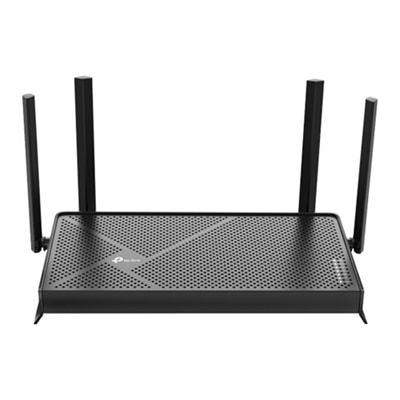
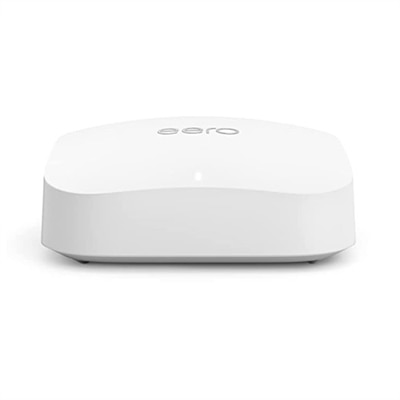
A Wi-Fi 6 router with 1.5 Gbps speeds, triple-core CPU, and advanced device management features.
Routers with ethernet ports offer a reliable and efficient way to connect multiple devices directly to your network for seamless online experiences. Whether setting up a home office, enhancing your gaming setup, or ensuring stable connections for smart TVs and desktops, these routers provide the flexibility and performance needed for both work and play. Explore a wide selection of routers with ethernet ports to find the perfect solution for your connectivity needs.
A Wi-Fi 6 router with 1.5 Gbps speeds, triple-core CPU, and advanced device management features.
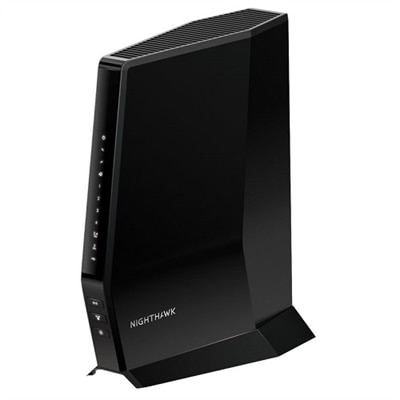
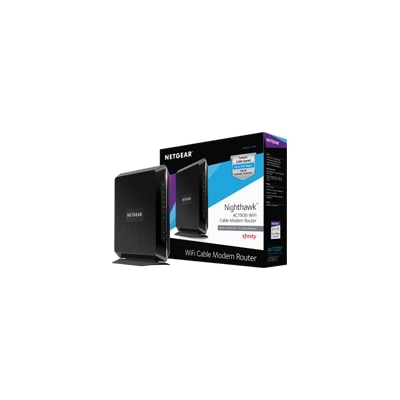
A high-performance WiFi 6 router with built-in DOCSIS 3.1 modem for ultra-fast, multi-device connectivity.
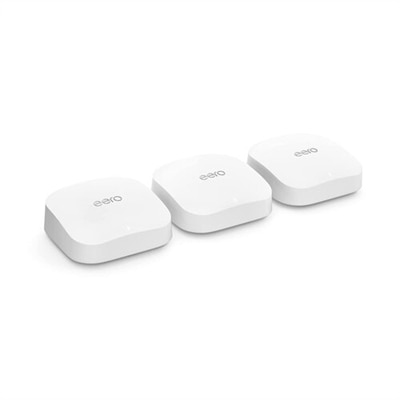
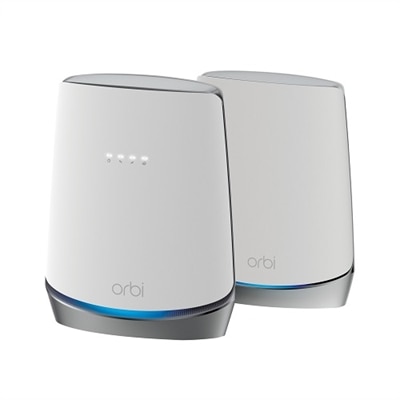
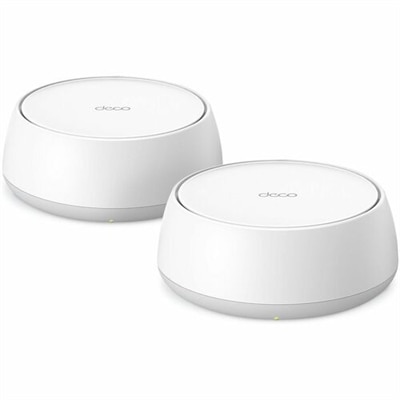
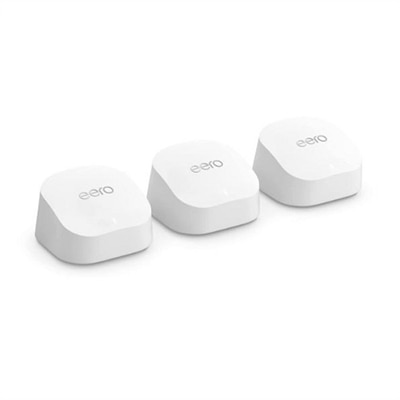
A powerful mesh Wi-Fi system offering 6,000 sq ft coverage, 2.3 Gbps speeds, and smart home integration.
A future-ready WiFi 6 router with DOCSIS 3.1 modem offers ultra-fast speeds and multi-gig internet support.
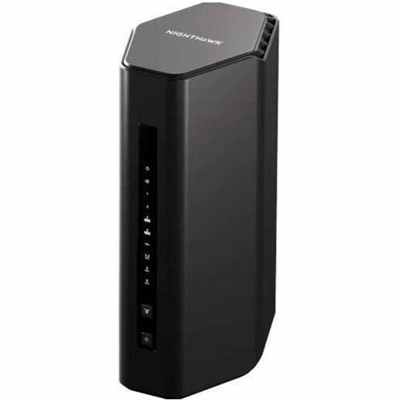
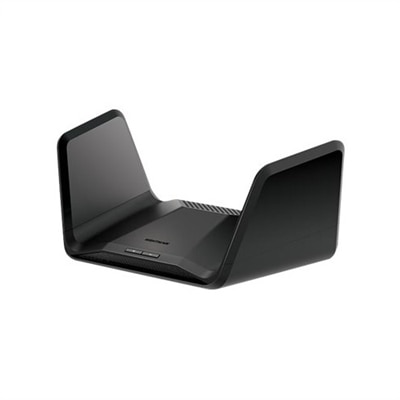
A tri-band router offering WiFi 7 speeds up to 9.3Gbps and coverage for 100 devices.
A dual-band router offering 6.5Gbps speeds, 2,500 sq. ft. coverage, and protection for 80 devices.
A sleek WiFi 7 router offering up to 19Gbps speeds, 10GbE port, and coverage for 200 devices.
An ultra-fast Wi-Fi 7 router with two 10 GbE ports, ideal for high-performance gaming.
An advanced WiFi 7 router offering 27Gbps speeds and 360° coverage for seamless connectivity.
A dual-band modem/router combo offering up to 1.9Gbps speeds with 24x8 channel bonding for peak performance.
A tri-band WiFi 6 router with DOCSIS 3.1 modem offers seamless, ultra-fast internet for 40+ devices.
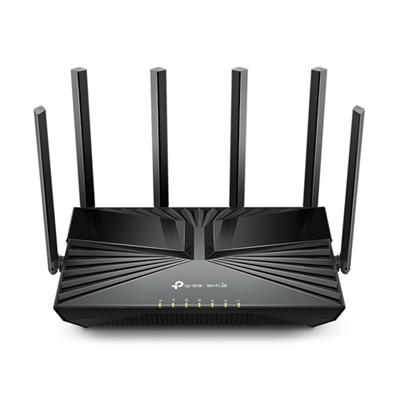
A tri-band WiFi 6E router offering up to 5.4 Gbps speeds and advanced security features.
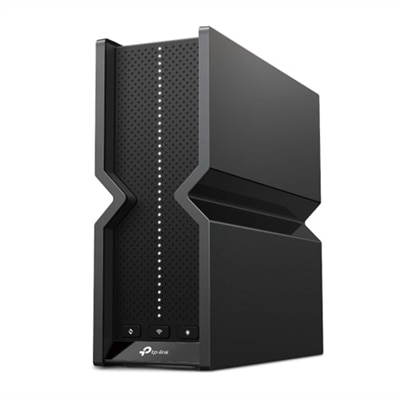
A tri-band Wi-Fi 7 router with 9.2 Gbps speeds, six antennas, and advanced security features.
A dual-band Wi-Fi 7 router with 3.6 Gbps speeds, 2.5 Gbps ports, and advanced security features.
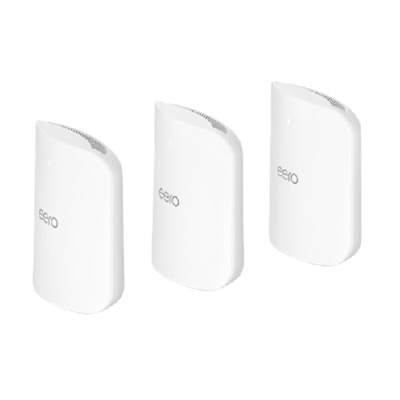
A mesh Wi-Fi system delivering ultra-fast Wi-Fi 7 speeds, AI-driven roaming, and advanced HomeShield security.
An advanced WiFi 7 router offering up to 11Gbps speeds and comprehensive 360° home coverage.
A high-performance tri-band router offering 18Gbps speeds and 3,300 sq. ft. WiFi coverage.
An ultra-fast Wi-Fi 7 router with TrueMesh technology, offering speeds up to 4.3 Gbps and two 10 GbE ports.
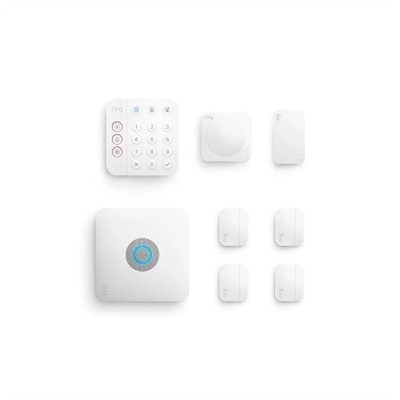
An 8-piece security kit with built-in eero Wi-Fi 6 router for reliable, secure home connectivity.
An advanced tri-band WiFi 6E router offering ultra-fast 7.8Gbps speeds and comprehensive security features.
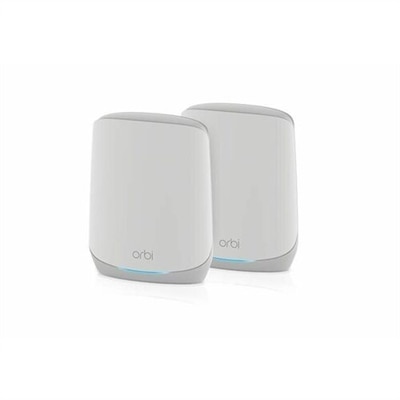
A robust tri-band mesh system offering lightning-fast WiFi 6 and advanced cybersecurity for smart homes.
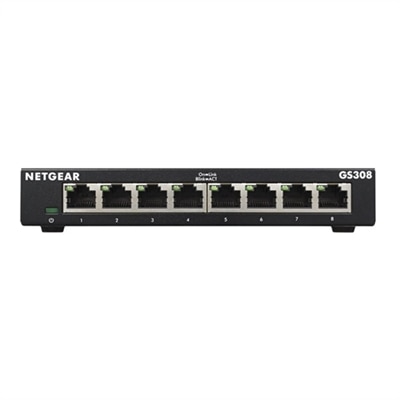
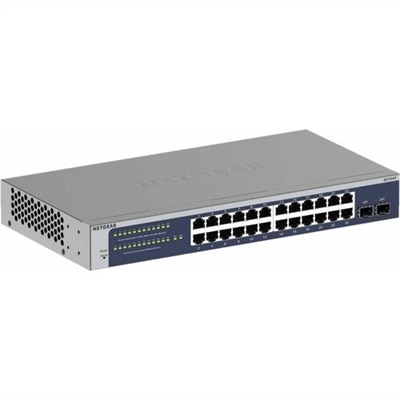
A durable, fanless Ethernet switch with PoE, offering silent operation and easy plug-and-play connectivity.
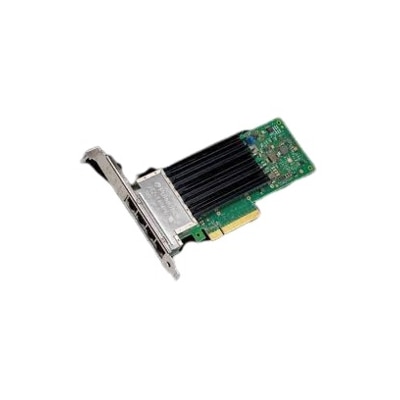
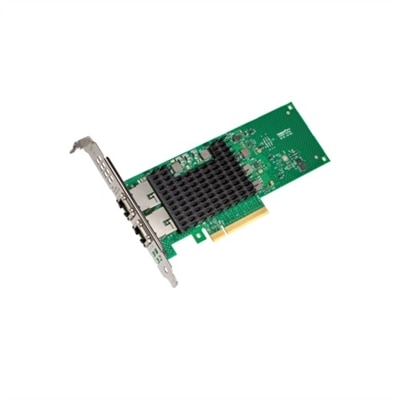
A reliable quad-port Ethernet PCIe network card ideal for server connectivity and Dell system compatibility.
An advanced Wi-Fi 6E router with 2,000 sq ft coverage, supporting 100+ devices and smart home integration.
Routers with Ethernet ports provide a practical way to connect wired devices to the internet while still supporting the convenience of Wi-Fi throughout a home or workspace. Most standard models include one WAN port, which connects to a modem or optical network terminal (ONT), along with several LAN ports for devices such as desktop computers, laptops with compatible adapters, gaming consoles, smart TVs, streaming devices, printers and other electronics. A wired connection can be especially useful for equipment that stays in one place, since it avoids the signal interruptions, distance limitations and wireless congestion that can affect Wi-Fi. Ethernet is often a preferred choice for online gaming, video calls, large file transfers and high-resolution streaming because it can provide a steady connection with low latency. When comparing routers with Ethernet ports, begin by considering how many wired devices will be connected today and how many may be added later. A home office with a desktop computer, printer and docking station may need fewer open ports than a family room with a television, console, streaming player and compact PC. It is also worth checking the layout of the space: a router positioned near a desk or entertainment area can make wired connections easier, while longer cable runs may require thoughtful routing along walls or behind furniture. A tidy installation can make a noticeable difference; in many homes, a few carefully placed cables are less distracting and more dependable than repeatedly troubleshooting an inconsistent wireless signal.
Port speed should match both the internet plan and the capabilities of the connected devices. Many routers use Gigabit Ethernet ports, which support speeds up to 1Gbps under suitable conditions, while newer models may include multi-gigabit ports rated for 2.5Gbps or more. The actual speed experienced by a device depends on several factors, including the service supplied by the internet provider, the modem or ONT, the Ethernet cable, the computer or other connected equipment, and the data source on the internet. A multi-gigabit port cannot make a slower service plan faster, but it can provide useful headroom for a faster plan, local file transfers or future upgrades. Check whether the router labels ports individually, since some models may offer a faster WAN connection than their LAN connections, while others may allow a port to be configured for either purpose. Ethernet cable category also matters: newer cables can be a sensible choice for higher-speed connections, particularly when a cable will run across a room or through a home office for years. Port count deserves equal attention. If the router does not have enough LAN ports for every wired device, an unmanaged switch can be connected to one LAN port to add more wired connections; shoppers comparing expansion options can explore Ethernet Network Switches. This approach is useful in a study where several computers and accessories share one area, or in an entertainment center where multiple devices sit together. Leave some room for growth when possible, since adding a new console, work computer or smart-home device is easier when an open port is already available.
Routers with Ethernet ports can suit a broad range of households, remote workers, students, gamers and small workspaces. Someone who spends cooler months working from a dedicated desk may appreciate the consistency of a wired connection for meetings, cloud applications and large downloads, while other family members continue using Wi-Fi from different rooms. A gamer may connect a console or desktop directly to reduce latency and avoid competing with phones, tablets and televisions using the wireless signal. For streaming, a wired connection can help keep a television or media device stable when the router is separated from the living room by thick walls or several rooms. These routers can also be a thoughtful gift for someone moving into a new home, setting up a first apartment or creating a more permanent home office, particularly when paired with the appropriate Ethernet cables. Before choosing, review the router’s supported Wi-Fi standard, coverage guidance, number and speed of its Ethernet ports, security features and management options. WPA3 support, automatic firmware updates, guest access and clear parental controls can make everyday use easier and help protect connected devices. Compatibility with the internet provider is important as well; some services require a separate modem or ONT, while others may provide equipment with router functions already built in. Placement remains important even when several devices will use Ethernet: keep the router in an open, central location with ventilation, rather than inside a cabinet or behind a television, so wireless devices can receive a stronger signal. A balanced setup often works best, with stationary, data-intensive equipment connected by cable and mobile devices left on Wi-Fi. By matching port count, port speed, service-plan capability, physical layout and security features, shoppers can choose a router that fits the way their home or workspace is used and remains useful as connected devices change over time.
Add the products you would like to compare, and quickly determine which is best for your needs.