$213.99
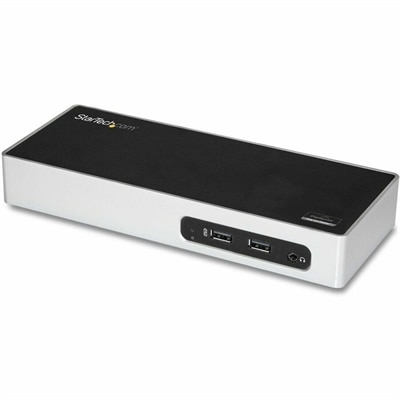
A USB 3.0 docking station with dual-monitor HDMI, DVI/VGA, six USB-A ports, Gigabit Ethernet, and audio.
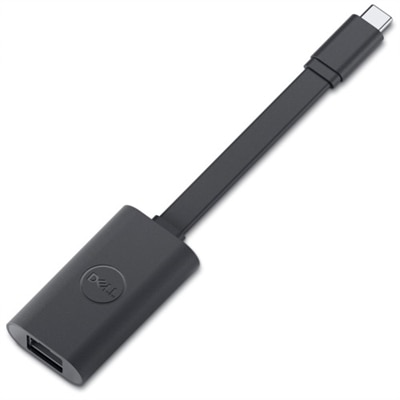
Ethernet ports are essential components for establishing reliable wired network connections in a variety of home and office environments. Whether you’re setting up a workstation, enhancing your desktop setup, or connecting multiple devices to a stable network, ethernet ports provide the foundation for smooth and consistent data transfer. Explore options that support your connectivity needs and help streamline your digital workspace with dependable ethernet ports.
A USB 3.0 docking station with dual-monitor HDMI, DVI/VGA, six USB-A ports, Gigabit Ethernet, and audio.
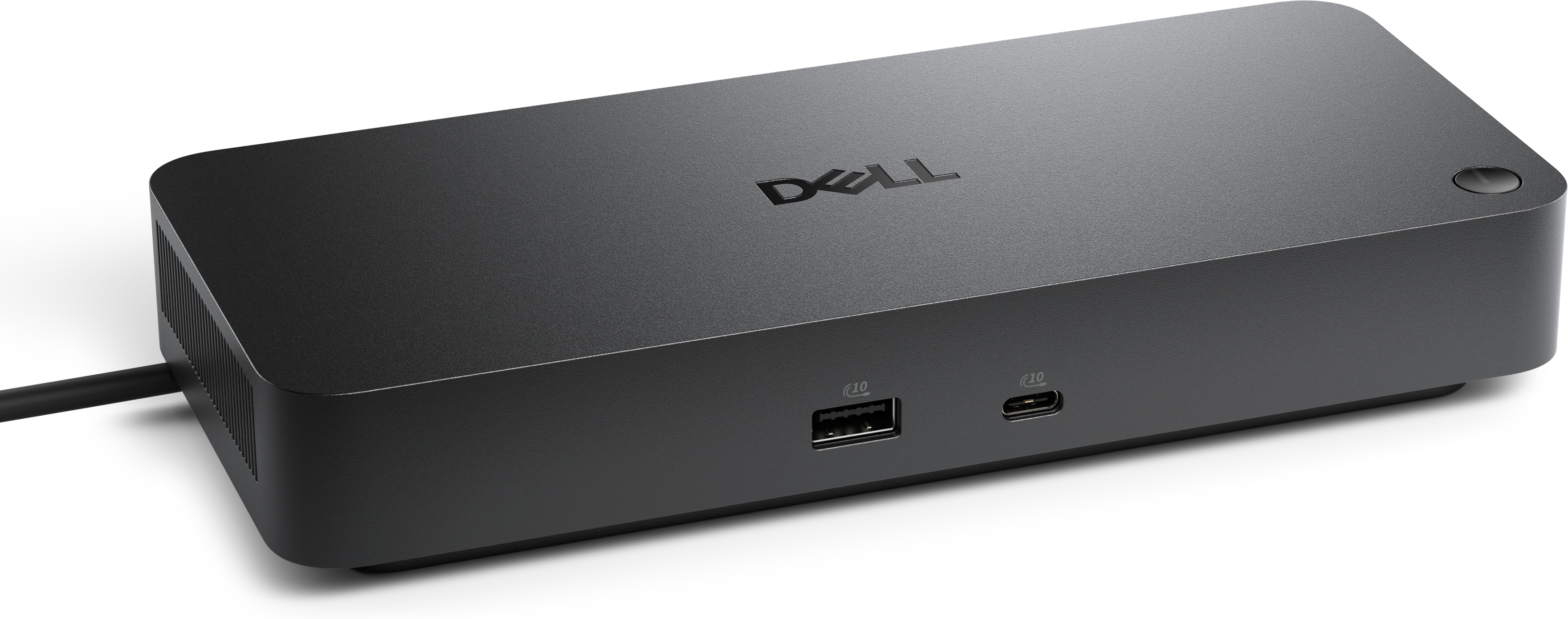
A professional docking station delivering 130W power and versatile connectivity for streamlined productivity.
A Thunderbolt 4 dock delivering up to 130W of power for a powerful, streamlined workspace.
A smart docking station offering up to 130W USB-C power delivery and remote management capabilities.
Ethernet ports are a foundational element in today’s connected world, quietly enabling seamless, high-speed communication between devices at home, in offices, and across creative workspaces. Whether you’re setting up a desktop for remote work, configuring a gaming station, or building a reliable home network for streaming and smart home management, the presence of Ethernet ports can make all the difference in stability and speed. Unlike wireless connections, which are susceptible to interference and signal drops, a wired Ethernet connection offers consistent data transfer rates—ranging from the standard 1 Gbps of Gigabit Ethernet to multi-gigabit speeds found on higher-end equipment—making it ideal for activities that demand uninterrupted performance. Many users appreciate the peace of mind that comes from plugging a laptop, desktop, or monitor directly into their router or switch, especially when transferring large files, participating in virtual meetings, or enjoying online gaming sessions where every millisecond counts. As routines shift, you might find yourself rearranging your workspace or refreshing your technology setup; Ethernet ports provide the flexibility to move devices without worrying about weak Wi-Fi signals or lag.
For families, professionals, and tech enthusiasts alike, Ethernet ports are a practical feature that enhances everyday experiences. Students working on group projects from home, remote employees joining video conferences, or hobbyists managing smart home devices all benefit from the secure, reliable connectivity that Ethernet offers. If you’re considering a thoughtful gift for someone heading off to college, starting a new job, or upgrading their home office, devices equipped with Ethernet ports can deliver a tangible boost in productivity and convenience. Even as people spend more time on the go or travel, having a dependable wired connection at home ensures that everything from cloud backups to streaming movie nights runs smoothly. When expanding your network to accommodate more devices—perhaps by adding a new desktop, monitor, or docking station—Ethernet switches become invaluable, multiplying your available ports without complicated setup. These plug-and-play solutions are especially useful in households where multiple users need strong connections for work, study, or entertainment, and their LED indicators provide instant visual feedback on link status and speed.
When shopping for products with Ethernet ports, consider the specific needs of your environment: the number of devices you plan to connect, the speeds required for your applications, and the layout of your space. Look for features like multi-gigabit support for high-performance tasks, robust build quality for longevity, and compatibility with your existing network hardware. The addition of Ethernet ports isn’t just about faster internet—it’s about creating a network that grows with you, supporting everything from collaborative projects to immersive entertainment. For a closer look at the range of options available, including accessories and devices designed to optimize your wired network experience, explore the curated selection on our Ethernet Devices page. Here, you’ll find solutions that fit seamlessly into both new and existing setups, helping you make the most of every connection as your needs evolve throughout the year.
Add the products you would like to compare, and quickly determine which is best for your needs.