$179.99
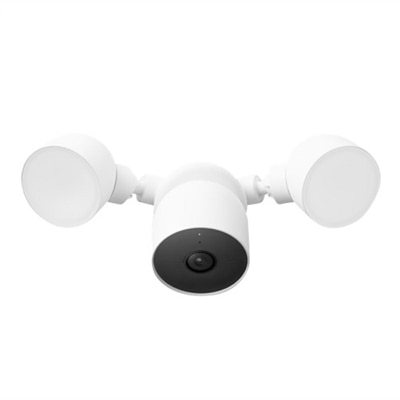
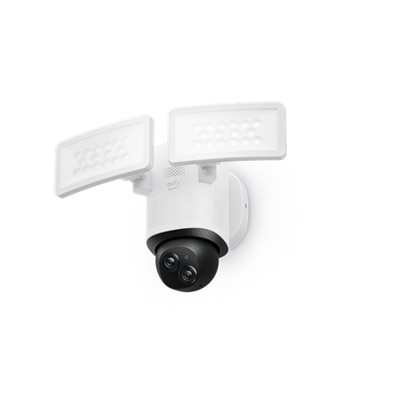
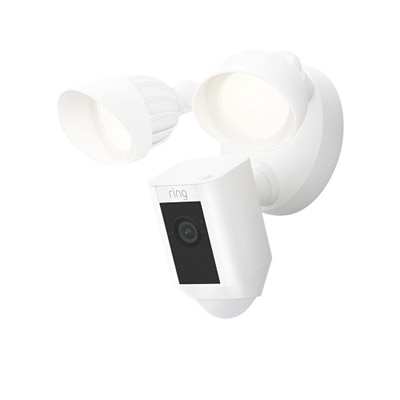
A white floodlight camera with 1080p HD video, customizable motion zones, and Alexa compatibility.
Enhance your security setup with network surveillance cameras designed for reliable monitoring and peace of mind. Ideal for both home and business environments, these cameras offer flexible installation options and seamless integration with your existing technology. Explore a wide selection of network surveillance cameras to find the right solution for keeping an eye on what matters most, whether you’re managing a busy office or safeguarding your residence.
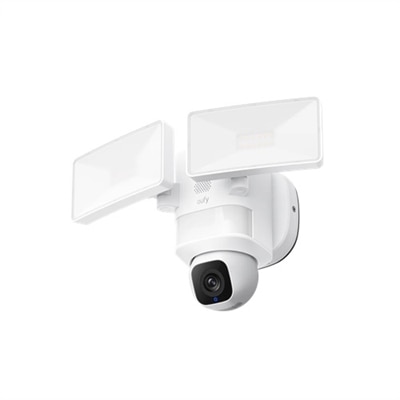
A white floodlight camera with 1080p HD video, customizable motion zones, and Alexa compatibility.
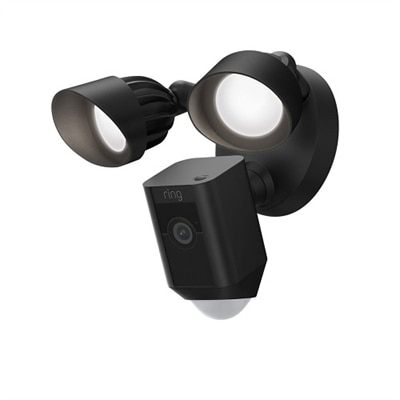
A black floodlight camera with 1080p HD video, customizable motion zones, and Alexa compatibility.
A snow-colored floodlight camera with 1080p HDR video, intelligent alerts, and two-step verification.
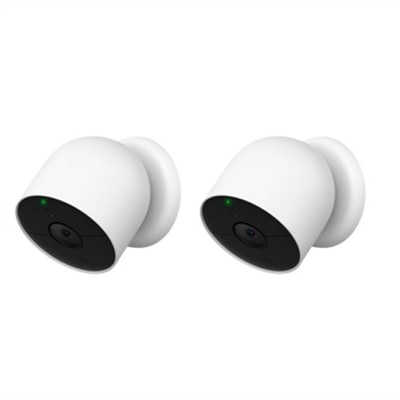
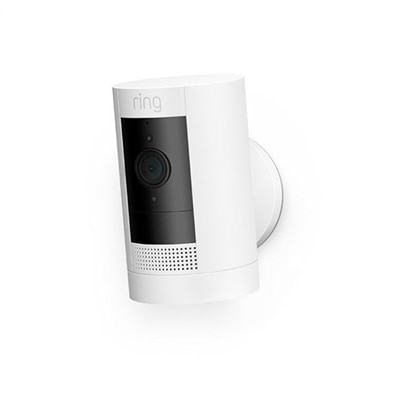
A versatile snow-colored security camera with HDR, night vision, and customizable alerts for indoor/outdoor use.
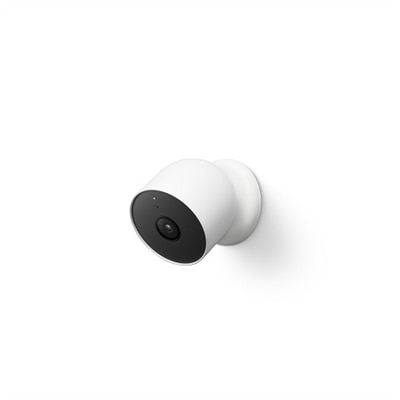
A versatile snow-colored security camera with HDR, night vision, and customizable smart alerts for any location.
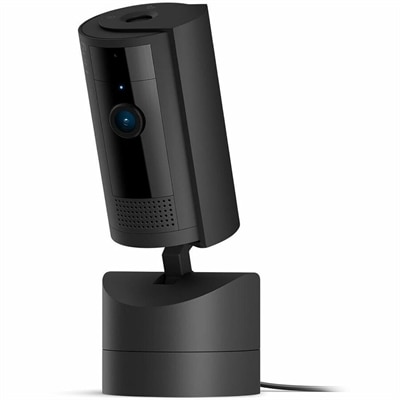
A versatile black indoor camera offering 360° pan, HD video, color night vision, and motion detection.
A 2K lens indoor security camera providing detailed home protection to prevent unnoticed risks.
A versatile white HD security camera with motion-activated alerts, two-way talk, and customizable privacy zones.
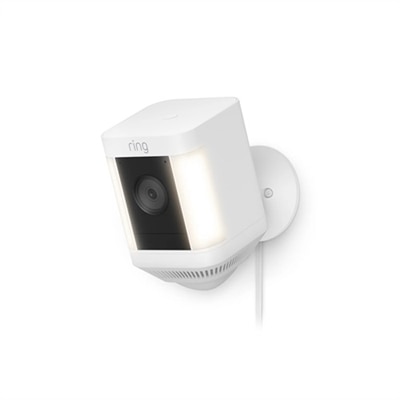
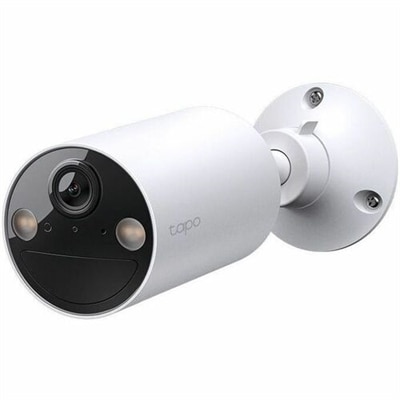
A versatile white security camera with 1080p HD video, LED spotlights, and customizable motion zones.
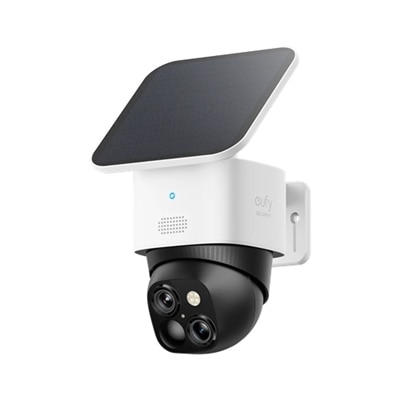
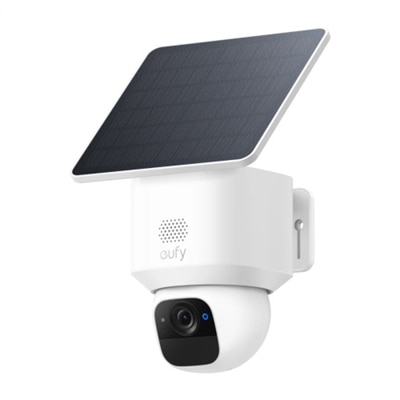
A wireless outdoor security camera with dual lens and solar panel for comprehensive surveillance.
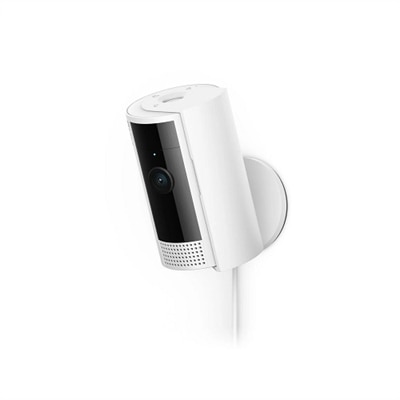
A compact indoor wireless surveillance camera with 1080p resolution and a removable privacy cover.
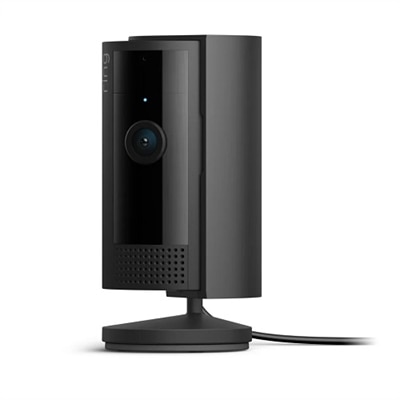
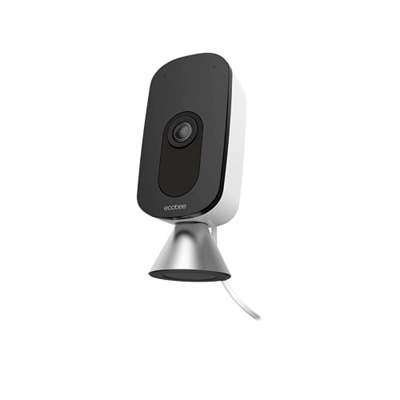
An indoor camera with HD video, color night vision, and a manual privacy cover in black.
A versatile 4K camera with two-way audio, weatherproof design, and voice assistant compatibility.
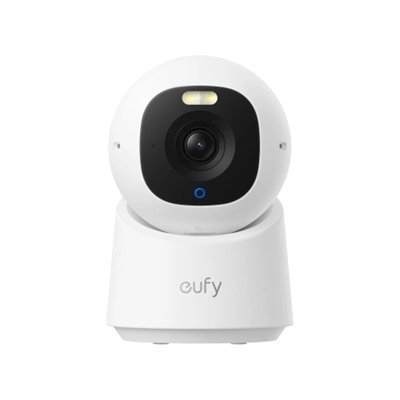
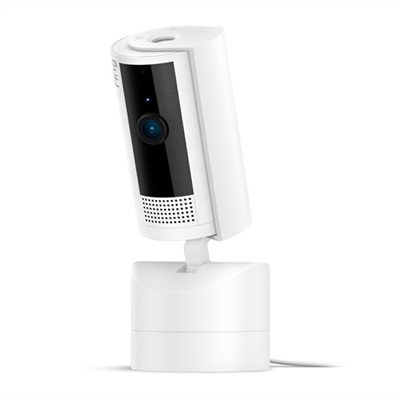
A versatile white indoor camera offering 360° pan coverage, HD video, and customizable privacy features.
A wire-free 2K network camera with color night vision, human detection, and flexible indoor/outdoor installation.
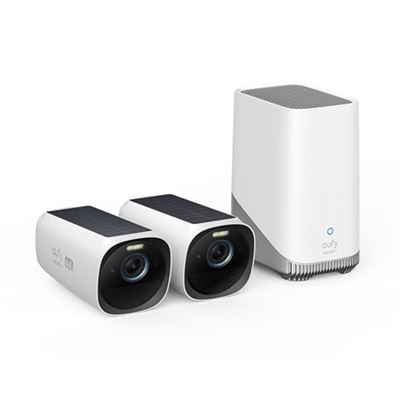
A 4K camera kit with MaxColor Vision for detailed, clear surveillance in ultra-low light conditions.
A floodlight camera offering sharp 2K HD resolution and 2,000-lumen motion-activated LED lighting.
A home automation camera offering 2K clarity and f/1.6 aperture for superior day and night image quality.
An indoor WiFi security camera with voice control, two-way talk, and smart activity zones.
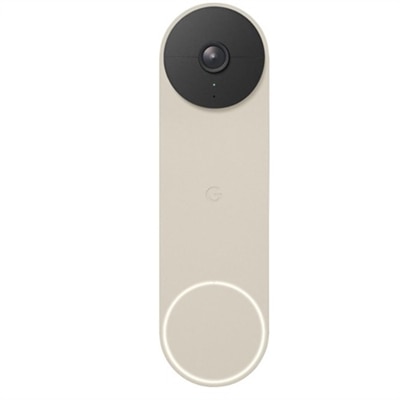
A battery-powered video doorbell with smart alerts, vertical view, and HDR for clear day-night vision.
A floodlight camera that records continuously with microSD or HomeBase S380 for constant monitoring.
Network surveillance cameras, also called IP surveillance cameras, use an internet protocol connection to send video and, on some models, audio to a viewing device or recording destination. Compared with older analog systems, IP cameras can deliver detailed digital footage, flexible placement and convenient access through compatible software or a mobile app. They can be useful for homeowners checking entry points, small-business owners watching customer areas, property managers overseeing shared spaces and families keeping an eye on pets, deliveries or outbuildings. A camera positioned near a front entrance can show whether a package has arrived, while one facing a side gate or driveway can provide a wider view of activity around the property. Indoor models may help monitor a reception desk, workshop, nursery or living area, provided everyone being recorded is aware of the camera and its use follows applicable laws and building policies. When comparing options, begin by considering where the camera will be installed and what you need to see. Indoor cameras are generally designed for protected spaces, while outdoor cameras need weather-resistant construction and a housing suited to changing temperatures, wind and moisture. Bullet cameras have a longer, cylindrical shape and are often chosen for driveways, fences and exterior perimeters. Dome cameras have a compact, discreet profile that works well beneath an overhang or on an indoor ceiling. Pan-tilt-zoom, or PTZ, cameras can be adjusted remotely, allowing the lens to pan across an area, tilt up or down and zoom in on a distant subject. Panoramic cameras use a fisheye lens or multiple sensors to cover a broad area from a single mounting position, which can be helpful in open rooms, entry halls or retail spaces. Resolution is another important consideration: higher resolution can make faces, signs and other details easier to distinguish, but it may also require more bandwidth and more room for recorded clips. Look for features such as infrared night vision, a wide dynamic range for scenes with bright windows and dark corners, motion detection zones, adjustable alerts and two-way audio. Smart notifications can reduce unnecessary interruptions by distinguishing movement in a selected area, although no automated detection feature should be treated as perfect. During the cooler months, changing daylight and longer periods of darkness can make low-light performance especially valuable around walkways, garages and entrances.
The connection method can shape both installation and everyday reliability. Power over Ethernet, commonly called PoE, sends electrical power and video data through one Ethernet cable, which can create a neat, consistent setup when suitable cabling is already available or can be installed. A wired connection may be a good fit for a permanent installation, multiple cameras or locations where dependable video matters more than quick setup. Wi-Fi cameras can be easier to place when running cable is difficult, making them practical for apartments, finished rooms, detached areas within wireless range or temporary monitoring needs. Their performance depends on distance from the wireless router, walls, interference and the quality of the connection, so check signal strength at the intended mounting location rather than assuming coverage will be adequate. Some cameras can save clips to an onboard memory card, while others rely on a compatible recording device or a subscription-based service; review retention limits, recurring costs, playback tools and export options before choosing a system. Remote access can let you view live footage or review alerts from a phone, laptop or desktop computer while away, but account security deserves close attention. Use a strong, unique password, enable multifactor authentication when available, install firmware updates and limit access to trusted users. It is also wise to position cameras thoughtfully so they cover your own property without unnecessarily looking into neighbors’ windows or private areas. For shoppers comparing a broader range of compatible equipment, [IP Surveillance Camera Systems](https://www.dell.com/en-us/shopping/security-cameras/ip-surveillance-camera-systems) can provide a useful place to review options by setup style and intended use. Think about mounting height, cable length, available power, lighting conditions and the angle of view before purchasing; a camera with excellent specifications may not perform well if it is pointed toward direct sunlight or placed beyond a reliable connection. A clear installation plan can make the finished setup feel unobtrusive, like a quiet extra set of eyes rather than a constant distraction. Network surveillance cameras can also complement everyday computer equipment: a monitor makes it easier to view several feeds at once, while a laptop can support mobile checks from a desk, office or home workspace. Whether the goal is monitoring an entrance, checking on a small business after hours or adding visibility around a home, the most suitable choice balances image quality, coverage, connection type, privacy controls, installation demands and the way you expect to review footage.
Add the products you would like to compare, and quickly determine which is best for your needs.