$23.99
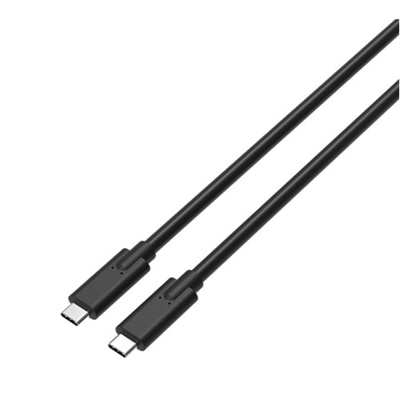
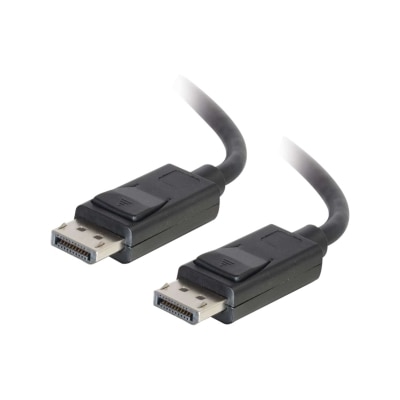
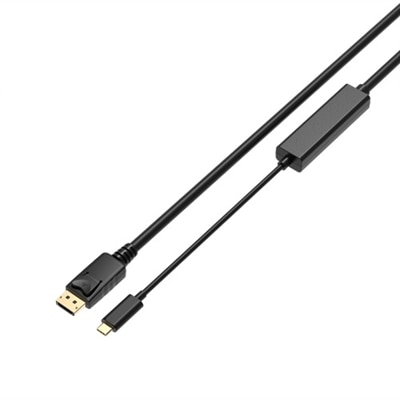
A 2-meter USB-C to DisplayPort 1.4 cable supporting up to 8K resolution at 60Hz for vivid visuals.
Elevate your connectivity with our wide selection of USB C to DisplayPort cables. Perfect for professionals and tech enthusiasts alike, these cables enable seamless integration between your devices, ensuring high-quality video and audio transmission. Whether you're setting up a multi-monitor workstation or enjoying your favorite multimedia content, USB C to DisplayPort cables provide the reliable performance you need. Explore our collection to find the ideal cable that fits your requirements and enhances your digital experience.
A 2-meter USB-C to DisplayPort 1.4 cable supporting up to 8K resolution at 60Hz for vivid visuals.
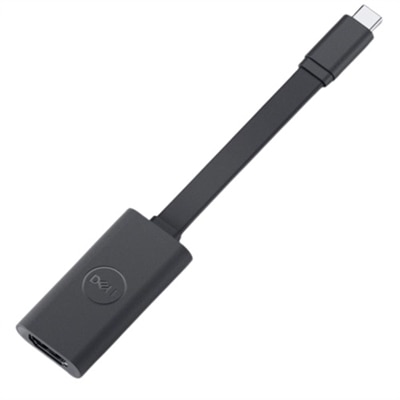
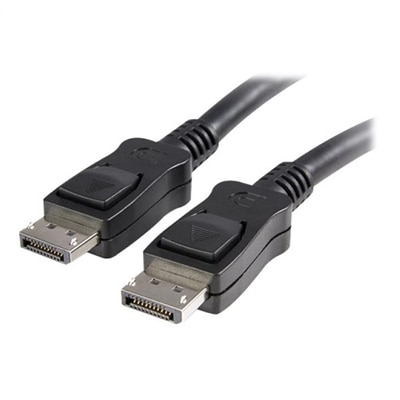
A compact adapter connecting USB-C devices to Ultra HD displays with plug & play support.
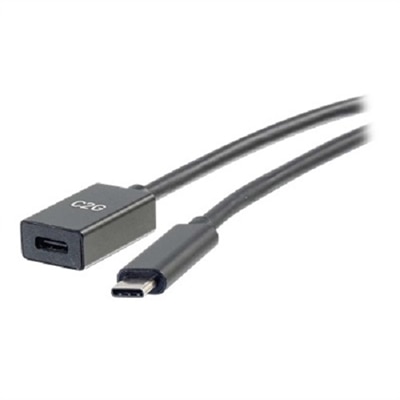
A black USB-C extension cable offering fast charging and 10 Gbps data transfer speeds.
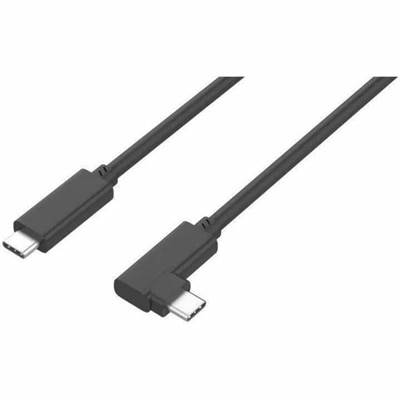
A durable right-angled USB-C cable supporting 100W fast charging, 10 Gbps data transfer, and DisplayPort Alt Mode.
As technology continues to evolve, the way we connect our devices becomes more streamlined and powerful, making USB-C to DisplayPort cables an essential accessory for professionals, students, and tech enthusiasts alike. These cables bridge the gap between modern laptops, tablets, or smartphones equipped with USB-C or Thunderbolt ports and high-resolution monitors that use DisplayPort inputs. Whether you’re setting up a home office, creating an immersive gaming station, or enhancing your workspace for creative projects, a reliable USB-C to DP cable can be the key to unlocking vibrant visuals and crisp audio. During the warmer months, many people find themselves working in flexible environments—perhaps shifting to a patio workspace or setting up a second monitor for video calls and presentations. The plug-and-play nature of these cables means you can quickly connect without the hassle of drivers or complicated setups, making them a practical solution for anyone who values efficiency and clarity in their digital experience.
When choosing a USB-C to DisplayPort cable, there are a few important factors to consider to ensure compatibility and performance. First, it’s essential to verify that your device’s USB-C port supports video output, commonly referred to as DisplayPort Alternate Mode (DP Alt Mode). Many Thunderbolt 3, Thunderbolt 4, and USB4 ports are equipped for this, but some USB-C ports are designed solely for charging or data transfer and won’t transmit video. Another key detail is the directionality of the cable: most USB-C to DP cables are unidirectional, meaning they send video from a USB-C source to a DisplayPort monitor. If you need to connect a DisplayPort source to a USB-C display, a bidirectional or specifically designed display port to USB C cable is necessary. Resolution and refresh rate support are also crucial—if you’re a creative professional working with high-resolution content or a gamer who values fast refresh rates, look for cables that support 4K at 60Hz or higher, with some options reaching 8K or 4K at 240Hz for ultra-smooth visuals. Durability and build quality matter, too, especially if you plan to travel with your cable or use it in multiple locations. A well-constructed usb c to displayport cable with reinforced connectors and shielding can withstand frequent plugging and unplugging, ensuring a stable connection wherever you go.
USB-C to DisplayPort cables also make thoughtful gifts for anyone upgrading their tech setup, heading off to college, or starting a new job that requires seamless multitasking and high-quality displays. They’re just as useful for seasoned professionals as they are for students or casual users who want to enjoy movies, games, or creative projects on a larger screen. As the seasons shift from summer into early fall and routines change, having the right accessories on hand can make transitions smoother—whether you’re returning to school, preparing for new work projects, or simply optimizing your home entertainment system. To explore more options or find additional connectivity solutions, visit our collection of DisplayPort Cables and discover the right fit for your needs. With the right usb-c to dp cable, you can count on a reliable connection that brings out the best in your devices, no matter where your work or play takes you.
USB C to DisplayPort cables are compatible with a wide range of devices that feature a USB-C port with DisplayPort Alternate Mode support. This includes many modern laptops, tablets, and smartphones. The other end connects to monitors, projectors, or displays equipped with a DisplayPort input, such as Dell monitors and other high-resolution displays.
A USB C to DisplayPort 1.4 cable offers higher bandwidth, supporting resolutions up to 8K, faster refresh rates, and advanced features like HDR and Multi-Stream Transport (MST). This makes it ideal for professional applications, gaming, and any scenario where superior image quality and performance are important.
Yes, many USB C to DisplayPort cables support Multi-Stream Transport (MST), allowing you to connect multiple monitors from a single USB-C port, provided your device supports this feature. This is particularly useful for creating an efficient and immersive multi-monitor workspace.
In most cases, USB C to DisplayPort cables work plug-and-play without the need for additional software or drivers. Your device must support DisplayPort Alternate Mode over USB-C, and the operating system should automatically detect and configure the external display.
When selecting a DP cable for a Dell monitor, consider the supported resolution and refresh rate of both your monitor and device, the cable’s certification for DisplayPort standards, and the necessary length for your setup. Opting for a high-quality, certified cable ensures optimal performance and long-term reliability.
Add the products you would like to compare, and quickly determine which is best for your needs.