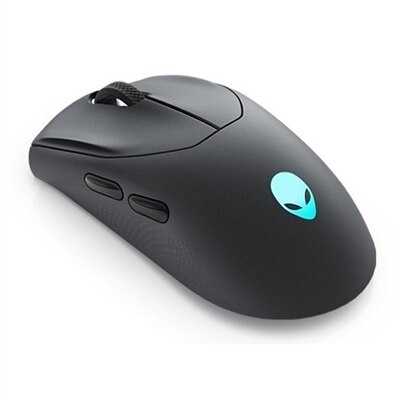
1. Switch Type
2. Lighting and Customization
3. Build Quality and Design
4. Additional Features
Selecting the right Alienware keyboard can enhance your gaming and productivity experience. Here are some key aspects to consider before making your choice.
1. Switch Type
2. Lighting and Customization
3. Build Quality and Design
4. Additional Features
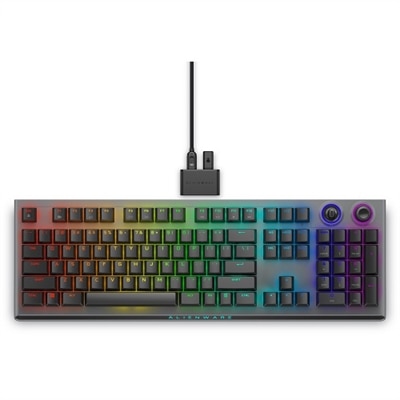
A wireless gaming keyboard with tri-mode connectivity, magnetic charging, and customizable controls for enhanced performance.
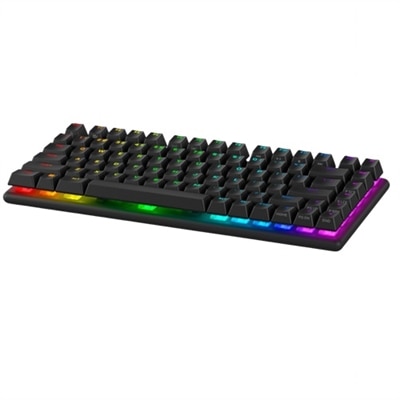
A wireless gaming keyboard with hot-swappable switches, PBT keycaps, and 16.8 million RGB lighting.
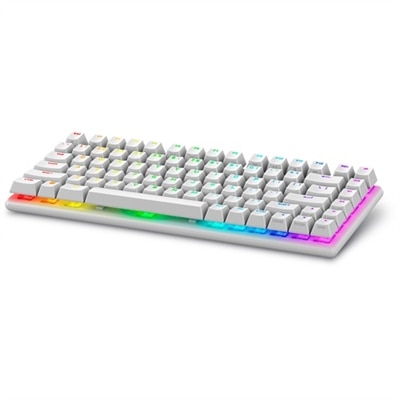
A wireless gaming keyboard with hot-swappable switches, PBT keycaps, and 16.8 million RGB lighting.
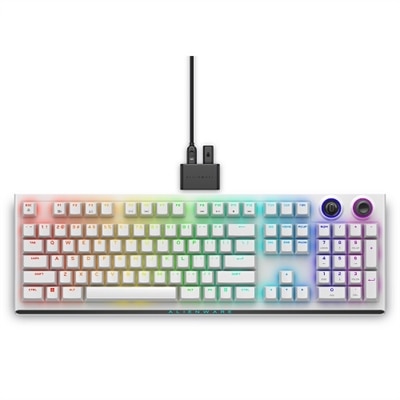
A wireless gaming keyboard with tri-mode connectivity, magnetic charging, and customizable controls for enhanced performance.
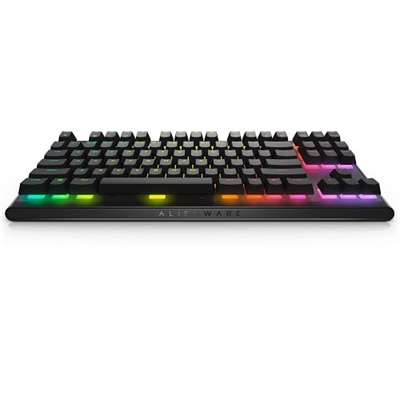
A compact tenkeyless keyboard with Cherry MX Red switches for high-performance gaming and easy portability.
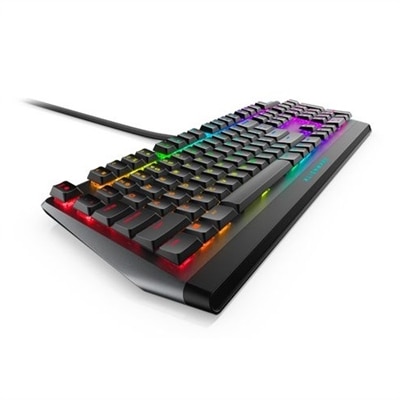
A sleek gaming keyboard with Cherry MX Red switches, programmable keys, and dedicated volume control.
Alienware keyboards are designed with gamers in mind, offering customizable RGB lighting, mechanical switches for responsive keystrokes, programmable macro keys, and anti-ghosting technology. These features provide precision, speed, and a visually immersive experience during gameplay.
Yes, Alienware keyboards are compatible with a wide range of computers, including both Alienware and non-Alienware systems. They typically connect via USB and work seamlessly with Windows operating systems, making them a versatile choice for many setups.
Absolutely. Many Alienware keyboards feature customizable RGB lighting, allowing users to personalize their keyboard’s appearance with a variety of colors and effects. These settings can often be adjusted using Alienware Command Center software.
Alienware gaming keyboards commonly utilize mechanical switches, such as Cherry MX or Alienware's proprietary mechanical switches. These switches are known for their durability, tactile feedback, and quick response, which are ideal for both gaming and typing.
Yes, Alienware keyboards are designed to be versatile. While they excel in gaming, their comfortable key layouts, programmable functions, and robust construction make them suitable for productivity tasks, creative work, and everyday use.
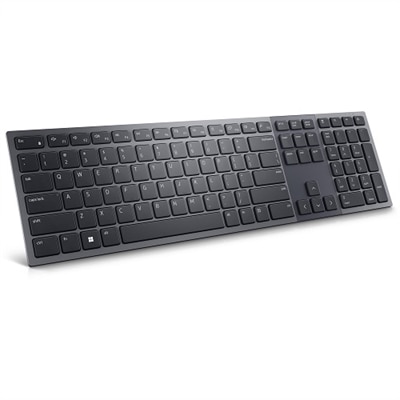
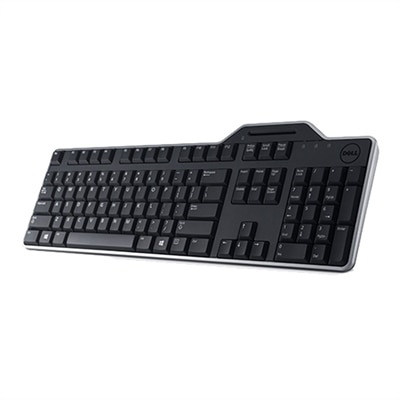
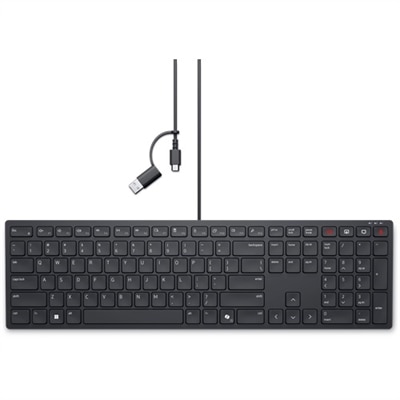
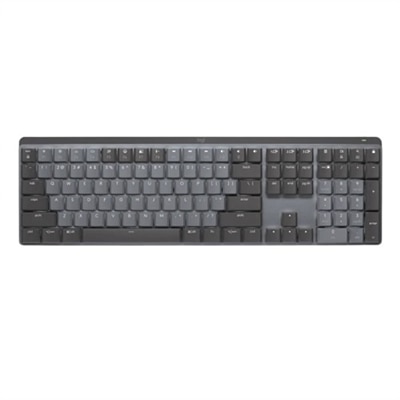
Add the products you would like to compare, and quickly determine which is best for your needs.