$179.99
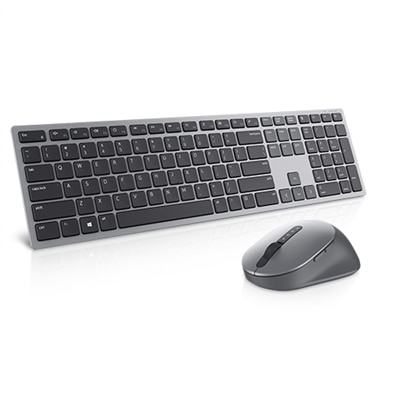
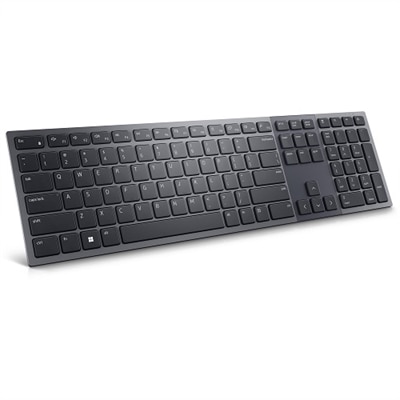
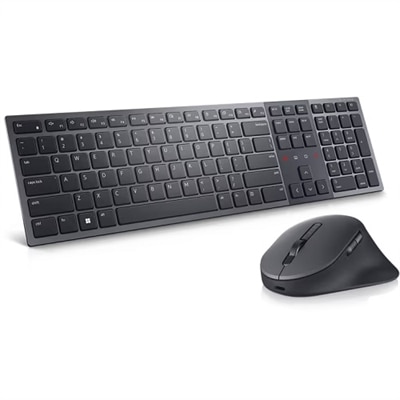
A premium keyboard and mouse combo with quiet typing, collaboration keys, and a rechargeable battery.
Elevate your remote workspace with a curated selection of work from home laptop accessories designed to boost productivity and comfort. Whether you're setting up a dedicated home office or optimizing a flexible work area, the right accessories can make all the difference in your daily routine. Discover essentials that help you stay organized, connected, and efficient throughout your workday, ensuring you get the most out of your laptop while working from home.
A premium keyboard and mouse combo with quiet typing, collaboration keys, and a rechargeable battery.
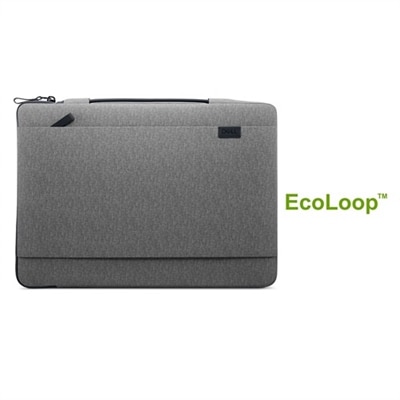
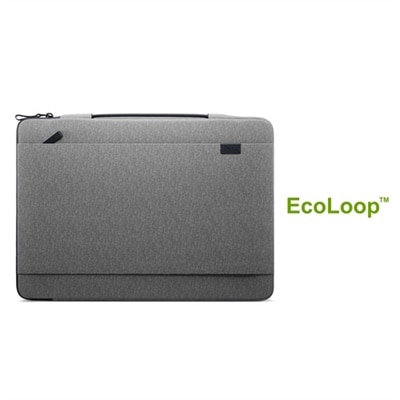
A heather gray, lightweight laptop sleeve with a retractable handle and front pocket for added convenience.
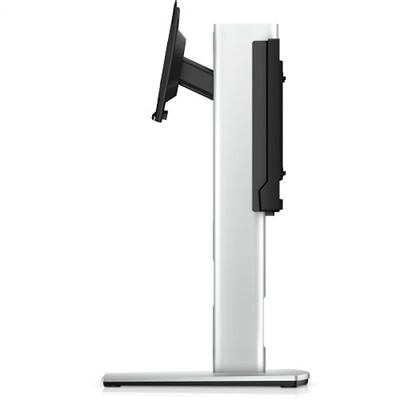
An all-in-one stand with integrated cable management and adjustable height for a tidy workspace.
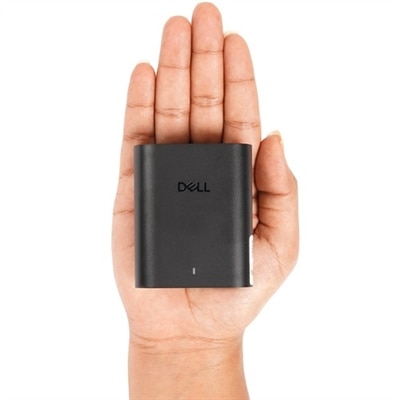
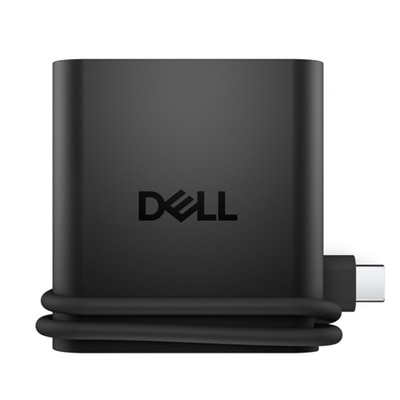
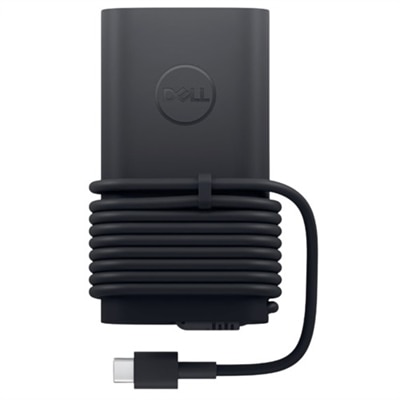
A ultra-slim 60W USB-C GaN adapter for efficient laptop charging at home, office, or travel.
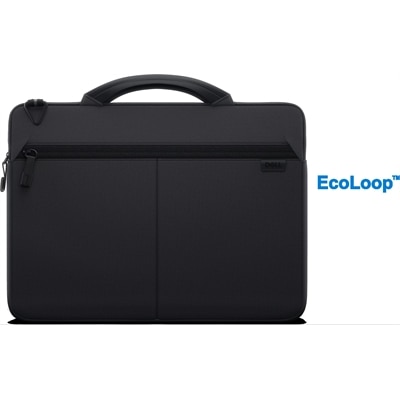
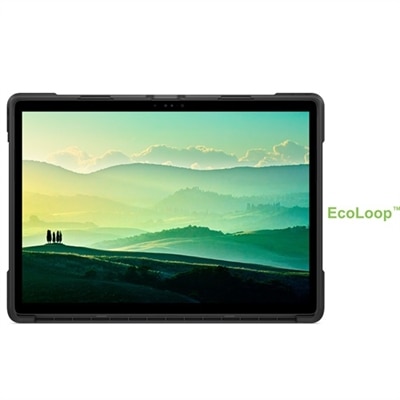
A slim black sleeve offering 360° cushioning and water-resistant, eco-friendly protection for laptops.
A durable heather gray sleeve with a retractable handle and zippered pocket for convenient laptop protection.
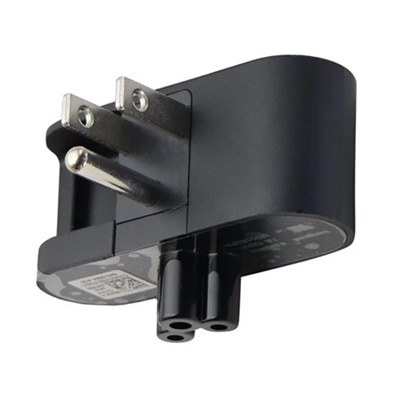
A convenient 3-position duckhead plug attachment designed for use with slim AC adapters for laptops.
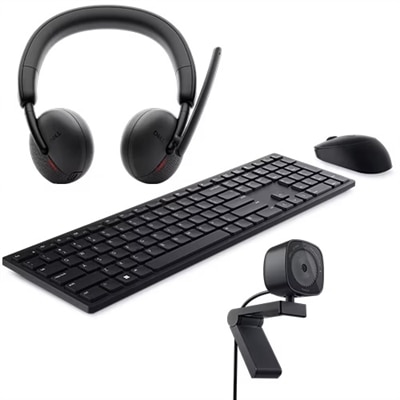
A stylish wireless keyboard and mouse combo offering exceptional multitasking and up to 36 months battery life.
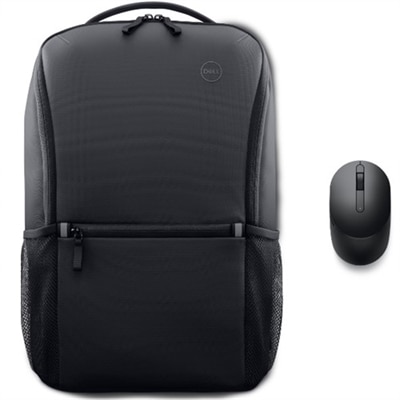
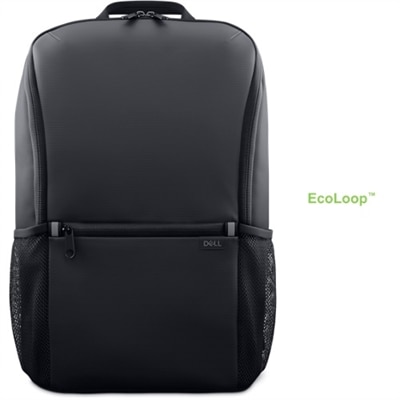
A Dell Mobile Wireless Mouse with 4 dpi levels and a sustainably made everyday backpack for efficient learning.
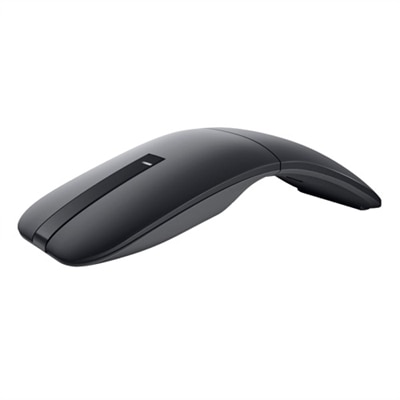
A lightweight twistable mouse with touch scroll and swift pair, perfect for multi-device connectivity.
A 27-inch QHD monitor with Thunderbolt 4 connectivity, offering superior eye comfort and productivity.
A 24-inch monitor offering 4-star eye comfort, 1920 x 1080 resolution, and extensive USB connectivity.
A Zoom-certified rechargeable keyboard with 15 programmable keys and a numeric keypad for enhanced productivity.
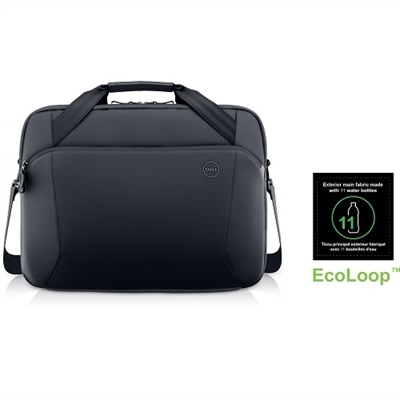
A weather-resistant, dirt-resistant briefcase with a padded sleeve and reflective accent for eco-friendly travel.
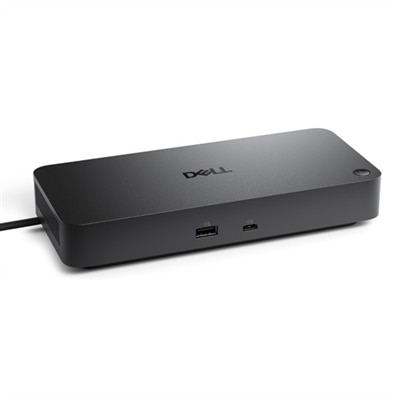
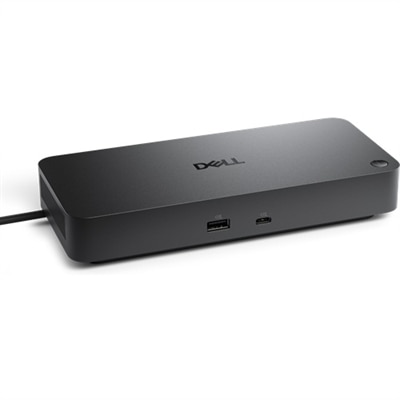
A versatile Thunderbolt 4 dock delivering up to 130W power with LED indicator, supporting multiple operating systems.
An immersive 34.1-inch ultrawide curved monitor with WQHD resolution and USB-C power delivery up to 90W.
A versatile pro dock with 130W power delivery, LED indicator, and broad operating system compatibility.
A 27-inch QHD monitor with extensive connectivity and TUV-certified eye comfort technology.
A portable 4-in-1 USB-C travel hub offering plug-and-play connectivity for multiple operating systems.
A sustainable black case with elastic pen holder, detachable keyboard, and shoulder strap for ultimate usability.
A 31.5-inch QHD monitor with extensive connectivity and TUV-certified eye comfort technology.
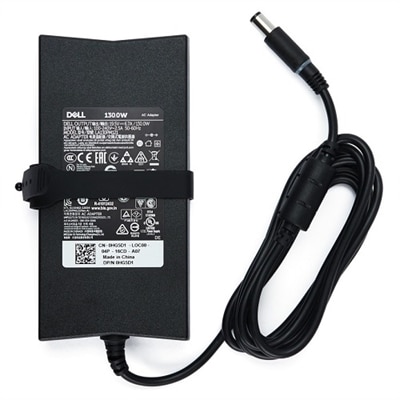
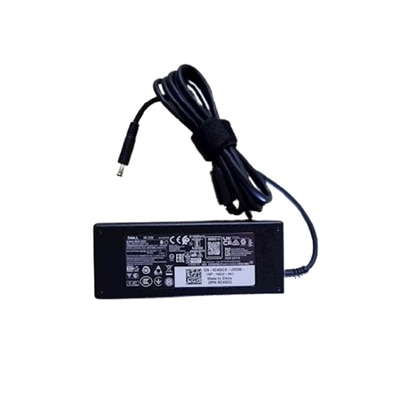
A reliable 130W AC adapter with a 7.4mm connector, designed for efficient laptop charging.
A sustainably crafted backpack with recycled materials, 360º foam cushioning, and water-resistant fabric.
An ultra-compact 100W USB-C GaN adapter ideal for home, office, or travel use.
Work from home laptop accessories can make a familiar laptop feel better suited to the rhythm of a full workday. A compact setup may begin with a laptop stand or riser that brings the display closer to eye level, helping you avoid the gradual neck and shoulder strain that can build during long stretches of email, video calls and focused work. Pairing the raised screen with an external keyboard and mouse can create a more comfortable position, especially when your laptop is used as the main computer at a fixed desk. A monitor can add room for spreadsheets, project timelines and reference materials, while a multi-port hub or docking accessory can simplify connections for displays, USB devices, audio equipment and other peripherals. Before choosing a hub, check the ports and capabilities supported by your laptop, including USB-C compatibility, display output, data transfer and power delivery. Cable length and desk placement matter, too; a connection that reaches neatly behind a monitor is easier to live with than one that pulls across the workspace. For an overview of useful options across different types of setups, explore Best Laptop Accessories.
A dependable work-from-home laptop setup should also account for power, communication and the small interruptions that shape a real household workspace. A surge protector with enough outlets can help organize the power connections for a laptop charger, monitor, lamp and other electronics while adding protection from electrical surges. Look for spacing that accommodates larger adapters, a cord length that suits your room and safety features appropriate for your equipment. A webcam can help present a clear image during meetings, while a headset or dedicated microphone can make conversations easier to follow when other people, pets or household sounds are nearby. A compact light can soften shadows during calls, particularly when a desk is positioned near a window that changes from bright daylight to a dimmer glow during the cooler months. For people who move between rooms, a lap desk or portable work surface can provide a steadier base on a sofa or in a quieter corner, although a firm table remains the better choice for extended sessions. Accessories that support posture, clear communication and organized connections are useful for remote employees, freelancers, students completing coursework, small-business owners and anyone who brings occasional office tasks home. They can also make practical gifts for a new remote worker, a relative setting up a home office or a friend whose laptop serves as the center of both professional and personal projects.
The best work from home laptop accessories depend on how the space is used, how often it changes and which limitations are most noticeable during the day. Someone with a permanent desk may benefit from a monitor, stand, keyboard, mouse and hub arranged as a repeatable workstation, allowing the laptop to connect quickly at the start of each morning. Someone who works at the kitchen table may prefer lightweight accessories that pack away easily, with a compact stand, wireless input devices and a cable organizer keeping the table clear when meals begin. If video calls are frequent, prioritize camera placement, microphone clarity and a comfortable headset; if the work involves documents or detailed visual tasks, give more attention to screen size, display connectivity and an ergonomic viewing height. Check the laptop’s available ports before purchasing adapters, and consider whether the computer charges through USB-C or requires a separate power connection. Pay attention to adjustability, surface stability and materials that can withstand daily handling. A few thoughtful additions can turn a crowded corner into a calmer place to work: the screen sits at a natural height, cables stay within reach, voices sound clear and the desk can be reset without a tangle of accessories. During the cooler months, when more time may be spent indoors, these practical improvements can support a comfortable routine without requiring a complete room redesign.
Add the products you would like to compare, and quickly determine which is best for your needs.