1. Compatibility
2. Functionality
3. Portability
4. Build Quality
Choosing the right accessories can enhance your laptop’s performance, comfort, and versatility. Here are some key aspects to consider when shopping for laptop accessories.
1. Compatibility
2. Functionality
3. Portability
4. Build Quality

A slim professional backpack offering 360° laptop protection, smart organization, and comfortable all-day carrying.
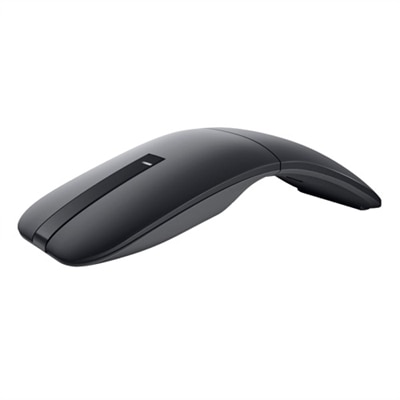
Some essential laptop accessories include wireless mice for improved navigation, external keyboards for comfortable typing, laptop stands for ergonomic positioning, USB hubs to expand connectivity, and high-quality headsets for clear audio during calls and entertainment.
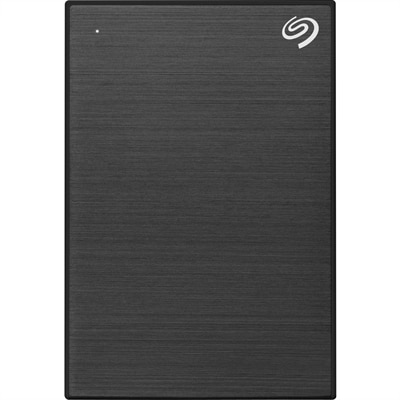
A docking station allows you to connect multiple peripherals such as monitors, keyboards, and external drives to your laptop with a single connection, making it easy to switch between mobile and desktop work environments.
An external monitor provides a larger display area, which can boost productivity by allowing you to multitask more effectively and reduce eye strain during extended use.
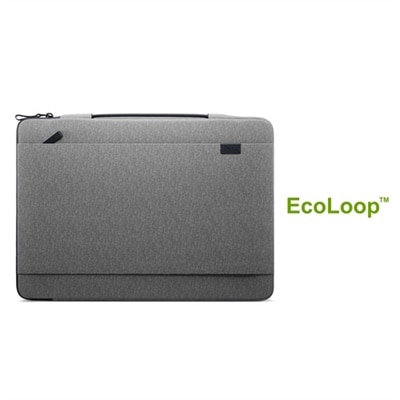
Look for laptop bags or sleeves with padded compartments, durable materials, and additional pockets for accessories. These features help protect your device and keep your essentials organized when you’re on the go.
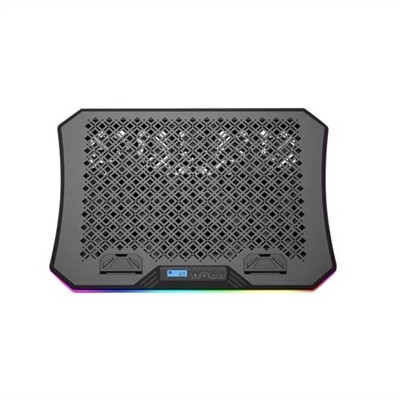
Yes, laptop cooling pads are designed to enhance airflow around your device, helping to maintain optimal temperatures during intensive tasks and prolonging the lifespan of your laptop.
Add the products you would like to compare, and quickly determine which is best for your needs.