$19.99
A black metal-mesh USB cooling pad with dual quiet 800-RPM fans and an angled ergonomic surface.
Elevate your computing experience with our diverse range of laptop accessories, designed to enhance productivity and streamline your digital life. Whether you're seeking tools to boost performance, gear for on-the-go convenience, or essentials to personalize your workspace, our selection caters to every need. From sleek carrying cases and versatile docking stations to ergonomic keyboards and precision mice, discover accessories that complement your laptop perfectly. Explore options that blend functionality with style, ensuring you have everything necessary to optimize your setup and stay connected wherever you are.
A black metal-mesh USB cooling pad with dual quiet 800-RPM fans and an angled ergonomic surface.
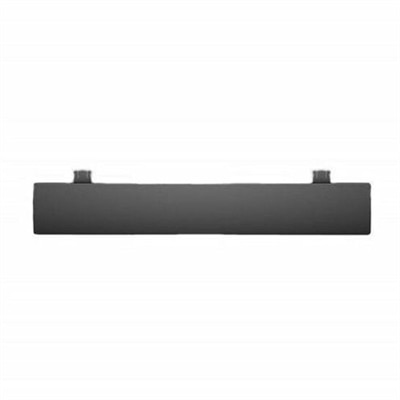
A black OEM replacement component designed for compatible KB216 keyboards and KM636 mice.
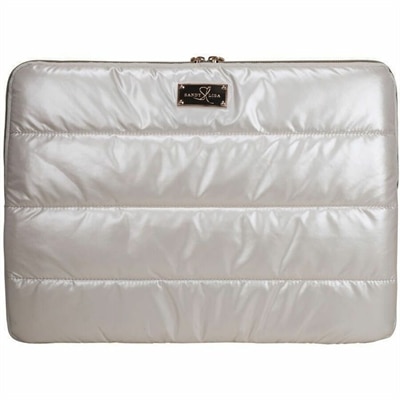
A puffy white chrome laptop sleeve with a buttery-soft interior that helps protect against scratches.
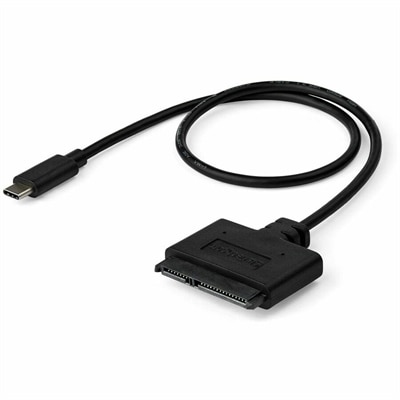
A USB-C to SATA adapter cable delivering 10Gbps data transfers for SSDs and HDDs.
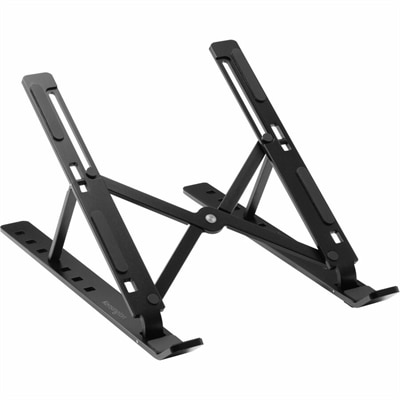
A collapsible aluminum laptop riser with seven adjustable viewing levels, open ventilation, and anti-slip pads.
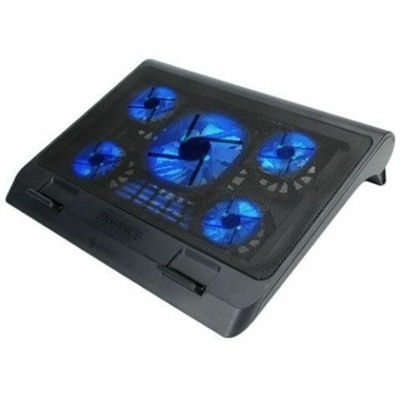
A metal mesh cooling stand with five quiet blue LED fans, dual USB ports, adjustable height.
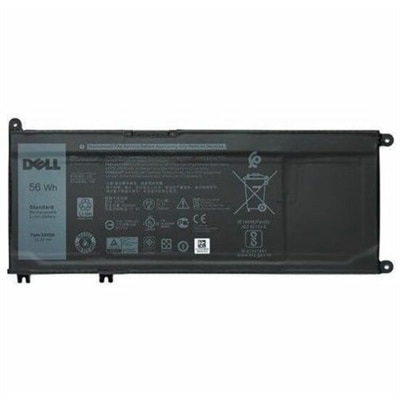
A 4-cell 56Wh lithium-ion replacement battery with OEM-grade quality for select laptops.
A reversible laptop privacy screen limiting side viewing, reducing glare, and filtering harmful blue light.
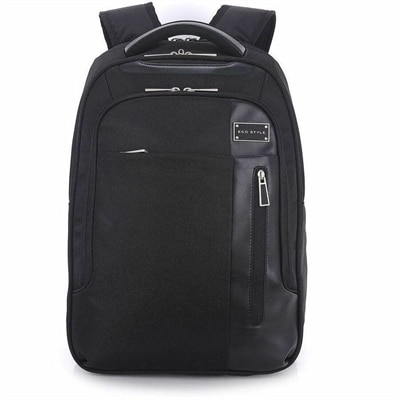
A black laptop backpack with dedicated tablet storage, TSA-friendly access, and ergonomic shoulder straps.
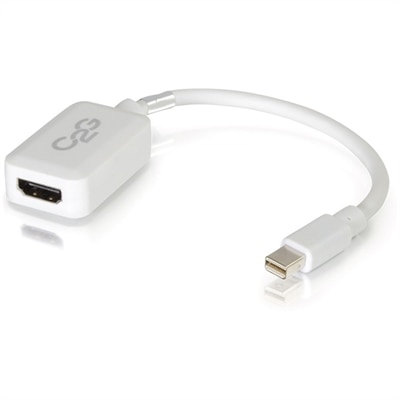
A white adapter converting Mini DisplayPort or Thunderbolt 2 to HDMI audio/video at up to 1080p.
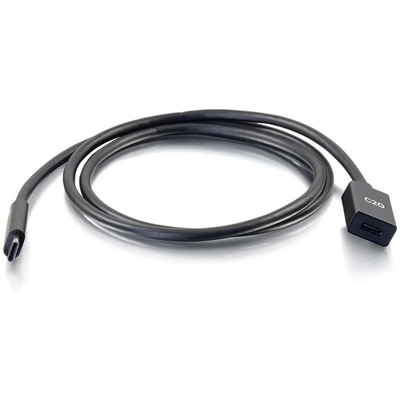
A USB-C extension cable supporting 10Gbps data transfer, 3A fast charging, and DisplayPort Alt Mode output.
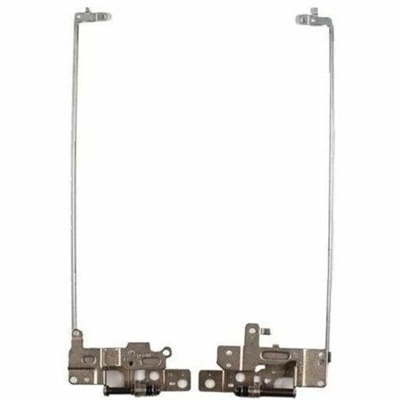
A genuine OEM replacement hinge for compatible laptops, rigorously tested and backed by a limited warranty.
A genuine OEM replacement cooling fan engineered for reliable fit and compatibility with Latitude 3490 systems.
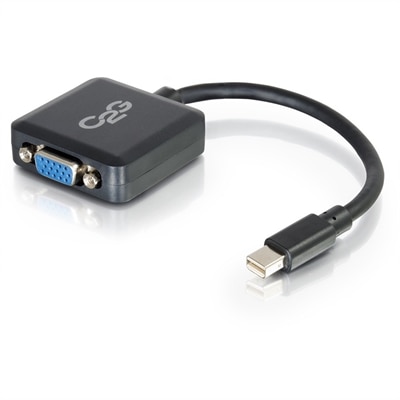
An active adapter converting Mini DisplayPort or Thunderbolt 2 to VGA, supporting resolutions up to 1920x1200.
A replacement laptop keyboard assembly featuring OEM-grade components, rigorous compatibility testing, and a limited one-year warranty.
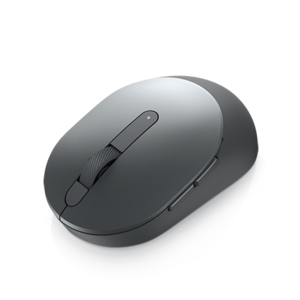
A grey compact mouse with dual-mode 2.4GHz wireless and Bluetooth 5.0 connectivity for versatile PC pairing.
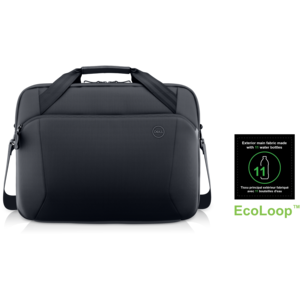
A slim recycled-material briefcase protecting gear on the go while reducing environmental impact.
A portable 4-in-1 USB-C travel hub for convenient connectivity wherever you go.
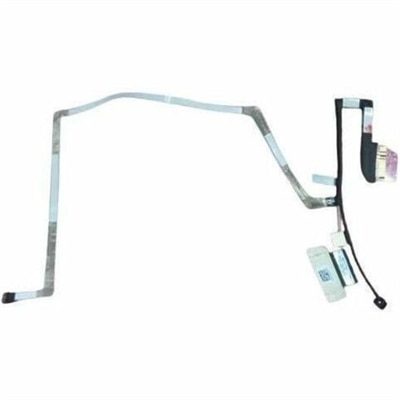
An OEM replacement cable designed to connect touch LCD displays reliably in compatible systems.
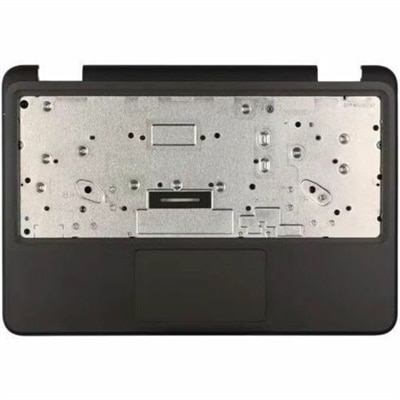
A genuine OEM replacement component engineered for compatible laptops, delivering reliable fit, tested quality, and warranty.
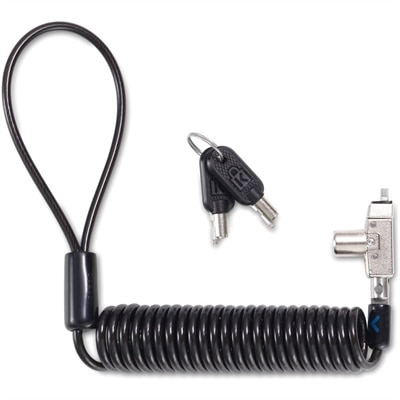
A portable keyed laptop lock with a self-coiling carbon steel cable, slim profile, and five-year warranty.
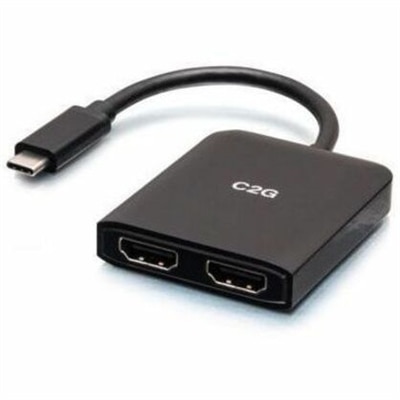
A compact USB-C hub supporting dual HDMI displays, 4K at 60Hz, mirroring, extending, and spanning.
A sustainable, lightweight protective case offering custom-fit coverage and exceptional usability for detachable laptops.
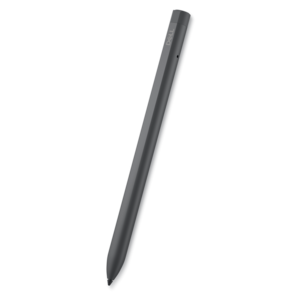
A rechargeable active pen with precision writing, Tile location tracking, and compatibility with select 2-in-1s.
Laptop accessories can make a laptop more comfortable to use, easier to carry and better suited to the way you work, study, create or relax. A well-chosen accessory can also help extend the usefulness of a compact laptop when you move between a kitchen table, a home office, a classroom, a shared workspace or a favorite chair. Start with the way you use your computer most often. Someone who spends long stretches writing may appreciate a full-size or compact external keyboard that creates more room for the hands and encourages a more natural typing position. A wireless mouse can provide smoother, more precise control than a trackpad, especially when working with spreadsheets, photo projects, presentations or detailed layouts. Look for a shape that feels comfortable in the palm, buttons that are easy to reach and a connection method that works with your laptop. Silent or low-noise clicks can be useful in quiet offices, libraries and shared rooms, while multi-device support may help someone move between a laptop and another compatible device without carrying several mice. A laptop stand is another simple way to refine a workspace. Raising the display closer to eye level can help reduce the tendency to bend over the screen, and a foldable design can be especially practical for people who pack up at the end of the day. Pairing a stand with an external keyboard and mouse creates a more spacious desktop arrangement while allowing the laptop to remain the center of the setup. When selecting a stand, consider height adjustment, stability, ventilation space, folded dimensions and the size and weight of the laptop. A sturdy base matters when tapping quickly, while a lightweight design may be preferable for commuters who carry their accessories between locations.
Connectivity accessories are helpful when a thin laptop has fewer built-in ports than a user needs. A USB-C hub can add access to commonly used connections for peripherals, removable media, displays or charging, depending on the model and the laptop’s capabilities. Check the port selection carefully rather than assuming every hub provides the same functions; some focus on additional USB ports, while others may include display output or a memory card reader. Power delivery specifications, transfer speeds and compatibility with the laptop are also important considerations. A docking station can be a convenient choice for a more permanent desk, especially for someone who connects a laptop to one or more external monitors, a keyboard, a mouse and other frequently used accessories. The appeal is often the simplicity of returning to a workspace and connecting through one primary cable, though the laptop and dock must support the required display standards, charging capacity and operating system features. Cable organization accessories can keep a compact desk from becoming a tangle of charging cords, and a spare power adapter or appropriately rated charging cable can be reassuring for people who work away from home. Protection deserves equal attention. Sleeves help shield a laptop from everyday scratches and light contact inside a backpack or tote, while padded bags can provide additional structure, pockets and carrying options. Check the interior dimensions, not just the advertised screen size, because bezel thickness and laptop design can affect fit. A snug sleeve should protect without forcing the laptop into place, and a bag should leave room for the charger without pressing against the computer. Water-resistant materials, reinforced handles and comfortable shoulder straps may be especially valuable during commutes and travel in changing weather.
Laptop accessories also make thoughtful gifts for students, remote workers, travelers, creative professionals and anyone building a more comfortable computer station. A simple accessory can feel particularly personal when it addresses a familiar routine: a compact mouse for the person who works from cafés, a stand for someone whose laptop has taken over the dining table, a sleeve for a commuter who carries a computer every day or a hub for a creator who regularly transfers photos and other files. For a student, portability and durability may matter more than a large collection of features. For a home office, comfort, adjustability and easy access to connected devices may take priority. People who play games on a laptop may want accessories designed around responsive control, immersive sound and a more organized play space; explore Laptop Gaming Accessories for options suited to that type of setup. During the cooler months, a dependable laptop bag or sleeve can make travel between home, work and school feel less cumbersome, while a stand, keyboard or mouse can turn a temporary indoor workspace into a more inviting place to spend time. Before choosing, compare compatibility, dimensions, connection types, power requirements, comfort features and portability. The best laptop accessory is not necessarily the one with the longest feature list; it is the one that fits naturally into the user’s routine, works reliably with the laptop and solves a real inconvenience. Whether the goal is better posture, easier travel, added ports, a cleaner desk or more precise control, these accessories help shape a laptop experience around the person using it.
Add the products you would like to compare, and quickly determine which is best for your needs.