$14.99
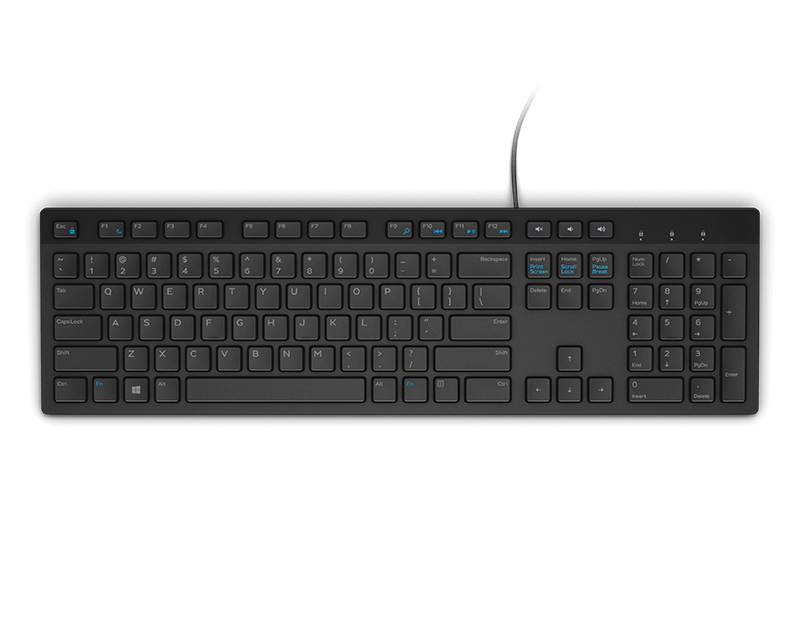
A black wired keyboard designed for convenient everyday home and office computing.
Enhance your workspace and typing experience with a wide selection of desktop keyboard accessories. From practical add-ons to stylish upgrades, these accessories are designed to complement your setup and help you stay organized. Whether you're looking to boost productivity or add a personal touch to your desk, explore options that make working and gaming more comfortable. Discover how the right desktop keyboard accessories can elevate your daily routine and create a more efficient environment.
A black wired keyboard designed for convenient everyday home and office computing.
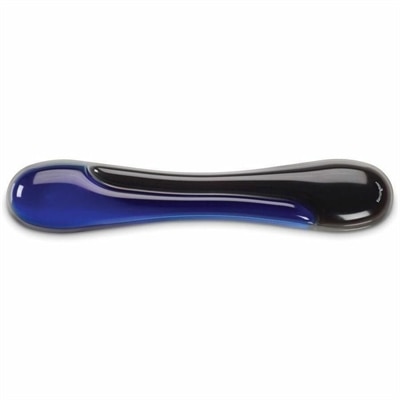
A blue gel keyboard wrist rest with ergonomic support, ventilation, wipe-clean finish, and TAA compliance.
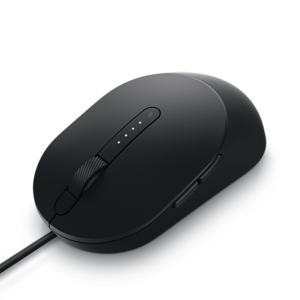
A black wired mouse designed for efficient, comfortable everyday computer navigation.
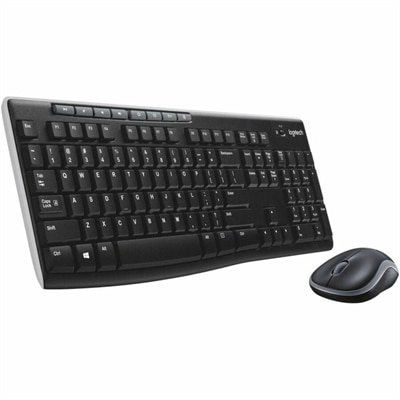
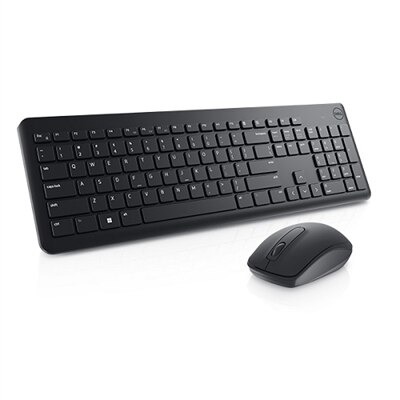
A black wireless keyboard and mouse combo with 2.4 GHz connectivity and long battery life.
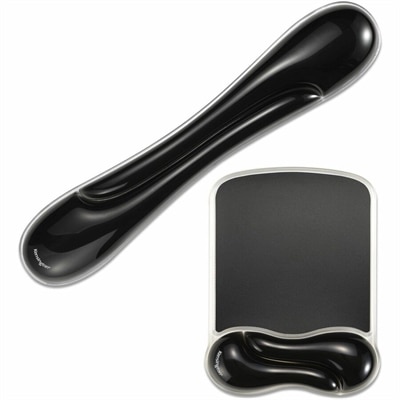
A black gel wrist rest bundle with ergonomic support, ventilation channels, and an easy-clean, fluid-resistant finish.
A full-featured RGB mechanical gaming keyboard with programmable keys and dedicated volume control.
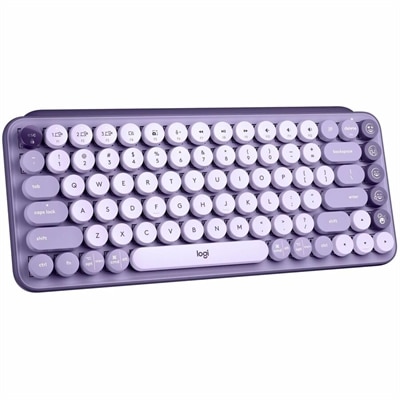
A colorful mechanical wireless keyboard with customizable emoji keys, Bluetooth connectivity, and multi-device switching.
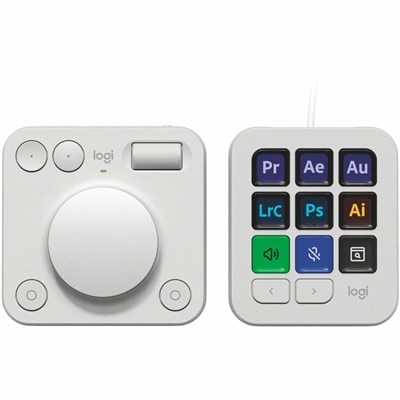
A pale grey console with nine customizable LCD keys and an aluminum dial for streamlined workflows.
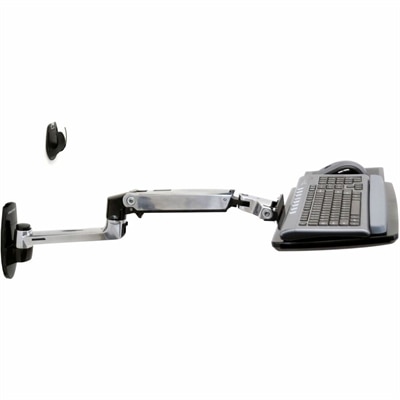
An adjustable wall-mounted keyboard arm with back-tilt tray promotes neutral wrists and comfortable, ergonomic typing.
Desktop keyboard accessories can make a noticeable difference in the way a workspace feels and functions. A keyboard may be the centerpiece of a desktop setup, but the small additions around it often determine whether the space remains comfortable, tidy, and enjoyable through a full day of work, study, gaming, or creative projects. Wrist rests provide a cushioned place to position the hands while typing, helping create a smoother transition between the desk surface and the keyboard. Memory foam and other soft materials can feel welcoming during extended sessions, while wood and other firmer surfaces offer a stable, structured feel. The right height matters: a wrist rest should support the palms without forcing the wrists upward or bending them sharply. Keyboard trays can also help refine the arrangement by moving the keyboard below the desktop surface and freeing room for a monitor stand, notebook, mouse, or charging accessories. Some users prefer a lower, flatter position, while others appreciate an adjustable tray that lets them fine-tune height, tilt, and distance. These accessories may be particularly helpful for people who type throughout the day, share a home office, attend online classes, or spend long evenings working on personal projects. They also make thoughtful gifts for someone setting up a first apartment, refreshing a home office, or building a more comfortable computer station. A simple accessory can turn a crowded desk into a calmer place, much like clearing a stack of papers from a worktable before starting a new project.
Keeping a keyboard clean is another practical reason to explore desktop keyboard accessories. Dust, crumbs, pet hair, and everyday particles can collect between the keys, especially in busy home offices where a keyboard may sit beside morning coffee, snacks, or craft materials. Cleaning kits made for keyboards commonly combine soft anti-static brushes, a dust blower, microfiber materials, and tools for lifting removable keycaps when a deeper clean is needed. Gentle, controlled cleaning is preferable to forcing debris farther beneath the keys, and a small brush can reach corners that a cloth cannot. Keyboard covers provide another layer of protection by helping shield keys from dust, light spills, and the gradual wear caused by frequent use. Clear silicone or TPU covers can be useful in shared workspaces, classrooms, kitchens, and other areas where a keyboard may encounter more mess than usual. Before choosing a cover, check that it matches the keyboard’s layout and key spacing so it rests securely without interfering with typing. A cover designed for a compact keyboard may not fit a full-size layout, and a desktop keyboard may have a different shape from a laptop keyboard. For people who prefer a clean, consistent setup, a cover can also make routine maintenance less demanding. Accessories can be coordinated with other items in the room through color, material, and finish. The Logitech Desk Accessories for Office collection can be explored alongside other workspace essentials when creating a cohesive desktop arrangement.
Keyboard stands are useful for anyone who wants to store a keyboard safely when it is not in use or keep multiple keyboards organized in a limited amount of space. Vertical and multi-tier designs can help separate keyboards, reduce clutter, and keep the desktop surface available for daily work. This can be especially useful for enthusiasts who switch between layouts, people who maintain a spare keyboard, or households where more than one person uses the same workstation. For a more personal look, custom keycaps can change the appearance and feel of a compatible keyboard without replacing the entire unit. Different colors, profiles, textures, and materials can make a familiar setup feel new, while a carefully chosen set can add contrast to an otherwise understated desk. Compatibility deserves close attention because keycap sizes and mounting styles vary, particularly around larger keys such as the space bar, shift keys, enter key, and modifier keys. Cables can contribute to both appearance and cable management. A coiled USB-C cable, for example, may keep a connection neat while adding a deliberate accent to the workspace, though users should confirm connector type, length, and compatibility before choosing one. When comparing desktop keyboard accessories, consider the keyboard’s size and layout, the available desk space, typing habits, cleaning needs, material preferences, and the overall feel you want from the area. Someone who spends hours writing may value wrist support and an adjustable tray, while a design-focused user may prioritize keycaps, cable finishes, and organized display. A shared or high-traffic workspace may benefit most from a protective cover and easy-clean materials. With the right combination, these accessories help a keyboard fit naturally into everyday routines, making the space more comfortable to use, easier to maintain, and more reflective of the person working there.
Add the products you would like to compare, and quickly determine which is best for your needs.