
Dell Pro Rugged
Frontline Device Deployment: A Risk-Based Approach
Move beyond rugged claims—adopt a risk-based framework to ensure frontline devices deliver resilience where failure isn’t optional.
Key takeaways: Frontline environments demand more than cosmetic ruggedness. A risk-based framework ensures devices align with real-world hazards, validated through structured testing for resilience and operational continuity.
Picture this: A logistics team is halfway through a critical delivery route when their tablet, housed in a rugged-looking case, fails after a minor drop. The result? Lost connectivity, delayed shipments, and costly downtime.
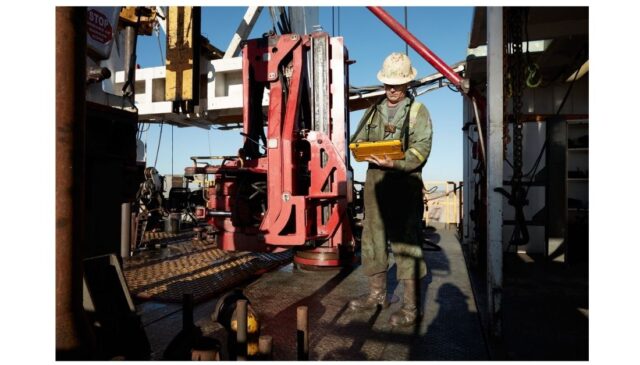
This scenario isn’t hypothetical. It reflects a growing challenge for IT leaders tasked with equipping frontline workers in environments where failure is not an option. These include defense operations, industrial IoT deployments, healthcare facilities, transportation fleets, oil and gas fields, utilities, construction sites, and any setting where devices are exposed to harsh conditions rather than sitting safely at a desk.
These environments demand more than cosmetic ruggedness. They require risk-informed hardware decisions that align device capabilities with real-world hazards, such as vibration, dust, moisture, extreme temperatures, and chemical exposure.
While lab comparisons like the recent Principled Technologies study provide valuable insights, they often stop short of addressing the full complexity of field deployments. This article goes beyond those comparisons to introduce a hazard-to-requirement framework—a practical tool for IT leaders to make evidence-based decisions that reduce operational risk and improve lifecycle resilience.
From durability to resilience: The full picture
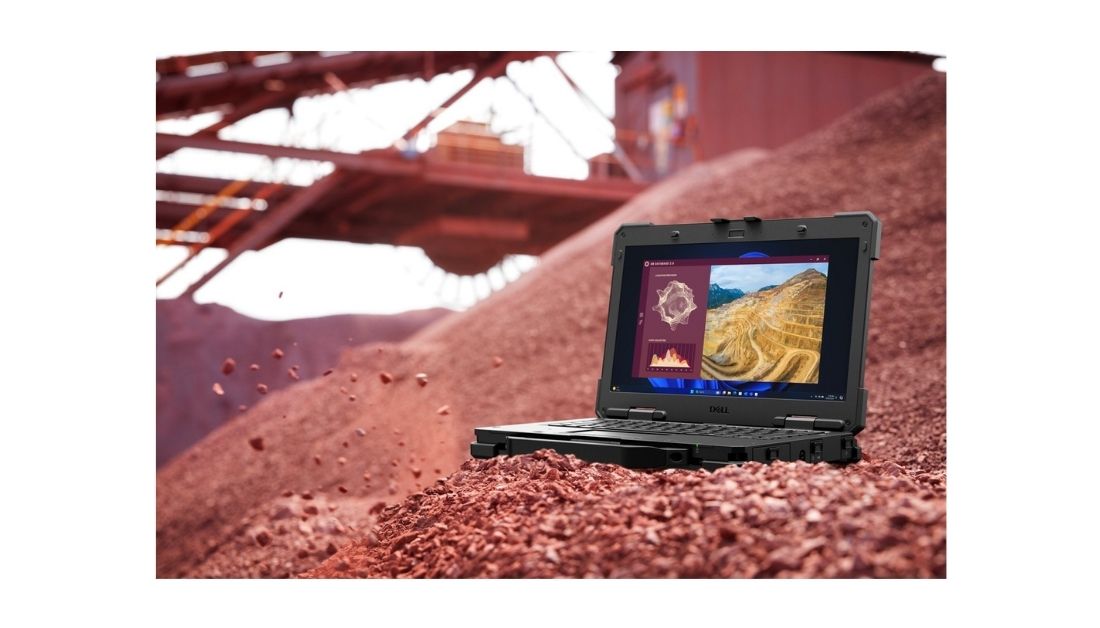
The recent Principled Technologies whitepaper compared Dell Rugged tablets with consumer tablets placed in rugged cases under controlled lab conditions, and the results were clear. Consumer tablets failed after repeated drops, while rugged tablets continued to function. Rugged devices passed IP-rated water and dust tests, whereas consumer tablets did not. They also operated reliably in extreme heat and cold conditions, where consumer tablets struggled. You can view the full report here.
These findings confirm the durability advantage of purpose-built rugged devices, but they only tell part of the story. Real-world deployments introduce challenges that go far beyond drop tests and ingress protection. Devices in healthcare settings must withstand repeated cleaning with harsh disinfectants without degrading. Field technicians need screens that respond accurately when wearing gloves or working in wet conditions. Tablets mounted in vehicles endure constant vibration that stresses connectors and chassis. In defense and industrial environments, many networks are air-gapped, requiring devices to operate securely without cloud connectivity or frequent patch cycles.
To truly reduce risk, IT leaders need a framework that considers these operational realities rather than focusing solely on lab durability. Ruggedness is not just about surviving a fall; it is about resilience across diverse hazards and workflows, ensuring devices perform reliably in environments where failure is not an option.
Field validation beyond lab tests: Building confidence before deployment
Lab tests can confirm durability, but they don’t guarantee success in the real world. A tablet might survive a drop in a controlled environment, yet fail when mounted in a delivery truck bouncing over uneven roads, when wiped down with harsh disinfectants in a hospital, or when a technician tries to enter data in the rain without removing gloves. These are the realities IT leaders must plan for.
That’s why I recommend an Open Validation Playbook: a roadmap to ensure technology fits the mission before it scales. Here’s the approach:
Step 1: Start with the Environment
Begin by mapping where the device will operate. Is it a patrol car, an oil rig, a sterile hospital ward, or a logistics hub? Identify hazards like vibration, dust, water, chemicals, and extreme temperatures, along with constraints such as glove use, one-handed operation, or air-gapped networks.
Step 2: Define the Workflow
What tasks must the device enable? Scanning barcodes in gloves? Capturing evidence in the field? Running diagnostics offline? Clarify workflows first—because features should serve the work, not the other way around.
Step 3: Identify the Right Capabilities
Once workflows are clear, map them to capabilities. Hardware durability is table stakes, but consider high-bright screens for outdoor readability, glove and wet-touch modes for technicians, hot-swappable batteries for 24/7 shifts, and discrete GPS for navigation. On the software side, think about screen blanking for driver safety, stealth mode for sensitive operations, and programmable buttons for quick actions. Firmware and security matter too: secure boot, offline updates, and local logging keep devices trustworthy when connectivity is limited.
Step 4: Validate in the Real World
Lab tests prove durability; field validation proves readiness. Simulate vibration in vehicle docks, test touch performance with gloves and wet surfaces, check GPS accuracy in remote areas, and confirm that safety features like screen blanking and stealth mode work as intended. Document everything, because validation is only as strong as its evidence.
Step 5: Institutionalize the Process
Finally, make resilience a lifecycle practice. Standardize reporting templates, maintain configuration policies for critical features, and schedule audits to refresh settings as workflows evolve. This isn’t a one-time exercise but a governance model for operational continuity.
The goal is simple: move beyond ad hoc testing and create a structured, repeatable process that aligns technology with mission-critical requirements. Ruggedness isn’t just about surviving a fall; it’s about delivering continuity in environments where failure is costly and safety is non-negotiable.
Decision checklist for IT leaders
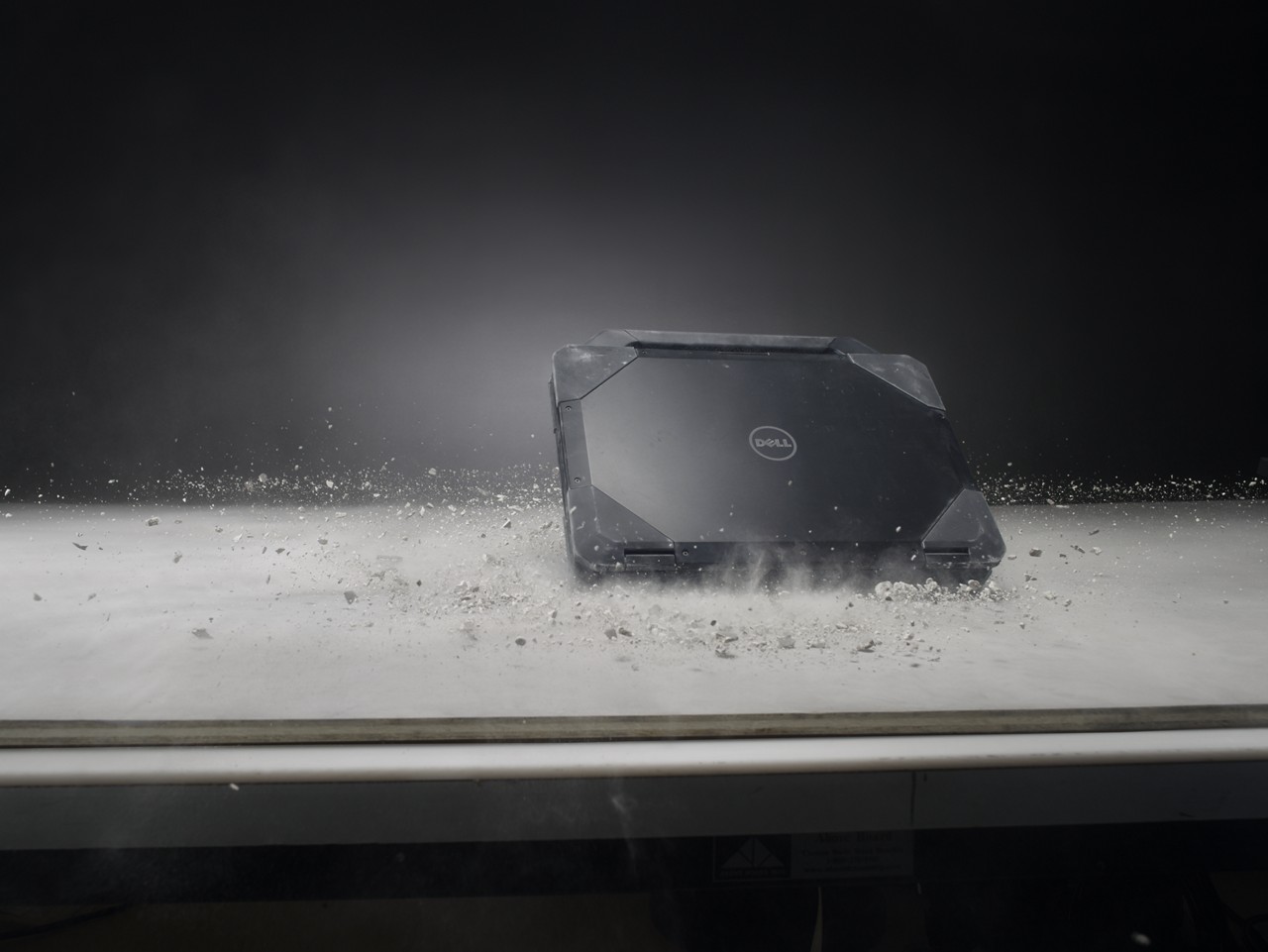
Procurement decisions should never hinge on brand loyalty or marketing claims. They need to be grounded in a clear understanding of operational realities. Before selecting a device, IT leaders should ask: Where will this device operate—indoors or outdoors? Will it face exposure to liquids, dust, chemicals, or extreme temperatures? How many hours per day will it run, and how often will it be relocated or mounted in vehicles? Consider accessories and mounting requirements such as vehicle docks, external keyboards, and hot-swappable batteries for continuous shifts. Finally, factor in service constraints: Will the device operate in air-gapped environments or connected networks? Are there compliance mandates like HIPAA or DoD standards that must be met?
A structured checklist ensures these questions are answered before procurement begins. It transforms device selection from a marketing-driven decision into a risk-informed strategy that aligns with mission-critical needs.
Closing: Why this matters
Frontline operations leave no room for error. A single device failure can trigger lost productivity, safety risks, and reputational damage. By adopting a risk-informed deployment framework and following a structured validation process, IT leaders can reduce operational risk, improve lifecycle resilience, and maintain compliance in high-stakes environments.
Ruggedness is more than durability; it is about ensuring continuity in the toughest conditions and giving organizations the confidence that their technology will perform when it matters most.
Get to know Dell Rugged laptops and tablets.