$69.00
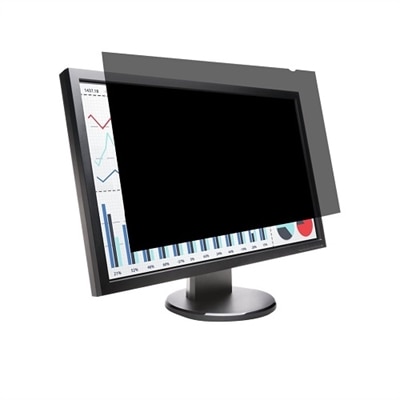
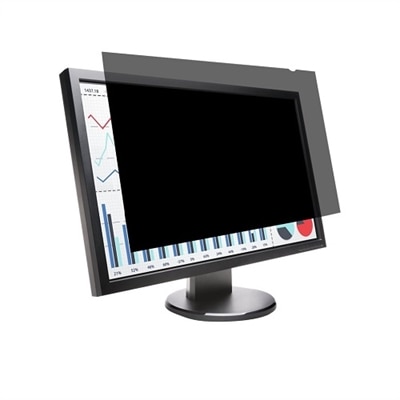
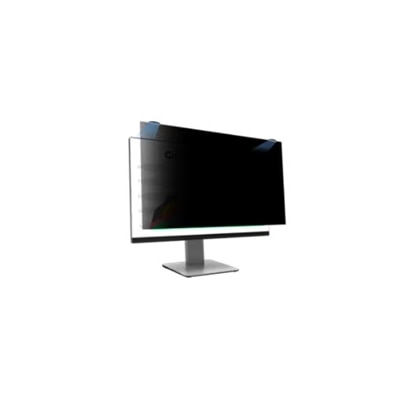
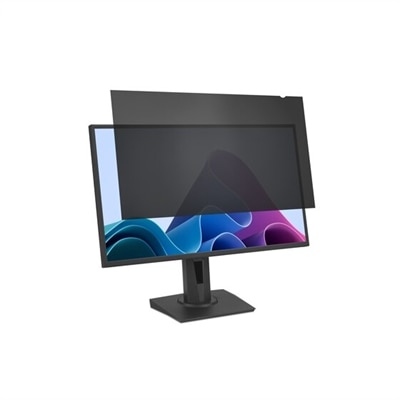
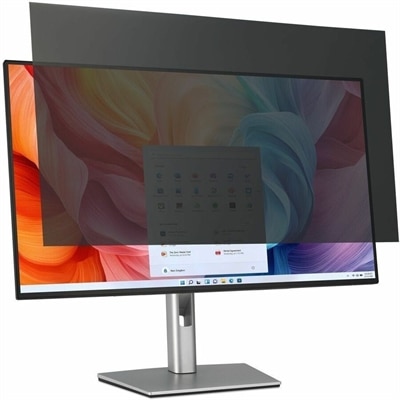
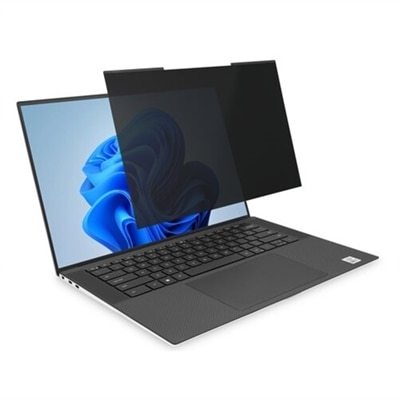
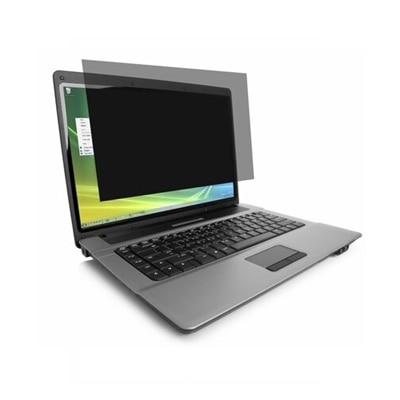
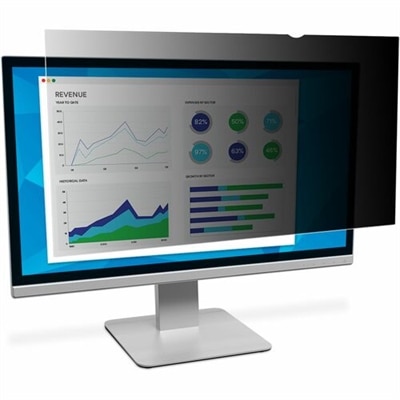
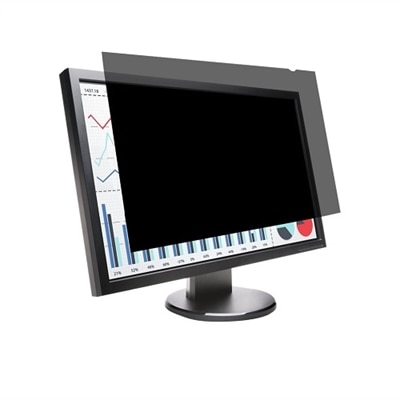
A reversible privacy screen for 24" monitors with anti-reflective coating and blue light reduction.
Enhance your workspace with 24 inch privacy screens, designed to provide an extra layer of security and confidentiality for your computer monitor. Perfect for offices, shared workspaces, or home environments, these screens help protect sensitive information from prying eyes while maintaining a clear view for the user. Whether you're working on confidential documents or simply prefer a more private browsing experience, 24 inch privacy screens are an essential accessory to ensure your data remains secure. Explore our selection and find the perfect solution to meet your privacy needs.
A reversible privacy screen for 24" monitors with anti-reflective coating and blue light reduction.
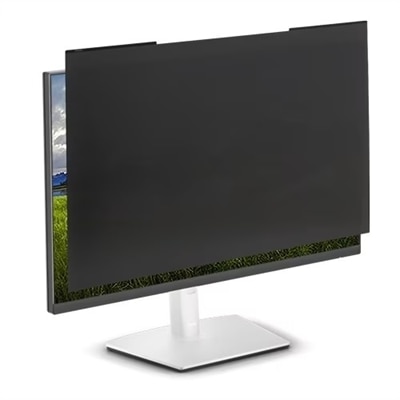
A reversible privacy screen for 23.8" monitors, reducing glare and blue light by up to 30%.
A magnetic privacy screen with blue light reduction and reversible matte/glossy finish for 24" monitors.
A transparent privacy screen filter that reduces blue light and protects monitors from scratches, fingerprints, and dust.
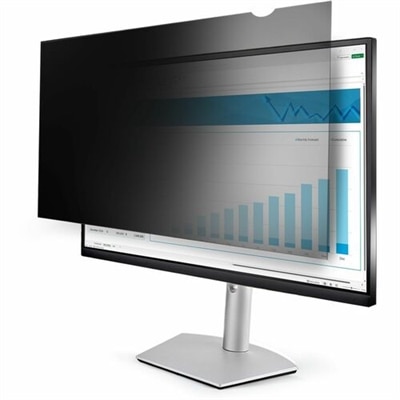
A reversible privacy screen with anti-reflective coating and blue light reduction for 24" widescreen monitors.
A black privacy filter with magnetic attachment, offering blue light reduction and reversible matte-to-glossy finish.
A removable screen filter offering blue light protection, privacy, and reversible matte-to-glossy finish for monitors.
A high-clarity privacy screen filter with nanolouver technology, blue light reduction, and anti-reflective coating.
A magnetic privacy screen with blue light reduction and reversible matte/glossy finish for 24" monitors.
A 24-inch privacy screen is designed to help keep on-screen information visible to the person seated directly in front of a monitor while making it difficult for people viewing from the side to read. Many privacy filters limit the usable viewing angle to approximately 30 degrees on either side, creating a darker appearance when someone looks across a desk, through a shared workspace or over a nearby seat. This makes them useful for employees handling customer details, financial information, personal records, project files or other content that is not intended for casual viewing. They can also add peace of mind in reception areas, libraries, classrooms, coworking spaces and home offices where a desk may face a doorway or sit close to a walking path. A 24-inch privacy screen can be especially helpful during the cooler months, when more work, study and entertainment may take place indoors and shared rooms become busier. Before choosing one, check the monitor’s actual display dimensions instead of relying only on the diagonal measurement. A standard 24-inch display with a 16:9 aspect ratio is approximately 20.9 inches wide by 11.8 inches high, although the visible panel area can vary by model and bezel design. Some older or specialized displays use a 16:10 ratio, which has a different width-to-height relationship and may require a differently shaped filter. Matching the aspect ratio, panel height and panel width helps the privacy screen cover the active viewing area evenly without obscuring the edges or leaving exposed strips where information can remain visible. Measuring the glass panel from edge to edge is a practical way to narrow the options, particularly when the monitor’s listed size does not describe the bezel or frame.
The surface finish is another important consideration. A matte privacy screen can help reduce reflections from windows, overhead lighting and desk lamps, which may make long periods of reading or data entry more comfortable. A glossy side may preserve a brighter, sharper appearance for people who prefer vivid images and crisp text, though it can show more reflected light in rooms with strong illumination. Reversible designs give the user flexibility to choose the finish that suits the room and the task. It is also helpful to consider how the filter will be attached. Slide-mount tabs sit along the edges of the display and allow the screen to be removed or repositioned with relatively little effort, making them a convenient choice for shared workstations, presentation areas or anyone who alternates between privacy and open viewing. Adhesive strips provide a more permanent installation and can create a clean, stable fit for a monitor that stays in one location. Review the mounting space around the panel before selecting a design, since very narrow bezels may offer limited room for tabs, while curved edges or unusual frames may affect how securely a filter sits. A well-fitted privacy screen should remain aligned with the display, avoid interfering with controls or cameras, and permit normal adjustment of the monitor’s height and angle. For a cleaner appearance, wipe the display with an appropriate soft cloth before installation and follow the included attachment instructions rather than pressing directly on the filter surface. Keeping the screen free from dust and fingerprints also helps preserve text clarity, especially when small type, spreadsheets or detailed forms are displayed.
These privacy screens can suit professionals working with confidential information, students completing assignments in a busy household, travelers using a monitor in a shared office or anyone who wants more control over who can see a display from nearby. They are also a thoughtful practical gift for a remote worker, graduate student, small-business owner or family member who uses a desk in a common living space. A screen placed beside a window can help reduce the unease of working with personal information in view of passersby, while one used in an open office can create a more focused sense of personal space without changing the arrangement of the desk. The same benefit applies when a monitor is used for budgeting, appointment management, creative work or private conversations in a room shared with others. When selecting from a list of 24-inch privacy screens, compare the supported aspect ratio, measured panel dimensions, viewing-angle protection, surface finish and mounting method together rather than treating screen size as the only specification. Look for compatibility details that clearly identify whether the filter is intended for a flat 16:9 display, a 16:10 display or another format, and confirm that the installation method matches how often the screen will be removed. For people who move between a desktop and a portable computer, a separate Laptop Privacy Screens option may provide similar visual protection away from the desk. With the right fit and finish, a privacy screen can blend into a workstation while helping sensitive content stay within the intended viewing area, whether the monitor is used in a quiet home office, a shared study space or a lively workplace.
Many 24 inch privacy screens are designed with additional features such as anti-glare coatings and blue light reduction. These enhancements can help minimize reflections from ambient lighting and reduce eye fatigue, making long hours at your monitor more comfortable and visually restful.
A well-designed privacy screen for a 24 inch Dell monitor is engineered to maintain clear, crisp visuals when viewed straight-on. While there may be a slight reduction in brightness, most users find that adjusting the monitor settings compensates for this, preserving the quality of text and images.
Yes, most privacy screens are created for quick and simple installation. Options such as magnetic attachments or adhesive strips allow you to easily apply or remove the screen as needed, making it convenient to switch between private and shared viewing modes.
Many privacy screens are compatible with touch-enabled monitors, allowing you to retain full touch functionality while enjoying visual privacy. It's important to check the product specifications to ensure compatibility with your specific monitor model.
Privacy screens can be cleaned using a soft, lint-free cloth and a gentle, non-abrasive cleaner. Regular cleaning helps maintain optimal visibility and performance, especially in environments where dust or fingerprints may accumulate on the screen surface.
Add the products you would like to compare, and quickly determine which is best for your needs.