1. Storage Capacity
2. Portability
3. Durability
4. Speed and Connectivity
Choosing the right hard drive can help students store assignments, projects, and media safely and conveniently. Here are key factors to keep in mind when shopping for a student hard drive.
1. Storage Capacity
2. Portability
3. Durability
4. Speed and Connectivity
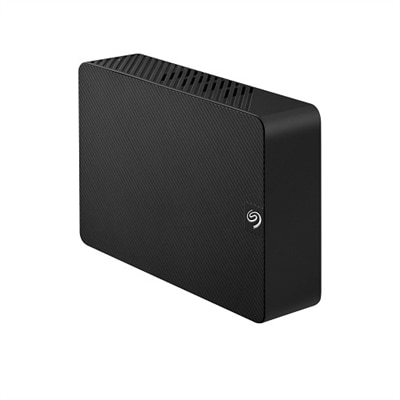
A black 8TB external hard drive offering easy plug-and-play storage with USB 3.0 connectivity.
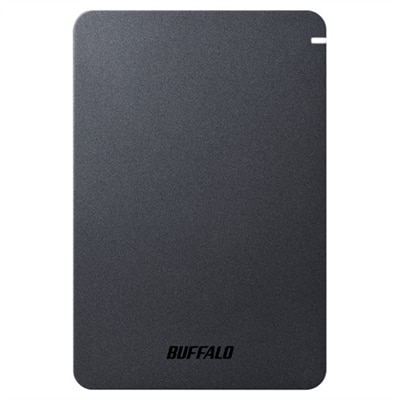
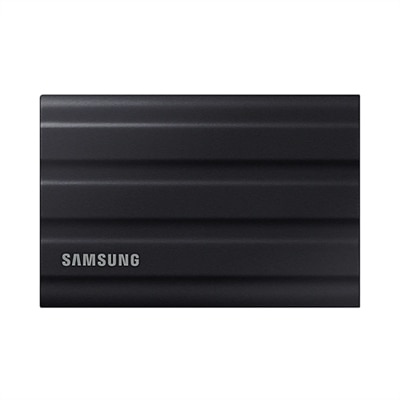
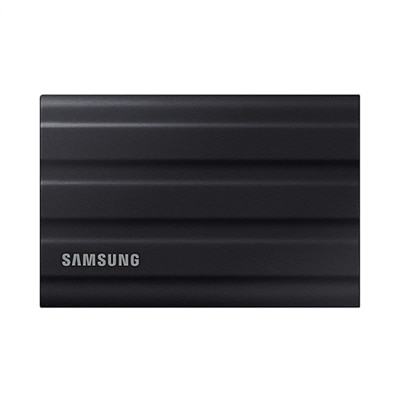
A shockproof, matte-finish portable hard drive with USB 3.2, password protection, and predictive health LED.
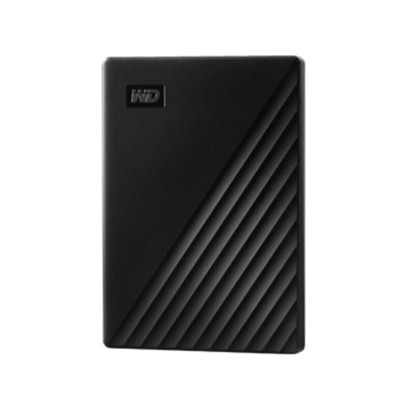
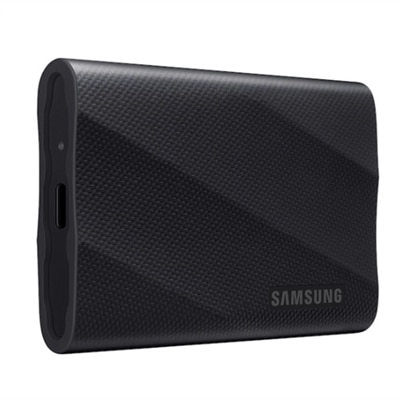
A sleek black 2 TB portable hard drive with automatic backup, password protection, and USB connectivity.
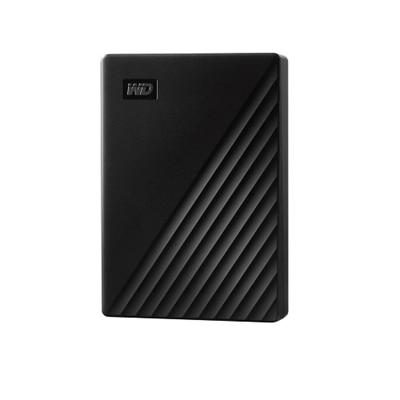
A sleek black 4 TB portable hard drive with 256-bit AES encryption and automatic backup software.
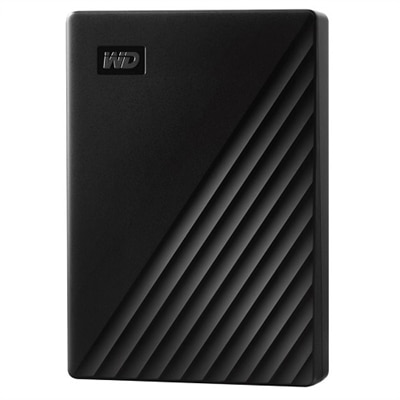
A sleek 5 TB portable hard drive in black with 256-bit AES encryption and automatic backup.
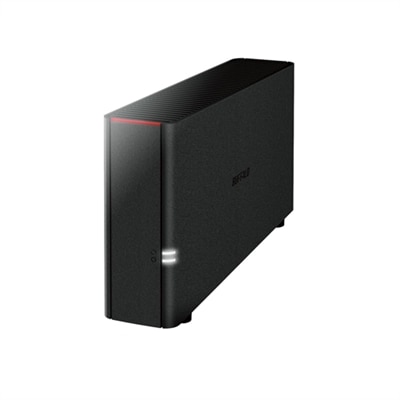
A black desktop storage solution offering 4TB personal cloud access and backup for multiple devices.
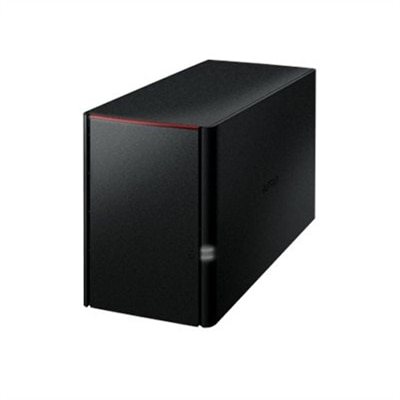
A black desktop storage solution offering 8TB with RAID protection and remote access via personal cloud.
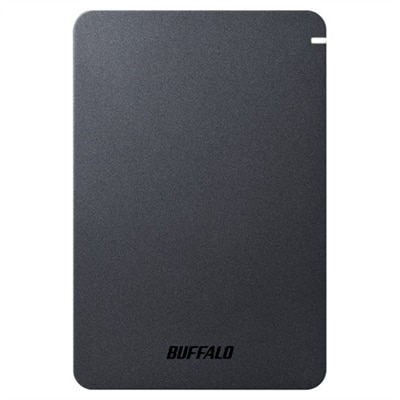
A shockproof, matte-finish portable hard drive offering 2TB storage, USB 3.2 connectivity, and advanced security features.
Students should consider hard drives that offer fast data transfer speeds, reliable durability, and compatibility with their devices. Look for options that are lightweight and easy to carry, as well as those with automatic backup features to help keep assignments and projects safe.
A hard drive allows students to store and categorize documents, presentations, photos, and videos in one place. This organization makes it easy to access important files for classes, group projects, or extracurricular activities whenever needed.
Yes, many hard drives are designed to be compatible with both Windows and Mac operating systems. Some may require reformatting or come pre-formatted for cross-platform use, making them versatile for students using different devices.
Portable hard drives are compact and designed for easy transport, making them ideal for students who need to take their files to class or the library. Desktop hard drives typically offer more storage capacity and are best suited for a stationary setup, such as a dorm room or study space.
Many hard drives come with built-in backup software or are compatible with third-party backup solutions. These features allow students to schedule automatic backups of their important files, ensuring that schoolwork is safely stored and easily recoverable if needed.
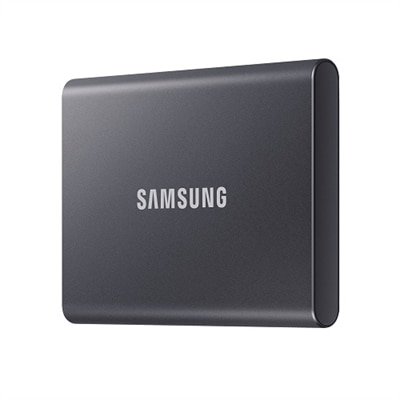
Add the products you would like to compare, and quickly determine which is best for your needs.