1. Storage Capacity
2. Portability
3. Data Security
4. Compatibility
As a student, having reliable data storage is essential for keeping your important documents, projects, and study materials safe and easily accessible. With so many options available, it can be overwhelming to find the best data storage solution that meets your needs. To help you make an informed decision, we've curated a list of top-rated data storage products based on user reviews. Whether you need a portable external hard drive, a high-capacity USB flash drive, or a cloud storage service, our carefully selected rankings will guide you towards finding the perfect data storage solution for your academic journey.
Choosing the right data storage solution can help students keep their assignments, projects, and personal files safe and accessible.
1. Storage Capacity
2. Portability
3. Data Security
4. Compatibility
Check out the following recommendations.






Students should consider data storage devices that offer portability, fast data transfer speeds, compatibility with their devices, and reliable performance. Additional features like built-in encryption and durable design can also be beneficial for daily academic use.
To keep data organized, students can create clearly labeled folders for different subjects or projects, regularly back up their files, and use file management software if available. Consistent organization helps ensure important files are easy to locate when needed.
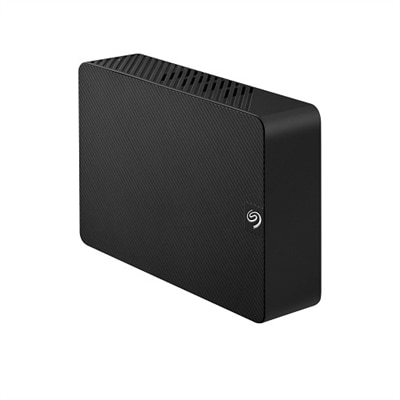
Most external hard drives, SSDs, and USB flash drives are compatible with both laptops and desktops. Students should check for devices with universal connectivity options such as USB-A, USB-C, or Thunderbolt to ensure seamless use across different computers.
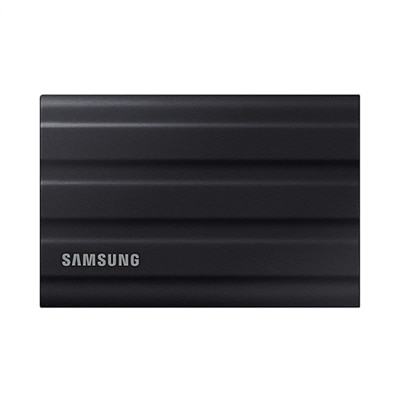
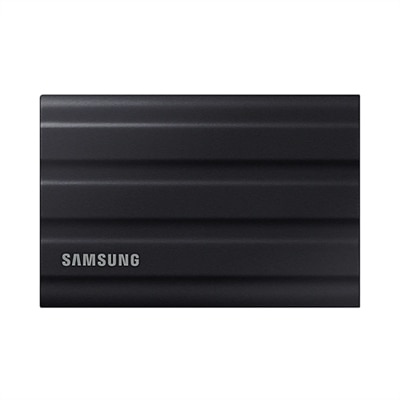
SSDs offer faster read and write speeds compared to traditional hard drives, making file transfers and backups quicker. They are also more resistant to physical shocks, which is helpful for students who carry their devices between classes or study locations.
Students can protect their data by enabling password protection or encryption on their storage devices, regularly backing up important files, and safely ejecting the device after use. Keeping the device in a protective case also helps prevent physical damage.
Add the products you would like to compare, and quickly determine which is best for your needs.