$299.99
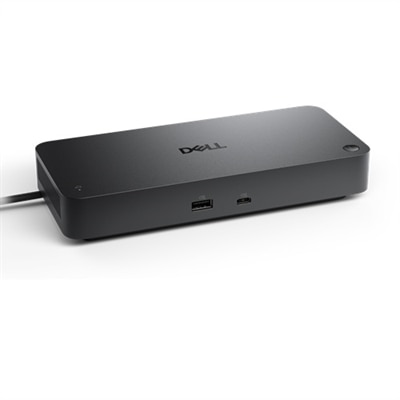
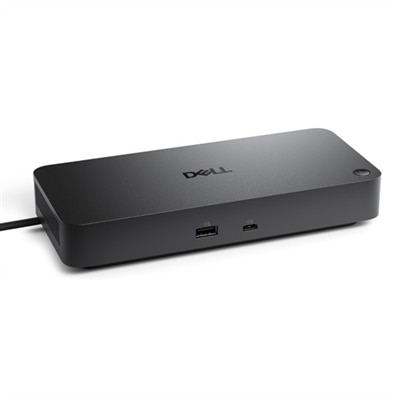
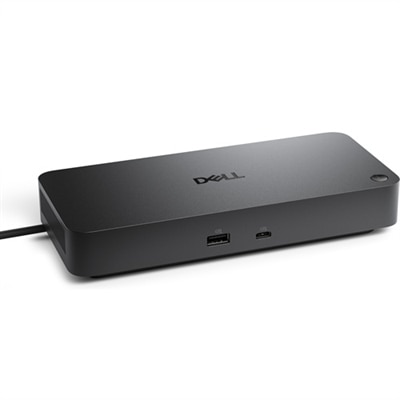
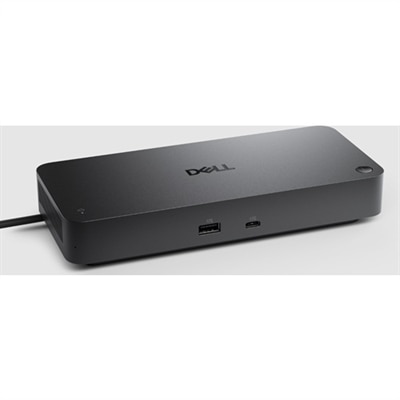
A versatile smart dock with up to 130W power delivery and remote management for multiple operating systems.
Docking Stations for Multi-Monitor Workflows offer a streamlined solution for expanding your workspace and enhancing productivity. Designed to simplify connectivity, these versatile accessories make it easy to connect multiple monitors and essential peripherals to your laptop or desktop. Whether you’re working from home, in the office, or on the go, finding the right docking station can help you create an efficient and organized setup tailored to your needs. Explore a range of options that support seamless multi-monitor configurations and elevate your daily workflow.
A versatile smart dock with up to 130W power delivery and remote management for multiple operating systems.
A powerful Thunderbolt 4 smart dock offering 130W power and remote management for multiple operating systems.
A versatile Thunderbolt 4 dock delivering up to 130W power with LED indicator, supporting multiple operating systems.
A versatile pro dock providing up to 100W power delivery and extensive connectivity options.
A versatile pro dock with 130W power delivery, LED indicator, and broad operating system compatibility.
A powerful Thunderbolt 5 dock delivering up to 300W power, with LED indicator and broad OS compatibility.
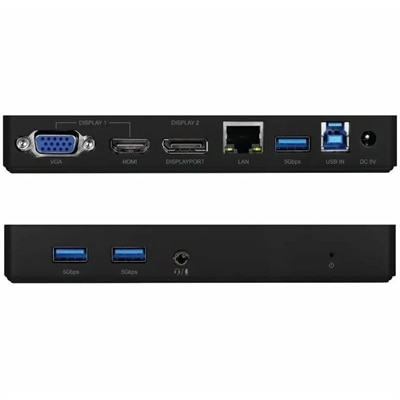
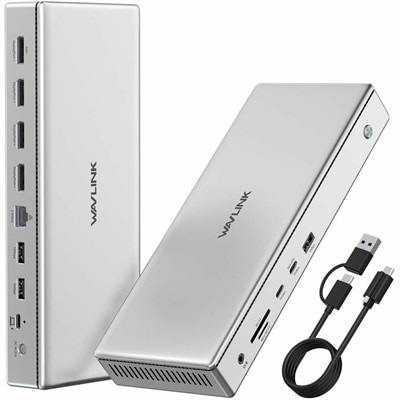
A versatile docking station offering HDMI, DisplayPort, VGA, USB 3.0, Gigabit Ethernet, and audio connectivity.
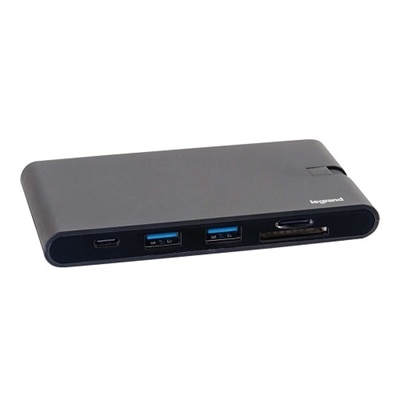
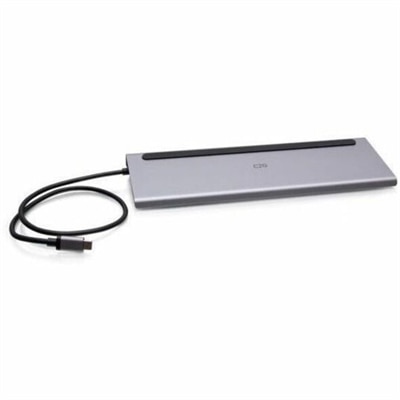
A compact 9-in-1 USB-C dock offering 4K HDMI, VGA, Ethernet, USB, SD card reader, and 100W power delivery.
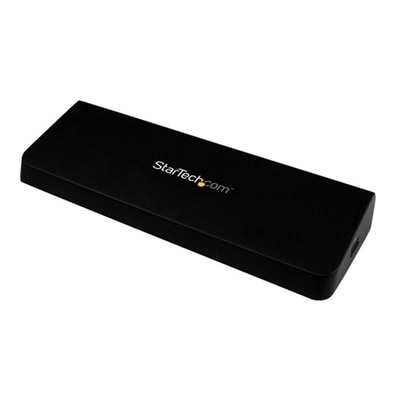
A versatile dual-monitor docking station with HDMI, 4K DisplayPort, four USB 3.0 ports, and Gigabit Ethernet.
A versatile universal dock supporting quad 4K 120Hz displays and dual 8K 60Hz, compatible with Windows and Mac.
A versatile Thunderbolt 5 smart dock delivering up to 300W power and advanced remote management capabilities.
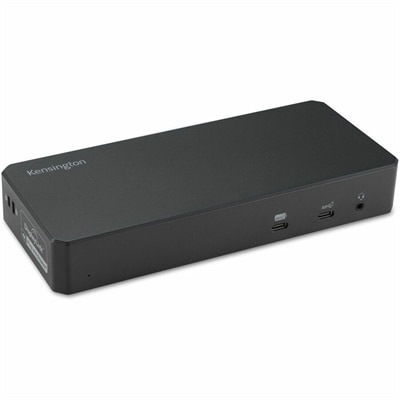
A black docking station offering triple display support, 100W power delivery, Ethernet, USB, SD reader, and audio.
A versatile black hybrid dock supporting up to four 4K displays, 100W power delivery, and 10Gbps data transfer.
A versatile black docking station enabling triple 4K displays, fast charging, and connectivity for Windows, Mac, and Chrome OS.
A versatile USB-C docking station enabling triple 4K monitor support, 7 USB ports, and 60W power delivery.
A universal docking station supporting dual 5K displays, USB 3.0/USB-C connectivity, and up to 100W power delivery.
For anyone aiming to streamline their workspace and maximize productivity, docking stations designed for multi-monitor workflows are a game changer. These versatile devices allow you to connect multiple external displays to your laptop or desktop, transforming a single-screen setup into a dynamic, immersive workspace. Whether you’re an architect reviewing detailed blueprints, a financial analyst juggling spreadsheets and dashboards, or a creative professional editing video footage across several timelines, a multi port docking station can help bring your vision to life. Even remote workers and students benefit from the convenience of managing video calls, research, and project files all at once, without the hassle of plugging and unplugging cables each time they move between locations. As spring transitions into summer, many people take the opportunity to refresh their home offices, making this the perfect season to consider upgrading your setup for greater comfort and efficiency.
When choosing a docking station for multi-monitor workflows, there are several key considerations to keep in mind. Compatibility is crucial—ensure your device supports the operating system you use, as some docks require specific drivers or technologies like DisplayLink for extended displays, especially for Mac users. Windows users often enjoy broader support with MST (Multi-Stream Transport), which allows for more flexible monitor arrangements. Resolution and refresh rate are also important; if you crave crisp visuals for design work or smooth motion for gaming, look for docks that can handle 4K at 60Hz or even higher. Power delivery is another essential feature, particularly for those running high-performance laptops. Many modern docking stations offer 90W to 140W or more, enough to keep even demanding devices charged while driving multiple high-resolution screens. Don’t overlook port selection, either—a quality dock should offer a healthy mix of Thunderbolt, USB-C, USB-A, HDMI, DisplayPort, and Ethernet options, supporting everything from external hard drives to wired internet connections. The right docking station can truly declutter your workspace, making it easier to focus and stay organized, whether you’re working from a cozy home office or a bustling open-plan environment.
Docking stations also make thoughtful gifts for graduates, remote professionals, or anyone looking to upgrade their work-from-home setup. Imagine the delight of a new graduate setting up their first apartment with a sleek, cable-free desk, or the gratitude of a partner who can now seamlessly switch between work and personal projects without missing a beat. These devices are not just about technology—they’re about creating an environment where ideas can flow freely and tasks can be accomplished with ease. For those who appreciate an organized, minimalist workspace, pairing a docking station with streamlined monitors can make all the difference. If you’re interested in taking your setup even further, explore our guide on Docking Monitors for Clean Desk Setups for more inspiration on achieving the ultimate clean desk aesthetic. With the right equipment, your workspace can become a hub of efficiency and creativity, supporting your ambitions through every season.
When choosing a docking station for multi-monitor workflows, consider compatibility with your laptop or desktop, the number and type of video outputs (such as HDMI, DisplayPort, or USB-C), power delivery capabilities, and the availability of additional ports for peripherals like keyboards, mice, and external drives.
Yes, most modern docking stations support both extended and mirrored display modes. Extended mode allows you to use multiple monitors as separate screens for increased workspace, while mirrored mode duplicates the same content on all connected monitors.
The type of cables you need depends on the docking station's video output ports and your monitors' input ports. Common connections include HDMI, DisplayPort, VGA, and USB-C. It's important to match the cable type to both the docking station and the monitors for optimal performance.
Many docking stations are designed to be compatible with both Windows and Mac operating systems. However, it's recommended to check the product specifications for supported platforms and any required drivers to ensure seamless connectivity.
A docking station streamlines connectivity by allowing you to connect multiple monitors and peripherals with a single cable to your laptop or desktop. This setup helps reduce cable clutter, enables quick transitions between workspaces, and enhances multitasking capabilities, leading to a more efficient and organized workflow.
Add the products you would like to compare, and quickly determine which is best for your needs.