Expansion Cards
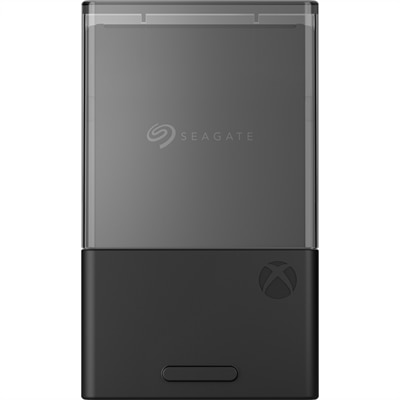
Expansion cards are essential components for enhancing the capabilities and performance of your computer system. Whether you're looking to boost your graphics, improve network connectivity, or add additional storage, expansion cards provide the flexibility to customize and upgrade your setup to meet your specific needs. At Dell, we offer a diverse selection of high-quality expansion cards designed to seamlessly integrate with a variety of systems, ensuring that you can find the perfect solution for your computing requirements. Explore our range of expansion cards to unlock new potential and elevate your computing experience.
This product is not available
Check out the following recommendations.




Expansion Cards
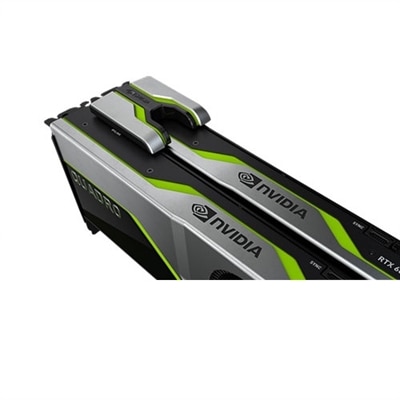
Expansion cards are internal computer components designed to add capabilities or improve performance beyond what a desktop computer’s motherboard provides on its own. Each card is a printed circuit board that fits into a compatible expansion slot, most commonly a PCIe (Peripheral Component Interconnect Express) slot, and communicates directly with the system’s processor and memory through the motherboard’s system bus. Graphics cards, for example, can enhance visual rendering for gaming, creative applications and high-resolution displays, while sound cards can provide more refined audio input and output than standard integrated audio. Other expansion cards can add USB connections, SATA interfaces or other useful ports, making it easier to connect displays, peripherals and internal components. Some cards add wireless connectivity or wired Ethernet capabilities to a desktop that lacks them, although compatibility and operating-system support should always be confirmed before purchase. Because these components become part of the computer’s internal architecture, choosing the right one involves more than comparing specifications. A card should match the motherboard’s available slot, fit inside the computer case and work with the system’s power supply, cooling arrangement and operating system. A quick look inside a desktop can reveal whether a full-length, half-height or low-profile card is needed, while the motherboard manual can identify the available PCIe slot type and its bandwidth. These details are especially important in compact desktops, where a card may need to fit beneath nearby components or operate within a limited airflow path.
Performance goals are another useful starting point. Someone building a desktop for modern games or 3D design may prioritize graphics processing capability, display outputs, memory on the graphics card and support for the desired resolutions and refresh rates. A person recording music, editing podcasts or connecting studio equipment may focus more closely on audio input quality, output connections and compatibility with recording software. For a home office or creative workspace, an interface card that adds more USB ports or supports additional internal connections can make a practical difference, particularly when a computer already has several accessories attached. Before selecting an expansion card, check the desktop’s available space, the length and thickness of the card, the recommended power connection and the required driver or software. Many cards need a driver installed in the operating system so the computer can recognize and use the new hardware correctly. It is also wise to review the monitor, cable and connector requirements; a graphics card may include several types of display outputs, but the best choice depends on the displays already in use. If a desktop has been upgraded gradually over the years, confirm that the motherboard firmware, operating system and other components support the card together. For visual upgrades, related Video Card Accessories can help complete a workspace with compatible cables, adapters or other essentials. Taking a few minutes to compare these practical details can prevent surprises such as an oversized card, an unavailable power connector or a missing driver after installation.
Expansion cards are most often chosen by desktop owners who want a more capable, flexible computer without replacing the entire system. A gamer might use one to produce smoother graphics and more detailed scenes, while a designer, video editor or hobbyist may benefit from improved rendering and support for multiple monitors. Musicians, streamers and remote workers can also use specialized cards to refine audio, add connection options or organize a busy desk with fewer compromises. They can be thoughtful gifts for someone assembling a first desktop, refreshing an older computer or building a dedicated setup for gaming, photography, music or content creation, provided the recipient’s system details are known. A gift card is most useful when it matches the recipient’s motherboard, case and power supply, so checking the computer model or asking for a photo of the interior may be worthwhile. For installation, shut down and unplug the desktop, follow the manufacturer’s handling instructions and avoid touching the card’s exposed contacts. Seat the card firmly in the correct slot, secure it to the case and connect any required power leads before starting the computer. Once the system boots, install the recommended driver, restart if prompted and test the new function with the intended applications, displays or accessories. During the warmer and cooler parts of the year alike, keeping dust from vents and allowing clear airflow around the desktop can help an expansion card operate reliably. With careful attention to compatibility, physical fit, power, software and the task at hand, an expansion card can turn a familiar desktop into a more capable and better-matched computer for everyday work, entertainment and creative projects.
FAQs:
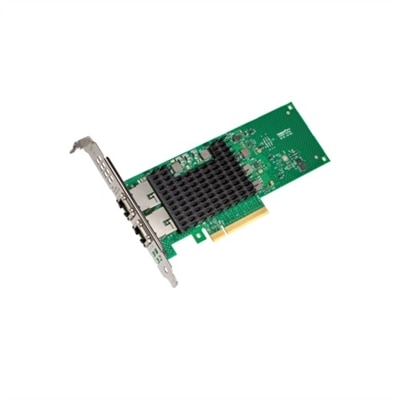
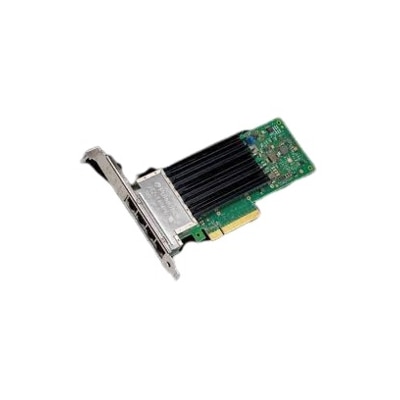
You can add a variety of expansion cards to your computer, including graphics cards for enhanced video performance, network interface cards (NICs) for improved wired or wireless connectivity, sound cards for high-quality audio, storage controllers for additional drives, and USB or I/O cards to expand your system’s connectivity options.
To ensure compatibility, check the available expansion slots on your motherboard (such as PCIe x16, x8, or x1) and verify that they match the requirements of the expansion card you wish to install. It’s also important to consider your system’s power supply and available physical space inside the case.
Yes, you can install multiple expansion cards as long as your motherboard has the necessary slots and your power supply can support the additional components. Be mindful of physical space and airflow within your case to maintain optimal performance and cooling.
Expansion cards are commonly used to upgrade graphics for gaming or creative work, add faster or more reliable network connections, improve audio quality for music production or conferencing, and increase the number of available USB or storage ports for peripherals and data management.
Most expansion cards are designed for user installation and simply require inserting the card into the appropriate slot on the motherboard. After installation, your operating system typically recognizes the new hardware and prompts you to install any necessary drivers. Always consult your system’s manual for step-by-step guidance.