$23.99
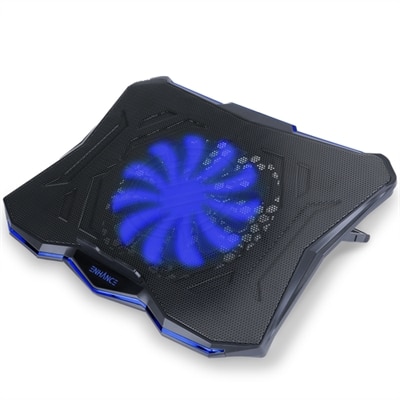
A versatile cooling pad with an ultra-quiet LED fan, ergonomic design, and dual USB ports.
Gaming laptop coolers are essential accessories for any gamer looking to maintain peak performance during intense gaming sessions. Designed to help manage heat and support smooth gameplay, these coolers provide an added layer of protection for your device. Explore a wide selection of gaming laptop coolers that can help keep your system running efficiently, so you can focus on leveling up without interruption.
A versatile cooling pad with an ultra-quiet LED fan, ergonomic design, and dual USB ports.
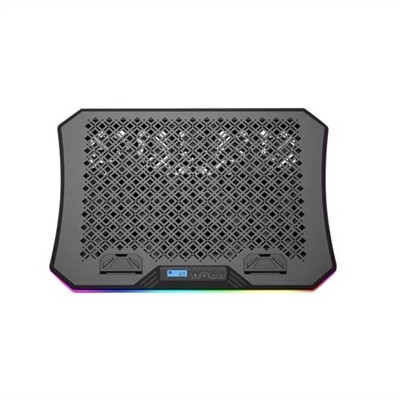
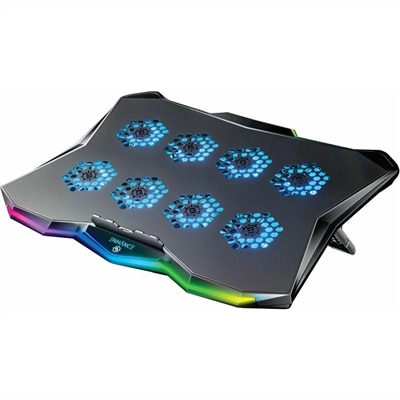
An ergonomic cooling pad with RGB lights, adjustable angles, and three large fans for optimal airflow.
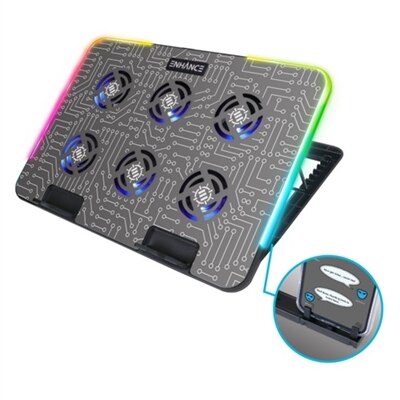
A metal cooling stand with 6 ultra-quiet LED fans and customizable RGB lighting for optimal airflow.
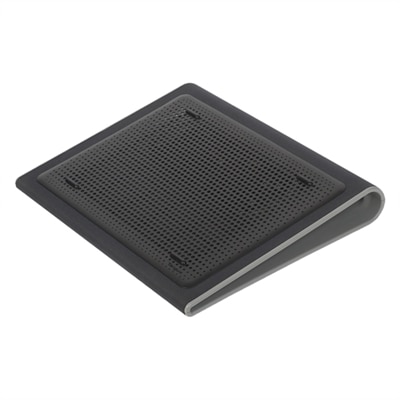
A black neoprene cooling stand with dual fans and ergonomic design for comfortable laptop use.
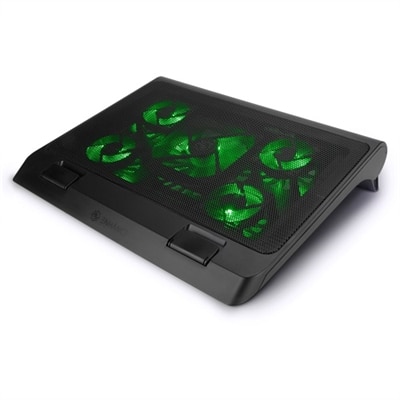
A gaming laptop cooling stand with 5 ultra-quiet fans, green LED lights, and dual USB ports.
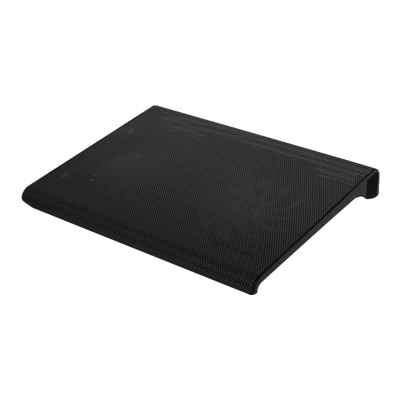
A black, slim cooling pad with dual quiet fans and metal mesh for optimal laptop airflow.
A versatile laptop fan with ultra-quiet LED fans, metal mesh surface, and adjustable height settings.
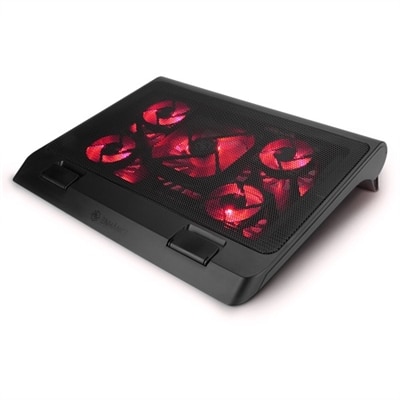
A gaming laptop cooling stand with 5 ultra-quiet fans, adjustable height, and red LED lights.
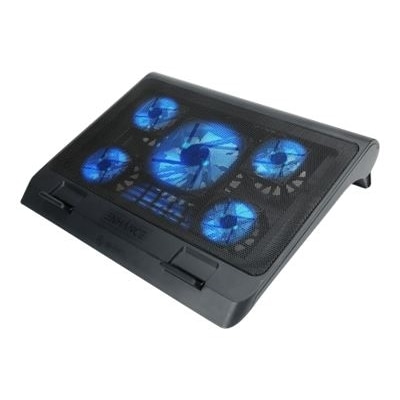
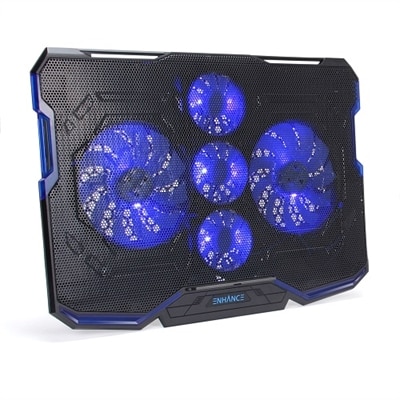
A black and blue cooling pad with five ultra-quiet fans, LED lighting, and adjustable stand.
A gaming laptop cooling pad featuring RGB lights, Cryogen Technology, and a precision-machined hexagon metal plate.
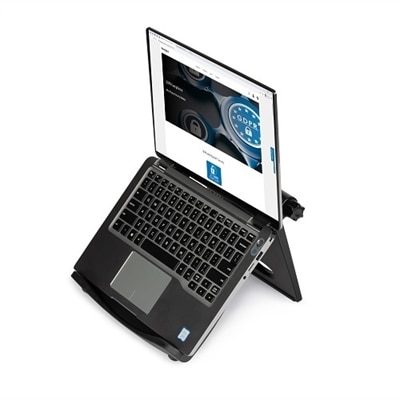
A black adjustable laptop stand with ergonomic design, offering up to 50-degree tilt and enhanced cooling.
A gaming laptop cooler is more than just an accessory—it’s an essential companion for anyone who demands peak performance from their portable gaming setup. As the weather warms and marathon gaming sessions stretch into the evening, the need for effective cooling becomes even more apparent. Gaming laptops, with their powerful CPUs and GPUs packed into slim frames, generate significant heat during intensive gameplay, streaming, or content creation. Over time, this heat can impact not only comfort but also the longevity and performance of your device. That’s where a dedicated laptop cooling mat or laptop cooling stand comes into play, providing an active cooling solution designed to help maintain optimal operating temperatures. Whether you’re immersed in fast-paced action, exploring open worlds, or working on creative projects that push your hardware, a cooler gaming laptop setup can make all the difference—helping to minimize thermal throttling and keep your focus where it belongs: on the experience.
When choosing a laptop cooler for gamers, there are several factors worth considering to match your individual needs and setup. Fan quantity and placement are key; more fans often mean broader airflow coverage and improved cooling, but they can also contribute to increased noise levels. Many users appreciate coolers with adjustable fan speeds, allowing for a personalized balance between cooling power and quiet operation. The size and compatibility of the cooler with your laptop is also important—look for a model that matches your device’s dimensions, especially if you use a larger or uniquely shaped gaming laptop. Ergonomic design features, such as adjustable height settings, can transform your workspace, promoting better posture and comfort during long sessions. For those who travel often or attend LAN parties, a slim, lightweight laptop cooling mat is a practical choice, easily slipping into a backpack or laptop case. Meanwhile, users who primarily game at a desk may prefer a larger laptop cooling stand with added features like USB hubs or RGB lighting. These cooling solutions aren’t just for hardcore gamers—they’re also a thoughtful gift for students, remote workers, or anyone who relies on their laptop for demanding tasks and values both performance and device care.
As you explore options for enhancing your gaming setup, remember that a reliable gaming laptop cooling accessory can be a smart investment for both immediate comfort and long-term device health. Whether you’re seeking a quiet, portable solution for on-the-go use or a powerful, multi-fan platform for your home battlestation, the right cooler can help you get the most out of your hardware all season long. For those interested in further optimizing their setup, you can find more information and a selection of specialized cooling solutions on our Gaming Laptop Fans page. From marathon multiplayer matches to creative all-nighters, a dependable cooling system supports your ambitions—helping you stay cool, comfortable, and in control as you take on every challenge.
When selecting a gaming laptop cooler, consider features such as the number and speed of fans, adjustable height settings for ergonomic comfort, noise levels, and additional options like built-in USB hubs or customizable lighting. Materials like metal mesh can enhance heat dissipation, and portability may also be important if you plan to use your cooler in different locations.
Yes, a gaming laptop cooler helps maintain lower operating temperatures, which can reduce the risk of thermal throttling and allow your laptop to sustain higher performance levels for longer periods. This is especially beneficial during intense gaming sessions or while running demanding applications.
Most gaming laptop coolers are designed to be compatible with a wide range of laptops, including touch screen models such as the dell "metal mesh" touch screen. Always check the design and dimensions of both your laptop and the cooler to ensure a proper fit and optimal airflow.
Gaming laptop coolers typically require minimal setup. Most models are plug-and-play, connecting to your laptop via USB for power. Some may offer adjustable fan speeds or lighting controls, which can be easily managed through built-in buttons or dials.
Anyone who uses their laptop for extended periods, especially gamers, content creators, or students, can benefit from a gaming laptop cooler. It’s also a thoughtful gift for tech enthusiasts who want to protect their device and enhance their overall computing experience.
Add the products you would like to compare, and quickly determine which is best for your needs.