$23.99
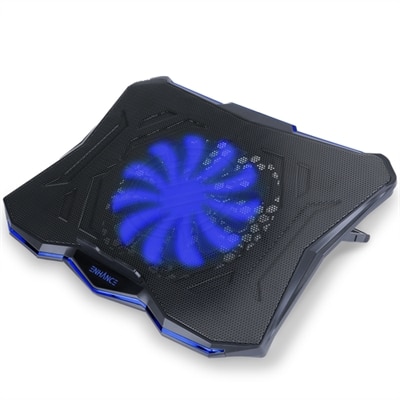
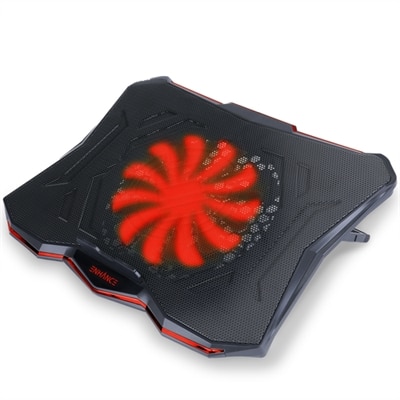
A red cooling pad with an ultra-quiet LED fan, 7 height settings, and dual USB ports.
Enhance your laptop's performance and longevity with our selection of 17 inch laptop coolers. These essential accessories are designed to combat overheating, ensuring your device stays cool even during intense gaming sessions or demanding work projects. With a variety of styles and functionalities, these coolers cater to different needs and preferences, providing optimal airflow and heat dissipation for your 17-inch laptop. Explore options that seamlessly blend functionality with sleek design, making it easy to find the perfect cooling solution for your setup.
A red cooling pad with an ultra-quiet LED fan, 7 height settings, and dual USB ports.
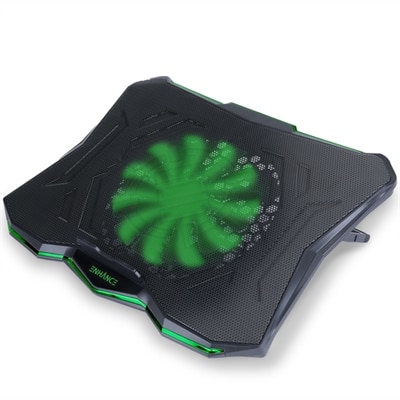
A green cooling pad with an ultra-quiet LED fan, dual USB ports, and 7 adjustable height settings.
A versatile cooling pad with an ultra-quiet LED fan, ergonomic design, and dual USB ports.
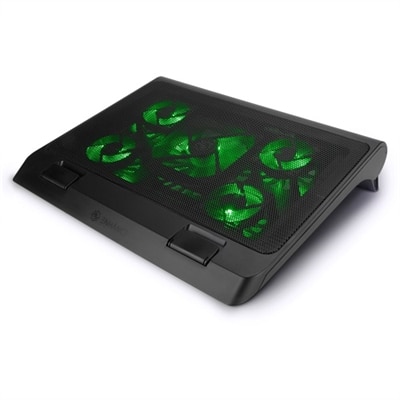
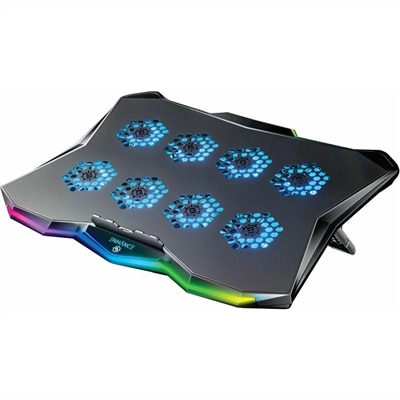
A gaming laptop cooling stand with 5 ultra-quiet fans, green LED lights, and dual USB ports.
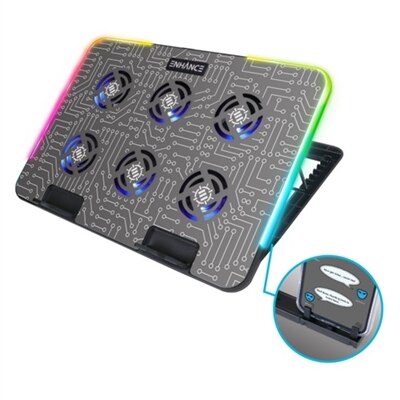
An ergonomic cooling pad with RGB lights, adjustable angles, and three large fans for optimal airflow.
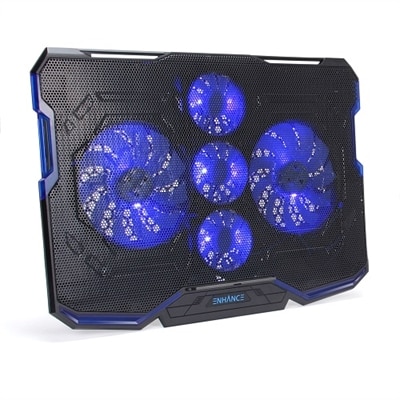
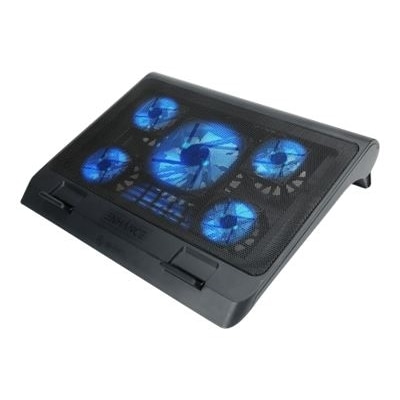
A black and blue cooling pad with five ultra-quiet fans, LED lighting, and adjustable stand.
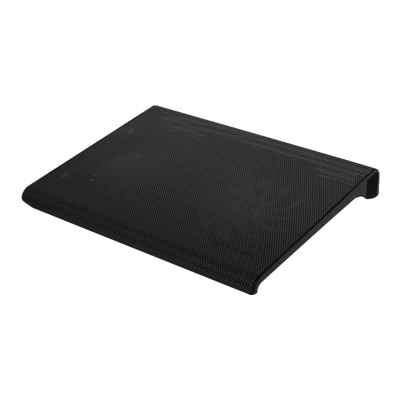
A black, slim cooling pad with dual quiet fans and metal mesh for optimal laptop airflow.
A versatile laptop fan with ultra-quiet LED fans, metal mesh surface, and adjustable height settings.
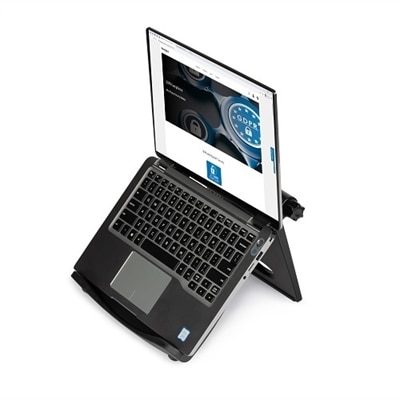
A black adjustable laptop stand with ergonomic design, offering up to 50-degree tilt and enhanced cooling.
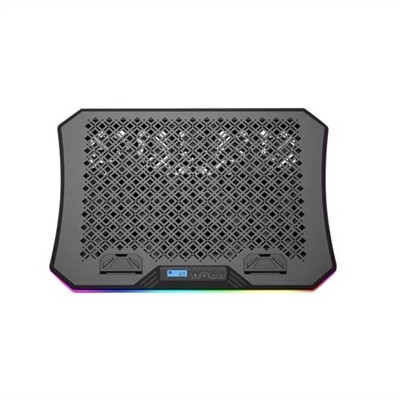
A gaming laptop cooling pad featuring RGB lights, Cryogen Technology, and a precision-machined hexagon metal plate.
A 17-inch laptop cooler can help a large notebook maintain more consistent performance during demanding work, gaming, streaming, and creative applications. When a laptop’s internal components become warm, the system may reduce processor or graphics performance to manage heat, a behavior commonly known as thermal throttling. A cooling pad supports the laptop by lifting its underside away from a desk or lap and directing additional airflow toward the intake vents. This extra circulation can be especially useful for high-performance laptops with powerful processors and dedicated graphics, as well as for anyone who spends long stretches playing games, editing video, rendering images, or working with large files. A broad cooling surface also gives a 17-inch or 17.3-inch laptop more stable support than a compact pad designed for smaller computers. When comparing options in this category, check the listed dimensions rather than relying on screen size alone. Laptop bezels vary, and a deep chassis may extend beyond the cooling surface even when the display measurement appears to match. Raised lips, safety baffles, or other retaining features can help keep a large laptop securely positioned, while a ventilated metal or mesh surface can promote airflow without creating an uneven base. For more ways to compare cooling accessories by size, design, and everyday use, explore Laptop Cooling Pads.
Cooling design is one of the most important differences among 17-inch laptop coolers. Standard multi-fan pads often use several smaller fans to move air across the bottom panel. They are a practical choice for office work, schoolwork, browsing, watching movies, and moderate gaming, particularly when a quieter setup matters. Adjustable fan controls can make it easier to balance airflow and sound, while height settings may improve wrist comfort by bringing the screen closer to eye level. Some models include USB passthrough, allowing a port used to power the cooler to remain available for a mouse, flash drive, or other accessory. More powerful blower-style coolers concentrate high-pressure airflow around the laptop’s intake area, sometimes using a flexible seal to reduce air loss around the edges. This design can be helpful for thick gaming laptops that draw substantial air from their underside, although stronger airflow generally produces more audible fan noise and may require a separate power adapter rather than a single USB connection. A cooler that works quietly during document editing may sound much more noticeable when its fans run at maximum speed, so noise ratings, adjustable speeds, and user-selectable fan modes deserve attention. Also confirm that the cooler’s openings line up reasonably well with the laptop’s vents. Airflow should support the computer’s existing cooling system, not cover intake grilles, exhaust openings, side ports, speakers, or removable access panels. LED lighting, multiple speed settings, and built-in controls can add convenience, but they are secondary to fit, airflow, stability, and comfortable positioning.
The best 17-inch laptop cooler depends on where the computer is used and how it is handled throughout the day. On a desk, a rigid platform with height adjustment can create a more comfortable viewing angle and leave room beneath the laptop for air to circulate. On a couch or bed, a lap-friendly design with a soft underside can provide a more stable surface than placing the laptop directly on fabric, which can obstruct vents and trap heat. Even then, a hard, level base is preferable for extended demanding use, and the laptop should never be left running on a soft surface without checking that its intake and exhaust areas remain clear. Students, remote workers, gamers, photographers, designers, and frequent travelers may all appreciate a cooler that matches their routine. It can also be a thoughtful gift for someone setting up a gaming station, upgrading a home office, or using a large laptop for classes and projects. Weight, cable length, foldability, and storage matter when the cooler will move between rooms or travel in a backpack, while rubber feet and a non-slip surface help prevent shifting during typing or intense gameplay. During warmer weather, additional airflow can make a desk setup feel more comfortable; during cooler months, the same accessory can help maintain reliable airflow in a compact workspace where the laptop is used for hours. Look for a sturdy construction, accessible controls, dependable power connection, and enough surface area to support the entire computer. A well-matched cooler will not replace a laptop’s internal fans or eliminate the need to keep vents clean, but it can complement those systems, support steadier performance, and make long sessions more comfortable.
Add the products you would like to compare, and quickly determine which is best for your needs.