$49.99
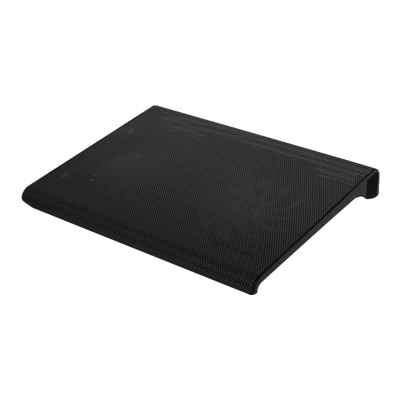
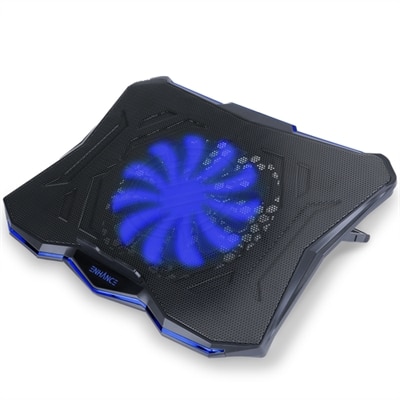
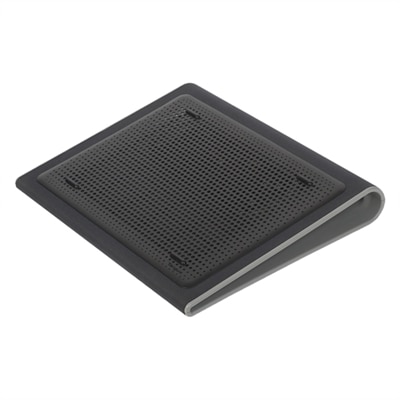
A black neoprene cooling stand with dual fans and ergonomic design for comfortable laptop use.
Laptop cooling pads are essential accessories for anyone looking to enhance their device’s performance during extended use. Designed to help maintain optimal operating temperatures, these practical solutions can support a more comfortable and efficient computing experience. Whether you’re working, gaming, or streaming, laptop cooling pads offer an easy way to promote airflow and help keep your laptop running smoothly. Explore a wide selection of options to find the ideal fit for your setup and usage needs.
A black neoprene cooling stand with dual fans and ergonomic design for comfortable laptop use.
A black, slim cooling pad with dual quiet fans and metal mesh for optimal laptop airflow.
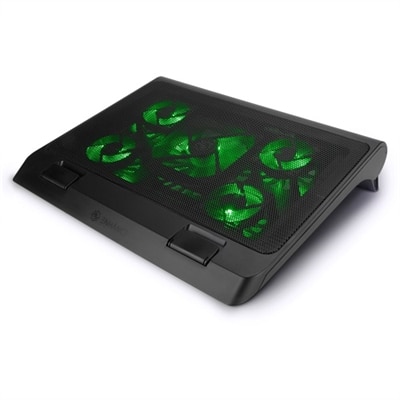
A gaming laptop cooling stand with 5 ultra-quiet fans, green LED lights, and dual USB ports.
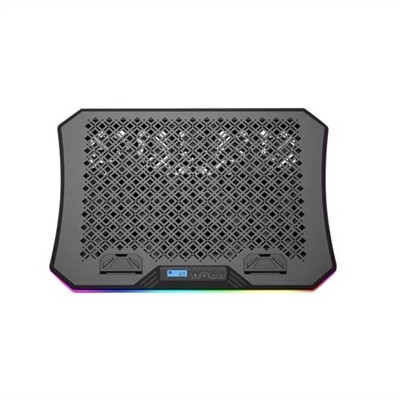
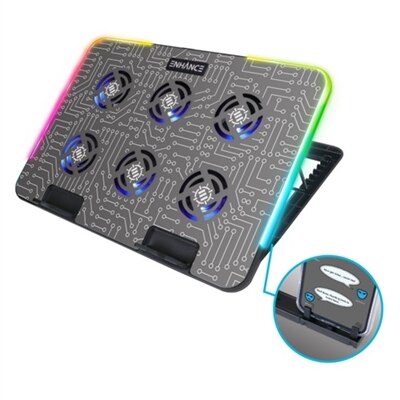
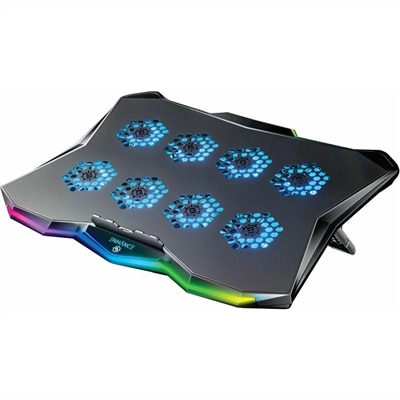
An ergonomic cooling pad with RGB lights, adjustable angles, and three large fans for optimal airflow.
A versatile laptop fan with ultra-quiet LED fans, metal mesh surface, and adjustable height settings.
A metal cooling stand with 6 ultra-quiet LED fans and customizable RGB lighting for optimal airflow.
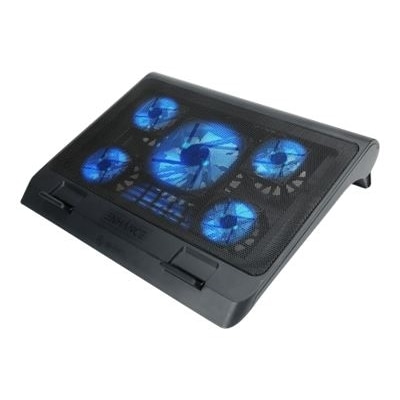
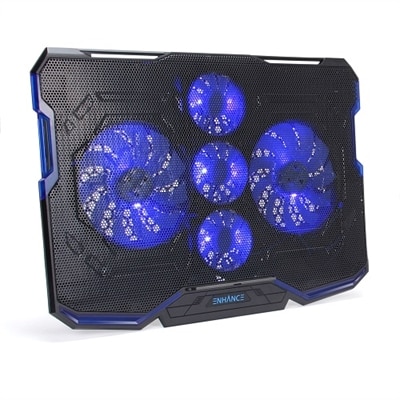
A black and blue cooling pad with five ultra-quiet fans, LED lighting, and adjustable stand.
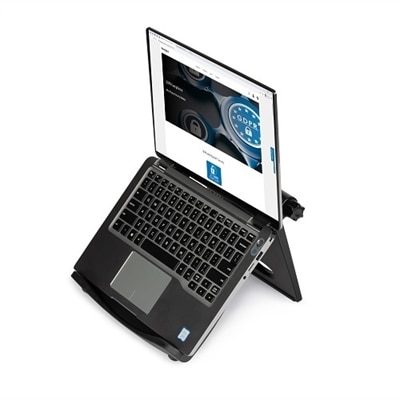
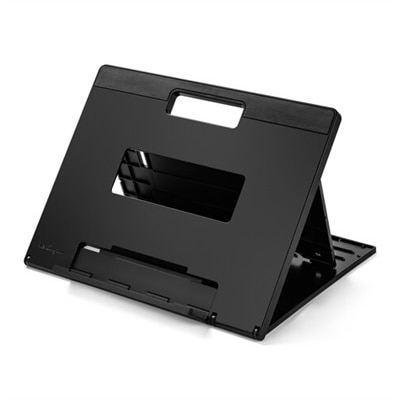
A black adjustable laptop stand with ergonomic design, offering up to 50-degree tilt and enhanced cooling.
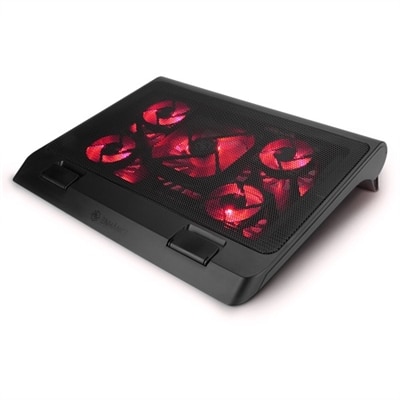
A gaming laptop cooling stand with 5 ultra-quiet fans, adjustable height, and red LED lights.
A versatile cooling pad with an ultra-quiet LED fan, ergonomic design, and dual USB ports.
A gaming laptop cooling pad featuring RGB lights, Cryogen Technology, and a precision-machined hexagon metal plate.
As the days grow longer and temperatures begin to climb, keeping your laptop cool becomes more important than ever, especially for those who rely on their devices for intensive tasks. Whether you’re a student powering through research papers, a creative professional editing high-resolution video, or a gamer in the midst of a marathon session, laptop cooling pads offer a practical solution to the challenge of overheating. These devices are designed to boost airflow beneath your laptop, targeting the internal components that generate the most heat—like the CPU and GPU—so your system can maintain peak performance and longevity. For anyone who has felt their laptop’s underside becoming uncomfortably warm during a video call or noticed a dip in performance during a demanding project, a cooling pad can make a noticeable difference. The latest designs often feature multiple fans for targeted cooling, adjustable heights for ergonomic comfort, and even built-in USB hubs to help keep your workspace organized and efficient. Some models offer slim, lightweight construction for easy portability, making them a smart companion for those who work or play on the go.
Choosing the right cooling pad involves considering your specific needs and preferences. Size is a key factor, as aligning the fans with your laptop’s intake vents—whether you’re using a compact device or a larger gaming machine—ensures optimal airflow. Adjustable stands not only improve ventilation but also help you find the perfect viewing angle, reducing neck and wrist strain during long hours of use. For users with high-performance systems like Alienware, selecting an alienware cooling pad or a cooling pad for alienware laptop can help manage the extra heat generated during graphically intense sessions. Similarly, a cooling pad for laptop dell or a dell cooling pad can be tailored to fit your device, supporting both productivity and gaming needs. Features like customizable RGB lighting add a personal touch to your setup, while extra USB ports make it easy to connect peripherals such as keyboards, mice, or external drives. These pads are especially helpful when working on soft surfaces—like a couch or bed—where airflow can be restricted. Gifting a cooling pad is a thoughtful gesture for students heading off to college, remote workers upgrading their home offices, or anyone who enjoys unwinding with a favorite game after a busy day. The right cooling solution can help extend the lifespan of your laptop, reduce the risk of unexpected shutdowns, and keep your device running smoothly through all seasons.
No matter your workflow or play style, a reliable cooling pad can make a tangible difference in your daily computing experience. From simple stands that provide essential ventilation to advanced models with powerful fans and ergonomic adjustments, there’s a solution for every user and every laptop. If you’re interested in exploring more options, including stands designed for both comfort and cooling efficiency, visit our curated selection of Laptop Cooling Stands to find the perfect match for your device and lifestyle. Investing in a quality cooling pad is a practical step toward safeguarding your technology, ensuring that your laptop remains a dependable partner—whether you’re tackling work projects, streaming your favorite shows, or pushing the limits in the latest games.
When selecting a laptop cooling pad for gaming, consider options with multiple high-speed fans for enhanced airflow, adjustable height settings for optimal viewing and typing comfort, and RGB lighting to complement your gaming setup. Some cooling pads designed for gaming laptops also offer extra USB ports and sturdy builds to support heavier devices during extended sessions.
Yes, by improving airflow and helping your laptop stay cooler, a cooling pad can reduce the need for your laptop’s internal fans to run at maximum speed. This often results in quieter operation, especially when running demanding applications or games that typically cause your laptop to heat up.
Some cooling pads are tailored to match the design and cooling needs of specific laptop brands or series. For example, an alienware laptop cooling pad is engineered to support the unique cooling requirements of Alienware gaming laptops, offering targeted airflow and a build that complements the device’s style.
A cooling mat for laptop use is especially helpful on soft surfaces, as it provides a stable, elevated platform that prevents vents from being blocked by bedding or upholstery. This ensures consistent airflow and helps maintain optimal performance, even when you’re working or relaxing away from a desk.
Most laptop cooling pads are powered via USB, allowing you to connect them directly to your laptop or a USB power adapter. This makes them convenient to use anywhere, whether you’re at your desk, on the go, or working in a shared space.
Add the products you would like to compare, and quickly determine which is best for your needs.