$429.99
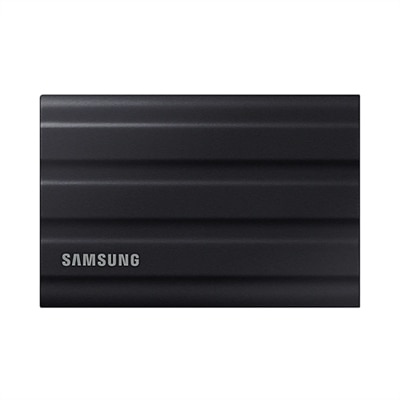
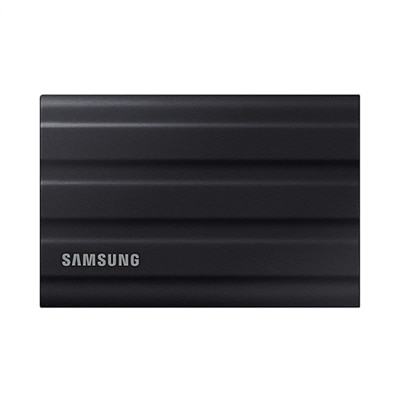
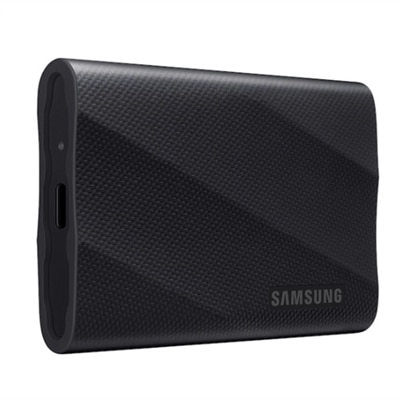
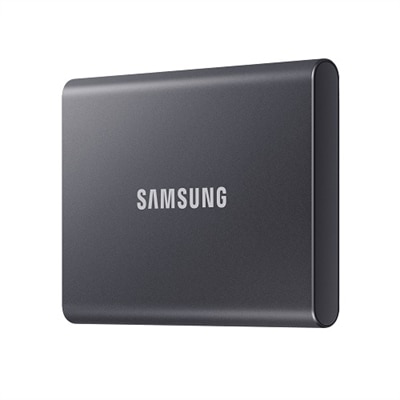
A compact, Titan Gray 2TB SSD offering fast USB 3.2 Gen 2 speeds and robust data protection.
Home office backup solutions are essential for protecting your important files, ensuring business continuity, and keeping your workflow uninterrupted. Whether you’re managing documents, creative projects, or sensitive client information, having reliable backup options gives you peace of mind and security. Explore dependable choices designed to safeguard your data and support your productivity in any home office environment.
A compact, Titan Gray 2TB SSD offering fast USB 3.2 Gen 2 speeds and robust data protection.
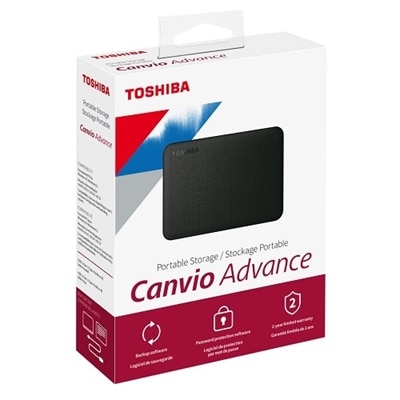
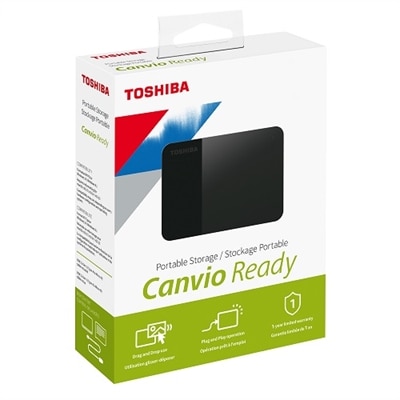
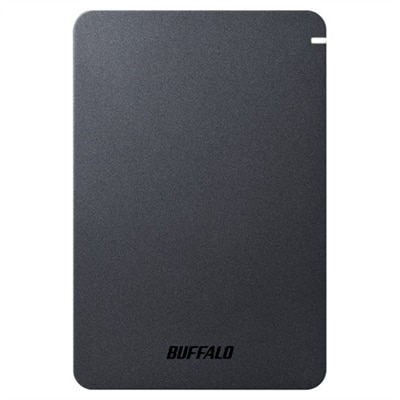
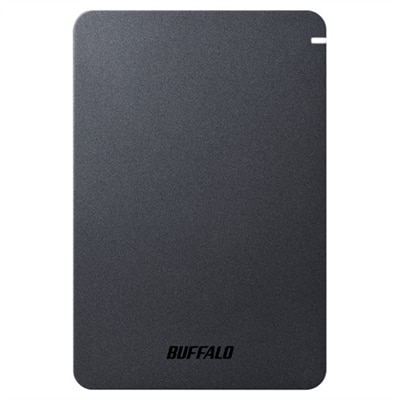
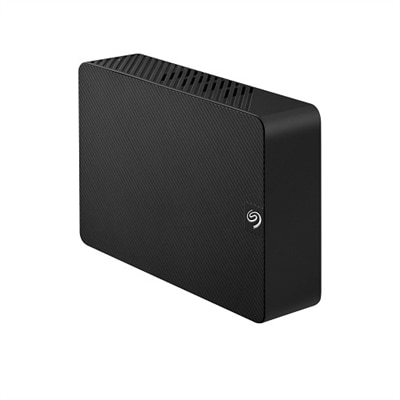
A sleek black 2TB portable hard drive offering reliable performance, automatic backup, and data security.
A rugged black 1TB SSD with IP65 rating, offering fast USB 3.2 Gen 2 speeds and durability.
A rugged black portable SSD with 2TB capacity, IP65 dust and water resistance, and ultra-fast USB 3.2 speeds.
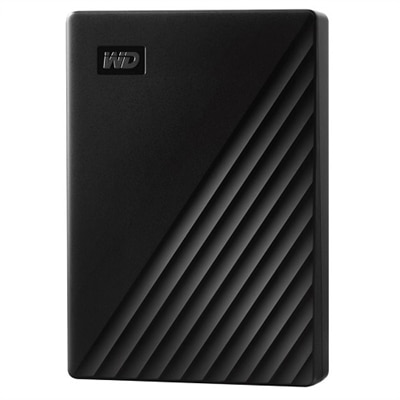
A sleek 5 TB portable hard drive in black with 256-bit AES encryption and automatic backup.
A compact 4TB portable hard drive with a stylish black two-tone finish for easy plug-and-play storage.
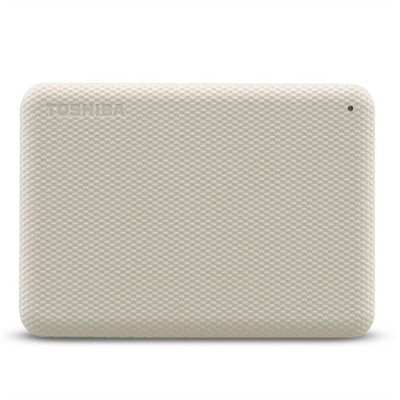
A stylish white 4TB portable hard drive with automatic backup and security software for data protection.
A sleek black 1TB SSD with 2,000 MB/s speeds, universal compatibility, and 3-meter drop resistance.
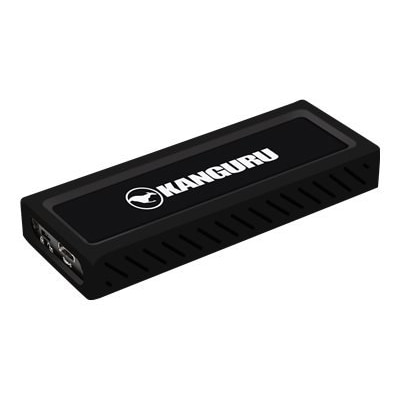
A rugged 4TB portable SSD in black with PCIe NVMe and 2,000 MB/s transfer speeds.
A shockproof, matte-finish portable hard drive offering 2TB storage, USB 3.2 connectivity, and advanced security features.
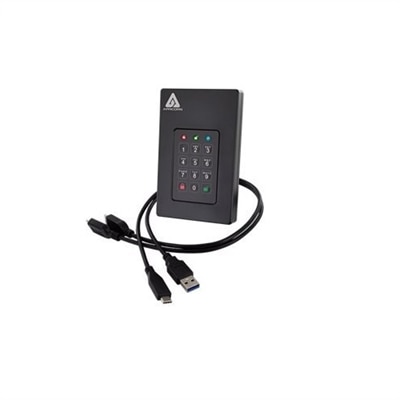
A rugged 16TB SSD with military-grade encryption, crafted from aircraft-grade aluminum for ultimate security.
A shockproof, matte-finish portable hard drive with USB 3.2, password protection, and predictive health LED.
A sleek black external SSD with 1TB storage, featuring SuperSpeed+ USB 3.1 Gen 2 connectivity.
A dependable home office backup setup helps protect the files that keep work, learning, and personal projects moving: tax records, client documents, family photos, creative files, schoolwork, device settings, and the carefully organized folders that may be difficult or impossible to recreate. The strongest approach typically combines an automatic cloud backup service with a separate local backup device, creating more than one path to recovery if a laptop or desktop stops working. Cloud backup can continue in the background while a computer is connected to the internet, helping preserve newer files without relying on memory or a manual routine. A local backup device can provide a faster way to restore larger collections or retrieve an individual folder when internet access is limited. This combination also helps address several different risks at once, including accidental deletion, hardware failure, theft, fire, power-related damage, and ransomware. A backup saved only on the computer is vulnerable when the computer is lost or compromised, while a single removable device kept beside the computer may be affected by the same event. Consider keeping a local copy disconnected when it is not being updated and choosing a cloud service with account security features, encryption, file version history, and recovery tools. Version history is especially useful after an accidental overwrite or a ransomware incident because it may allow an earlier, unaffected version of a file to be restored. Before choosing a solution, review the amount and type of data involved. Someone with a few folders of documents may need a simple, lightweight setup, while a photographer, designer, remote consultant, or family managing years of high-resolution photos and videos may need substantially more capacity and a plan that supports large files. Users who work across Windows and Mac computers should confirm operating-system compatibility, multi-device support, and whether the service can protect files from both platforms under one account. It is also worth checking whether the software can back up selected folders, an entire computer, or a complete disk image. Folder-based backup is convenient for everyday documents, while a full system image can help restore applications, settings, and the operating environment after a serious failure. Some solutions also support disk cloning, which can be useful when moving to a replacement computer, although cloning should complement—not replace—regular versioned backups. A backup that runs on a schedule or continuously is easier to trust than one that depends on remembering to connect a device at the end of a busy workday. Look for clear status notifications, an activity history, simple recovery steps, and the ability to test a restore. A backup is only useful when the files can be opened again, and a small test restoration can reveal a disconnected cable, an incomplete setup, or an account problem before an emergency makes the discovery stressful.
Home office backup products can suit a wide range of people, from freelancers working at a kitchen table to households sharing a family computer, students storing coursework, and employees who occasionally bring work home. They can also make practical gifts for someone setting up a first home office, upgrading an aging computer, or building a more organized digital routine. A compact local backup device paired with straightforward backup software can be especially helpful for a relative who has accumulated years of photos, scanned documents, recipes, or personal records but has never established a consistent safeguard. In a home office, place the local device where it is easy to connect but not directly beside the computer if both could be damaged by a spill, surge, or other incident. A surge protector or uninterruptible power accessory may add another layer of protection for desktop users, particularly in areas where brief power interruptions are common. Laptop users should confirm that their backup process continues when the computer is connected to power and that it does not drain the battery during travel. People who work with sensitive client information should pay close attention to encryption, password protection, access controls, and the provider’s approach to privacy. Families may value an easy-to-understand interface and coverage for several computers, while a small business owner may prioritize fast recovery, detailed reporting, and support for large media folders. During the cooler months, when more work and study may shift indoors, a well-arranged backup routine can make a home workspace feel calmer: files are organized, recovery steps are familiar, and an unexpected computer problem is less likely to bring everything to a halt. Start by identifying the files that would be hardest to replace, estimate the total amount of data with room for growth, and decide whether protection is needed for one computer or several. Then compare automatic cloud backup, local backup hardware, full-system imaging, file versioning, encryption, recovery speed, and compatibility with the computers already in use. A simple setup that runs reliably is often more valuable than an elaborate arrangement that is difficult to maintain. For additional ways to evaluate options and build a practical setup, explore Backup Solutions. With regular automatic backups, at least one separate copy, and occasional restore checks, a home office can be better prepared for the everyday mishaps and major disruptions that put important digital files at risk.
Add the products you would like to compare, and quickly determine which is best for your needs.