External Hard Drives For System Backup
External hard drives for system backup offer a reliable solution for safeguarding important files, photos, and documents. With a dedicated backup device, you can help protect your data from unexpected loss and ensure quick recovery when needed. Explore a wide selection of external hard drives for system backup to find the right storage capacity and connectivity options to match your needs, whether you're securing personal memories or critical work projects.
This product is not available
Check out the following recommendations.




External Hard Drives For System Backup
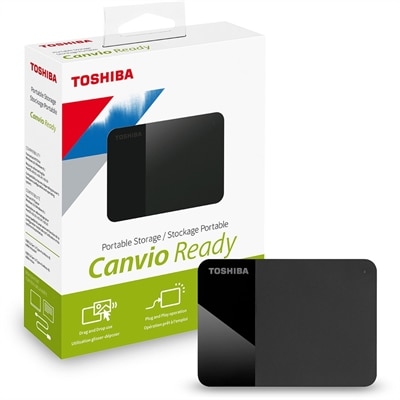
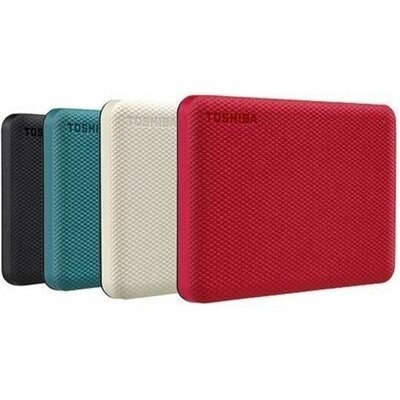
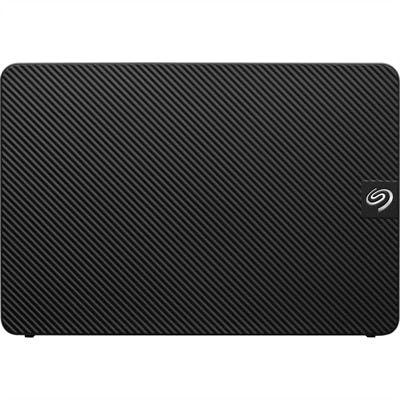
External hard drives for system backup provide a practical way to keep a separate copy of important files, applications, photos, videos and personal settings outside your computer. A backup drive can help protect against accidental deletion, software problems, device failure and the everyday mishaps that can leave a laptop unusable. For a dependable starting point, choose a drive with at least twice the capacity of your computer’s internal drive. That extra room allows the backup to include existing files while leaving space for future versions, temporary files and additional folders. For example, a computer with a 1TB internal drive will generally benefit from a backup drive with 2TB or more, while a system containing a large photo library, video collection or creative project archive may call for substantially more capacity. It is also helpful to consider how the drive will be used. A desktop external hard drive is well suited to a home office or a permanent workstation, where high capacity and a lower cost per gigabyte matter most. These models typically connect to a wall outlet and remain beside the computer, making them a strong choice for scheduled backups of an entire system or a growing collection of files. A portable external hard drive is more convenient for people who work between rooms, offices, classrooms or travel destinations. It usually draws power through its USB connection, fits easily into a laptop bag and can accompany a computer without requiring a separate power adapter. Portable models are useful for preserving schoolwork, household records, travel photos and work files while away from a primary desk. When speed, quiet operation and extra resistance to movement are priorities, a solid state drive can be a compelling alternative. SSDs have no moving mechanical parts, so they can provide faster file transfers and recovery, operate quietly and better tolerate the bumps that come with commuting. They often cost more per gigabyte than traditional hard disk drives, making them especially attractive when quick access and portability are more important than maximum capacity.
Connection type and compatibility deserve attention before choosing an external drive for system backup. USB connections are widely supported, but computers may use different USB generations and connector shapes, so check the ports on the computer and confirm whether an adapter or compatible cable is included. A newer connection can improve transfer times when both the computer and drive support the same standard, although the drive’s own hardware and the size of the files being copied also affect performance. People who work with large video projects, high-resolution photographs or full system images may appreciate faster transfer speeds, while routine document backups may not require the highest available performance. Operating system support is another important consideration. Windows users can use built-in tools such as File History and system image features, while Mac users may use Time Machine with a compatible external drive. Those looking for an option tailored to Apple computers can also explore External Hard Drives For Mac Computers. Some backup software can create scheduled copies, preserve earlier versions of files and automate the process so protection does not depend on remembering to connect the drive. For a complete system backup, look for software that can capture the operating system, applications, settings and personal files rather than copying only a few selected folders. Security features may also matter. Hardware-based encryption, password protection and dependable backup utilities can add peace of mind when a drive contains tax documents, work materials, medical records or family photographs. Keep in mind that a backup drive should not be treated as the only copy of irreplaceable information. A sensible approach is to maintain multiple copies in different places, such as one local drive for quick recovery and another copy kept separately or with a reputable online service. Disconnecting a backup drive after a scheduled copy can also reduce exposure to power surges, accidental formatting and certain malware threats.
These drives can serve a wide range of people and make a thoughtful practical gift for someone setting up a home office, starting school, building a creative portfolio or organizing years of family memories. A photographer may use one to preserve original image files before editing, keeping a second copy available when a memory card is cleared for a new shoot. A student can back up research, presentations and coursework before carrying a laptop across campus, while a remote worker can protect important documents during a move between a home workspace and a shared office. Families may use a high-capacity desktop drive for scanned photographs, home videos and household records, especially as cooler months create more opportunities to organize digital files indoors. For a frequent traveler, a compact SSD or portable hard drive can keep a working copy of essential documents and media close at hand without relying on an internet connection. Capacity, portability, speed, power requirements, operating system compatibility and security should all be weighed together rather than considered separately. It is wise to leave free space on the drive instead of filling it completely, label the drive clearly and test a few restored files after the first backup. A backup is most useful when it is recent, complete and easy to recover. Whether the goal is protecting a single laptop, preserving a desktop computer’s complete environment or creating a dependable archive for years of photos and projects, the right external drive can turn backup from an occasional chore into a simple part of an everyday routine.
FAQs:
When choosing an external hard drive for system backup, consider factors such as storage capacity, data transfer speed, compatibility with your devices, and the presence of backup software. Additional features like hardware encryption, password protection, and rugged design can also enhance the security and durability of your backup device.
It's recommended to back up your computer on a regular schedule, such as weekly or monthly, depending on how often your files change. Many external hard drives come with automated backup software that allows you to set up recurring backups, ensuring your data is always up to date without requiring manual intervention.
Yes, most external hard drives can be used to back up multiple computers, provided there is adequate storage space. Simply connect the drive to each computer and use backup software to create separate backup folders or partitions for each device.
Absolutely. Many users utilize their external hard drive not only for system backups but also for storing large files, multimedia content, and important documents. Just be sure to organize your files and backups clearly to avoid confusion and ensure easy access when needed.
Most external hard drives are compatible with both Windows and Mac operating systems, though some may require reformatting to work seamlessly across platforms. Always check the drive’s specifications and follow the manufacturer’s instructions for formatting if you plan to use it with multiple types of computers.