$229.99
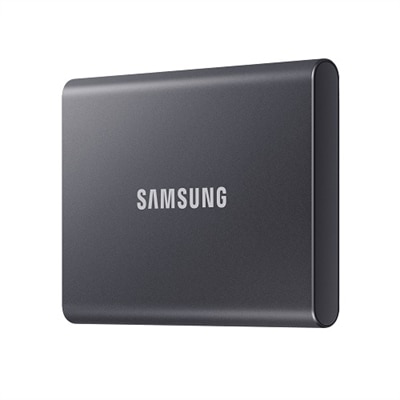
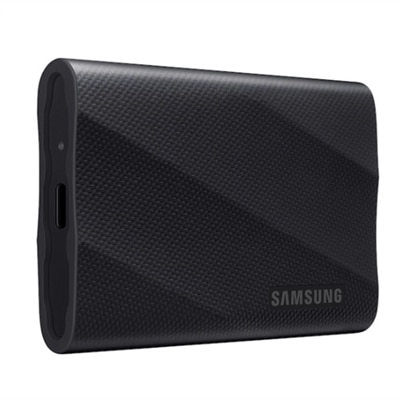
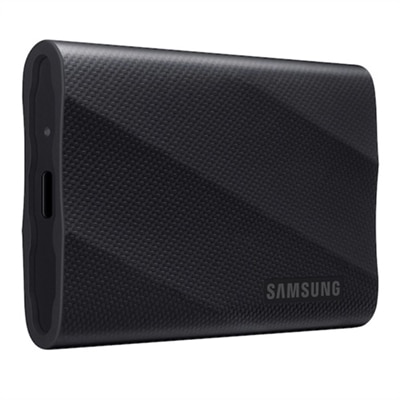
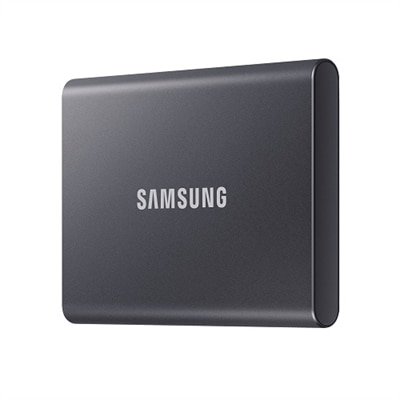
A compact Titan Gray SSD offering 1TB storage with fast USB 3.2 Gen 2 speeds and robust security.
External hard drives for file transfer offer a reliable and convenient solution for managing your digital files. Whether you’re moving important documents, backing up photos, or expanding your storage capacity, these versatile devices make it easy to keep your data organized and accessible. Explore a wide selection of external hard drives for file transfer to find the right fit for your needs, ensuring smooth and efficient data management at home, in the office, or on the go.
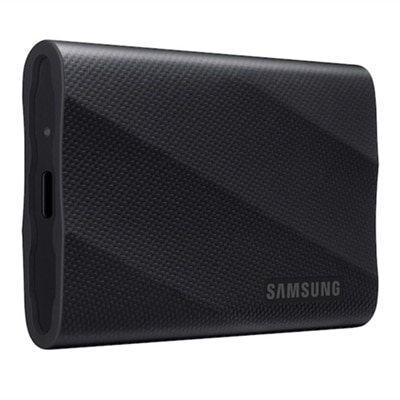
A compact Titan Gray SSD offering 1TB storage with fast USB 3.2 Gen 2 speeds and robust security.
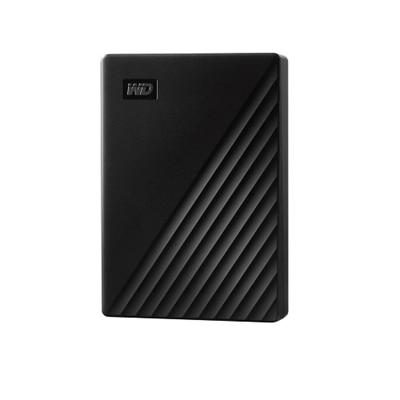
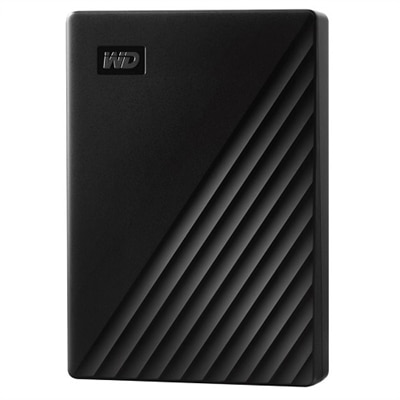
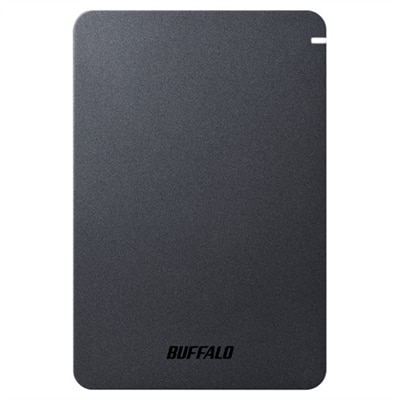
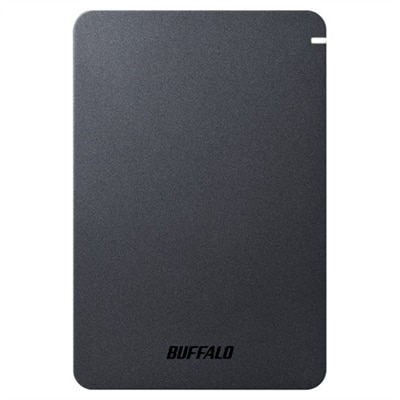
A sleek black 4 TB portable hard drive with 256-bit AES encryption and automatic backup software.
A compact, Titan Gray 2TB SSD offering fast USB 3.2 Gen 2 speeds and robust data protection.
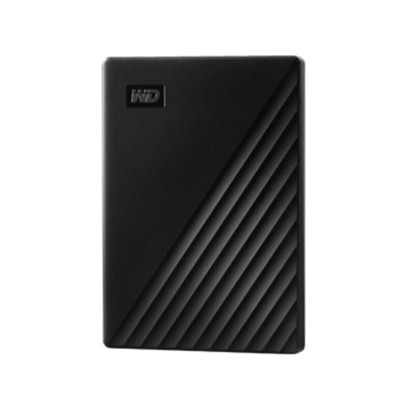
A sleek black 2 TB portable hard drive with automatic backup, password protection, and USB connectivity.
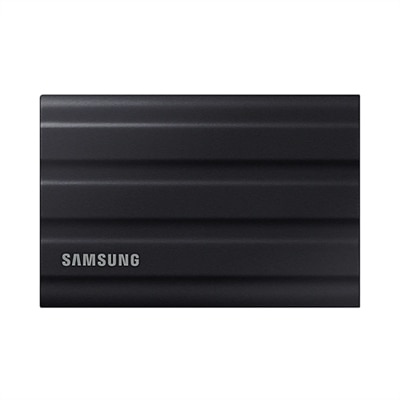
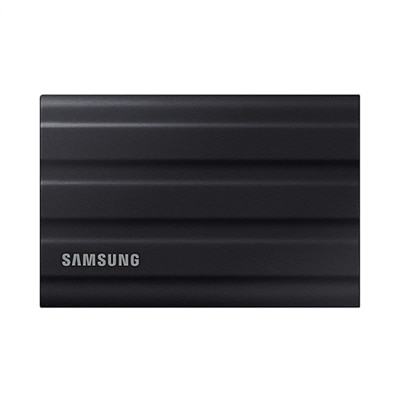
A rugged black 1TB SSD with IP65 rating, offering fast USB 3.2 Gen 2 speeds and durability.
A rugged black portable SSD with 2TB capacity, IP65 dust and water resistance, and ultra-fast USB 3.2 speeds.
A sleek 5 TB portable hard drive in black with 256-bit AES encryption and automatic backup.
A sleek black 1TB SSD with 2,000 MB/s speeds, universal compatibility, and 3-meter drop resistance.
A rugged 4TB portable SSD in black with PCIe NVMe and 2,000 MB/s transfer speeds.
A sleek black 2TB SSD with 2,000 MB/s speeds, universal compatibility, and 3-meter drop resistance.
A shockproof, matte-finish portable hard drive with USB 3.2, password protection, and predictive health LED.
A shockproof, matte-finish portable hard drive offering 2TB storage, USB 3.2 connectivity, and advanced security features.
A rugged 16TB SSD with military-grade encryption, crafted from aircraft-grade aluminum for ultimate security.
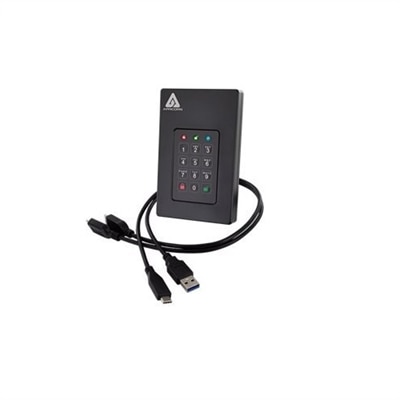
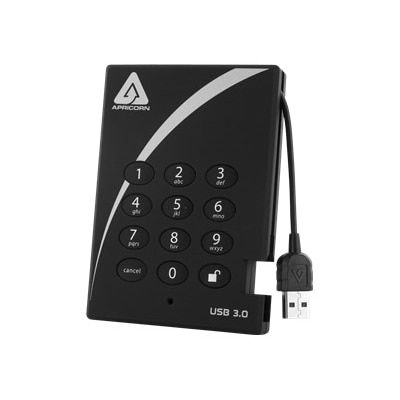
An ultra-fast 2TB SSD with secure PIN access, AES encryption, and USB 3.0 connectivity.
A high-speed 1TB NVME SSD offering enhanced data transfer and storage capacity in M.2 2280 form factor.
When it comes to moving important files, photos, or entire media libraries between devices, external hard drives have become a trusted companion for students, professionals, creatives, and anyone looking to simplify file transfer. As the weather warms and travel or collaborative projects pick up, the convenience of a portable storage device is hard to overstate. Whether you’re a photographer capturing memories at outdoor events, a business traveler needing to shuttle presentations between meetings, or simply someone who wants to share a rich collection of videos and documents with friends or family, selecting the right external hard drive can make all the difference. The latest external SSDs offer impressive speed and durability, helping you move large files in seconds, while traditional hard disk drives provide ample capacity for archiving years’ worth of data. Many users find that a dell external hard drive is especially well-suited for seamless integration with their laptops and desktops, providing peace of mind that comes from a reliable, brand-matched solution.
Choosing a new hard drive for file transfer involves a few key considerations. Capacity is often the first factor—think about whether you’re moving a few gigabytes of work documents or terabytes of high-resolution video. Speed is equally important, especially for those transferring large files frequently; an external SSD is ideal for this, delivering rapid data transfer and quick access times. Durability matters for anyone on the go; look for shock-resistant or water-resistant designs if your work takes you outdoors or into unpredictable environments. For those who prioritize security, drives with built-in encryption and password protection add an extra layer of safety during transit. Compatibility is another crucial aspect—many drives come pre-formatted for either Windows or Mac, but reformatting to exFAT can allow for easy transfers between both platforms. Upgrading to USB 3.0 or USB-C connections ensures you’re not held back by slow cables or ports, while using file-copying software can help verify that every file arrives intact, even when moving hundreds of gigabytes at a time.
External hard drives also make thoughtful gifts, especially for graduates, remote workers, or anyone embarking on a new project or adventure. A dell hard drive can be a practical present for someone starting a new job, heading off to college, or launching a creative endeavor—offering them a reliable way to backup or transfer their growing collection of digital assets. For those who already rely on a dell laptop backup disk, adding a portable drive to their setup can streamline their workflow, making it easier to keep important files organized and accessible wherever they go. If you’re interested in safeguarding your data beyond file transfer, consider exploring options for system backup as well—visit External Hard Drives For System Backup to learn more about protecting your entire system. With the right external storage, you can confidently move, share, and preserve your digital life, no matter where the season takes you.
SSD (Solid State Drive) external hard drives offer faster data transfer speeds, greater durability due to their lack of moving parts, and a more compact design compared to HDD (Hard Disk Drive) models. HDDs, on the other hand, typically provide higher storage capacities at a lower cost per gigabyte, making them a popular choice for archiving large amounts of data. Your choice depends on whether speed or capacity is your top priority.
External hard drives are ideal for a wide range of users, including students, creative professionals, business travelers, and families. Anyone who needs to back up important documents, transfer large files between devices, or expand their storage capacity can benefit from using an external hard drive.
When transferring files between operating systems like Windows and macOS, look for external hard drives that support exFAT or FAT32 file systems, as these formats offer broad compatibility. Many drives come pre-formatted, but you can reformat them if needed to ensure seamless file sharing across devices.
Yes, external hard drives are commonly used for full system backups. Many come with backup software or are compatible with built-in utilities like Windows Backup or macOS Time Machine, allowing you to create a complete copy of your files and system settings for easy recovery.
If you travel often, consider an external hard drive with a rugged design, shock resistance, and a compact, lightweight form factor. Look for models with fast connection options like USB 3.2 Gen 2 or Thunderbolt for quick file transfers on the go. Some drives also offer hardware encryption for added data security while you’re away from home.
Add the products you would like to compare, and quickly determine which is best for your needs.