$136.99
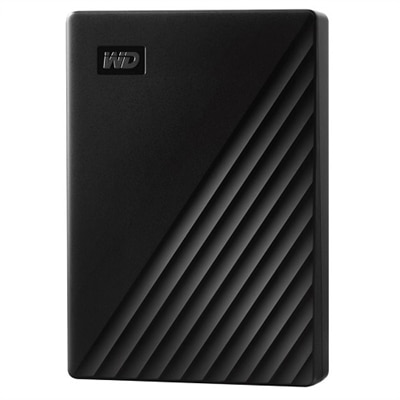
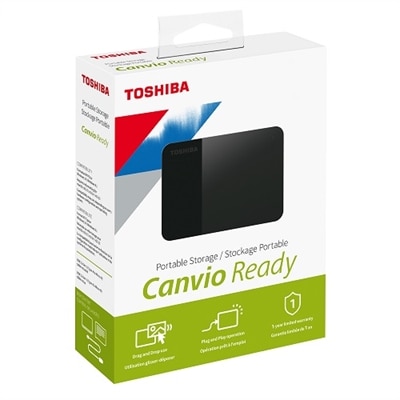
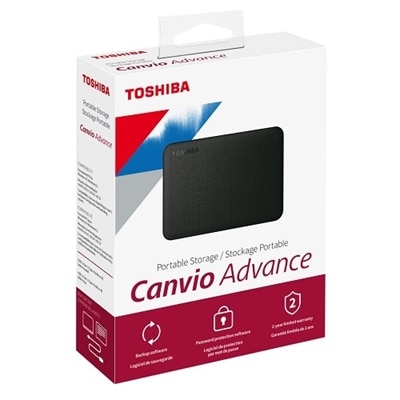
A sleek black 2TB portable hard drive offering reliable performance, automatic backup, and data security.
External hard drives for PC and Mac offer a convenient solution for expanding your storage capacity, backing up important files, and keeping your digital life organized. Whether you're managing large media libraries, transferring documents between devices, or safeguarding valuable data, these versatile storage devices provide reliable performance for both personal and professional use. Explore a wide selection of external hard drives for PC and Mac designed to meet your needs and keep your information secure and accessible.
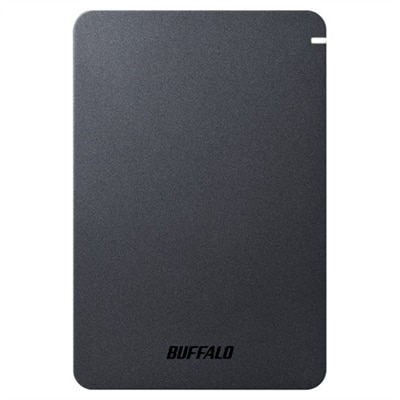
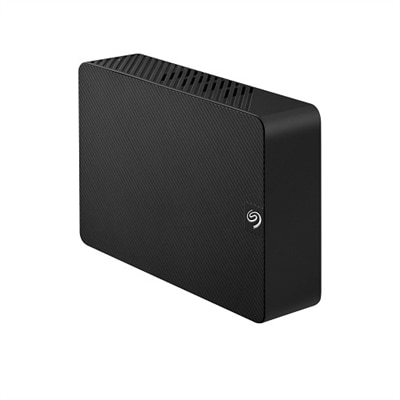
A sleek black 2TB portable hard drive offering reliable performance, automatic backup, and data security.
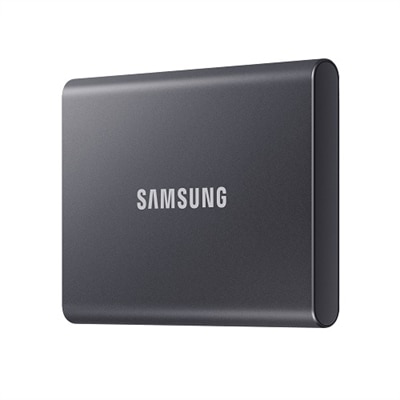
A compact, Titan Gray 2TB SSD offering fast USB 3.2 Gen 2 speeds and robust data protection.
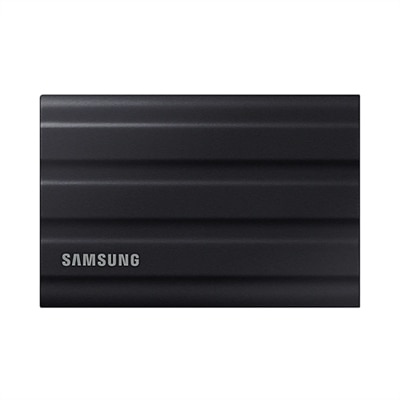
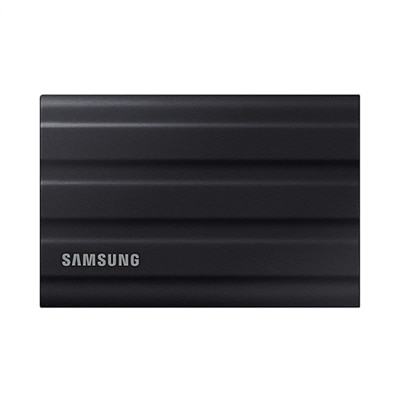
A rugged black 1TB SSD with IP65 rating, offering fast USB 3.2 Gen 2 speeds and durability.
A rugged black portable SSD with 2TB capacity, IP65 dust and water resistance, and ultra-fast USB 3.2 speeds.
A sleek 5 TB portable hard drive in black with 256-bit AES encryption and automatic backup.
A compact 4TB portable hard drive with a stylish black two-tone finish for easy plug-and-play storage.
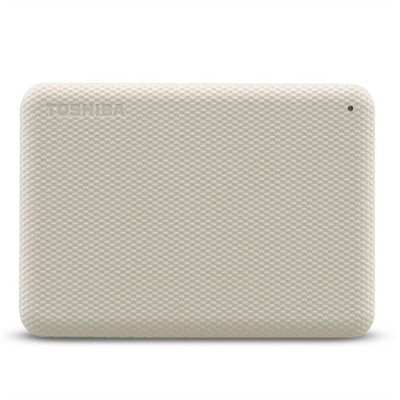
A stylish white 4TB portable hard drive with automatic backup and security software for data protection.
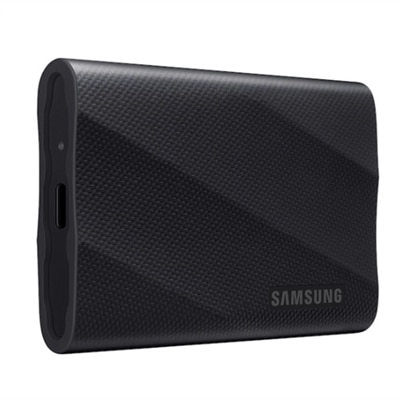
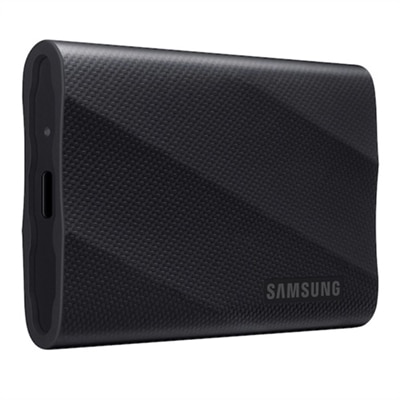
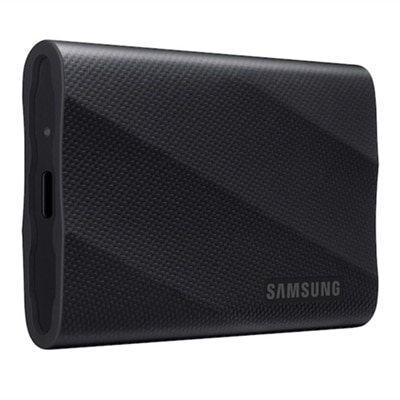
A sleek black 1TB SSD with 2,000 MB/s speeds, universal compatibility, and 3-meter drop resistance.
A sleek black 2TB SSD with 2,000 MB/s speeds, universal compatibility, and 3-meter drop resistance.
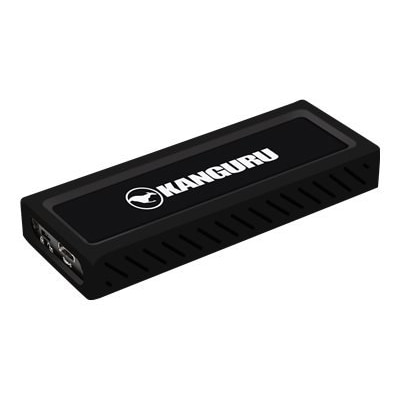
A rugged 4TB portable SSD in black with PCIe NVMe and 2,000 MB/s transfer speeds.
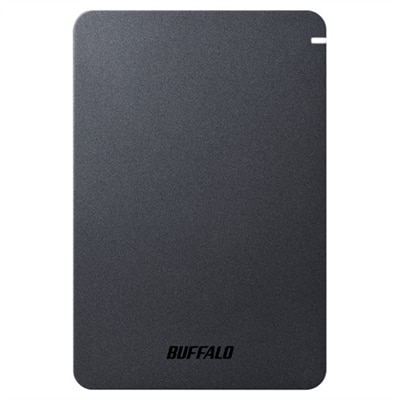
A shockproof, matte-finish portable hard drive offering 2TB storage, USB 3.2 connectivity, and advanced security features.
A rugged 16TB SSD with military-grade encryption, crafted from aircraft-grade aluminum for ultimate security.
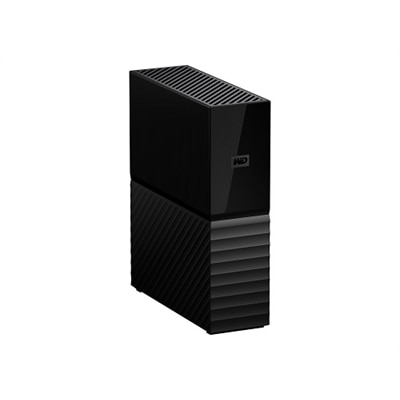
A sleek black 8TB desktop hard drive with password protection and automatic backup software.
A sleek black external SSD with 1TB storage, featuring SuperSpeed+ USB 3.1 Gen 2 connectivity.
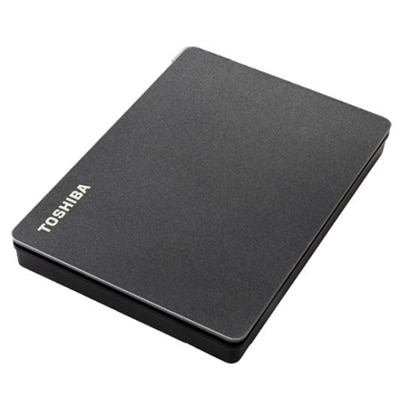
A sleek black portable hard drive offering 4TB storage, ideal for expanding your gaming library.
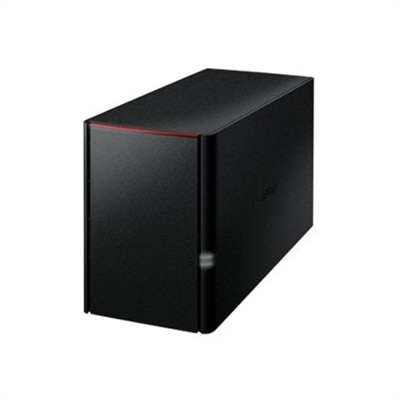
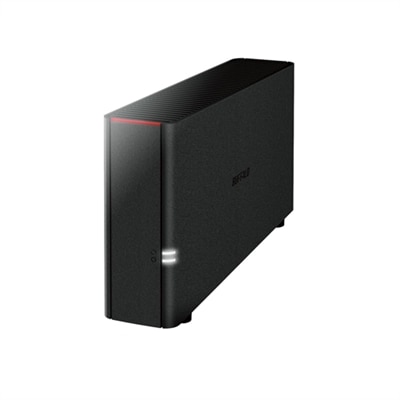
A black 4TB personal cloud storage device offering RAID protection and remote access via WebAccess.
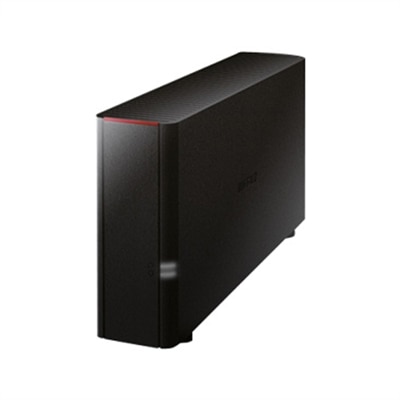
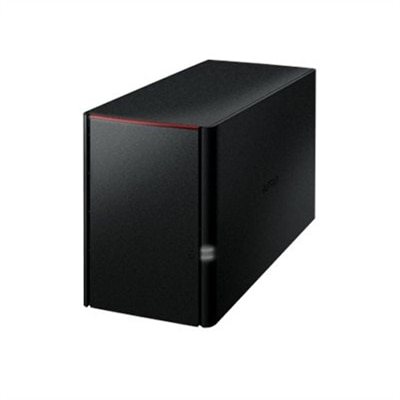
A black 2TB personal cloud storage device offering easy remote access and simultaneous multi-device backup.
A black desktop storage solution offering 4TB personal cloud access and backup for multiple devices.
A black desktop storage solution offering 8TB with RAID protection and remote access via personal cloud.
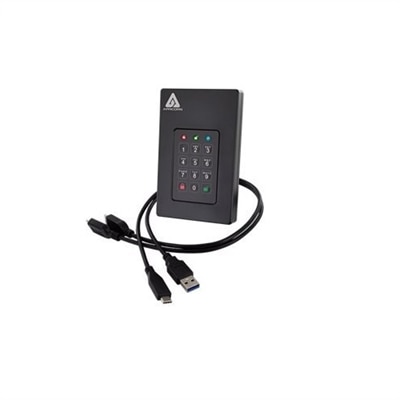
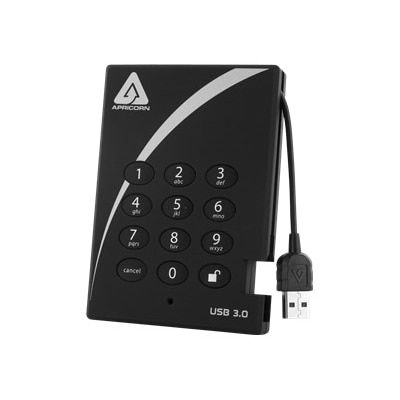
An ultra-fast 2TB SSD with secure PIN access, AES encryption, and USB 3.0 connectivity.
A shockproof, matte-finish portable hard drive with USB 3.2, password protection, and predictive health LED.
External hard drives for PC and Mac provide a practical way to add storage without opening a computer or replacing its internal drive. They can hold photo libraries, home videos, music collections, project files, downloaded content, schoolwork and other files that may not fit comfortably on a laptop or desktop. An external drive can also make it easier to move files between a home office, classroom, studio or living room, especially when the same collection needs to be accessed from more than one computer. Many modern external hard drives work with both Windows PCs and Macs when they are formatted with a compatible file system. For shared use, exFAT is often a convenient choice because Windows and macOS can generally read and write to it without additional software. A drive may arrive formatted for one operating system, so checking the included specifications and preparing it before transferring important files is worthwhile. In Windows, formatting can be handled through Disk Management; on a Mac, Disk Utility provides the tools to erase and format a selected drive. Formatting permanently removes the contents of the drive, so any files already stored on it should be copied elsewhere first. A drive used only with a Mac may instead be formatted for macOS, while a drive dedicated to Windows may use a Windows-focused format. The right choice depends on whether the drive will travel between operating systems, remain connected to one computer, or serve as a shared destination for a household or small team.
Storage capacity is one of the most important considerations when comparing external hard drives for PC and Mac. A compact-capacity drive can suit documents, scanned papers, a modest photo archive or routine file transfers, while a larger-capacity option is better for high-resolution images, lengthy video recordings, game installations and years of accumulated files. It helps to estimate the size of the folders you plan to store and leave room for future growth rather than choosing a drive that will be full soon after it is set up. Traditional hard disk drives, or HDDs, commonly offer generous capacity at a lower cost and can be a sensible choice for a stationary photo library, media archive or backup collection. Solid-state drives, or SSDs, use flash memory instead of spinning platters. They are generally faster, quieter and more resistant to movement, making them a strong fit for people who carry a drive between workspaces, travel with a laptop or edit large files directly from external storage. Speed also depends on the connection used by the computer and drive, so review the available USB port, cable and interface specifications before choosing. A high-speed drive connected through a slower port may not reach its maximum transfer rate. Portability, enclosure design and cable length matter as well. A slim drive can slip into a laptop bag beside a charger, while a more protective enclosure may be preferable for commutes, creative work in changing locations or storage in a busy household. For any portable drive, keeping it away from moisture, extreme heat and sudden impacts helps protect the files inside. Safely ejecting the drive before disconnecting it can also reduce the risk of interrupted transfers or file-system errors.
External storage is especially useful for backup, but a second copy is not the same as a complete backup plan. Important files are better protected when copies are kept in more than one place, with at least one copy separated from the computer. An external drive can be used for scheduled backups, a manually maintained archive or a dedicated destination for a computer’s built-in backup tools. Mac users looking for storage intended for that purpose can explore External Hard Drives For Time Machine. Before relying on any drive, confirm that its capacity is large enough for the backup history you want to retain and that the computer recognizes the connection consistently. It is also sensible to label drives by purpose, such as “photo archive,” “work files” or “computer backup,” particularly when several drives are used in the same home. External hard drives can make thoughtful gifts for students organizing coursework, photographers preserving a growing collection, remote workers maintaining project folders or families safeguarding years of pictures and videos. They are also useful for anyone preparing for a computer upgrade, since files can be copied from an older computer and transferred to a new one without sorting through every folder at once. During the cooler months, when more time may be spent indoors organizing household records, creative projects or travel photos, an external drive can provide a simple place to bring scattered files together. Choose capacity with future needs in mind, select HDD or SSD technology according to speed and portability priorities, confirm cross-platform formatting requirements, and check that the included cable works with the intended PC or Mac. With those details aligned, external storage can become a dependable part of everyday computing rather than an afterthought when the internal drive starts to run out of space.
Yes, you can use an external hard drive with both PC and Mac by formatting the drive to exFAT. This file system is supported by both operating systems and allows you to read and write files seamlessly across devices without the need for additional software.
Look for external hard drives with USB-C or USB 3.0/3.2 connections. These interfaces offer fast data transfer speeds and are widely compatible with most current laptops and desktops, ensuring quick and efficient file management.
Absolutely. External hard drives are ideal for backing up large media files due to their ample storage capacities and fast transfer rates. They provide a convenient way to archive high-resolution photos, videos, and other sizable files, keeping your data secure and easily accessible.
Most external hard drives work out of the box with either Mac or PC, but for use on both platforms, formatting to exFAT is recommended. No special software is needed for basic file transfers. However, some drives may include optional backup or security software for enhanced features.
For portability, choose a compact and lightweight external hard drive that fits easily into your bag or pocket. For durability, consider models with rugged designs, shock resistance, or protective casings, especially if you travel frequently or use your drive in various environments.
Add the products you would like to compare, and quickly determine which is best for your needs.