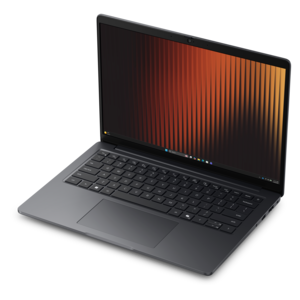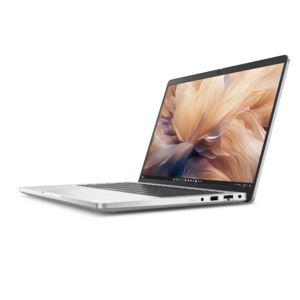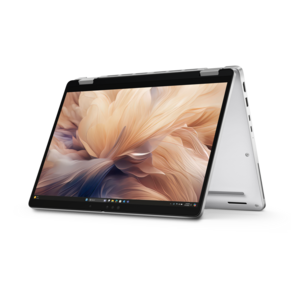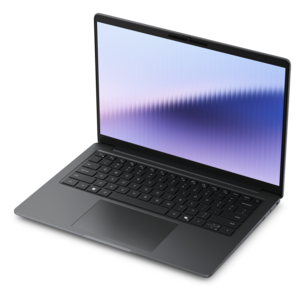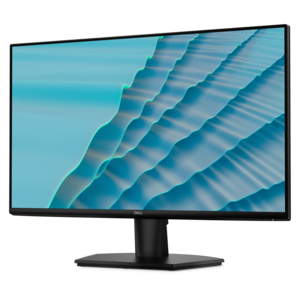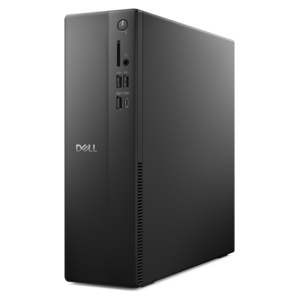
$811.00
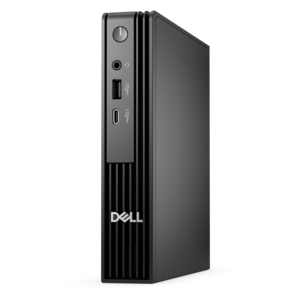
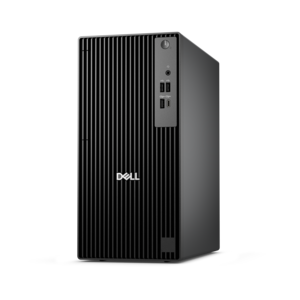
A space-saving business desktop delivering reliable everyday performance with essential security features for productive workflows.
In today's digital age, ensuring the safety and security of your home office is more critical than ever. With the rise of remote work, protecting sensitive information and maintaining a secure environment has become a top priority for professionals everywhere. Home office security encompasses a range of solutions designed to safeguard your workspace from potential threats, both online and offline. From advanced cybersecurity measures to secure physical setups, creating a fortified home office can provide peace of mind and enhance productivity. Discover how you can transform your home office into a safe haven, so you can focus on what truly matters—your work.
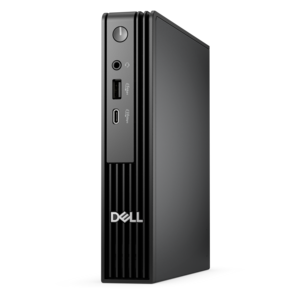
A space-saving business desktop delivering reliable everyday performance with essential security features for productive workflows.
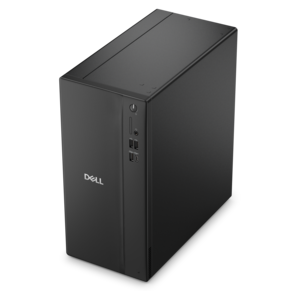
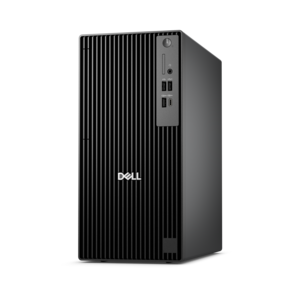
A business-ready tower desktop delivering dependable performance and security for everyday productivity workloads.
A high-performance business desktop with AI PC options, robust security, and seamless manageability for productivity.
An ultracompact business desktop with Copilot+ PC options, AI-enhanced productivity, robust security, and streamlined manageability.
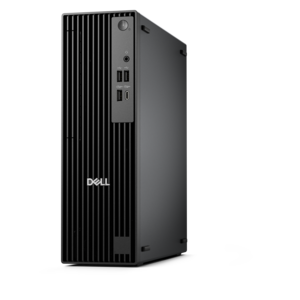
A compact, high-performance business desktop designed for heavy workloads, tight spaces, security, manageability, and AI-enhanced productivity.
A business-ready tower desktop with Copilot+ PC options, robust security, manageable features, and expandable performance.
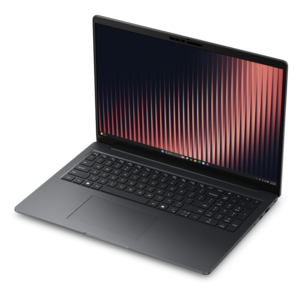
A durable, modular laptop with robust security, a spacious display, and optional built-in AI for workdays.
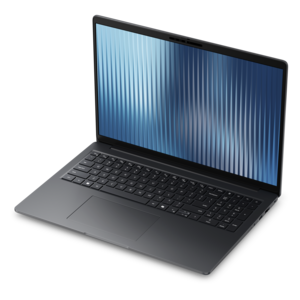
A durable, modular laptop featuring robust security, spacious 16:10 display, numeric keypad, and optional built-in AI.
A durable, modular laptop designed for productive workdays with robust security and optional built-in AI.
A durable, lightweight business laptop powered by AMD Ryzen processors with commercial-grade security and manageability.
A high-performance AI-ready business desktop with security, seamless manageability, and expandable capabilities for demanding tasks.
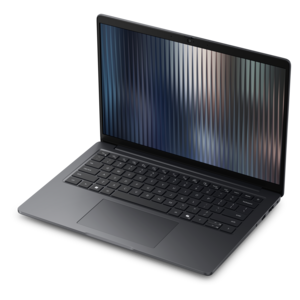
A durable, lightweight business laptop with commercial-grade security, manageability, and reliable everyday productivity.
A thin, lightweight business laptop offering durable construction, commercial-grade security, and reliable everyday productivity.
A thin, lightweight business laptop with AMD Ryzen processors, commercial-grade security, manageability, and durable everyday performance.
A secure, scalable commercial AI PC featuring a sleek, durable aluminum body and productivity-focused display.
A sleek, durable aluminum commercial AI PC delivering outstanding security, scalability and versatile on-the-go multitasking.
Home office security begins with protecting the room, the equipment inside it and the information visible on every screen. A well-chosen mix of laptops, desktops, monitors and security-focused accessories can help create a workspace that feels dependable without making it feel restrictive. Start by considering who shares the space and how the room is used throughout the day. A dedicated office with a closing door may need a different setup than a desk positioned in a family room, bedroom or open living area. Cable locks and other physical device-security accessories can help keep a computer attached to the desk, especially in homes where children, guests, pets or household workers may pass through. A lockable drawer or cabinet can provide a practical place for removable drives, printed records and other items that should not be left in plain view. If confidential paperwork is part of the daily routine, keep it out of sight when stepping away, even for a short break. A visitor who cannot access the computer can still learn a great deal from an unattended screen or a document left beside the keyboard. Window coverings also matter. Blinds or curtains can reduce visibility from outside, while positioning the monitor so it faces away from windows, hallways and open doorways helps limit shoulder surfing and unwanted glimpses of private work. Privacy filters for monitors and laptop displays add another layer in rooms that serve more than one purpose, allowing the screen to remain readable to the person seated directly in front of it while making the image harder to view from an angle. For a compact workspace, choosing equipment with a smaller footprint and organizing cables neatly can make it easier to secure every device and notice when something has been moved.
Digital protection should work alongside physical safeguards. Begin with the computers and accounts used for work, finances, school records or personal communications. Use long, unique passwords and enable multi-factor authentication wherever it is available, so a stolen or guessed password is not the only barrier protecting an account. Keep the operating system, applications and device firmware updated, since routine updates often address newly discovered security weaknesses. Built-in security features and reputable protection software can help identify suspicious downloads, unsafe websites, malicious files and unusual activity before they cause trouble. A virtual private network can add privacy when connecting through a public or unfamiliar wireless connection, while encryption helps protect information if a device is lost or accessed without permission. At home, review wireless security settings and use a strong, private passphrase rather than a familiar word or easily guessed combination. Separate work activity from casual browsing when practical, and avoid opening unexpected attachments or entering credentials after following an unfamiliar link. A secure home office also benefits from a dependable recovery plan. Important documents, creative work and irreplaceable personal files should have a second copy kept separately from the primary computer, with access controls and encryption where appropriate. Explore Home Office Backup Solutions to consider ways to help preserve files if a device fails, is misplaced or becomes affected by unwanted software. Testing recovery occasionally is just as important as creating a copy; a backup is most useful when it can be accessed and restored without confusion during a stressful moment.
The right products depend on the person using the office. Remote employees who handle customer information may place greater value on a privacy screen, a sturdy cable lock, secure login features and a monitor that can be positioned away from household traffic. Freelancers, consultants and small-business owners may want protection software, encrypted file handling and a reliable backup routine to reduce the disruption caused by a damaged or missing computer. Students and shared-household users can benefit from compact accessories that keep equipment organized and make it easier to secure a laptop when the desk is not in use. A desktop can be a practical choice for a fixed workspace, while a laptop may suit someone who moves between a quiet office, a kitchen table and a temporary work area during the cooler months. Monitors with adjustable height, tilt and swivel can help place the display at a safer angle, and a clean cable-management setup can keep charging cords from becoming trip hazards or easy points of removal. These categories can also make thoughtful gifts for a remote worker, recent graduate, independent professional or family member setting up a first workspace, particularly when chosen around everyday habits rather than appearance alone. Before purchasing, check device compatibility, operating-system support, authentication requirements, screen dimensions and the available desk space. Consider whether the user needs portability, shared access or protection from curious onlookers, and pay attention to simple details such as warranty coverage, software update support and ease of installation. Security works best as a routine: lock the computer when leaving the desk, close or cover the screen when conversations take place nearby, keep private papers contained, update devices promptly and review account access from time to time. With thoughtful equipment and consistent habits, a home office can remain comfortable and productive while giving personal information, work files and valuable electronics a stronger layer of protection.
Add the products you would like to compare, and quickly determine which is best for your needs.