$119.99
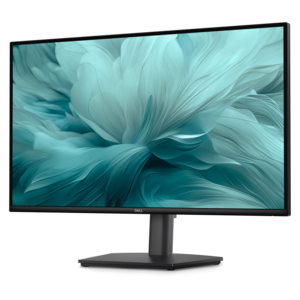
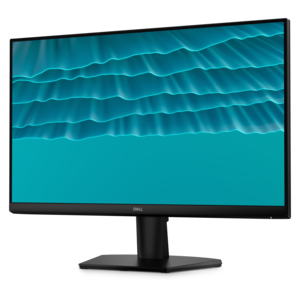
A 27-inch monitor with TÜV-certified eye comfort, 144Hz refresh rate, low blue light, and compact design.
Find home office monitors that fit your workspace and the way you work. Explore computer monitors with screen size, resolution, and connectivity in mind, whether you’re setting up a dedicated desk or adding a second screen. Consider available desk space and compatibility with your computer to help narrow your choices.
A 27-inch monitor with TÜV-certified eye comfort, 144Hz refresh rate, low blue light, and compact design.
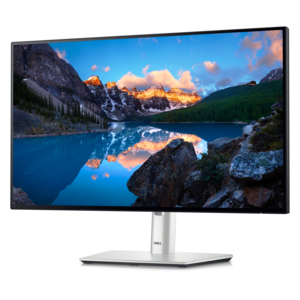
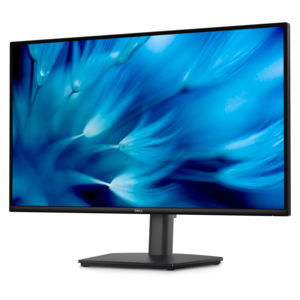
A height-adjustable monitor certified by TÜV Rheinland® for 3-star eye comfort and productive everyday use.
A TÜV-certified monitor offering 4-star eye comfort, enhanced productivity, and extensive connectivity.
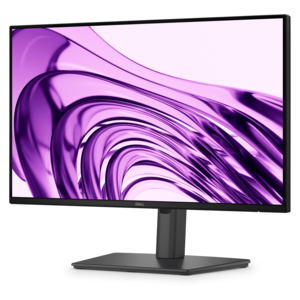
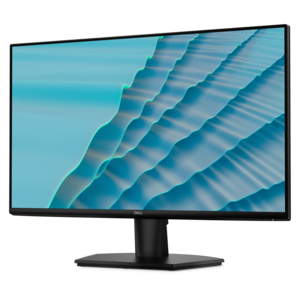
A crisp FHD monitor with smooth 144Hz visuals, built-in speakers, and TÜV 4-star eye comfort certification.
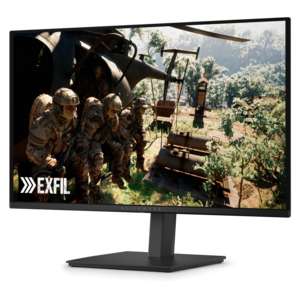
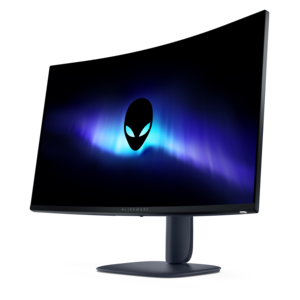
A QD-OLED gaming monitor delivering vibrant color, infinite contrast, and ultra-smooth 240Hz gameplay.
A productivity-focused FHD monitor with extensive connectivity, high refresh rate, and TÜV-certified four-star eye comfort.
Home office monitors can help create a more comfortable, organized workspace, giving you room to manage everyday tasks, compare documents, and stay focused throughout the workday. The best monitor for your home office depends on your desk space, the applications you use, and how much screen area you need. A 24-inch monitor can be a practical choice for a compact setup, while a 27-inch monitor offers more room for spreadsheets, presentations, and side-by-side windows. Resolution matters, too: Full HD supports everyday computing, QHD provides additional detail and workspace, and 4K monitors offer sharper text and images at comparable screen sizes with appropriate display scaling. For multitasking, an ultrawide monitor can accommodate multiple applications on one display, while a dual monitor setup lets you dedicate separate screens to different tasks. Consider viewing distance and available desk depth alongside screen size to choose a home office display that fits your space without overwhelming it. Connectivity and ergonomic adjustability are important features to compare as you explore monitors for working from home. Look for monitor inputs that match your laptop or desktop, such as HDMI, DisplayPort, or USB-C, and confirm that your computer supports the display’s intended resolution and refresh rate. A compatible USB-C monitor with video support and sufficient power delivery may let you connect and charge a laptop through a single cable, helping simplify your desk setup. Height adjustment, tilt, swivel, and pivot options can make it easier to position your screen comfortably, while compatibility with a suitable monitor arm can free up desk space. An anti-glare screen may help reduce distracting reflections, although thoughtful placement relative to windows and lighting remains important. If video meetings are part of your routine, consider whether a monitor with an integrated webcam, microphone, or speakers would suit your needs, or leave room for separate accessories. By balancing screen size, resolution, connectivity, and comfort, you can build a home office monitor setup that supports productive work and everyday use.
Add the products you would like to compare, and quickly determine which is best for your needs.