1. Screen Size and Resolution
2. Refresh Rate and Response Time
3. Panel Type
4. Connectivity Options
Looking for the best monitors to enhance your viewing experience? Look no further! Our carefully curated list of top-rated monitors is based on user reviews, ensuring that you get the best of the best. Whether you're a professional in need of a high-performance display or a casual user looking for crisp visuals, our selection has something for everyone. From stunning 4K displays to ultra-fast refresh rates, these monitors are sure to elevate your computing and entertainment experience. Explore our top-rated monitors and find the perfect one to meet your needs.
Choosing the right monitor can greatly enhance your computing, gaming, or work experience. Here are key factors to consider when shopping for a new monitor.
1. Screen Size and Resolution
2. Refresh Rate and Response Time
3. Panel Type
4. Connectivity Options

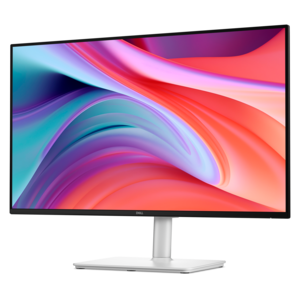
A smooth 100Hz monitor with TÜV Rheinland 3-star eye comfort certification for everyday productivity.

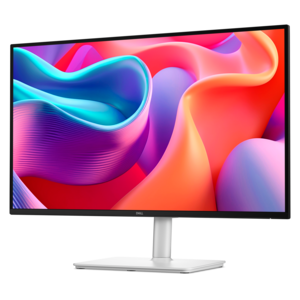
A crisp FHD monitor with smooth 144Hz visuals, built-in speakers, and TÜV 4-star eye comfort certification.
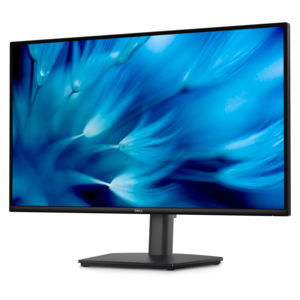
A height-adjustable QHD monitor certified by TÜV Rheinland for 3-star eye comfort and productive work.
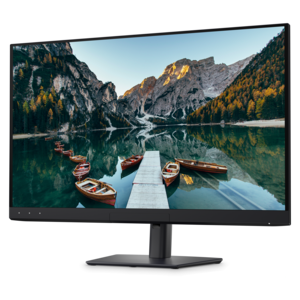
A color-critical 4K QD-OLED monitor with DisplayHDR True Black 500, anti-glare coating, and built-in colorimeter.
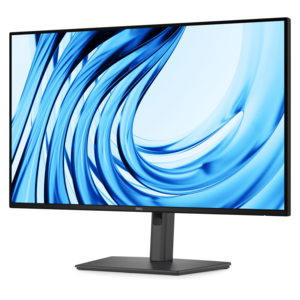
A Full HD productivity monitor with extensive connectivity, high refresh rate, and TÜV-certified four-star eye comfort.
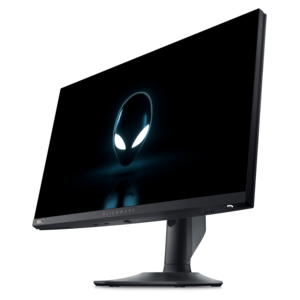
A high-performance IPS gaming monitor delivering ultra-smooth 500Hz refresh rates with AMD FreeSync Premium.
When choosing a high-quality monitor, consider features such as screen resolution, refresh rate, panel type (like IPS or VA), color accuracy, and connectivity options. Additional features like built-in speakers, ergonomic stands, and blue light filters can further enhance your experience.
A higher refresh rate, measured in hertz (Hz), results in smoother visuals, especially during fast-paced activities like gaming or video editing. Monitors with refresh rates of 120Hz or higher provide a more fluid viewing experience compared to standard 60Hz monitors.
IPS (In-Plane Switching) panels offer superior color accuracy and wider viewing angles, making them ideal for creative work and general use. VA (Vertical Alignment) panels typically provide better contrast ratios, which can enhance the depth of dark scenes in movies and games.
Many modern monitors come with multiple input ports such as HDMI, DisplayPort, and USB-C, allowing you to connect and switch between different devices like laptops, desktops, and gaming consoles with ease.
Adaptive sync technologies, such as AMD FreeSync and NVIDIA G-SYNC, help reduce screen tearing and stuttering during fast-moving visuals by synchronizing the monitor's refresh rate with your graphics card's output, resulting in a smoother and more immersive experience.


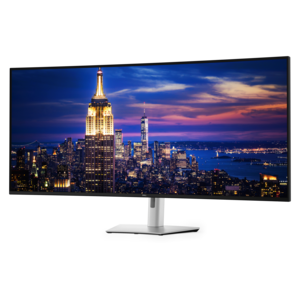
Add the products you would like to compare, and quickly determine which is best for your needs.