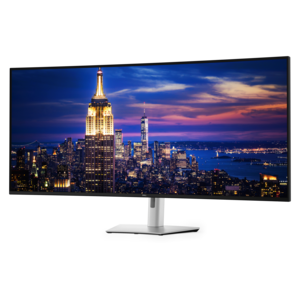
$2699.99
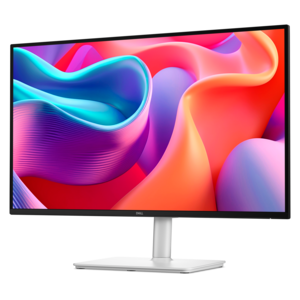
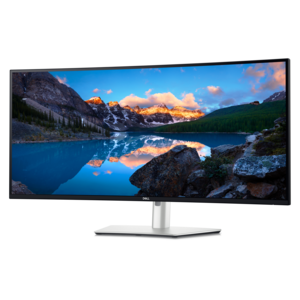
A 6K ultrawide monitor with Thunderbolt hub connectivity, exceptional clarity, seamless multitasking, and all-day eye comfort.
Explore modern monitors for work, everyday browsing, and entertainment. Compare screen size, resolution, and connection options to find a computer monitor that fits your desk, suits your daily tasks, and works with your laptop or desktop.
A 6K ultrawide monitor with Thunderbolt hub connectivity, exceptional clarity, seamless multitasking, and all-day eye comfort.
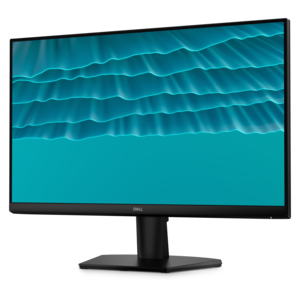
A QHD monitor with 144Hz refresh rate, USB-C connectivity, built-in speakers, and TÜV-certified eye comfort.
A smooth 144Hz monitor with 1ms MPRT and TÜV 3-star eye-comfort certification for everyday tasks.
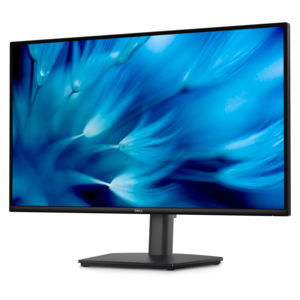
A height-adjustable QHD monitor certified by TÜV Rheinland for 3-star eye comfort and productive work.
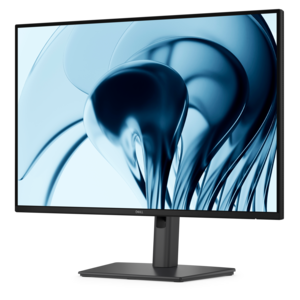
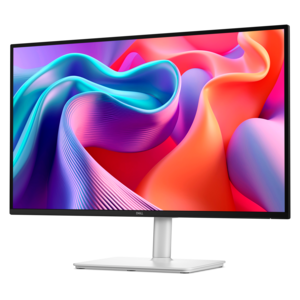
A productivity-focused 16:10 monitor with extensive connectivity, high refresh rate, and TÜV-certified four-star eye comfort.
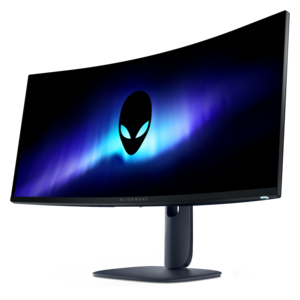
An ultrawide QD-OLED gaming monitor delivering 240Hz speed, immersive visuals, and a striking modern design.
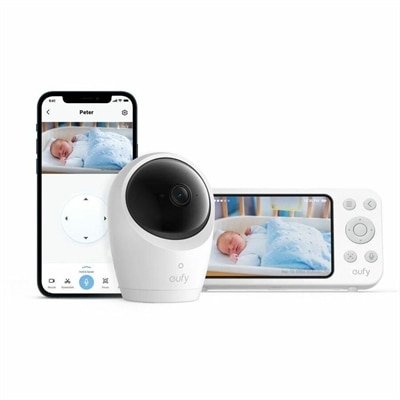
A 2K monitor with autofocus, pan/tilt/zoom, temperature and noise alerts, encrypted local storage, and two-way audio.
Modern monitors bring work, entertainment, and everyday computing into clearer focus, with display options designed for different spaces and priorities. Choosing the right computer monitor starts with screen size, resolution, and how you plan to use it. Full HD monitors can provide a practical viewing experience for browsing, email, and everyday tasks, while QHD and 4K monitors offer more pixels for detailed images and sharper text at comparable screen sizes. A larger display can make it easier to view documents side by side, while an ultrawide monitor provides a broader workspace for multitasking in supported applications. Panel technology matters, too: IPS monitors are often chosen for wide viewing angles and consistent color appearance, while other panel types may emphasize contrast or responsiveness. For photo editing, design, or video projects, compare color gamut coverage and color accuracy specifications rather than relying on resolution alone. The best modern monitor for your setup should also complement your computer, workspace, and viewing habits. For gaming monitors, consider refresh rate, response time, and adaptive sync compatibility together; a higher refresh rate can make motion appear smoother, but performance also depends on your computer and the game’s settings. For a home office monitor, adjustable height, tilt, and swivel can help you position the screen comfortably throughout the day. Connectivity deserves equal attention: HDMI and DisplayPort support many common setups, while compatible USB-C monitors can carry video, data, and laptop charging through one cable if the monitor, computer, and cable support the required features. Check power delivery specifications against your laptop’s charging needs, and confirm that each connection supports your intended resolution and refresh rate. Whether you prefer a compact desktop monitor, a spacious 4K display, or a dual-monitor setup, matching these features to your routine helps create a more useful, comfortable workspace.
Add the products you would like to compare, and quickly determine which is best for your needs.