1. Screen Size and Resolution
2. Ergonomics and Adjustability
3. Connectivity Options
4. Eye Care Features
As a computer science student, having the right monitor is crucial for your studies and projects. Whether you're coding, designing, or conducting research, a high-quality monitor can enhance your productivity and overall experience. To help you find the best monitors for your needs, we've curated a list based on user review ratings. From crisp display quality to ergonomic design features, these top-rated monitors are sure to meet the demands of your computer science studies.
Choosing the right monitor can make a big difference in productivity and comfort for computer science students. Here are some key aspects to consider before making your selection.
1. Screen Size and Resolution
2. Ergonomics and Adjustability
3. Connectivity Options
4. Eye Care Features

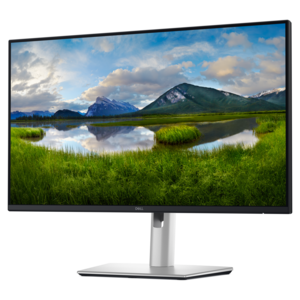
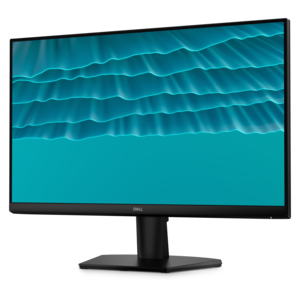
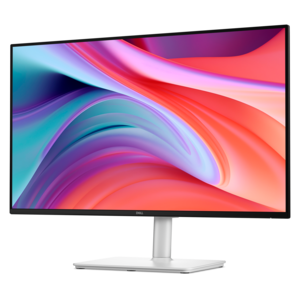
A smooth 100Hz monitor with TÜV Rheinland 3-star eye comfort certification for everyday productivity.
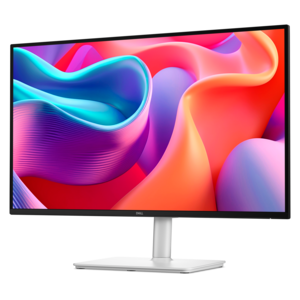
A QHD monitor with 144Hz refresh rate, USB-C connectivity, built-in speakers, and TÜV-certified eye comfort.
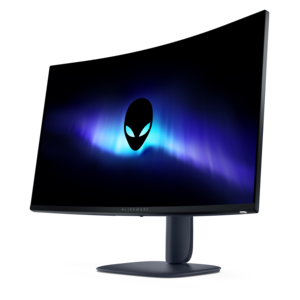
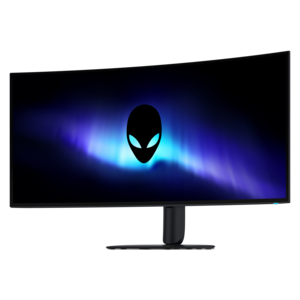
A color-critical gaming monitor with DisplayHDR True Black 500, anti-glare, built-in colorimeter, and remote calibration tools.
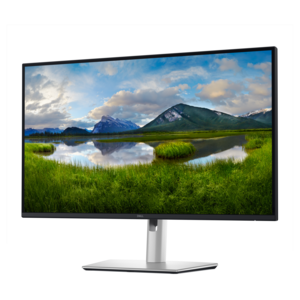
A QHD monitor certified by TÜV Rheinland for four-star eye comfort and productive work.
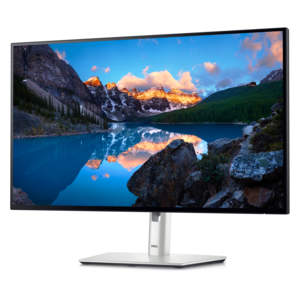
A TÜV-certified monitor offering 5-star eye comfort, enhanced productivity and extensive connectivity.
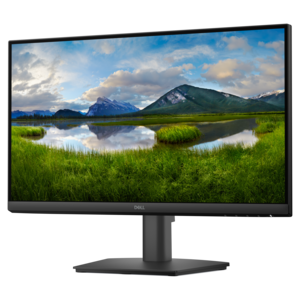
A productivity-focused fixed-stand monitor certified by TÜV Rheinland for 3-star eye comfort.
Computer science students should consider monitors with high resolution for clear text and code, adjustable stands for ergonomic comfort during long study sessions, and multiple connectivity options to easily connect laptops or desktops. Features like blue light reduction and flicker-free technology can also help reduce eye strain.
While color accuracy is essential for design work, it also benefits computer science students by ensuring clear differentiation between code syntax highlighting and interface elements, making it easier to debug and develop software.
A higher refresh rate can provide smoother scrolling and reduce motion blur, which is helpful when working with large codebases or multiple windows. This can enhance productivity and comfort during extended periods of programming or research.
Yes, using more than one monitor can significantly boost productivity by allowing students to view documentation, code editors, and debugging tools side by side, making multitasking and project management more efficient.
Monitors with HDMI, DisplayPort, and USB-C inputs offer flexibility to connect a variety of devices, including laptops, desktops, and peripherals. USB hubs integrated into monitors can also streamline workspace organization by reducing cable clutter.



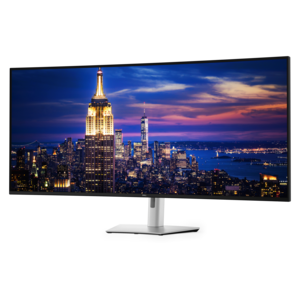
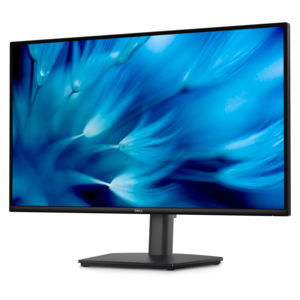
Add the products you would like to compare, and quickly determine which is best for your needs.