$299.99
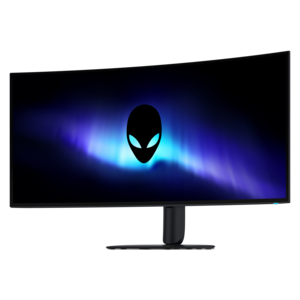
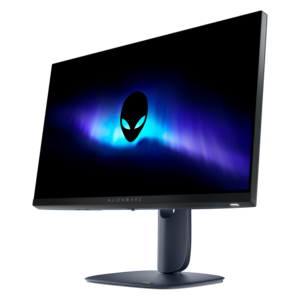
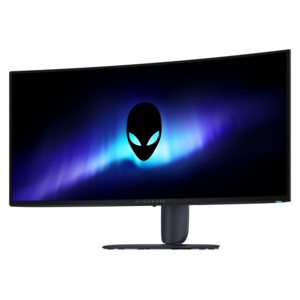
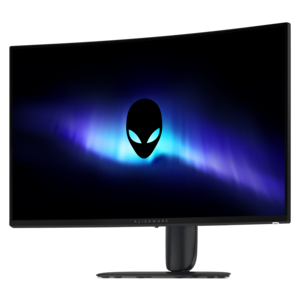
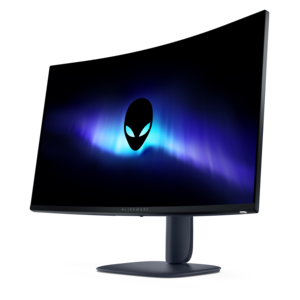
A color-critical gaming monitor with DisplayHDR True Black 500, anti-glare, built-in colorimeter, and remote calibration tools.


Alienware monitors for engineering students offer the ideal blend of performance and reliability to support demanding academic projects and creative tasks. Designed to meet the needs of future engineers, these monitors provide a seamless experience for everything from detailed design work to coding and simulation. With advanced technology and sleek designs, Alienware monitors help engineering students stay productive and focused, whether working on campus or at home. Explore a selection tailored to empower your studies and elevate your workspace.
Shop By
Sort By




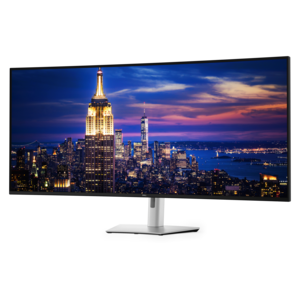
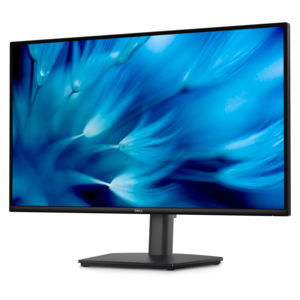
Alienware monitors for engineering students can provide a spacious, detailed workspace for the demanding mix of technical coursework, design projects, coding, research and personal entertainment that fills a typical academic schedule. Engineering students may move from a CAD drawing to a spreadsheet of measurements, a simulation dashboard, lecture notes and a browser window filled with reference material, often within the same study session. A monitor with a generous screen area can make that transition feel less like shuffling papers across a crowded desk and more like keeping the whole project laid out in view. Resolution is one of the most important considerations. A QHD display can provide a useful step up in workspace and text sharpness, while a 4K display can make fine lines, small interface controls, schematics and detailed models appear especially crisp. This added clarity is valuable when examining a mechanical component, tracing a circuit diagram or reviewing a dense technical drawing. Larger screen sizes can also reduce the need to constantly minimize and reopen windows. An ultrawide display is particularly useful for placing a design canvas beside calculations and documentation, while a standard widescreen monitor may be a better fit for a compact dorm desk or a setup shared with roommates. Curved panels can help keep the edges of a broad display within a comfortable field of view, creating an immersive workspace for both technical projects and downtime. Students who spend long evenings refining a model or debugging code should also consider the stand and viewing position. Height adjustment, tilt, swivel and pivot capabilities make it easier to align the top of the screen with a natural eye level, while VESA compatibility can provide additional flexibility for a monitor arm or multi-display arrangement.
The best display for an engineering student depends on the work they do most often and the computer used to drive it. Students working with three-dimensional modeling, architectural layouts, scientific visualization or simulation tools may benefit from high resolution, accurate detail and a large canvas. Those focused on programming, embedded systems or data analysis may value the ability to keep multiple code, terminal and documentation windows visible without excessive scrolling. A high refresh rate is not essential for every technical assignment, but it can make cursor movement, scrolling and animations feel smoother, and it adds versatility for gaming or other visual applications after classwork is complete. Response time, adaptive synchronization and a suitable refresh rate may matter most to students who want one monitor to serve as both a study station and an entertainment display. Color performance is another consideration, especially for students whose coursework includes rendering, product visualization, photography or video. A monitor that can show subtle differences in shading makes it easier to inspect materials, lighting and visual details, although students should also check whether their computer and applications support the desired resolution and refresh rate. Connectivity deserves equal attention. HDMI and DisplayPort connections can support different computers and accessories, while USB ports may simplify access to a keyboard, mouse, storage device or other desk equipment. Before choosing a display, it is useful to check the laptop or desktop’s available ports, graphics capability, desk depth and power arrangement. A large panel should leave enough room for comfortable viewing without forcing the user too close to the screen. For an additional point of comparison, students exploring displays suited to creative coursework can also browse Alienware Monitors For Video Editing, where screen size, resolution, color and connectivity may be considered from a different type of workflow.
An Alienware monitor can be a practical choice for an engineering student setting up a first serious workspace, upgrading from a small laptop screen or replacing an older display that makes every assignment feel more cramped than it needs to be. It may also be a thoughtful gift for a student moving into a dorm, apartment or shared study space, particularly when the recipient spends hours on design teams, robotics projects, coding assignments or technical presentations. A well-chosen display can become the visual center of that workspace: a place where a rotating model sits beside a reference document, where a long code file remains open while test results update, or where a group project can be reviewed without everyone leaning over a laptop. Comfort features are worth weighing alongside specifications. Hardware-level low-blue-light technologies, anti-glare finishes and brightness controls may help create a more comfortable viewing experience during extended sessions, while a stable stand prevents the screen from shifting when the desk is bumped. Students can further improve comfort by positioning the monitor at an appropriate distance, adjusting brightness to suit the room and taking regular breaks to look away from close-up work. During the warmer part of the school year and through the cooler months, a flexible monitor can support work in a home office, residence hall or study nook without requiring a complicated setup. For students who balance lectures, labs and personal interests, the ideal display is not defined by one specification alone. It is the combination of clear resolution, useful screen space, comfortable ergonomics, dependable connections and enough performance for both engineering applications and leisure that turns a monitor into a lasting part of the daily routine.
Alienware monitors are designed with high refresh rates, superior color accuracy, and advanced resolution options, making them ideal for engineering students who work with complex visuals, CAD software, and detailed simulations.
Alienware monitors offer ultra-fast response times and high-definition displays, which help engineering students view intricate details and run demanding applications smoothly, resulting in a more productive workflow.
Yes, Alienware monitors are equipped with a variety of connectivity options such as HDMI, DisplayPort, and USB ports, ensuring seamless compatibility with most engineering laptops and desktops.
Alienware monitors often include adjustable stands, tilt, swivel, and height adjustments, allowing engineering students to customize their workspace for maximum comfort during extended periods of use.
Absolutely. Many Alienware monitors feature wide screens and advanced multitasking technologies, such as Picture-by-Picture and customizable on-screen displays, enabling engineering students to efficiently manage multiple applications at once.
Add the products you would like to compare, and quickly determine which is best for your needs.