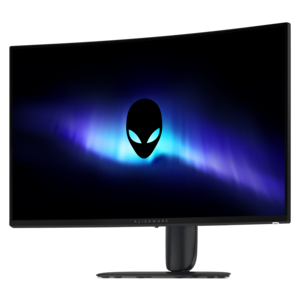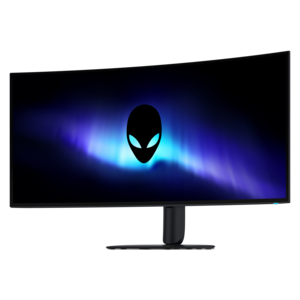
$1099.99
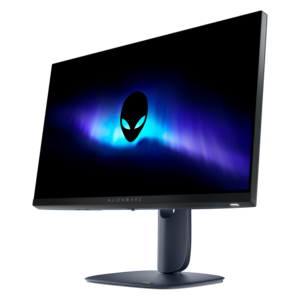
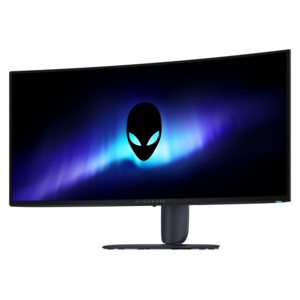
A 5K ultrawide gaming monitor with RGB stripe tandem OLED technology for bright, vibrant visuals.


Alienware monitors for coding provide a streamlined and immersive workspace designed to enhance productivity for developers and programmers. With crisp visuals and spacious screen real estate, these monitors support efficient multitasking and help reduce eye strain during long hours of coding. Explore a range of Alienware monitors for coding that deliver reliable performance, ensuring your workflow remains smooth and uninterrupted as you tackle complex projects or collaborate with your team.
Shop By
Sort By




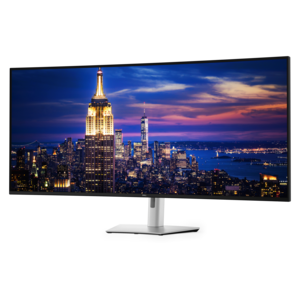
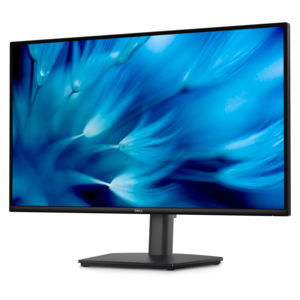
Choosing a monitor for coding is largely a matter of balancing workspace, text clarity, comfort and the way you prefer to organize a development environment. A display in this category can suit programmers who keep an integrated development environment open beside documentation, a terminal, browser-based testing tools and project notes. Larger screen sizes and higher resolutions make it easier to arrange those windows without repeatedly minimizing and restoring them, while a 21:9 ultrawide format can provide a broad, continuous canvas for multi-pane layouts, long timelines and side-by-side code comparisons. A 4K monitor offers especially fine detail and generous room for multiple windows, while a QHD display can provide crisp text with a more approachable balance of resolution, performance and price. Pixel density matters as much as the advertised resolution: a well-matched 27-inch QHD display can render characters with a sharp, comfortable appearance, while a larger screen may benefit from 4K resolution to keep lines, brackets and punctuation clean at normal viewing distances. Consider how much vertical space you need, too. Developers working with lengthy files, logs or documentation may appreciate a monitor that allows more lines of code to remain visible, reducing the constant scroll-and-search rhythm that can interrupt concentration. A flat panel may feel familiar and straightforward for focused editing, while a curved display can bring the outer edges of a wide screen into a more natural field of view. The best choice depends on desk depth, seating position, software layout and whether the monitor will also serve as a general display for browsing, creative work or entertainment after the coding session ends.
Panel technology deserves close attention when a monitor will show text for many hours. OLED displays can produce exceptionally deep blacks and vibrant colors, giving dark-mode editors a rich, high-contrast appearance that makes panels and syntax colors stand out in a dim office. They can also make scrolling, window movement and visual previews feel exceptionally fluid, particularly when paired with a high refresh rate. For coding itself, however, refresh rates above the standard range do not make code compile faster or improve the quality of source files; their benefit is the smoothness they bring to scrolling, cursor movement, window dragging and other everyday interactions. Some OLED pixel layouts may produce subtle color fringing around fine text, most noticeable to people who are sensitive to the edges of small fonts or who work with compact UI elements. Newer panel designs have improved text presentation, but anyone who spends most of the day reading code should inspect text samples, consider operating-system scaling and choose a comfortable viewing distance. Traditional IPS-style panels remain a dependable option for crisp text rendering and consistent readability across a broad range of brightness levels. Brightness, matte treatment, adjustable height, tilt, swivel and a stable stand are practical details that often matter more after several uninterrupted hours than headline specifications. A monitor with easy input switching can also be useful when one desk serves a work computer, a personal laptop and a test system, while thoughtfully placed ports can reduce the clutter of reaching behind the display.
Coding applications often contain static elements such as taskbars, editor sidebars, status bars and tool palettes, so OLED care is an important purchase consideration rather than an afterthought. Look for built-in pixel-shifting, panel-refresh and screen-care features, and use them as directed. Hiding or automatically dimming a taskbar, enabling a screen timeout during breaks and varying the content displayed across the panel can help reduce the chance of image retention over long periods. These habits are simple: the same way a developer closes unused tabs to keep a project organized, a few display-care settings can support dependable everyday use. Ergonomics should guide the final decision as well. Position the top of the screen near eye level, keep the display far enough away that text does not require leaning forward, and select scaling that allows comfortable reading without sacrificing useful workspace. A large monitor can be a thoughtful gift for a student learning programming, a remote professional refreshing a home office or an enthusiast building a dedicated development and gaming setup, particularly when the recipient values a clean desk and fewer compromises between work and recreation. Those exploring adjacent visual workflows may also want to browse Alienware Monitors For Video Editing for displays suited to color-focused tasks. Whether the priority is a spacious ultrawide layout, detailed 4K text, balanced QHD sharpness, vivid OLED contrast or dependable long-session readability, compare resolution, pixel density, panel characteristics, adjustability and care features together so the monitor fits the way you actually write, test and review code.
Alienware monitors offer high resolution, excellent color accuracy, and wide viewing angles, which help reduce eye strain and improve clarity when reading or writing code for extended periods.
Yes, many Alienware monitors come with thin bezels and versatile connectivity options, making them ideal for multi-monitor setups that enhance productivity while coding.
While high refresh rates are more critical for gaming, they can also provide smoother scrolling and window transitions during coding, contributing to a more comfortable workflow.
Alienware monitors are compatible with major operating systems such as Windows, macOS, and Linux, ensuring seamless integration into most development environments.
Many Alienware monitors feature technologies like flicker-free screens and blue light reduction modes, which can help minimize eye fatigue during prolonged use.
Add the products you would like to compare, and quickly determine which is best for your needs.