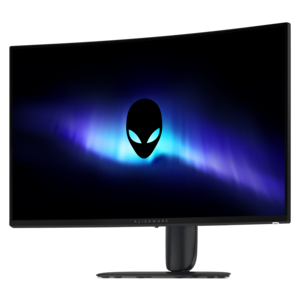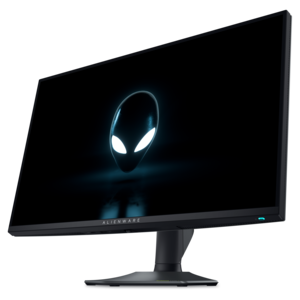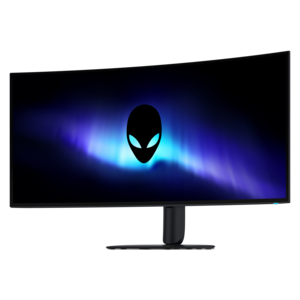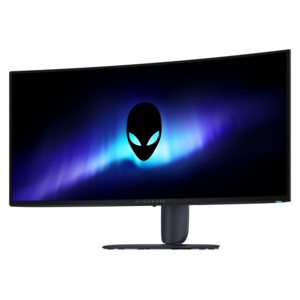
$249.99
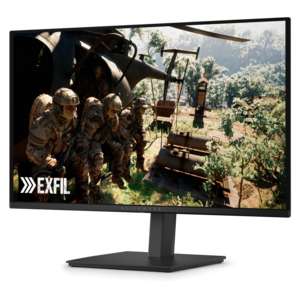
A Fast IPS gaming monitor delivering vivid colors and ultra-smooth visuals at a 320Hz refresh rate.


Experience immersive gameplay with Alienware monitors for Xbox gaming, designed to elevate every session with stunning visuals and smooth performance. Whether you’re diving into fast-paced action or exploring expansive worlds, these monitors are built to complement your console setup and bring out the best in your favorite titles. Find the perfect display to enhance your Xbox gaming experience and take your skills to the next level.
Shop By
Sort By




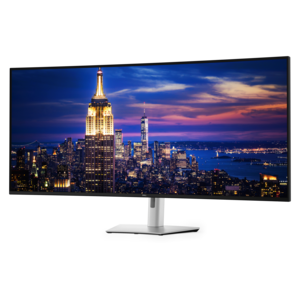
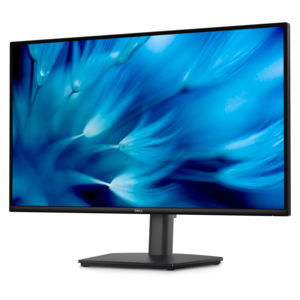
Choosing a monitor for Xbox gaming starts with matching the display to the capabilities of the console and the way you play. Xbox Series X can output native 4K resolution at refresh rates up to 120Hz, while Xbox Series S is designed primarily for 1440p gaming and can also support up to 120Hz in compatible titles and settings. A monitor with HDMI 2.1 is an important consideration for players who want to access 4K at 120Hz on Xbox Series X, as well as features such as variable refresh rate and high-bandwidth signal support. HDMI 2.1 can help the console and display communicate at the settings intended for fast, fluid gameplay, while variable refresh rate, often called VRR, helps reduce visible tearing and stuttering when frame delivery changes during a race, firefight, or open-world exploration. A 4K monitor can provide a sharper image with more visible detail in distant scenery, text, and game interfaces, while a 1440p monitor may be a practical fit for Xbox Series S players or anyone who values responsive performance without prioritizing the highest available resolution. Refresh rate matters because a 120Hz display can show more frequent image updates than a standard 60Hz screen, provided the game and console settings support that output. Before choosing, check the monitor’s HDMI specifications rather than relying only on its maximum refresh rate, since a display may advertise a very high refresh rate through DisplayPort while offering different capabilities through HDMI. The monitor’s on-screen settings and the Xbox video options should also be reviewed together, with attention to resolution, refresh rate, color depth, and variable refresh rate compatibility.
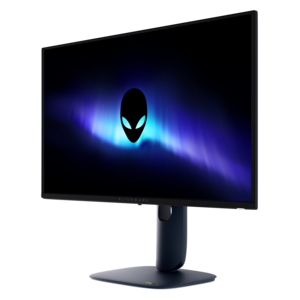
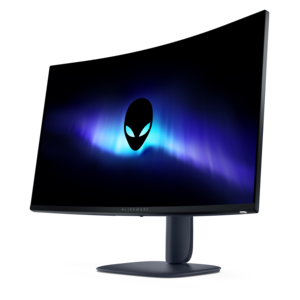
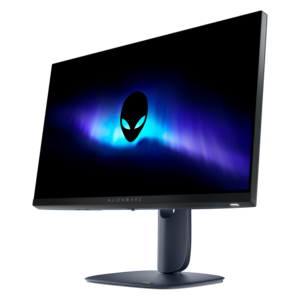
Screen size and panel design shape the entire feel of an Xbox gaming setup. A 27-inch display can fit comfortably on a compact desk, making it well suited to bedrooms, study areas, dorm-style spaces, and multipurpose rooms where viewing distance is relatively short. A 32-inch display gives games a broader, more cinematic presence and can be especially comfortable when you sit farther back with a controller in hand. Curved screens can add a gentle sense of immersion by bringing the edges into a more consistent field of view, while a flat screen may suit players who prefer a traditional presentation or use the monitor for a mix of gaming, schoolwork, and creative tasks. OLED display technology is valued for deep blacks, strong contrast, vivid color, and rapid pixel response, qualities that can make dark corridors, star-filled skies, and bright visual effects appear more distinct. High Dynamic Range, or HDR, can add greater variation between shadow and highlight areas when the game, console, cable, and monitor are configured for it. Display brightness, glare, room lighting, and viewing distance still affect the result, so a screen that looks impressive in a brightly lit showroom may appear different in a dim gaming corner. Consider the desk width, stand footprint, height adjustment, wall-mount compatibility, and the location of the HDMI ports before making a selection. Built-in audio may be convenient for casual play, but many Xbox players prefer a headset or external speakers for clearer dialogue and more precise directional sound. Additional USB connections, a headphone output, and easy-to-reach controls can also make it simpler to connect accessories and switch between gaming and everyday use. For more display options designed around an enveloping play space, explore Alienware Immersive Gaming Monitors.
Aspect ratio is another important compatibility detail. Standard 16:9 monitors generally align with the way Xbox games are designed to display, helping the console fill the screen without unusual scaling. Ultrawide monitors with a 21:9 aspect ratio can be appealing for compatible PC games and multitasking, but Xbox Series X and Xbox Series S do not natively support ultrawide gaming resolutions in the same way, which may produce pillarboxing, unused space along the sides, or a stretched image depending on the monitor’s settings. Players focused primarily on Xbox should therefore confirm the supported aspect ratio and console resolution before choosing an ultrawide format. It is also worth checking whether the monitor includes an appropriate HDMI cable, though the cable should meet the bandwidth requirements of the selected resolution and refresh rate. A monitor in this category can be a thoughtful gift for an Xbox player setting up a first dedicated gaming space, upgrading from a television, or creating a more focused station for competitive and story-driven games. It may also suit someone who divides time between console gaming, streaming video, remote work, and personal projects, particularly when the screen includes useful ergonomic adjustments. Picture presets can make switching between games and general use more convenient, but calibration settings may need fine-tuning for brightness, HDR, and color preferences. During the warmer and cooler parts of the year alike, a well-planned setup benefits from sensible cable routing, comfortable seating, low screen glare, and enough space for ventilation around the display and console. The best choice ultimately balances Xbox compatibility, resolution, refresh rate, screen size, panel characteristics, room layout, and the player’s preferred distance from the screen, creating a clear and responsive view for quick matches, long campaigns, and relaxed sessions with friends.
Alienware monitors are designed with high refresh rates, low input lag, and fast response times, which provide smooth and responsive gameplay. Many models also support variable refresh rate technologies like AMD FreeSync or NVIDIA G-SYNC Compatible, helping to eliminate screen tearing and stuttering when connected to an Xbox console.
Yes, most Alienware monitors come equipped with HDMI ports that are compatible with Xbox consoles. Some newer models even feature HDMI 2.1, allowing for higher resolutions and refresh rates to fully leverage the capabilities of the latest Xbox Series X and Series S.
Absolutely. Many Alienware monitors offer built-in gaming features such as customizable game modes, on-screen overlays (like FPS counters or crosshairs), and enhanced color profiles that can be accessed directly through the monitor’s on-screen display while gaming on your Xbox.
Many Alienware monitors support High Dynamic Range (HDR), allowing you to enjoy richer colors and improved contrast in supported Xbox games. Check the monitor specifications for HDR certification to ensure compatibility with your preferred titles.
To get the best performance, connect your Xbox via a high-quality HDMI cable, enable the highest supported resolution and refresh rate in your console’s settings, and activate any relevant gaming features on your Alienware monitor such as low input lag mode or game-specific presets.
Add the products you would like to compare, and quickly determine which is best for your needs.