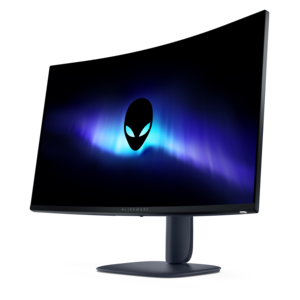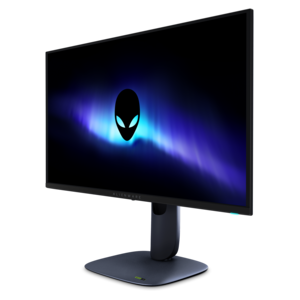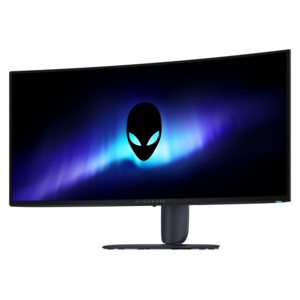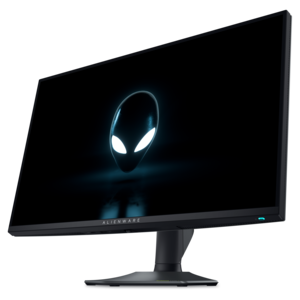
$399.99
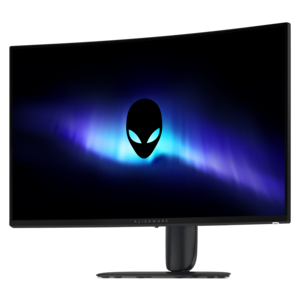
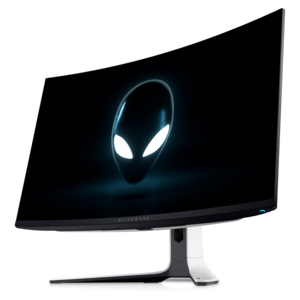
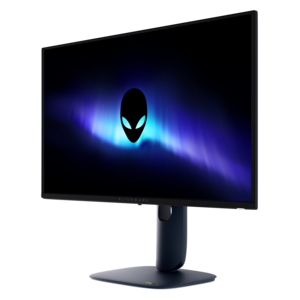
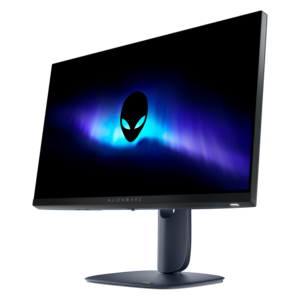
A dual-resolution IPS gaming monitor switching between 4K 180Hz and FHD 360Hz, with G-SYNC compatibility.


Elevate your gaming experience with Alienware 4K gaming monitors, designed to deliver stunning visuals and immersive gameplay. Whether you're a competitive gamer or simply looking for breathtaking clarity, these monitors offer advanced display technology to bring your favorite titles to life. Explore a range of options tailored for high-performance gaming setups and discover how Alienware 4K gaming monitors can transform the way you play.
Shop By
Sort By




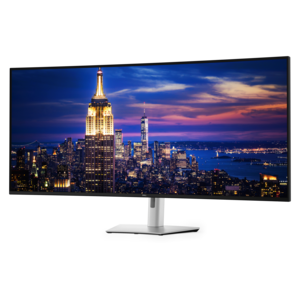
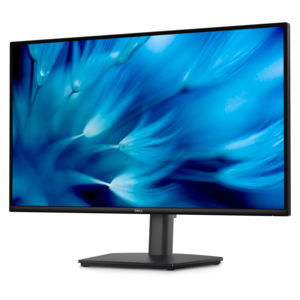
A 4K gaming monitor can bring a greater sense of depth, clarity, and immediacy to a gaming setup, whether you are exploring a richly detailed open world, racing through a sunlit city, or tracking fast movement in a competitive match. With 4K UHD resolution, these displays provide a dense, finely detailed image that can make textures, distant objects, and small interface elements easier to see. They can also serve as versatile screens for more than gaming, giving films, creative projects, photo editing, and everyday multitasking a crisp, spacious canvas. When browsing this selection, begin with the way you plan to use the display. A 27-inch screen can fit comfortably on a compact desk while maintaining a sharp image, whereas a 32-inch screen offers a broader field of view that can feel especially immersive from a little farther back. A curved panel may help draw the edges of the image into your peripheral vision, while a flat panel can be a practical choice for a clean, straightforward workspace or a multi-monitor arrangement. Consider your seating distance, desk depth, and available room before choosing a size, since even a highly detailed display should feel comfortable during a long evening of play.
Panel technology is another important consideration. OLED displays are known for deep blacks, strong contrast, and vivid color, which can give shadowy environments, nighttime scenes, and cinematic effects remarkable impact. Their fast pixel response can also help moving images look clean and precise. IPS displays are valued for broad viewing angles, consistent color, and flexibility across gaming, work, and entertainment. Some high-performance IPS displays support more than one resolution and refresh-rate mode, allowing you to choose a highly detailed 4K presentation for story-driven games or a faster Full HD mode for competitive play. Refresh rate describes how often the display updates the image, and higher rates can make camera movement, scrolling, and quick transitions appear smoother when the computer or console can produce enough frames. A display with 180Hz, 240Hz, or even a higher-speed mode can be appealing to players who enjoy racing, shooters, fighting games, or esports, while casual and single-player gamers may place greater emphasis on resolution, contrast, and visual fidelity. Response time is also worth reviewing because a lower response time can help reduce visible smearing behind rapidly moving objects. To get the most from a high-refresh 4K display, check that your graphics hardware, game settings, and connection standard can support the desired resolution and refresh rate. Features such as adaptive sync can help coordinate the display with the graphics output, reducing distracting tearing when frame rates change.
High dynamic range can add another layer of realism by expanding the range between dark and bright areas and supporting more nuanced color. Look for an HDR format and brightness specification that match the content you intend to enjoy, keeping in mind that the result also depends on the game, film, operating system, and graphics settings. A monitor with an anti-reflective surface may be easier to use in a room with windows or overhead lighting, while thoughtful stand adjustments can make a meaningful difference to comfort. Height, tilt, swivel, and VESA mounting support are all useful details to compare, particularly if you spend several hours at a desk. Built-in USB connectivity, audio support, and cable-management features can help keep accessories organized, although the right choice depends on the rest of your setup. These displays can be a thoughtful gift for a PC gamer, a console player with compatible 4K output, a student who balances entertainment with coursework, or a creative hobbyist who wants more room for timelines and detailed images. They can also refresh a shared home office or gaming corner as indoor routines become more appealing during cooler weather. For a different balance of sharpness and performance, explore Alienware QHD Monitors. Before choosing, compare screen size, panel type, HDR support, refresh rate, response time, connectivity, and compatibility with your computer or console so the monitor fits naturally into both your desk and the way you play.
A 4K gaming monitor offers ultra-high resolution, providing sharper images and more detailed visuals. This enhances the gaming experience by delivering lifelike graphics, improved clarity, and a wider field of view, making it easier to spot in-game details.
Refresh rate refers to how many times per second the monitor updates with new information. Higher refresh rates, such as 120Hz or 144Hz found on some Alienware 4K monitors, result in smoother motion and reduced blur during fast-paced games.
Key features to consider include high refresh rates, low response times, adaptive sync technologies like NVIDIA G-SYNC or AMD FreeSync, HDR support for vibrant colors, and multiple connectivity options for various devices.
Yes, most Alienware 4K gaming monitors support HDMI 2.1 or DisplayPort connections, making them compatible with next-gen consoles like PlayStation 5 and Xbox Series X for high-resolution and high-refresh-rate gameplay.
Many Alienware 4K gaming monitors offer features such as Picture-in-Picture (PiP), Picture-by-Picture (PbP), and customizable screen layouts. These allow users to multitask efficiently by displaying content from multiple sources simultaneously.
Add the products you would like to compare, and quickly determine which is best for your needs.