$249.99
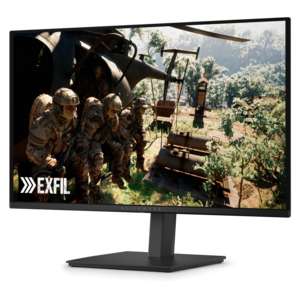
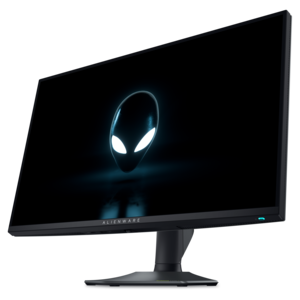
A Fast IPS gaming monitor delivering vivid colors and ultra-smooth visuals at a 320Hz refresh rate.


Elevate your racing simulation experience with Alienware monitors for racing simulation, designed to immerse you in every twist and turn of the track. Whether you're chasing personal bests or competing online, these monitors deliver the precision and visual clarity needed for high-speed action. Discover options that bring your favorite racing titles to life with smooth visuals and responsive performance, helping you stay ahead of the competition lap after lap.
Shop By
Sort By




Racing simulation places unusual demands on a display. A monitor is not simply showing a static image; it is rendering a fast-moving track, changing weather, dashboard instruments, braking markers and peripheral traffic while you make split-second decisions. For that reason, monitors selected for racing simulation are often judged by motion clarity, refresh rate, response time, contrast and field of view rather than resolution alone. A high refresh rate, such as 180Hz, 240Hz or higher, can make motion appear more fluid when the computer is capable of delivering enough frames per second. A fast response time helps reduce visible trailing behind cars, guardrails and trackside objects, while adaptive-sync support can help keep the display and graphics card working together to limit tearing and stutter. The right balance depends on the rest of the setup, including the graphics card, processor, game settings and connection used. A powerful computer may take better advantage of a high-refresh 4K monitor, while a more modest system may provide a steadier experience at a lower resolution with a faster frame rate. Before choosing, check the supported resolution and refresh rate for the available DisplayPort or HDMI connection, and confirm that the computer can drive the chosen display at its intended performance.
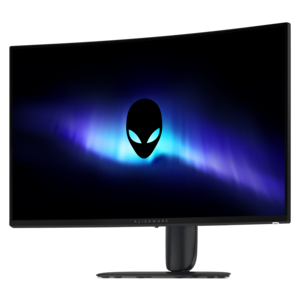
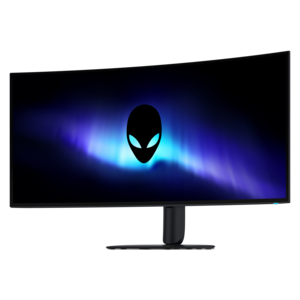
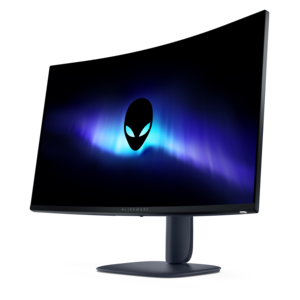
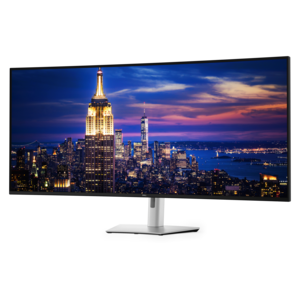
Screen shape and size have a noticeable effect inside a racing cockpit. An ultrawide monitor with a 21:9 aspect ratio can extend the view toward the sides, making it easier to see a competitor alongside the car or follow a corner as it opens up. A curved panel can bring the outer edges closer to the driver’s natural line of sight, creating a more enveloping view from a single screen without a bezel running through the center of the track. It is especially useful when the monitor is positioned at a consistent distance and aligned carefully with the steering wheel. A large 16:9 display with 4K resolution takes a different approach, emphasizing sharpness and fine detail. It can make cockpit lettering, distant braking boards and surface textures look exceptionally crisp, and it may be a practical fit for a desk that also serves as a workstation or entertainment area. Smaller high-refresh displays can suit compact rigs, bedrooms or multi-monitor arrangements, where several panels are placed side by side to create a broad horizontal view. Triple-monitor setups can provide impressive side visibility, but they require more desk or stand space, additional connections and enough graphics performance to render three screens smoothly. When comparing options, measure the available width and depth, account for the wheel base and controls, and look for height, tilt and swivel adjustment that allows the top edge of the display to sit near eye level. A VESA-compatible mount can also help position an ultrawide or multi-screen arrangement precisely. Those exploring a broader range of high-performance displays can review Alienware Immersive Gaming Monitors for additional screen formats and features suited to immersive play.
Panel technology also shapes the character of a racing simulation image. QD-OLED displays are known for highly saturated color, near-instant response and deep contrast, which can make a night circuit feel richly dimensional. Dark sections beneath grandstands, reflections on a wet surface and the glow of track lighting may appear more distinct against a true black background. LCD monitors remain a strong choice for many drivers, particularly when brightness, long-duration desktop use or a familiar flat-screen design is a priority. Whichever panel type is selected, consider the room’s lighting and the amount of time spent in menus, web browsers or productivity applications as well as behind the wheel. Features such as a low-reflection surface, comfortable brightness controls, blue-light reduction and a stable stand can matter during long practice sessions. A monitor with clean cable routing and a compact base can keep the cockpit clear around pedals and wheel controls, while built-in USB connectivity may make it easier to attach a mouse, keyboard or other accessories. Drivers who enjoy endurance events may appreciate a display that stays comfortable through extended sessions, and households with shared workspaces may prefer a screen that transitions easily between simulation, streaming and everyday computing. These monitors can also make a thoughtful gift for a racing enthusiast building a first dedicated rig or refining an existing setup, especially when the recipient’s computer capabilities and preferred game resolution are known. A clear view of the apex, smooth motion through rapid direction changes and enough screen area to monitor mirrors and instruments can turn a familiar desk into a convincing cockpit, whether the setup is used for a few relaxed laps during the cooler months or for serious competition throughout the year.
Alienware monitors are engineered with high refresh rates, low input lag, and fast response times, delivering ultra-smooth visuals that are essential for immersive racing simulation experiences. Their advanced display technologies and vibrant color accuracy enhance every detail on the track.
NVIDIA G-SYNC and AMD FreeSync technologies help eliminate screen tearing and minimize stuttering during fast-paced racing games, ensuring seamless visuals and a more responsive driving experience.
Yes, Alienware monitors are designed with multiple connectivity options, making it easy to connect to racing wheels, pedals, and other simulation accessories for a complete and immersive setup.
Alienware monitors come with customizable display profiles and on-screen display (OSD) menus, allowing users to fine-tune color, brightness, and refresh rate settings to match their racing simulation preferences.
Ultra-wide Alienware monitors offer an expanded field of view, which enhances peripheral vision and realism in racing simulations, allowing players to better anticipate turns and competitors on the track.
Add the products you would like to compare, and quickly determine which is best for your needs.