Office Security
Enhancing office security is essential for safeguarding your business's valuable assets and ensuring a safe working environment. In today's fast-paced digital age, protecting sensitive information and maintaining a secure workplace are top priorities for any organization. Explore a wide range of innovative solutions designed to bolster your office security, from advanced surveillance systems to state-of-the-art access controls. These tools not only help deter potential threats but also provide peace of mind, knowing that your office is protected around the clock. Discover the perfect combination of technology and reliability to elevate your office security to the next level.
This product is not available
Check out the following recommendations.
Related Products
Office Security
Office security brings together the everyday tools, routines and technology that help protect people, computers, documents and business information. A well-planned office environment starts at the entrance, where controlled access can help ensure that only authorized employees, contractors and visitors enter work areas. Keycard readers, mobile credentials, biometric access and other entry controls can make it easier to manage who comes in while creating a record of access for review. Visitor management is equally important, particularly in offices that welcome clients, delivery personnel or temporary workers. Pre-registering guests, providing temporary badges and keeping visitors in designated areas can reduce confusion and give employees a clear way to recognize authorized guests. Visible cameras in entrances, reception areas and other common spaces may help discourage unwanted activity and provide useful information when an incident needs to be reviewed. Physical security also includes practical details such as locking laptops when stepping away, securing confidential papers, positioning screens away from public view and storing portable devices safely at the end of the workday. These considerations are useful for small businesses, shared workspaces, medical and professional offices, schools and home offices alike. An office manager may be looking for dependable ways to protect a busy reception area, while a hybrid employee may need a compact setup that keeps work equipment secure in a shared room. During the cooler months, when more work happens indoors and offices may have changing schedules, simple routines such as checking doors, collecting temporary badges and keeping equipment organized can make a noticeable difference.
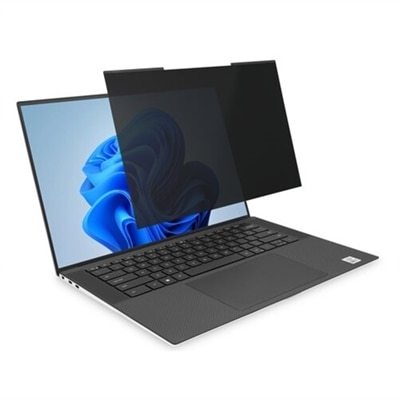
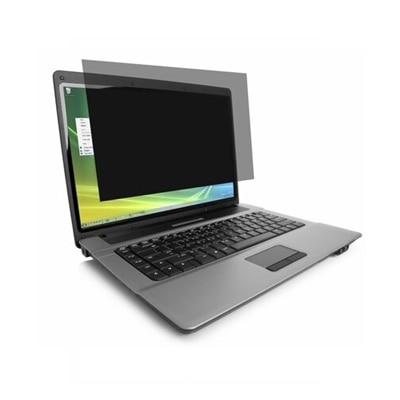
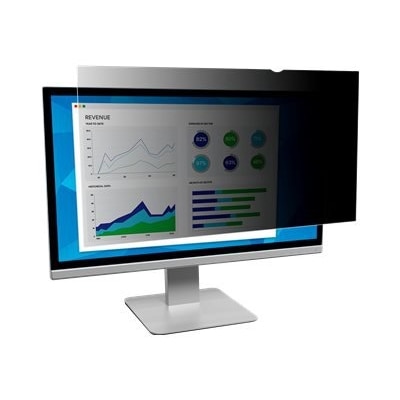
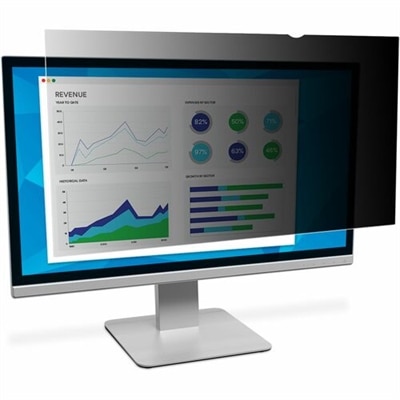
Digital protection is another essential part of office security. Computers and mobile devices should use strong, unique passwords, automatic screen locks and multi-factor authentication to make unauthorized access more difficult, even if a password is exposed. Encryption can help protect information stored on a device, while secure connections and properly configured firewalls can help reduce risks when employees access company resources online. Software, operating systems and security tools should be updated as recommended, since updates often address vulnerabilities that attackers may try to exploit. Employees also play a central role in protecting an office. Clear training can help staff recognize phishing messages, suspicious links, fake login pages and unexpected requests for payment or sensitive information. A simple policy for reporting lost badges, missing equipment, unusual computer activity or unfamiliar visitors gives employees a reliable response instead of leaving them to decide what to do alone. It is also helpful to establish rules for removable drives, personal devices, shared accounts and the handling of printed documents. Businesses with remote or hybrid teams can extend these habits beyond the office by encouraging secure home Wi-Fi, private work areas, automatic updates and careful use of public networks. Families or roommates should know when a work device must remain private, and employees who travel may benefit from privacy screens, protective sleeves and compact accessories that make it easier to keep equipment close. Security-minded office accessories can also support a more orderly workspace: cable management helps prevent accidental unplugging, privacy filters limit side views of sensitive information, and device locks or protective cases can provide added peace of mind in open-plan settings. For a comfortable, focused workstation that supports careful daily routines, an Office Task Chairs selection can complement a secure office setup by helping employees remain settled and attentive while handling important work.
When choosing products for an office security setup, begin by considering the space, the number of users and the type of information being handled. A small office may prioritize a secure laptop, a monitor with an adjustable viewing position, device privacy accessories and a dependable method for locking equipment after hours. A larger workplace may need coordinated access controls, visitor procedures, visible monitoring and clear separation between reception, employee work areas and rooms where confidential conversations take place. Look for equipment that is easy to configure, simple for employees to use and compatible with the organization’s existing computers and software. Security measures work best when they fit naturally into the workday; an overly complicated process may be ignored, while a clearly labeled lock, automatic screen timeout or easy-to-follow sign-in step can become second nature. Consider portability as well. Employees who move between meeting rooms, home offices and shared desks may benefit from lightweight laptops, protective carrying accessories and compact monitors or peripherals that can be packed away without exposing equipment. New business owners, office administrators and remote professionals may appreciate these items as practical additions to a work setup, especially when building a workspace from the ground up. Review access permissions regularly, remove former employees from shared systems, replace lost credentials promptly and make sure employees know who to contact when something seems unusual. No single device or policy can address every risk, but combining physical safeguards, protected accounts, updated software, careful visitor practices and informed employee habits creates a stronger foundation. The result is an office where people can concentrate on their responsibilities with greater confidence, whether they are welcoming visitors, working with sensitive records, attending virtual meetings or closing up for the day.
FAQs:
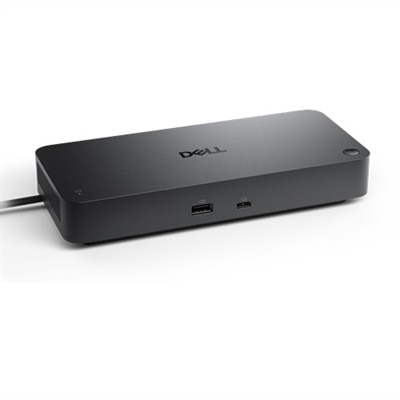
For hybrid work environments, products such as secure docking stations, privacy filters for monitors, webcam covers, and encrypted external drives can help protect sensitive information both in and out of the office. These accessories support flexible work while maintaining data security and privacy.
Many office security accessories are designed to seamlessly integrate with current workstations and office layouts. For example, cable locks and privacy screens can be added to existing monitors and laptops, while access control devices are often compatible with standard office doors and entryways.
Office security products are valuable for business owners, IT managers, remote workers, freelancers, and anyone who handles confidential information. They also make thoughtful gifts for professionals setting up a new workspace or upgrading their current office.
Key features to consider include compatibility with your devices, ease of installation, durability, and the ability to provide layered security. Look for accessories that offer tamper resistance, multi-factor authentication support, and the flexibility to adapt to changing office needs.
Yes, many office security products also contribute to a more organized workspace. For instance, lockable storage boxes, cable management systems, and secure docking stations help keep equipment tidy while safeguarding valuable devices and sensitive data.