$34.99
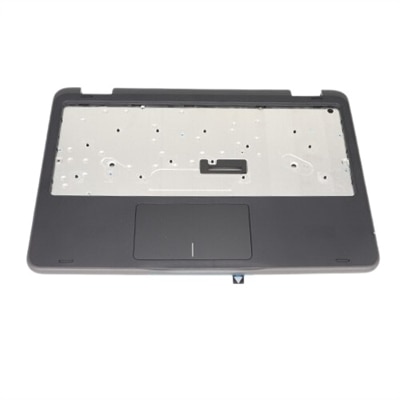
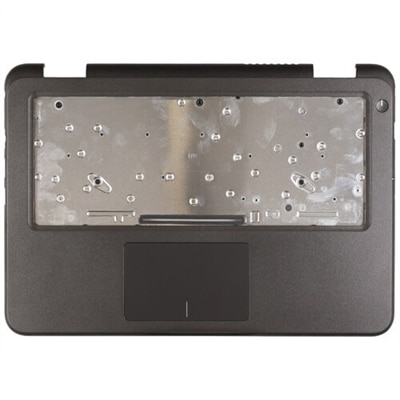
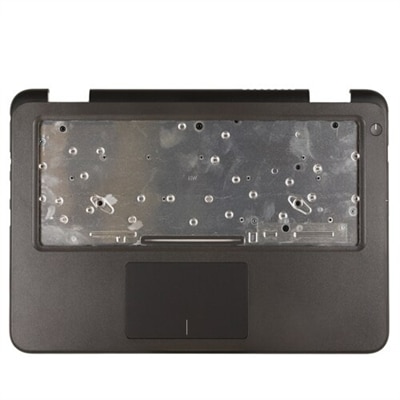
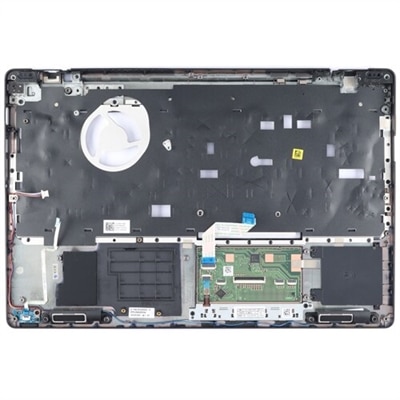
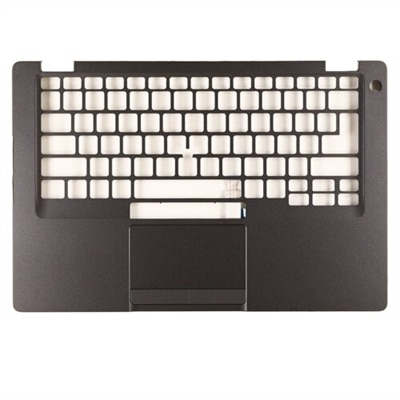
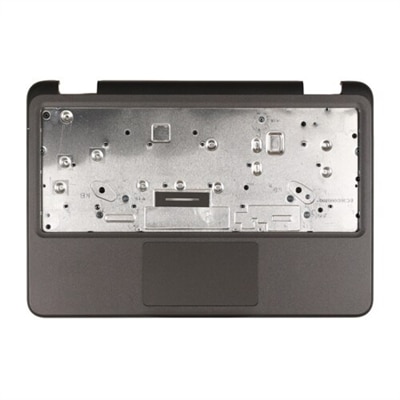
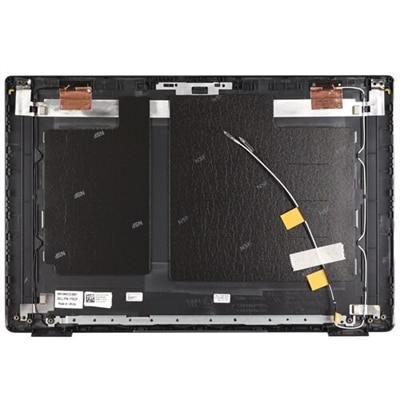
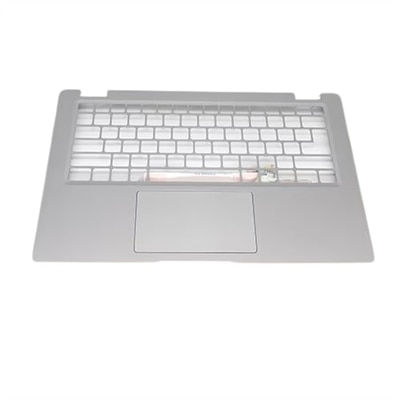
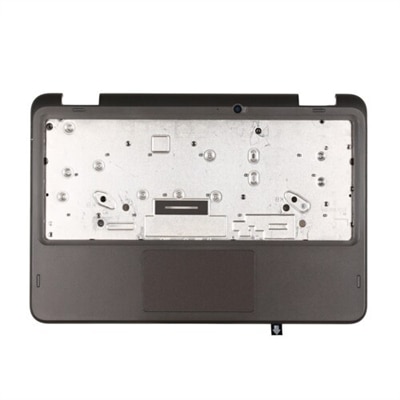
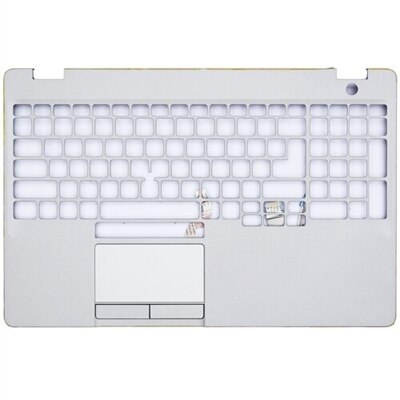
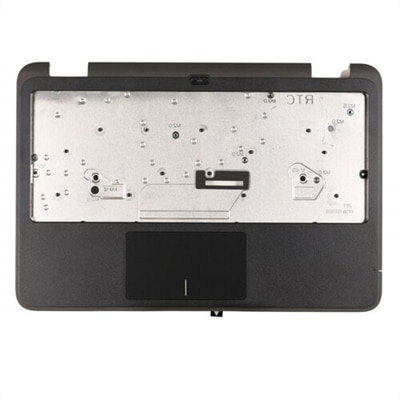
A replacement palmrest assembly with touchpad designed for a perfect fit with your system.
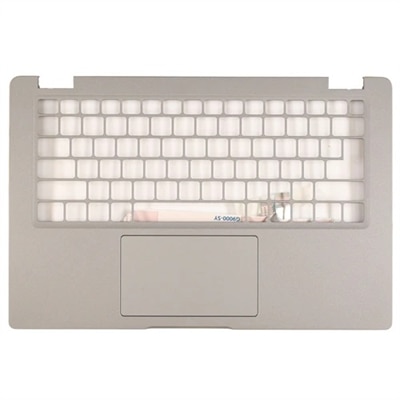
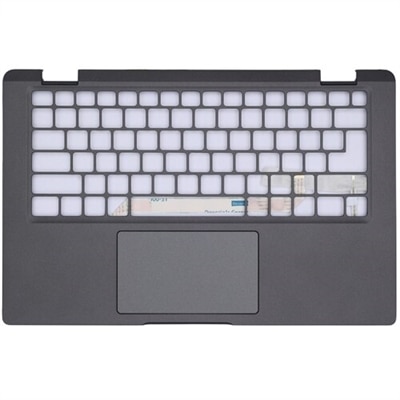
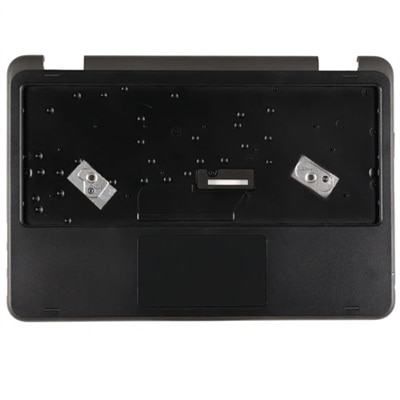
A replacement palmrest assembly with touchpad designed for a perfect fit with your system.
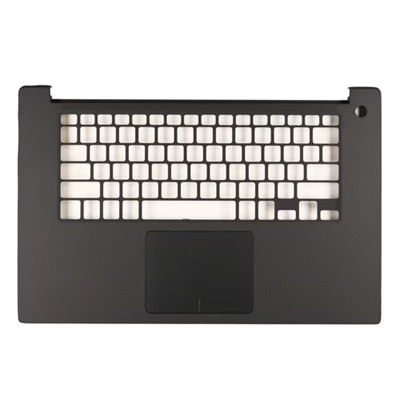
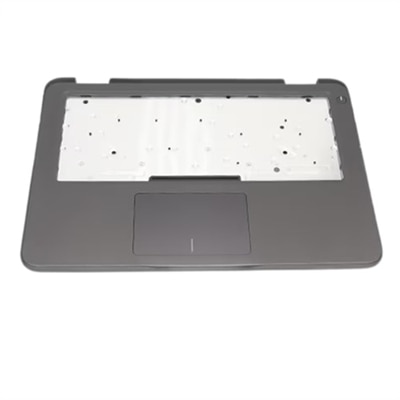
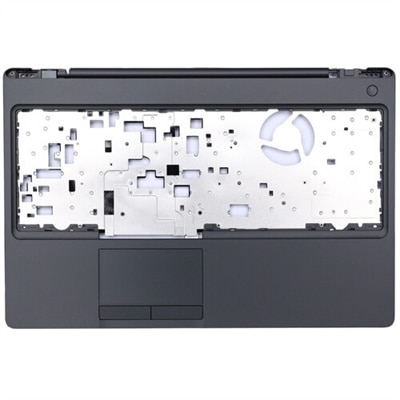
A replacement palmrest assembly with touchpad designed for a perfect fit in your system.
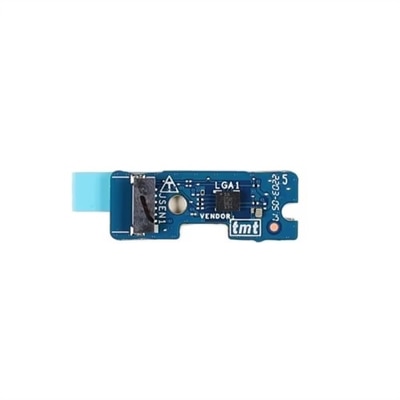
A replacement palmrest assembly featuring a touch pad, daughterboard, and smart card cage for seamless integration.
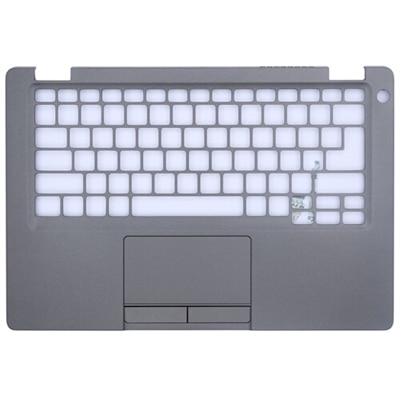
A genuine replacement palmrest assembly featuring dual pointing support for seamless system compatibility.
A replacement palmrest assembly designed for a perfect fit with your system using original parts.
A replacement palmrest assembly with touchpad designed for seamless integration with your system.
A replacement palmrest assembly with touchpad designed for a perfect fit in your system.
A Dell Original palmrest assembly with daughterboard, touch pad, and USH board for perfect system fit.
A genuine replacement part ensuring compatibility and reliability with OEM-grade quality components for your system.
A replacement palmrest assembly with touchpad designed for a perfect fit with your system.
A replacement palmrest assembly with touchpad designed for a perfect fit with your system.
A replacement palmrest assembly designed for a perfect fit with your system.
A replacement palmrest assembly designed for a perfect fit with your system using original parts.
A replacement palmrest assembly designed for a perfect fit with your system using original parts.
A genuine replacement palmrest assembly designed for a precise fit and seamless system integration.
A replacement palmrest assembly featuring dual pointing, smart card reader, and Thunderbolt compatibility.
A Dell Palmrest Assembly with Touchpad designed for seamless system integration and LTE support.
A replacement palmrest assembly with touchpad designed for a perfect fit with your system.
A replacement palmrest assembly with touchpad designed for a perfect fit with your system.
A replacement palmrest assembly featuring dual pointing, USH board, and Type C compatibility for precise fit.
A replacement palmrest assembly designed for a perfect fit with your system.
A genuine replacement palmrest assembly designed for a perfect fit with your system.
A replacement palmrest assembly featuring a world-facing camera, designed for a perfect fit with your system.
A replacement palmrest assembly featuring a smart card reader, dual pointing, and Type C compatibility.
When it comes to keeping your laptop in top condition, the touchpad is one of the most essential components—serving as your primary point of navigation, multitasking, and productivity. Over time, even with the most careful use, laptop touchpads can experience wear and tear, develop sensitivity issues, or become unresponsive due to heavy daily use, accidental spills, or simple aging. For students preparing for a busy semester, remote professionals managing projects from various locations, or anyone who relies on their device for creative work, a smooth and responsive touchpad is crucial. As the weather warms and routines shift—whether you’re working from a patio, traveling for summer courses, or simply enjoying longer days—a reliable touchpad ensures your laptop keeps up with your pace. If you notice your cursor skipping, gestures failing, or physical buttons sticking, replacing the touchpad can restore your device’s original feel without the need for a full system upgrade.
Choosing the right laptop touchpad replacement part involves a few important considerations. First, it’s essential to match the replacement to your specific laptop model, as touchpad assemblies can vary in size, connector type, and compatibility. For those using Dell laptops, identifying the exact model—such as a Dell Inspiron—will help streamline the search and ensure a perfect fit. The process of dell laptop touchpad replacement is straightforward for most users comfortable with basic repairs, but it’s always wise to review detailed guides or consult professional support if needed. When comparing options, consider whether you need only the touchpad itself or a full palmrest assembly, as this can affect both the installation process and the overall dell touchpad replacement cost. Genuine parts are designed to maintain the original tactile experience and reliability, which is especially important for those who rely on gesture controls or precision tracking for design, editing, or gaming. For anyone gifting a refurbished laptop to a friend or family member—perhaps a student heading off to college or a loved one upgrading their home office—installing a new touchpad can make the device feel like new, offering both comfort and confidence in daily use.
Whether you’re tackling a DIY repair, managing a fleet of devices for a small business, or simply aiming to extend the lifespan of your trusted laptop, having access to quality replacement parts is key. Dell offers a wide selection of OEM components, making it easy to find the right dell touchpad replacement for models like the Dell Inspiron touchpad or other popular series. Before starting any repair, always disconnect the internal battery to prevent static discharge and protect your hardware. If you’re looking to browse the full range of compatible options, explore our dedicated collection of Laptop Touchpads to find the ideal match for your device. With the right replacement part, you can enjoy seamless navigation and restore the familiar feel of your laptop, keeping you productive and comfortable through every season.
Common signs that your laptop touchpad may need replacement include unresponsive or erratic cursor movement, difficulty registering multi-touch gestures, physical cracks or warping, or the touchpad surface feeling sticky or uneven. If troubleshooting software settings or updating drivers does not resolve these issues, a replacement part may be necessary.
Many users with basic technical skills and the right tools can replace a laptop touchpad themselves by following detailed guides or manufacturer instructions. However, if you are not comfortable with opening your device or handling delicate components, seeking professional installation can help ensure the new touchpad is installed correctly and safely.
Replacing your laptop touchpad may affect your warranty depending on your device's warranty terms and conditions. It is always a good idea to review your warranty policy or consult with the manufacturer before attempting any hardware replacements to avoid voiding coverage.
Replacement touchpads are designed for specific laptop models and are not universally compatible. It is important to verify your laptop’s make and model number before purchasing a replacement part to ensure proper fit and functionality.
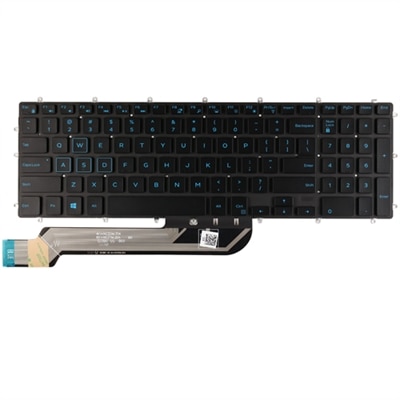
In addition to the touchpad, other commonly upgraded or replaced laptop components include batteries, screens, and keyboards. For those looking to refresh their device’s overall usability, consider pairing your touchpad replacement with a new keyboard, such as those found on the Replacement Laptop Keyboards page.
Add the products you would like to compare, and quickly determine which is best for your needs.