$2799.00
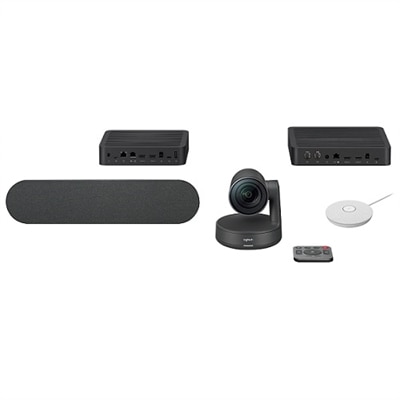
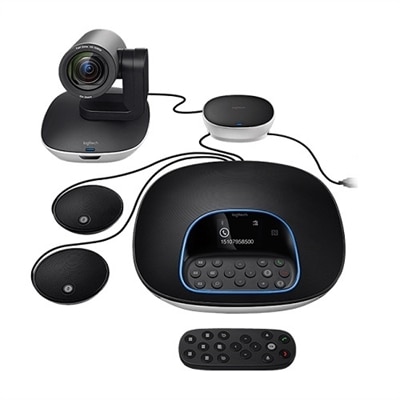
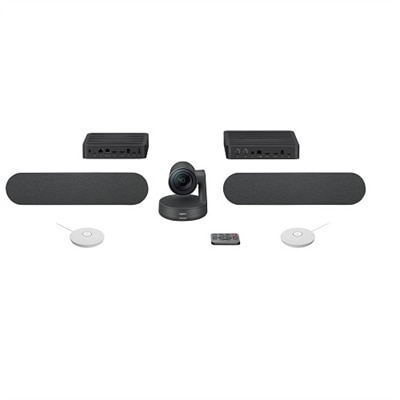
A studio-quality videoconferencing kit with white mic pods, ideal for medium to large meeting rooms.
Transform your workspace into a hub of collaboration and productivity with state-of-the-art meeting room systems. Designed to seamlessly integrate with modern office environments, these systems enhance communication and foster creativity, whether for small team huddles or large corporate gatherings. By investing in cutting-edge technology, businesses can ensure that every meeting is efficient, impactful, and engaging. Explore a range of options that cater to diverse needs and elevate the way you connect and collaborate in the professional world.
A studio-quality videoconferencing kit with white mic pods, ideal for medium to large meeting rooms.
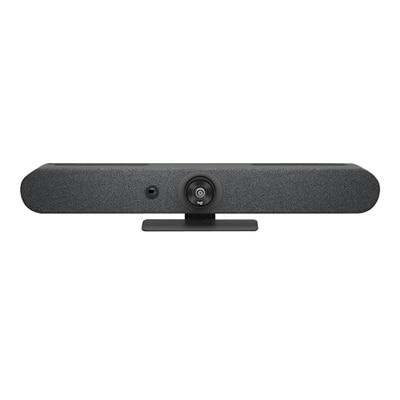
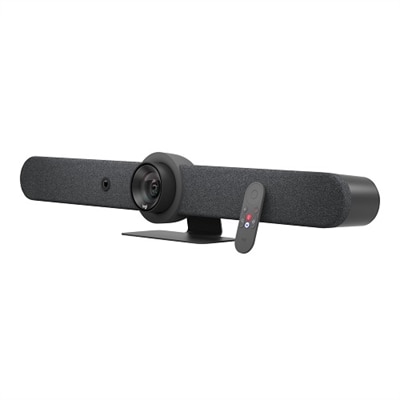
A graphite video conferencing camera offering AI-driven insights, seamless connectivity, and advanced audio engineering.
A comprehensive videoconferencing kit featuring a speaker and white mic pod for seamless collaboration.
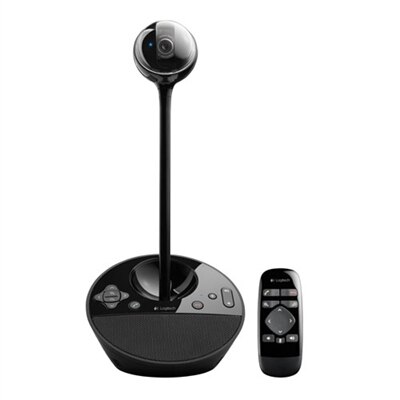
A black video conferencing camera offering HD 1080p video and superior speakerphone audio for small groups.
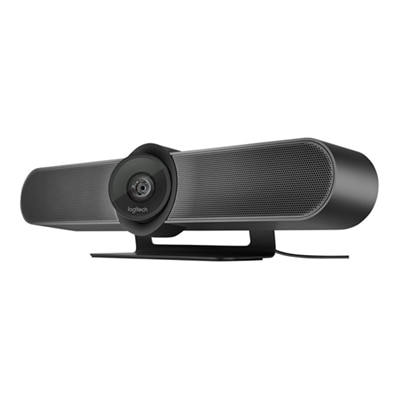
A 4K video conferencing camera with 120-degree FOV and optimized audio for small rooms.
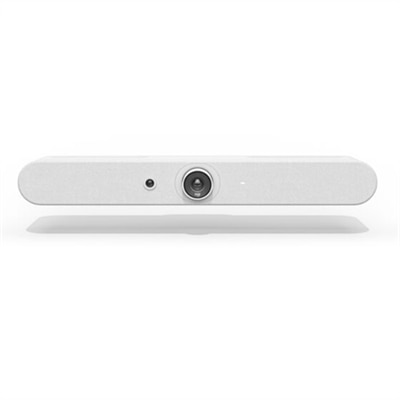
A white all-in-one video bar with AI-driven performance, ideal for small meeting rooms.
A versatile video conferencing system with HD video, clear audio, and expansion mics for large rooms.
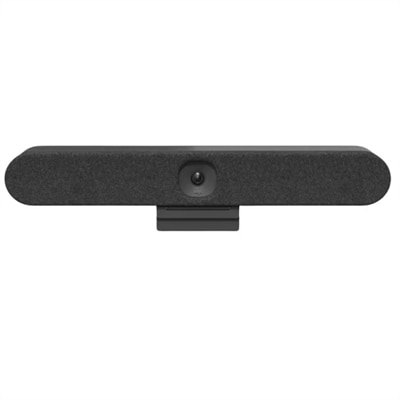
A graphite all-in-one video bar with automated PTZ and high-performance audio for midsize meeting rooms.
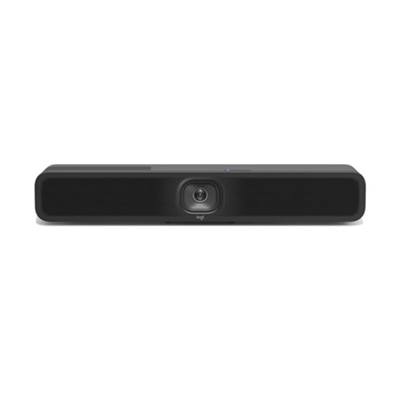
An all-in-one video conferencing bar with AI intelligence and versatile mounting for seamless hybrid meetings.
A USB 3.1 Type C video conferencing camera with AI features for small meeting rooms.
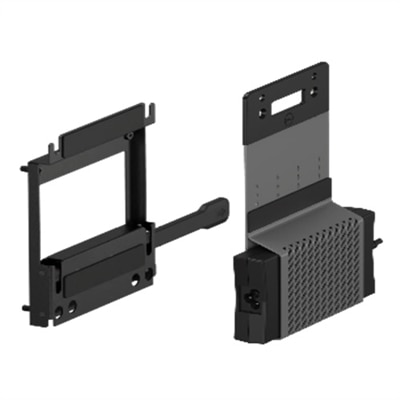
A versatile VESA mount with PSU sleeve for wall-mounting Micro or Thin Client setups.
Meeting room systems bring the essential pieces of a modern hybrid meeting together so people in the room and participants joining remotely can see, hear and interact with one another more naturally. Rather than assembling a camera, microphone, speakers, display and control interface separately, an integrated setup is designed to make everyday meetings easier to start and simpler to manage. A typical configuration may include a wide-angle camera or pan-tilt-zoom camera, microphones positioned for the size and shape of the room, speakers for clear voice reproduction, one or more large monitors, a compact desktop computer or other room-ready computing device, and a touch controller for joining calls and sharing content. Some systems also support automatic framing, speaker tracking, echo reduction and background-noise control, helping remote participants follow the conversation when several people are seated around a table. These features are especially useful in spaces where someone may move from a presentation to a group discussion without stopping to adjust the camera. For a small huddle room with two to six people, an all-in-one video bar with a broad field of view and built-in audio can help keep the setup neat while covering the entire table. Medium rooms with several rows of seats may benefit from separated microphones, a more flexible camera and stronger room-filling speakers. Larger conference rooms and boardrooms generally require carefully placed microphones, multiple cameras, larger or dual displays and more advanced audio processing so voices remain understandable throughout the space. Browse [All In One Meeting Room Solutions] to explore integrated options for different meeting environments.
Room dimensions and seating capacity are among the most important considerations when choosing a meeting room system. Start by measuring the distance from the primary table or seating area to the display, as well as the width and depth of the room. A camera with a wide viewing angle can work well in a compact room, while a larger space may call for optical zoom, pan and tilt movement or more than one camera angle. Consider where people naturally sit and speak rather than relying only on the number of chairs. A long table may leave participants at the far end too distant for a tabletop microphone, while a rounded table can make a centered microphone placement more effective. Microphone pickup range should be matched to the room, and ceiling or multiple table microphones can help cover larger spaces without forcing everyone to lean toward a single device. Audio deserves as much attention as image quality: voices should sound full and intelligible, with minimal echo from walls, glass and hard table surfaces. Built-in echo cancellation and noise suppression can reduce distractions from air conditioning, hallway traffic and keyboard sounds, but room layout and acoustics still matter. Displays should be large enough for people at the back to read shared documents and presentation details without squinting. A second display can separate meeting participants from shared content, making it easier to maintain eye contact while reviewing a spreadsheet, design or project plan. Touch controllers and exterior scheduling panels can streamline room use by showing availability, allowing one-touch meeting joins and making it clear when a room is occupied. For organizations with several spaces, consistent controls and familiar interfaces can reduce the time employees spend learning different setups.
Compatibility is another central purchase consideration. Confirm that the system works with the preferred video meeting platform, calendar tools and content-sharing methods used by the organization. A room solution should make it straightforward to join scheduled meetings, call another location, present from a laptop or desktop computer, and switch between participants and shared content. Wireless sharing can reduce cable clutter, while wired connections may be useful when dependable performance or support for specialized equipment is needed. Check whether the system supports the operating environment and account management tools already in use, and review how software updates, device monitoring and troubleshooting are handled. Privacy features such as a physical camera shutter, a visible mute indicator and simple microphone controls can give employees confidence that the room is not capturing audio or video outside a meeting. Accessibility also deserves attention: clear on-screen controls, readable text, adjustable volume and reliable captions can make participation more comfortable for people with different needs. Think about installation, too. A tabletop arrangement can be moved or reconfigured as a team changes, while wall-mounted displays and ceiling microphones create a cleaner, more permanent appearance. Cable length, power access and mounting support should be considered before the room is furnished. Meeting room systems are useful in corporate offices, classrooms, healthcare administration areas, shared workspaces, libraries and home offices where people regularly collaborate across locations. They can support daily team standups, interviews, training sessions, client presentations, project reviews and informal conversations that would otherwise require repeated setup. During the warmer and cooler parts of the year alike, a dependable room can help distributed teams stay connected when travel, weather or busy schedules make in-person gatherings less practical. A thoughtfully matched system turns an ordinary conference table into a welcoming place where the first greeting is clear, the shared screen is easy to follow and remote attendees feel included rather than like voices coming from a distant speaker.
When selecting a meeting room system, consider features that enhance collaboration and productivity, such as high-definition video cameras, noise-cancelling microphones, wireless screen sharing, touch-enabled controls, and compatibility with popular conferencing platforms. Integration with existing IT infrastructure and scalability for future needs are also important to ensure a seamless user experience.
Meeting room systems are valuable for a wide range of users, including business professionals, educators, remote teams, and organizations hosting frequent client meetings or training sessions. They help facilitate clear communication and effective collaboration, making them a smart addition for any environment where teamwork and presentations are essential.
Meeting room systems bridge the gap between in-person and remote participants by delivering clear audio and video, enabling everyone to participate equally. Features like smart cameras, integrated microphones, and easy connectivity with various devices make it simple for hybrid teams to share content and interact in real time, regardless of their location.
Yes, most modern meeting room systems are designed for easy integration with existing office technology, including displays, speakers, network infrastructure, and collaboration software. This ensures a cohesive setup that supports streamlined workflows and maximizes the value of your current technology investments.
A meeting room system can be a thoughtful and impactful gift for business owners, educators, or anyone who frequently collaborates with teams or clients. It enhances communication, supports remote work, and adds a professional touch to any workspace, making it a practical and appreciated choice for a variety of recipients.
Add the products you would like to compare, and quickly determine which is best for your needs.


These cookies are essential for enabling user movement around our website and providing access to features such as your profile and purchases, log in credentials, and other areas of the website. These cookies are necessary to enable the basic features of this site to function, such as providing secure log-in, allowing images to load, or allowing you to select your cookie preferences. This category of cookies cannot be disabled.
Marketing cookies are used to understand user behavior across our websites. These cookies are also used to show ads that are more relevant to your interests. We may share this information with advertising platforms to help us display the most relevant messages to you. These cookies may also store information on user behavior obtained through their browsing habits, which allows us to develop a specific profile and display advertisements appropriate to your profile.
Cookies that are not categorized.
Statistical cookies help us to understand how visitors interact with our website by collecting and reporting information. Any information collected by means of this type of cookies is used to measure activity on any website, application or platform, for the purposes of introducing improvements in function of the analysis of the data regarding the service use made by users.