$719.99
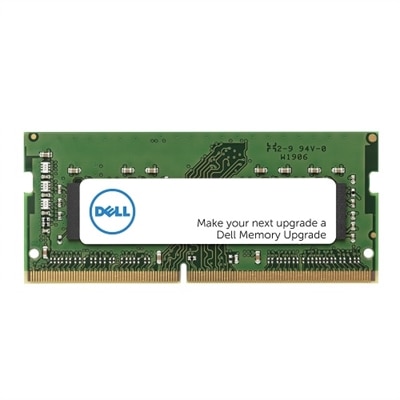
A 32GB DDR5 SODIMM memory upgrade enhances performance with 4800 MT/s speed for Dell systems.
Unlock the full potential of your computer with our range of PC speed optimization solutions. Whether you're a gamer seeking smoother gameplay, a professional in need of faster processing for demanding tasks, or a casual user wanting a more responsive experience, optimizing your PC's speed is essential. Discover tools and techniques designed to enhance performance, streamline operations, and ensure your system runs efficiently. Explore our selection and take the first step towards a faster, more reliable computing experience.
A 32GB DDR5 SODIMM memory upgrade enhances performance with 4800 MT/s speed for Dell systems.
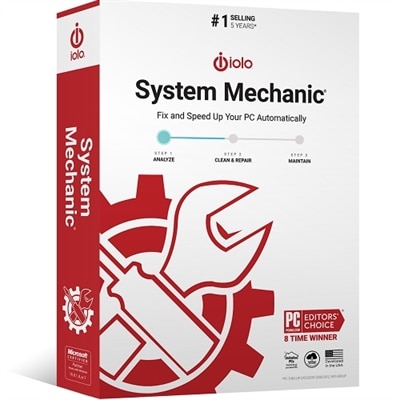
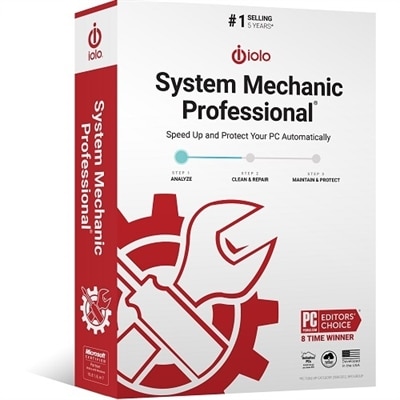
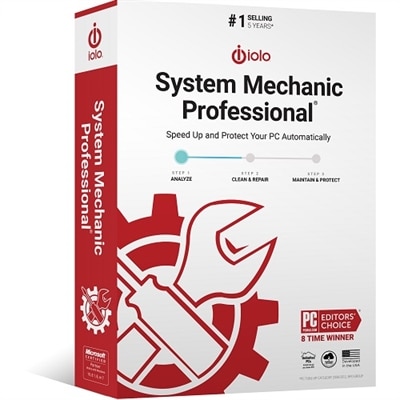
A comprehensive software solution that optimizes PC performance, fixes issues, and prevents future errors.
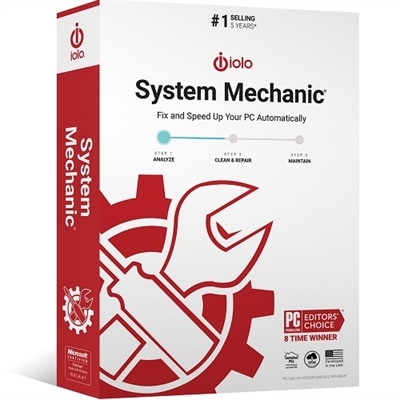
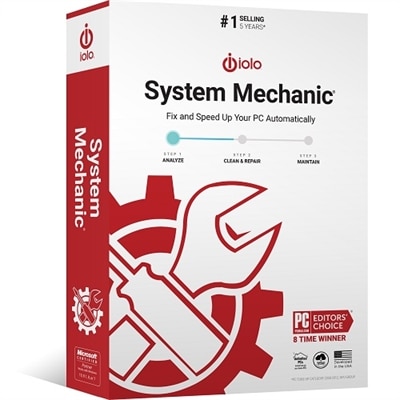
A comprehensive PC maintenance software that boosts speed, fixes issues, and prevents future errors.
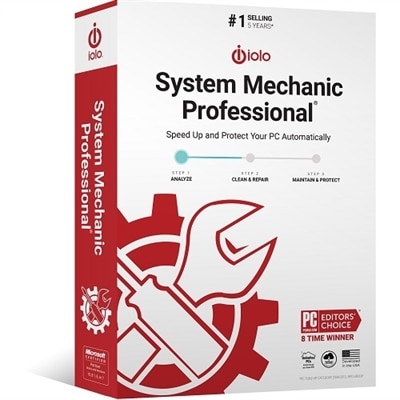
A comprehensive software suite that enhances PC speed, stability, and security with advanced data protection tools.
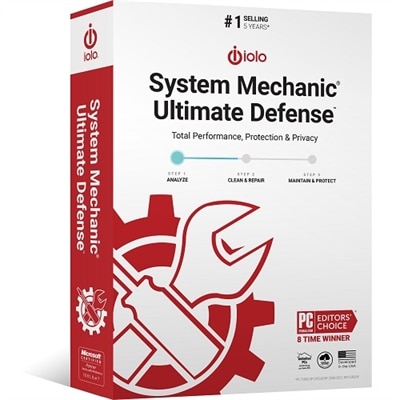
An all-in-one software suite offering security, privacy, and optimization to protect against modern digital threats.
An award-winning software suite that enhances PC speed, stability, and security with advanced data protection.
A comprehensive software solution to optimize, repair, and maintain your PC's performance effortlessly.
A software solution that optimizes PC performance with automatic monitoring and customizable problem-solving options.
An award-winning software suite that enhances PC speed, stability, and security with comprehensive performance tools.
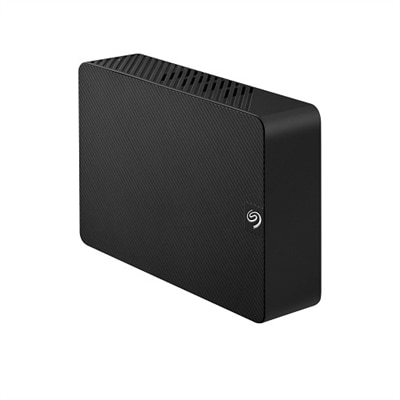
A black 8TB external hard drive offering easy plug-and-play storage with USB 3.0 connectivity.
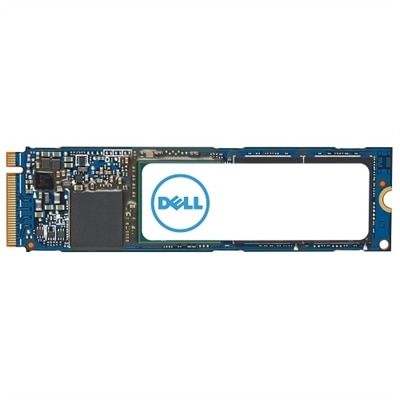
A high-capacity 2TB solid state drive offering enhanced data transfer speeds in a compact M.2 2280 form.
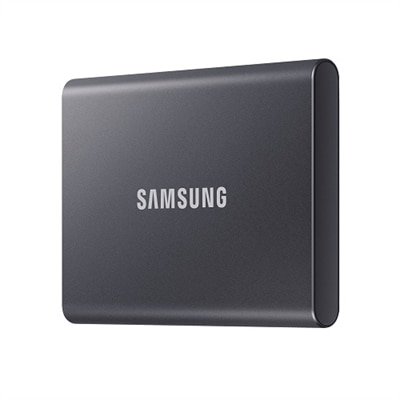
A compact Titan Gray SSD offering 1TB storage with fast USB 3.2 Gen 2 speeds and robust security.
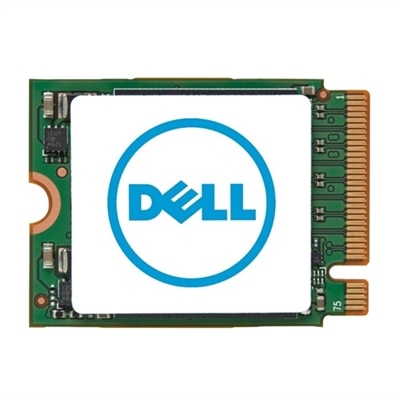
A high-capacity 2TB M.2 2230 SSD offering fast PCIe NVMe Gen 4x4 performance for data storage needs.
A dual-core processor with 3.2GHz speed and advanced virtualization and thermal management technologies.
When it comes to keeping your computer running at peak performance, the right products can make all the difference. Whether you’re a student juggling online classes, a professional working from home, or a gamer seeking that extra edge, optimizing your PC’s speed is essential for a smooth, frustration-free experience. Many users notice their systems slowing down after months of regular use—programs take longer to open, files lag, and multitasking becomes a chore. This is often due to background processes, outdated hardware, or simple clutter that accumulates over time. With a new year underway and winter routines settling in, now is an ideal moment to focus on system boost strategies that can transform your daily workflow. Upgrading components like memory or storage, investing in cooling solutions, or adding peripherals designed for efficiency can all play a role in making your computer run faster. For families sharing a home computer, students preparing for a busy semester, or anyone looking to get more out of their current setup, these enhancements can provide tangible improvements in speed and responsiveness.
Selecting the best PC speed optimization products requires careful consideration of your unique needs and habits. If you’re running Windows 10, you may be looking for ways to optimize Windows 10 performance without diving into complex settings or risking data loss. For some, this means adding more RAM to support heavy multitasking or swapping out a traditional hard drive for a solid-state drive (SSD) to reduce boot and load times dramatically. Others might benefit from external storage solutions to free up space or cooling accessories to prevent thermal throttling during demanding tasks. These upgrades aren’t just for tech enthusiasts—anyone who relies on their computer for productivity, creativity, or entertainment can appreciate the difference a faster, more responsive system makes. PC speed optimization products also make thoughtful gifts for students heading back to school, remote workers setting up a home office, or grandparents learning new skills online. Imagine the satisfaction of opening a laptop that boots in seconds, launching applications without delay, and streaming media or joining video calls without a hitch. The right combination of hardware and accessories can breathe new life into aging computers, extend their useful lifespan, and help users stay connected and productive well into the winter season and beyond.
Beyond physical upgrades, maintaining your PC’s performance involves adopting smart habits and using tools that support ongoing optimization. Regularly cleaning up disk space, managing startup programs, and keeping drivers up to date are simple steps that can deliver a noticeable system boost. For those wondering how to speed up a computer without replacing it, software utilities and organizational accessories can streamline routine maintenance and help keep clutter at bay. As you explore this curated selection of PC speed optimization products, consider how each item fits into your daily routine and long-term goals. Whether you’re looking to optimize Windows 10 for gaming, remote work, or creative projects, investing in the right enhancements can make every interaction with your device more enjoyable and efficient. For even more ways to maximize your system’s potential, browse our full range of PC Enhancements and discover the tools and upgrades tailored to your needs. With the right approach, you can ensure your computer remains a reliable partner for work, play, and everything in between.
A PC can slow down due to accumulated temporary files, too many background programs running, outdated hardware, fragmented hard drives, and insufficient memory. Regular maintenance and targeted upgrades can help restore and improve system speed.
Anyone who uses a computer regularly can benefit from speed optimization products. This includes students, remote workers, gamers, creative professionals, and families sharing a home computer. These products are especially useful for those experiencing lag, slow startups, or performance drops during multitasking.
Upgrading to a solid-state drive (SSD) can dramatically reduce boot and load times, while adding more RAM allows your computer to handle more tasks simultaneously without slowing down. Both upgrades can make a noticeable difference in overall system responsiveness.
Yes, optimizing software settings, managing startup programs, cleaning up disk space, updating drivers, and running regular malware scans can all contribute to a faster and more reliable PC without the need for hardware changes.
Many PC speed optimization products are designed for easy installation, with step-by-step instructions provided. Upgrades like external storage or cooling accessories are typically plug-and-play, while internal upgrades such as RAM or SSDs may require basic tools and following manufacturer guidelines.
Add the products you would like to compare, and quickly determine which is best for your needs.