$29.99
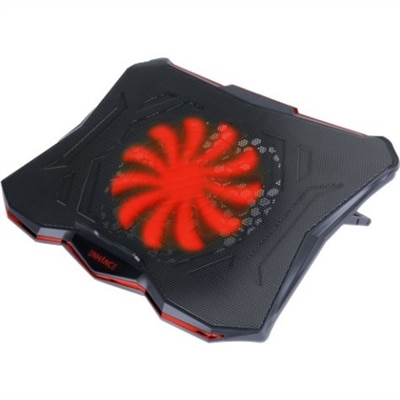
A slim metal-mesh cooling stand with a quiet red LED fan and seven adjustable height settings.
Unlock the full potential of your computer with our diverse range of PC enhancements, designed to elevate your computing experience to new heights. Whether you're a gamer seeking smoother gameplay, a professional in need of a productivity boost, or simply looking to optimize your system's performance, our selection offers something for everyone. From cutting-edge peripherals to advanced internal upgrades, explore options that align with your specific needs and preferences. Transform your setup into a powerhouse of efficiency and power with the right PC enhancements that match your lifestyle and demands.
A slim metal-mesh cooling stand with a quiet red LED fan and seven adjustable height settings.
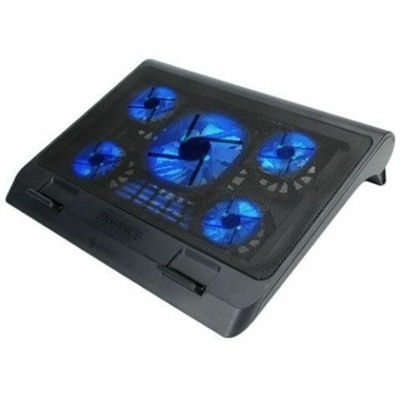
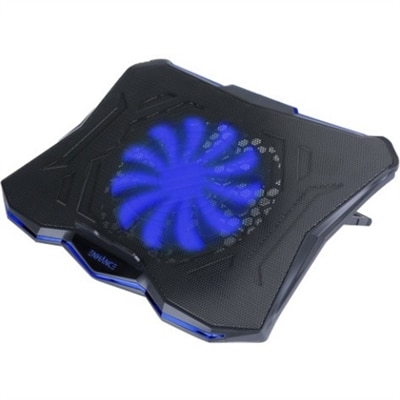
A metal mesh cooling stand with five quiet blue LED fans, dual USB ports, adjustable height.
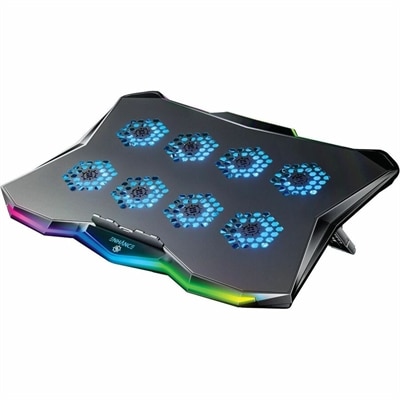
A slim metal laptop cooling pad featuring eight quiet fans, adjustable angles, and customizable RGB lighting.
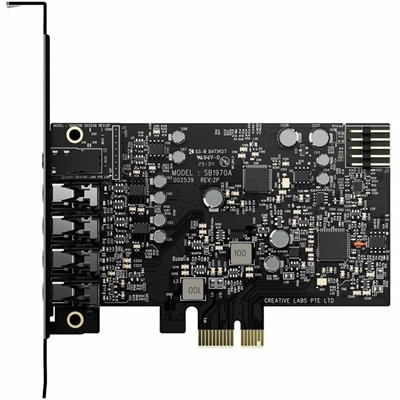
A PCIe sound card delivering 7.1 surround, 32-bit/384 kHz audio, 120 dB SNR, and headphone amplification.
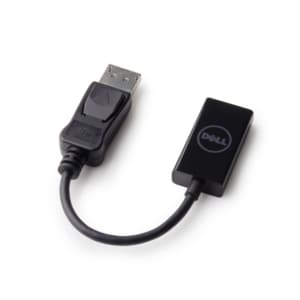
A genuine OEM replacement cable designed for reliable display connectivity and compatibility with select systems.
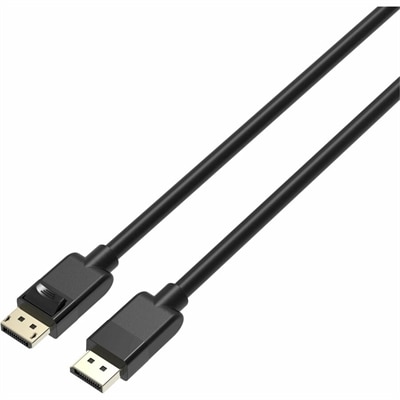
A high-speed DisplayPort 1.4 cable supporting 8K at 60Hz, 4K at 120Hz, and locking clips.
A black OEM replacement component designed for compatible KB216 keyboards and KM636 mice.
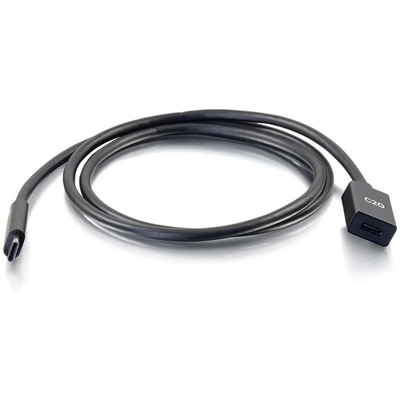
A USB-C extension cable supporting 10Gbps data transfer, 3A fast charging, and DisplayPort Alt Mode output.
A reliable wireless keyboard and mouse combo designed for everyday productivity and lasting performance.
A genuine OEM replacement cooling fan engineered for reliable fit and compatibility with Latitude 3490 systems.
A genuine copper replacement component designed for 2230 SSDs, rigorously tested for reliable compatibility and fit.
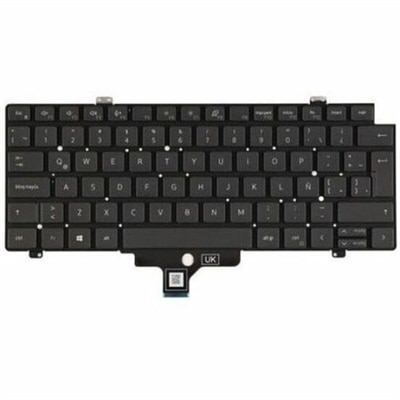
A replacement laptop keyboard assembly featuring OEM-grade components, tested compatibility, and a limited one-year warranty.
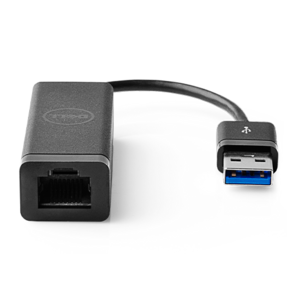
A USB 3.0 adapter adding Ethernet connectivity to computers and desktops, with PXE boot support.
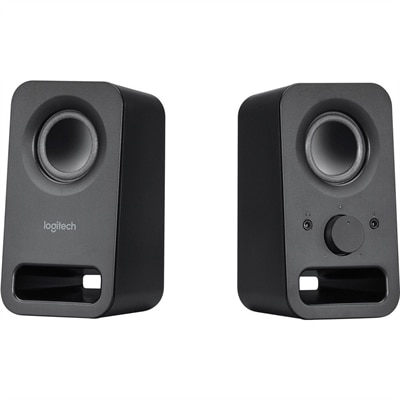
A pair of midnight-black multimedia speakers delivering clear stereo sound with 3W RMS power.
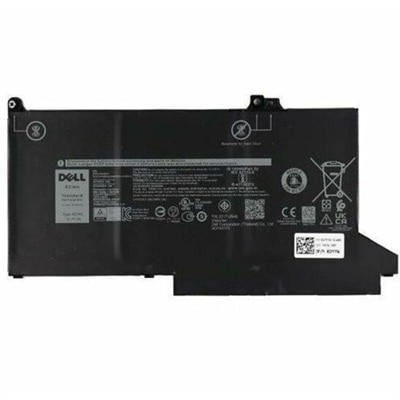
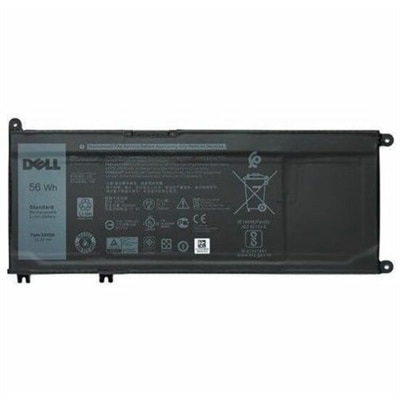
A genuine 3-cell, 42 Wh lithium-ion replacement battery engineered for reliable compatibility with select laptops.
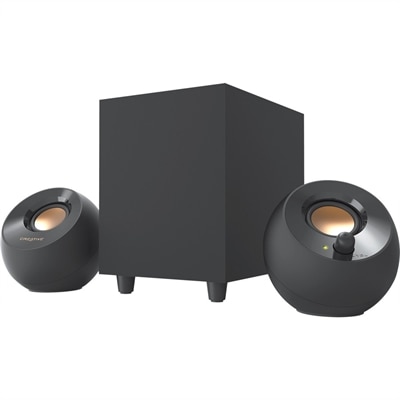
A black 2.1 speaker setup delivering 8W RMS with USB power, angled drivers, and down-firing bass.
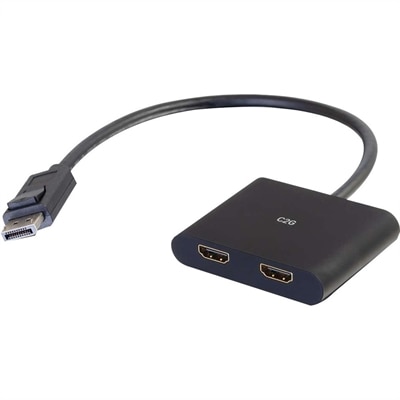
A DisplayPort 1.2 MST hub supporting dual HDMI displays, 4K resolution, mirroring, extending, and spanning.
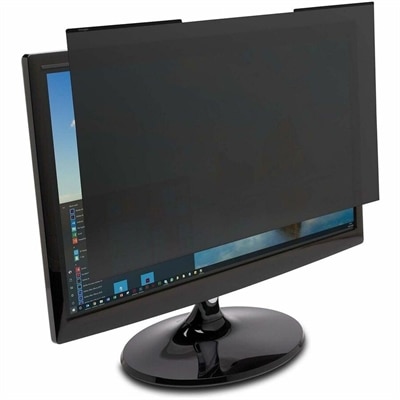
A magnetic monitor privacy filter with ±30° viewing restriction, blue-light reduction, low-reflective coating, and reversible finish.
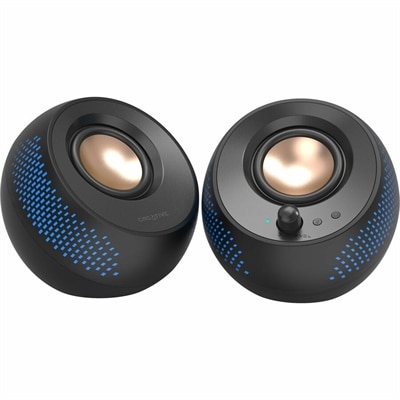
A black matte-finish speaker system delivering 15W RMS audio with Bluetooth 5.3, USB, and RGB illumination.
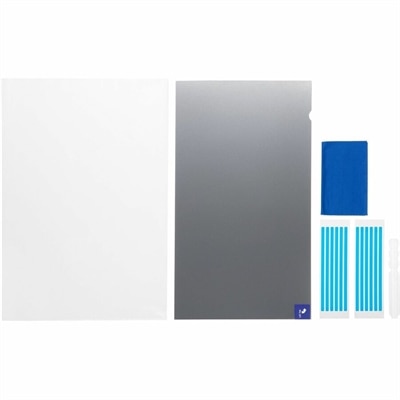
A reversible privacy filter limiting viewing angles to ±30°, reducing blue light, glare, fingerprints, and scratches.
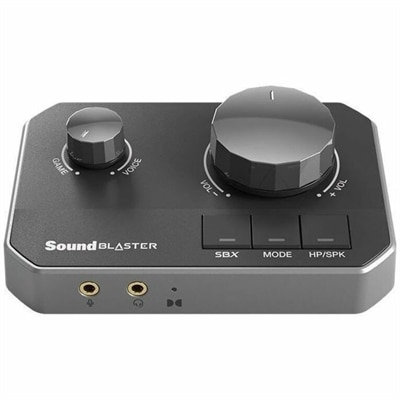
A gaming DAC with dual USB-C inputs, 32-bit/384kHz playback, and discrete headphone amplification.
A genuine OEM motherboard assembly tested for compatibility and reliability, backed by a limited one-year warranty.
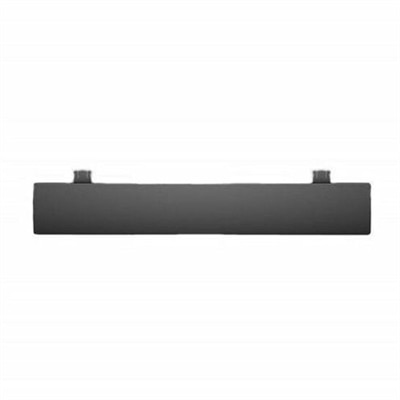
A palmrest assembly with an integrated fingerprint reader, touchpad, and USH board for compatible systems.
A professional docking station delivering 130W power and versatile connectivity for streamlined productivity.
PC enhancements can make a familiar computer feel more responsive, comfortable, and capable without replacing the entire setup. The right addition depends on how a PC is used each day: a home office may benefit from a clearer display, more comfortable input devices, or a flexible way to connect accessories, while a gaming or creative workstation may need additional memory, stronger graphics capability, or improved cooling. People who keep many browser tabs open, move between video calls and large documents, or work with demanding creative applications often notice the benefits of added memory first. Extra memory helps a computer handle more active tasks at once, reducing the pauses that can occur when switching between programs. A graphics upgrade can be valuable for modern games, 3D work, animation, and high-resolution media, while cooling improvements can help maintain consistent performance during extended sessions. For a broader look at computers and configurations that can support different enhancement paths, browse PC Options. Whether the goal is a smoother workday, a more immersive entertainment setup, or a dependable computer for school and personal projects, PC enhancements provide practical ways to shape a system around real routines.
Compatibility should guide every purchase. Before selecting an enhancement, check the computer’s available connections, internal space, power requirements, operating system support, and manufacturer specifications. A laptop and a desktop may support very different types of additions, and even two desktop models can have different limits for memory, graphics hardware, or expansion components. External accessories are often a simple way to add capability: a larger monitor can provide room for side-by-side documents, a second screen can make research and communication easier, and a keyboard or mouse designed for long sessions can help create a more natural posture at the desk. A docking accessory can bring several connections together for a laptop used in both portable and stationary settings, while a headset, webcam, or microphone can improve the quality of meetings, classes, streaming, and calls. Pay attention to connection standards and cable reach, especially when arranging a compact workspace. Display size, resolution, refresh rate, brightness, and adjustability all influence comfort, while input devices should be chosen with hand size, layout preferences, and daily use in mind. Small additions such as a monitor arm, desk lighting, or a practical cable-management accessory can also make a setup feel less crowded during the cooler months, when more work, entertainment, and study may take place indoors.
PC enhancements can serve many kinds of users and make thoughtful gifts when they match a person’s interests. A student may appreciate an organized display and comfortable keyboard for writing, research, and online classes. A remote worker may value a clearer camera, better audio, or an extra screen that reduces the need to constantly switch windows. For a family computer, simple peripherals can make shared use easier, while a gaming enthusiast may enjoy hardware that supports smoother visuals, quicker response, and longer sessions with less heat buildup. Creative users often benefit from a high-quality display and accessories that make editing, illustration, music production, or video work more precise. As the weather shifts and routines move between travel, home, and office spaces, portable accessories can also help keep a laptop ready for changing locations. Software maintenance remains part of the picture: removing unused startup applications, clearing unnecessary files, installing current device drivers, and keeping the operating system updated can help a computer feel more responsive. These steps work best alongside suitable hardware, not as a substitute for it. Consider the computer’s age, the tasks it performs, the available budget, and the person using it before choosing an enhancement. A well-matched addition should solve a noticeable need, fit comfortably into the existing setup, and leave room for future changes as work, play, and everyday technology habits evolve.
Add the products you would like to compare, and quickly determine which is best for your needs.